
Chip-Tools
BSI Exchange: replacing the BSI with a used module from a donor vehicle (Delphi, JCI, Valeo, Siemens, VDO)
PSA
Interface New
Special Functions
Advanced
⏱ 60-90 min
13 steps
The BSI is one of the most commonly failing modules on modern PSA vehicles and controls most of the secondary functions as well as the anti-theft protection. With BSI Exchange you read the entire content of the fitted BSI and transfer it to another BSI, including a salvage unit from a donor vehicle.
Required licences
- —
Hardware / cables
 AVDI
AVDI- BSU001
⚠ WarningThe BSI you are going to fit must have EXACTLY the same part number as the one currently on the vehicle. Save the backup file generated after the read: without that file you cannot write the new BSI. Close the Abrites software while physically removing/fitting the BSI.
Procedure
- Connect the AVDI to the OBDII socket and an external power supply to the battery: the procedure has several long stages and must not lose voltage.
- Check that the replacement BSI has exactly the same part number as the one fitted to the vehicle.
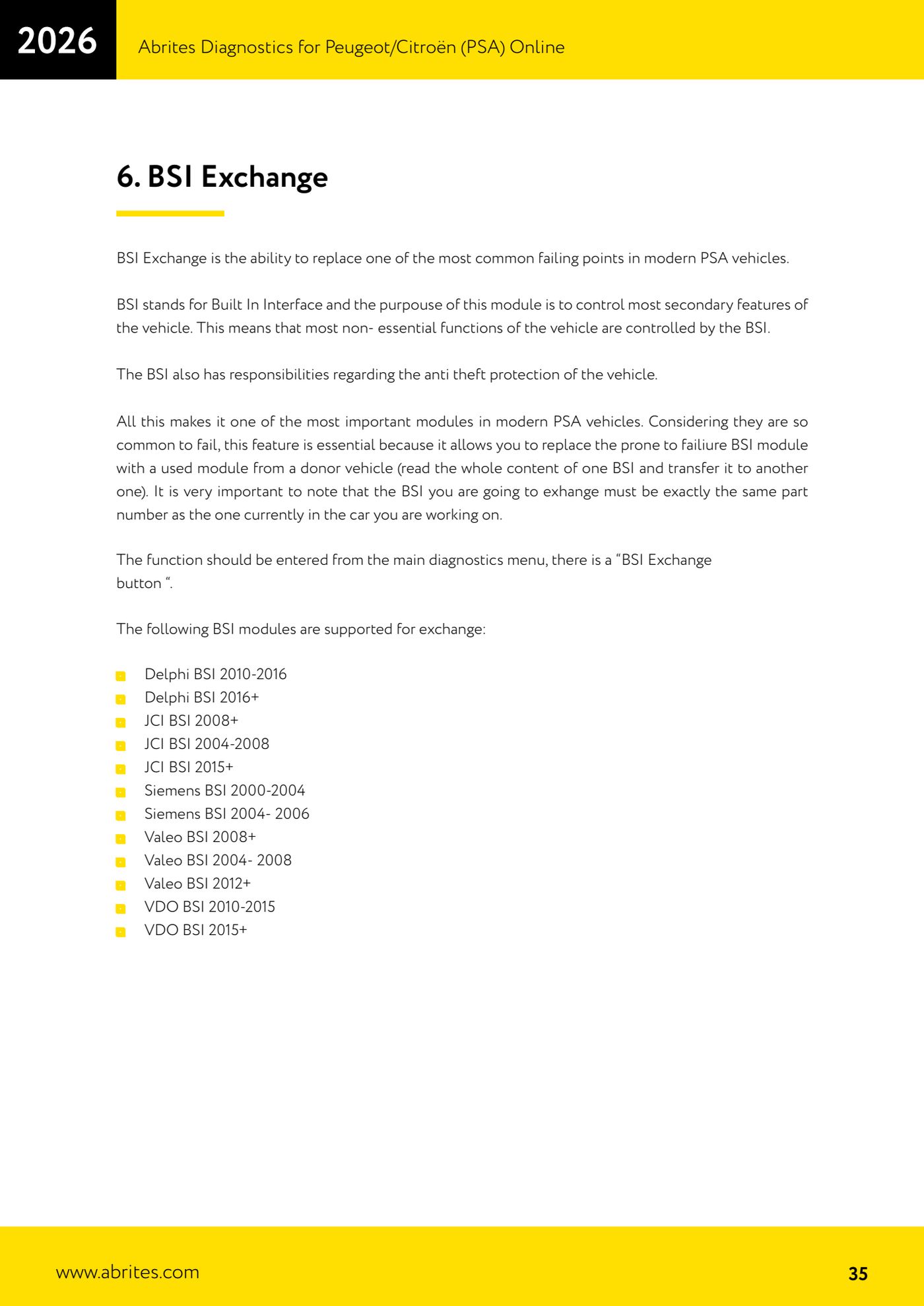
- Launch PSA Online, complete the identification and, from the main diagnostic menu, open the "BSI Exchange" button: you will see the two options "Read" and "Write".
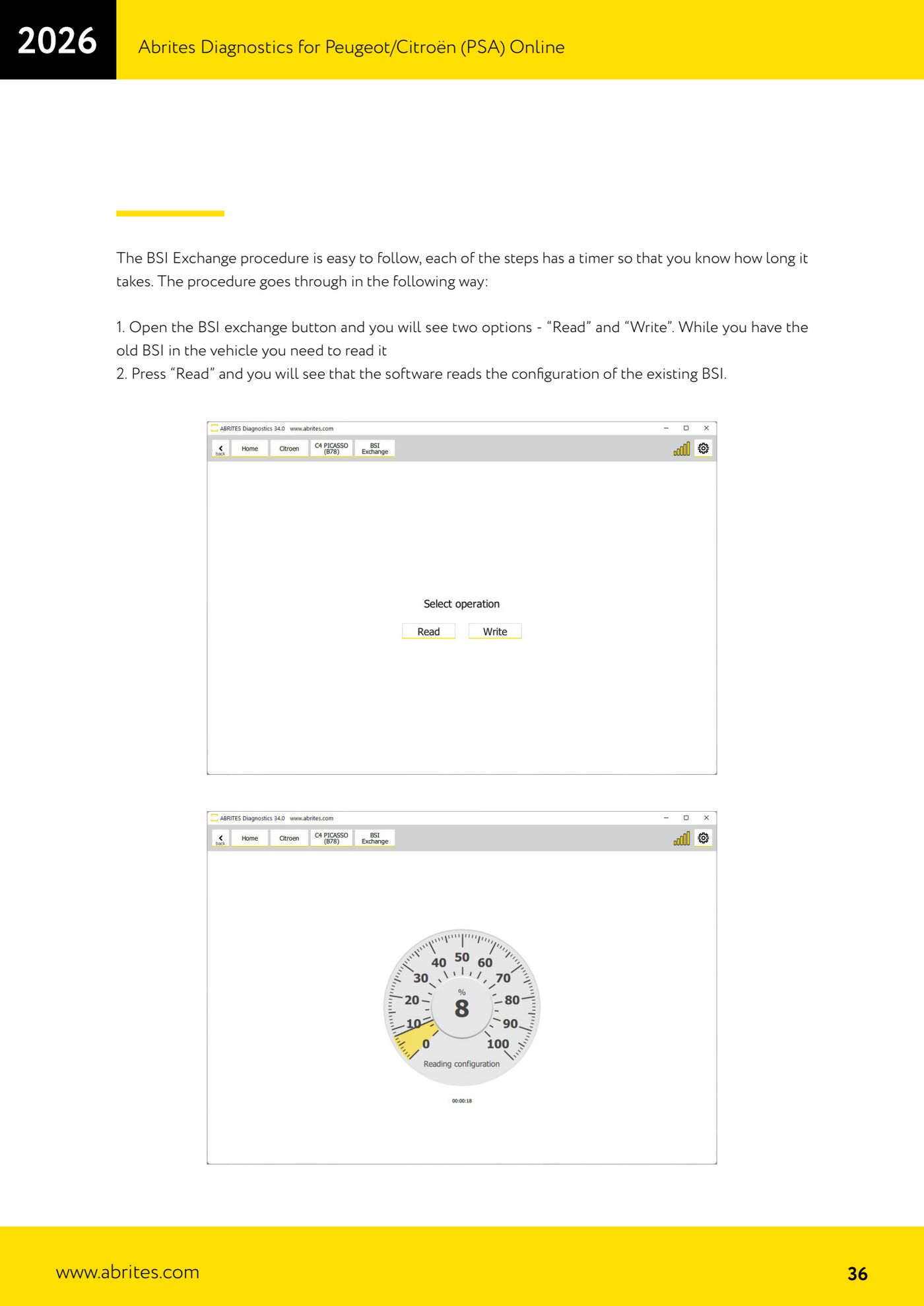
- With the old BSI still fitted to the vehicle, press "Read": the software reads the existing BSI configuration. Each stage has a timer showing how long it takes.
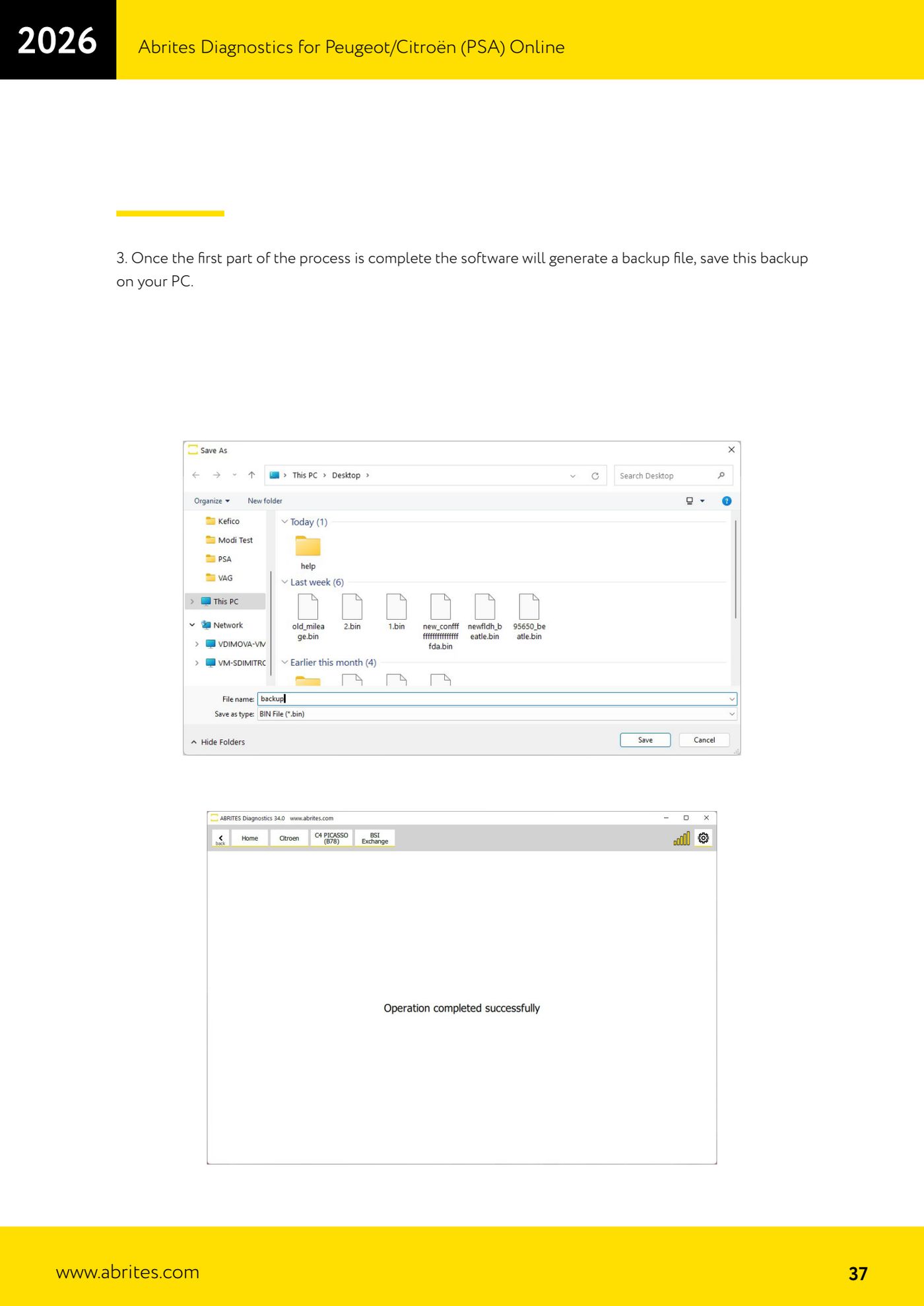
- Once the read is complete the software generates a backup file: save it to the PC somewhere safe and easy to find.
- With the read finished you are done with the old BSI: close the Abrites software.
- Remove the old BSI and install the new/used one on the vehicle, with the software closed.
- Restart the Abrites software and go back into "BSI Exchange".
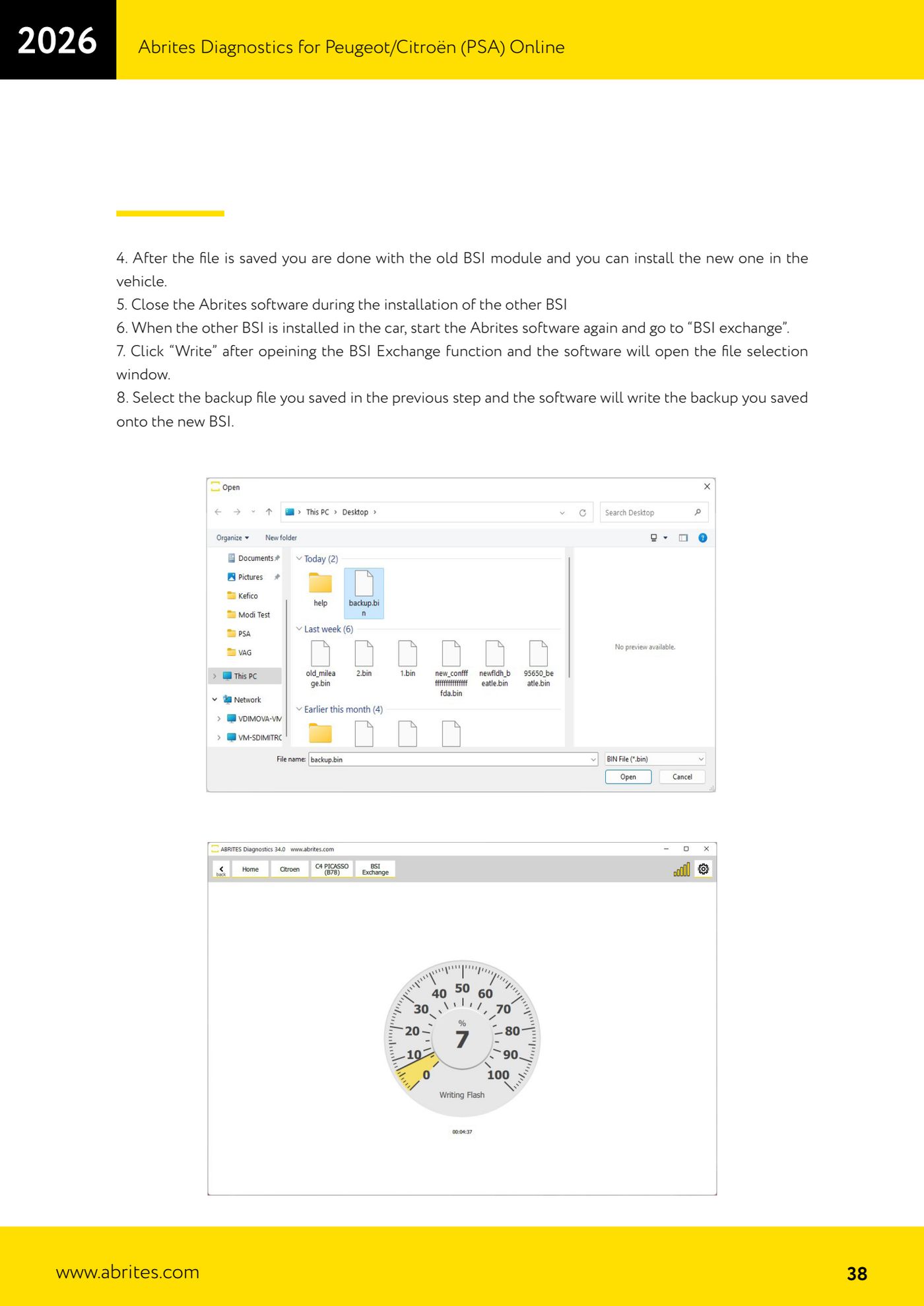
- Press "Write": the file selection window opens.
- Select the backup file saved in step 5: the software writes it to the new BSI.
- Wait for completion without interrupting power or connections, until the message confirming the exchange is finished.
- Run the module scan again, clear any DTCs generated during the operation and check keys, starting and comfort functions.
- Modules supported for the exchange: Delphi BSI 2010-2016 and 2016+, JCI BSI 2004-2008, 2008+ and 2015+, Siemens BSI 2000-2004 and 2004-2006, Valeo BSI 2004-2008, 2008+ and 2012+, VDO BSI 2010-2015 and 2015+.
Reference screenshots
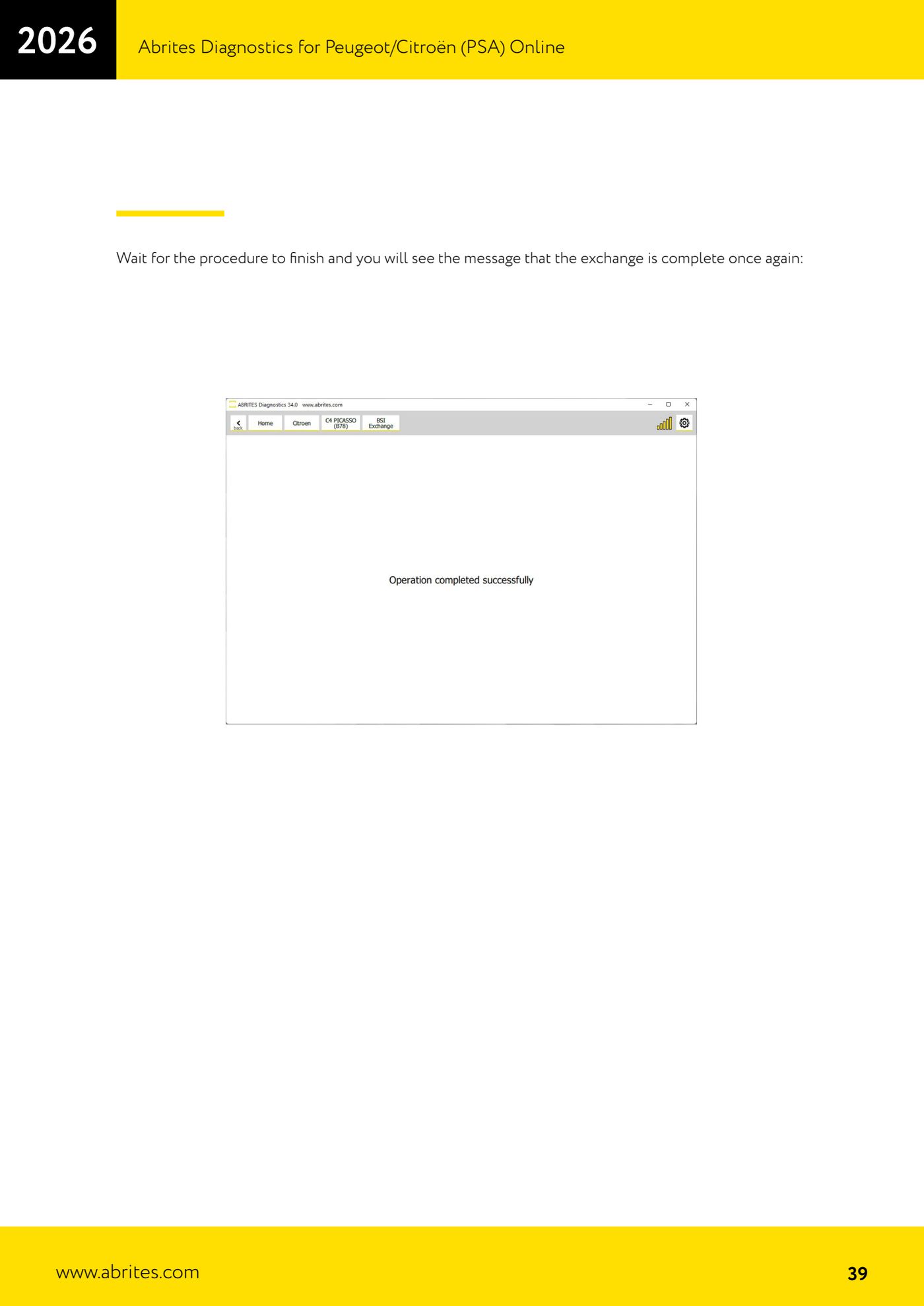
Source: Manuale PSA Online, cap. 6 - BSI Exchange (p.35-39) · ⏱ estimated time 60-90 min
← All Abrites guides Hardware catalogue
More guides PSA
- Standard Peugeot/Citroën diagnostics: unit scan, DTCs, identification and live data
- Reading the PIN (Read security code) and key programming on Peugeot/Citroën
- Engine Control Unit: reading/writing Configuration Data and ECU flash, IMMO OFF and after sales preparation (EDC, SID)
- Read/Update ConfData: backing up and restoring the configuration data of the BSI and instrument cluster
- BSI exchange: replacing the BSI with a used unit (JCI and Valeo CAN) and identifying the hardware version
- Continental BSI 2015+: reading the PIN, EEPROM read/write, BSI exchange and Set PIN
- Mileage correction on Continental BSI 2015+ using the "CAN" Calibration function
- Cluster Calibration: mileage calibration on the BSI and instrument cluster (with Disable dashboard synchronisation)
- Service Zero Reset: resetting the service/oil change indicator on Peugeot/Citroën
- Dump Tool: reading, saving and clearing crash data from airbag control units
- Vehicle identification, module scan and DTC handling (Peugeot / Citroën / DS)
- Reading live parameters and running actuator tests on PSA control units