
Chip-Tools
All keys lost on vehicles with VSM 2022+: 95256 EEPROM dump of the VSM with ABProg
PSA
Interface New
Keys / Immo
Advanced
⏱ 60-120 min
10 steps
On 2022+ vehicles fitted with VSM, an all-keys-lost case requires the VSM EEPROM dump to be loaded into the software. The VSM carries a 95256 SPI EEPROM which is read on the bench with the ZN030 ABProg programmer.


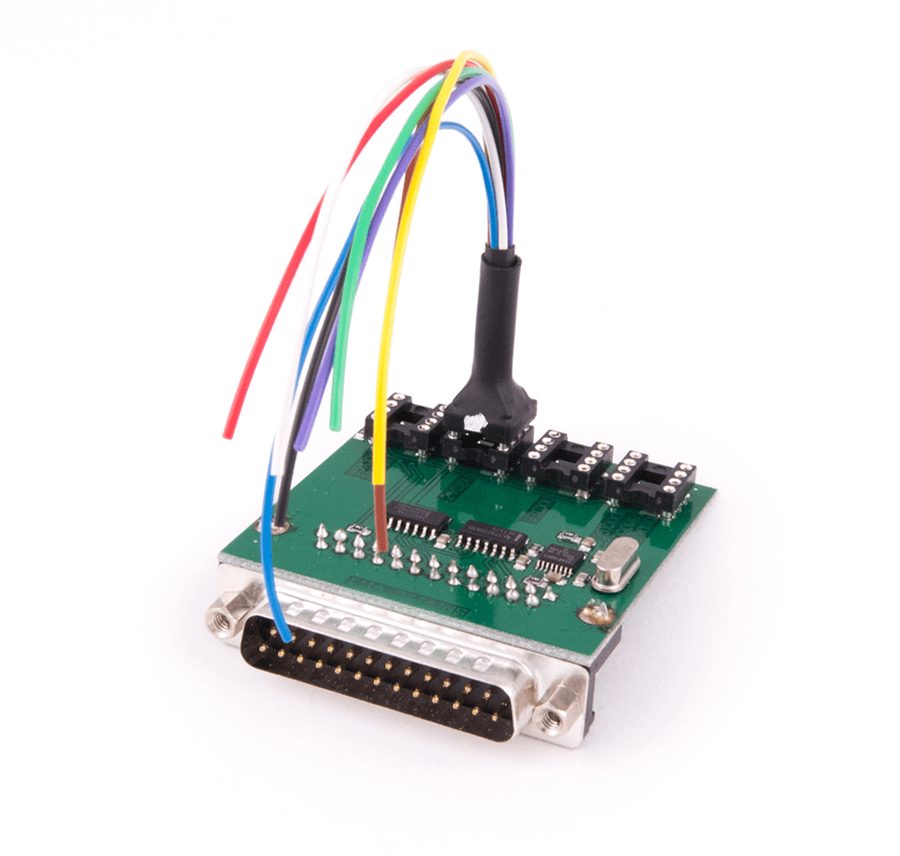
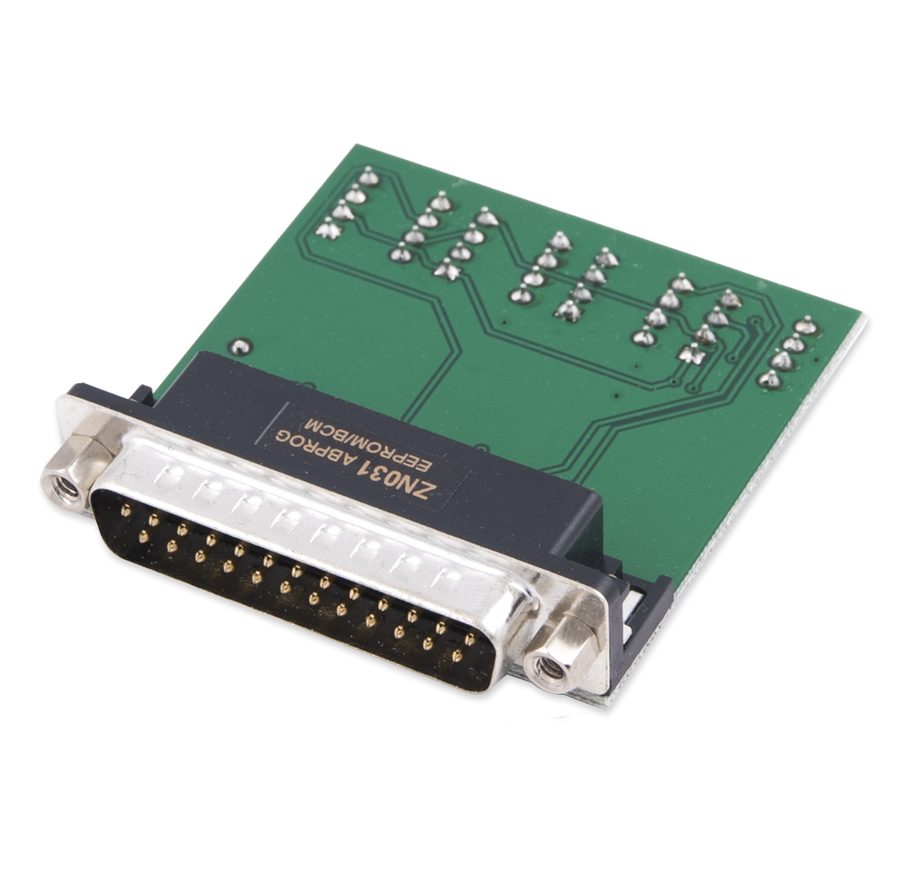
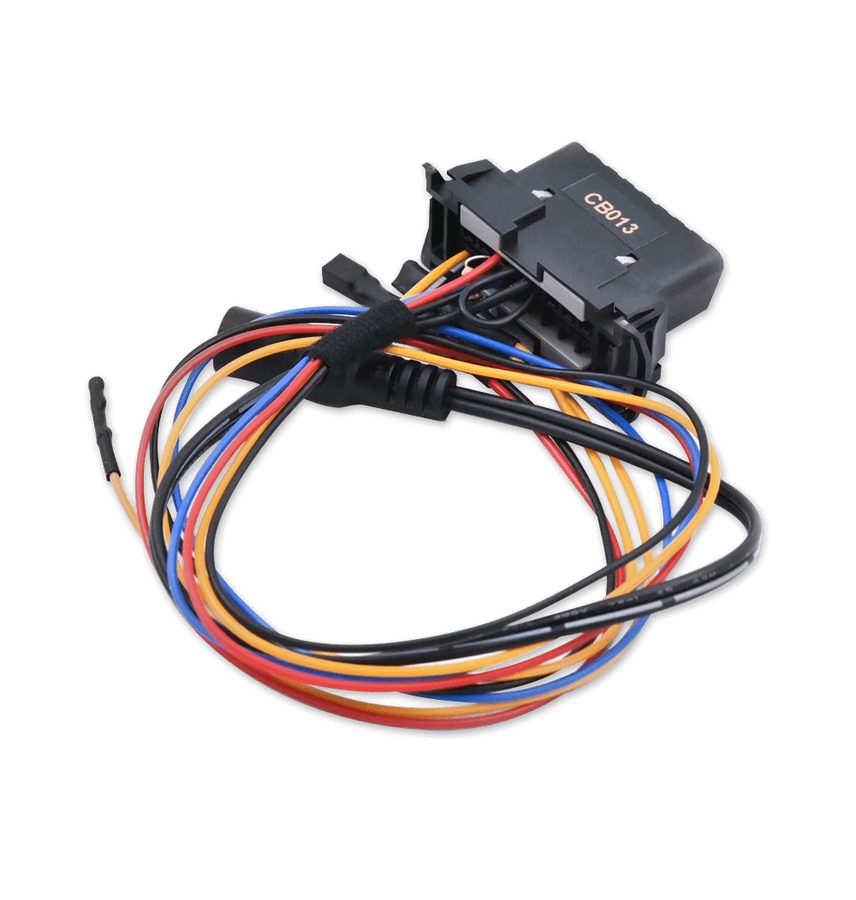
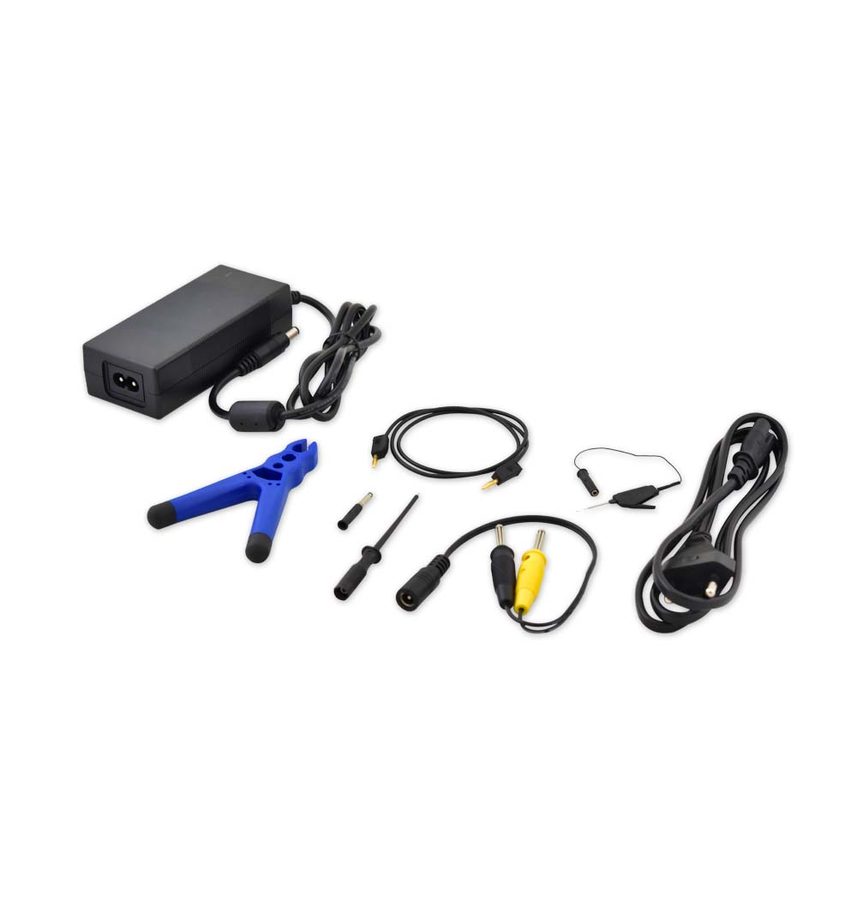
⚠ WarningReading it means removing the VSM and wiring it up according to the diagram in the manual: follow the wiring shown for the 95256 SPI EEPROM, as a wrong connection can wreck the module. As an alternative, the legacy route means removing the engine ECU and reading the PIN on the bench, which can take up to 1 hour.
Procedure
- Remove the VSM from the vehicle and take it to the bench.
- Prepare the ZN030 ABProg programmer with the ZN057 adapter and the ZN031.
- Wire up the VSM following the wiring diagram given in the manual for the 95256 SPI EEPROM.
- In the ABProg software select the 95256 EEPROM and read the content; save the dump file to the PC.
- Refit the VSM to the vehicle and connect the AVDI with an external power supply.
- Launch PSA Online, select the model and open the Key Learning procedure for the All Keys Lost situation.
- At the appropriate step, load the VSM EEPROM dump file you read earlier.
- Carry on with key learning following the on-screen instructions, allowing for the required waiting times.
- Alternative legacy route: if you cannot read the VSM, remove the engine ECU and read it on the bench with the CB013 cable and the power supply from the ZN074 set to obtain the PIN (see the dedicated guide on bench PIN reading from the ECU); the procedure can take up to 1 hour.
- With the PIN saved, refit the ECU to the vehicle, start the normal Key Learning procedure and enter the PIN manually to program the keys.
Reference screenshots
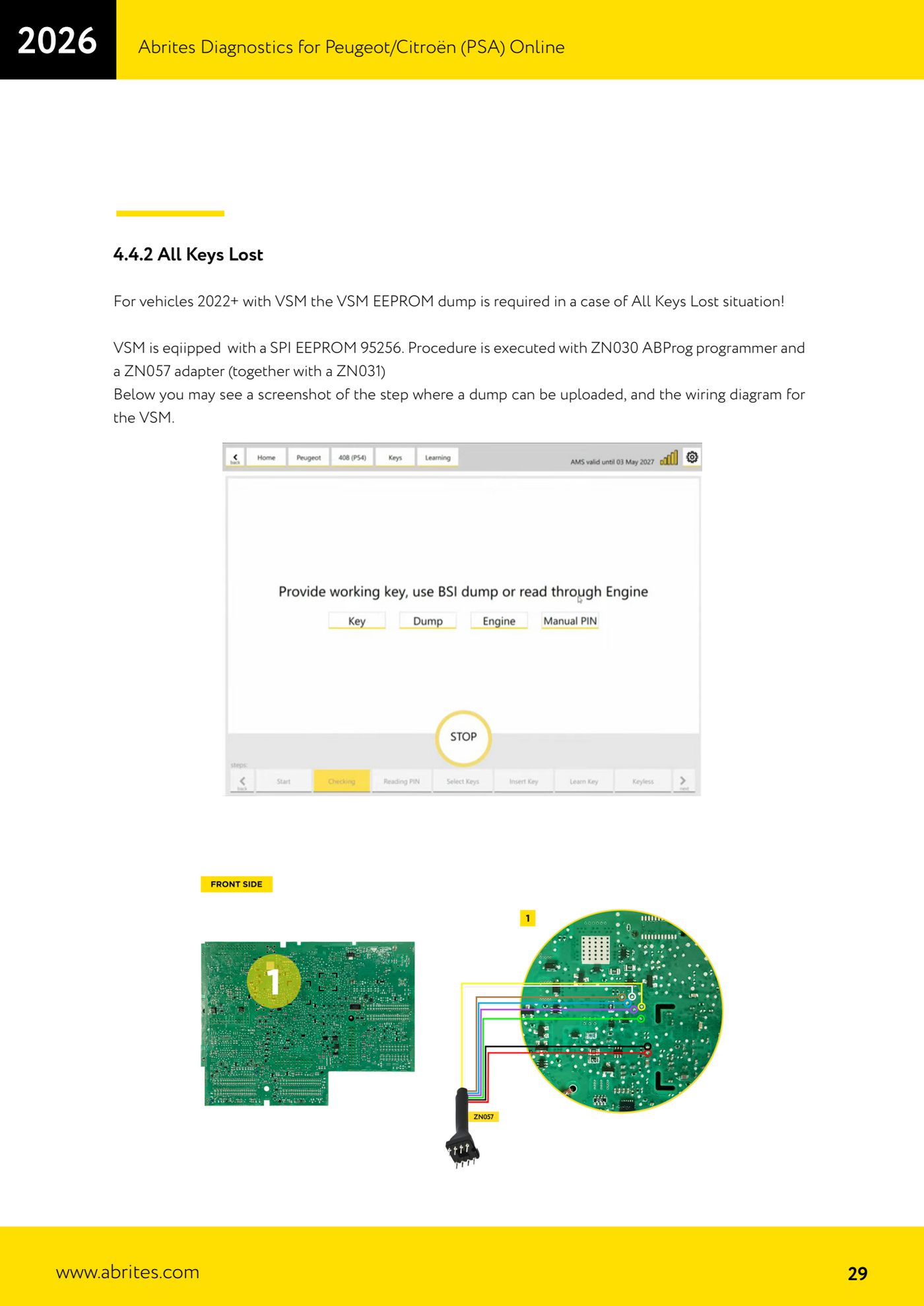
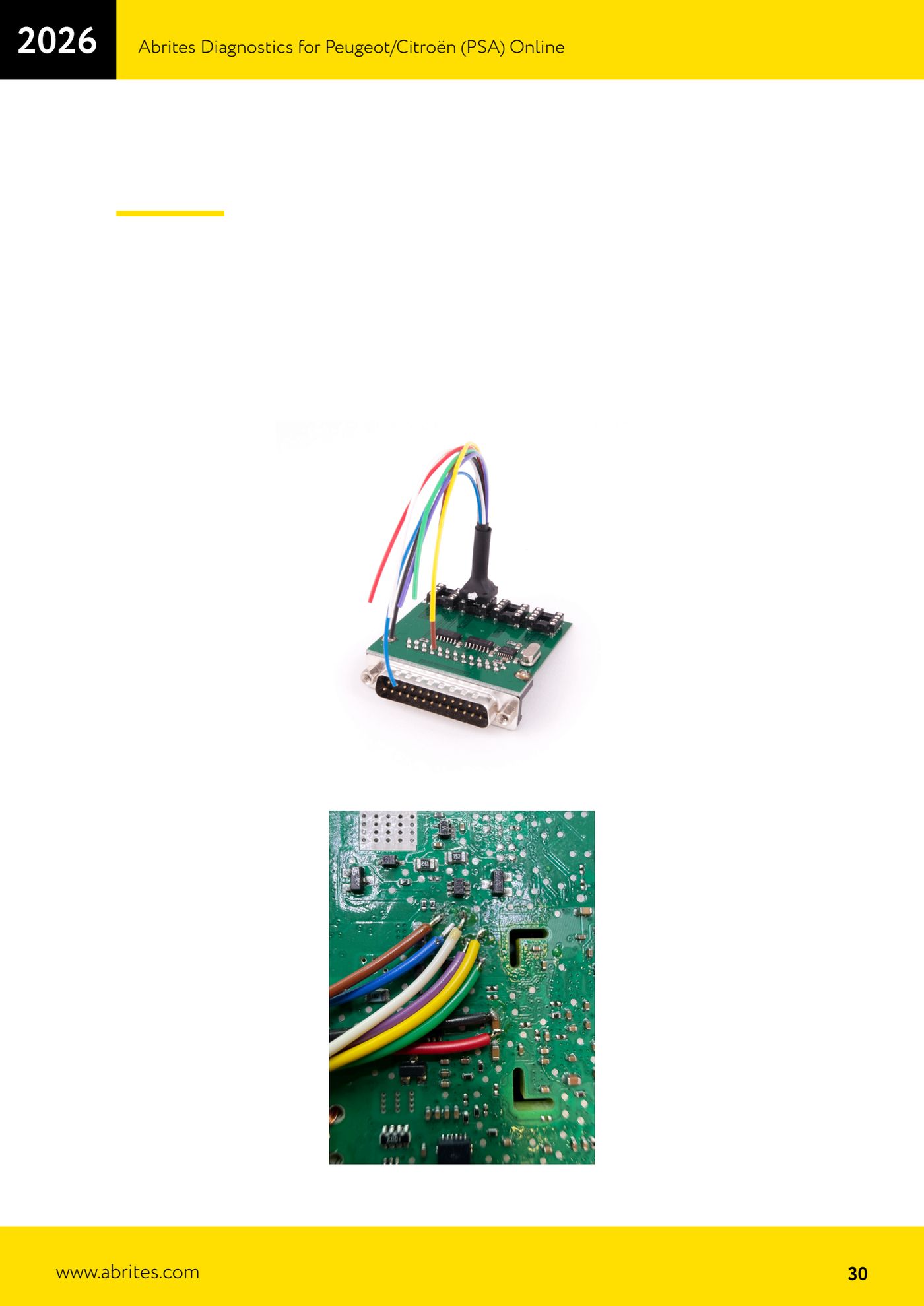
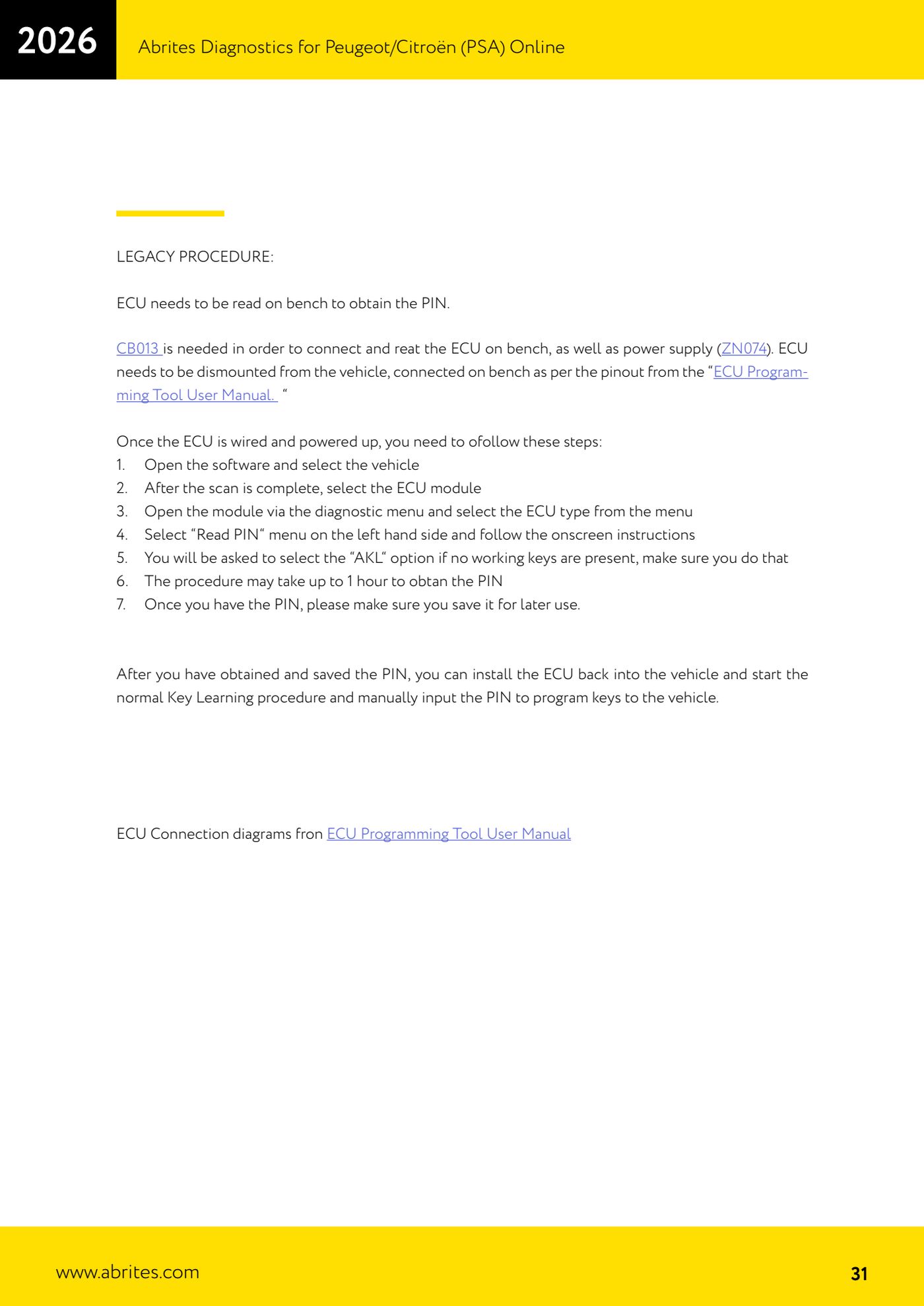
Source: Manuale PSA Online, cap. 4.4.2 - All Keys Lost VSM (p.29-31) · ⏱ estimated time 60-120 min
← All Abrites guides Hardware catalogue
More guides PSA
- Standard Peugeot/Citroën diagnostics: unit scan, DTCs, identification and live data
- Reading the PIN (Read security code) and key programming on Peugeot/Citroën
- Engine Control Unit: reading/writing Configuration Data and ECU flash, IMMO OFF and after sales preparation (EDC, SID)
- Read/Update ConfData: backing up and restoring the configuration data of the BSI and instrument cluster
- BSI exchange: replacing the BSI with a used unit (JCI and Valeo CAN) and identifying the hardware version
- Continental BSI 2015+: reading the PIN, EEPROM read/write, BSI exchange and Set PIN
- Mileage correction on Continental BSI 2015+ using the "CAN" Calibration function
- Cluster Calibration: mileage calibration on the BSI and instrument cluster (with Disable dashboard synchronisation)
- Service Zero Reset: resetting the service/oil change indicator on Peugeot/Citroën
- Dump Tool: reading, saving and clearing crash data from airbag control units
- Vehicle identification, module scan and DTC handling (Peugeot / Citroën / DS)
- Reading live parameters and running actuator tests on PSA control units