
Chip-Tools
Reading the Component Security (CS) bytes of SID7 engine control units
Porsche
Interface New
Keys / Immo
Advanced
⏱ 15-30 min
8 steps
This special function reads the Component Security (CS) bytes of SID7 engine control units. The CS is needed for matching and immobiliser operations, and the read can be done either over OBDII or on the bench.
Required licences
- —
Hardware / cables

Procedure
- Decide how you will work: connected over OBDII on the car, or on the bench with the SID7 control unit removed (both are supported by the function).
- Over OBDII: connect the AVDI to the car's diagnostic socket. On the bench: power the SID7 control unit on the bench and connect the AVDI following the bench connection diagram for that control unit.
- Start "Abrites Diagnostics for Porsche Online" from Quick Start, with active AMS and a stable internet connection.
- Open the "Special Functions" menu.
- Press the dedicated "sdi7 Read CS" button.
- Start the read and wait for the software to extract the Component Security bytes from the SID7 engine control unit.
- Write down and save the CS bytes you read: they are needed for the subsequent matching/immobiliser operations on that control unit.
- If the function will not start, check power and connections and check in the "license viewer" that you have the required licence associated with your AVDI.
Reference screenshots
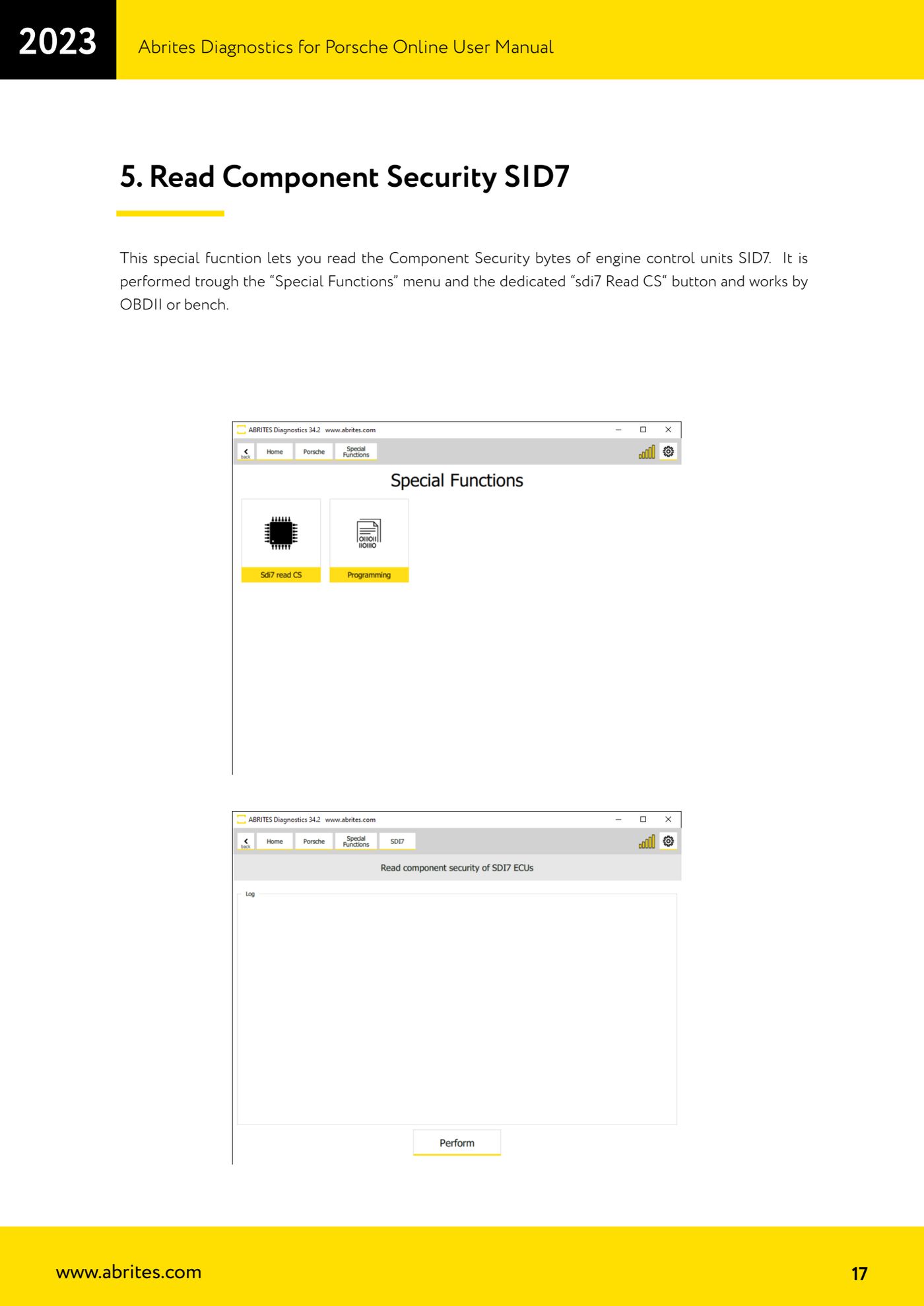
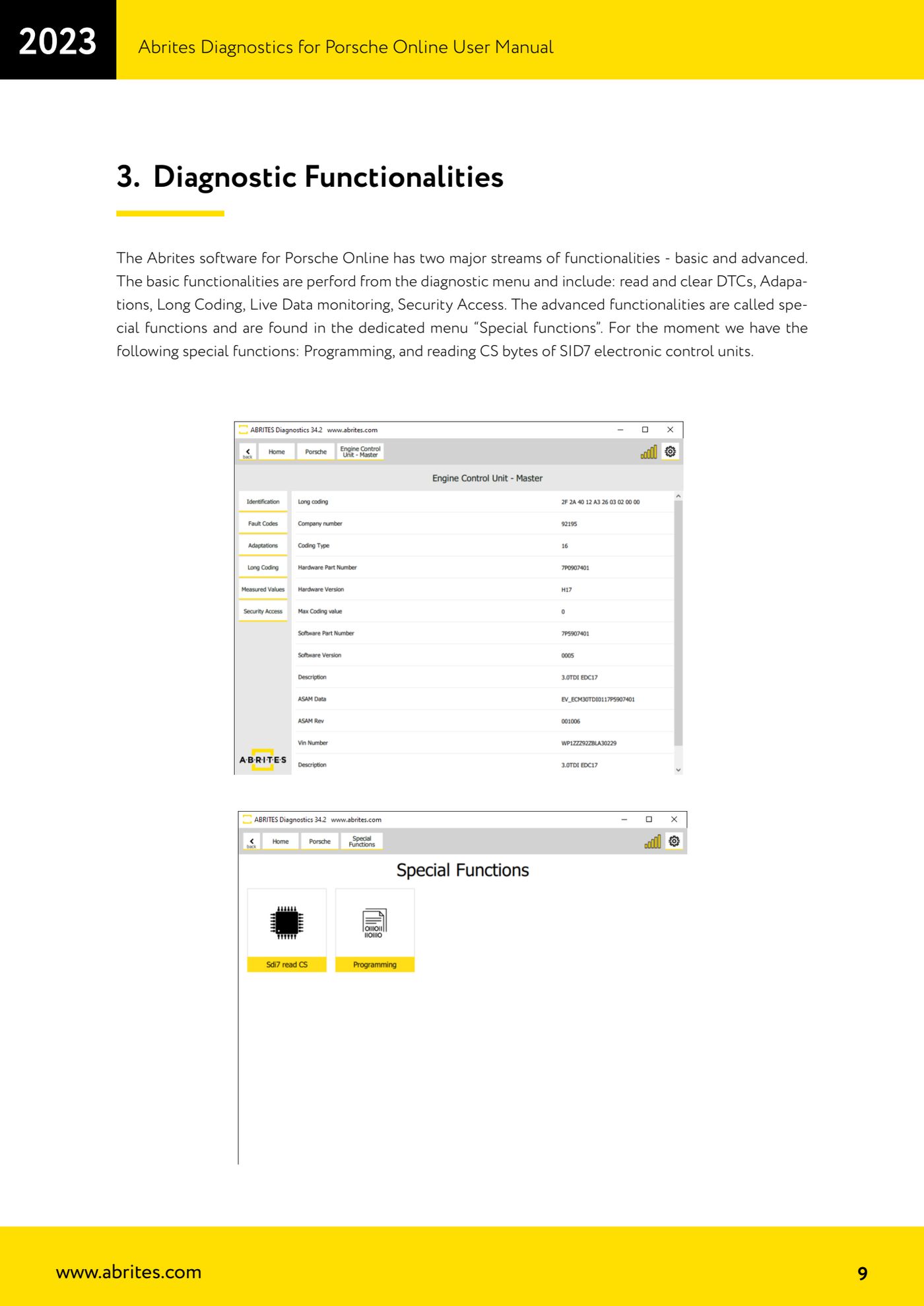
Source: Manuale Porsche Online, cap. 5 (p.17) · ⏱ estimated time 15-30 min
← All Abrites guides Hardware catalogue
More guides Porsche
- Porsche software setup: protocols, K-Line baud rates, pins and CAN resistance
- Scanning control units, identification, actual values and reading/clearing DTCs
- Coding control unit options with "Coding - Settings" (Boxster 987 PAS example)
- Automatic coding, manual coding and restoring from file (UDS CAN TP units)
- Actuator tests ("Actuator tests") on Porsche control units
- Writing the VIN into a control unit with "Change ID"
- Control unit replacement: copying the configuration data with "Control Unit Replacement"
- CAN instrument cluster 911 997, Boxster 987 and Cayman: ConfData, mileage reading and cluster reset
- Service interval reset and oil level measurement: 911 997, Boxster 987, Cayman
- Reading and erasing the instrument cluster event memory (Instrument Cluster CAN)
- Service interval reset for Panamera, Cayenne 2011+, Macan, 918 Spyder, 911 991 and Boxster/Cayman 981
- Writing and changing the maintenance intervals: Panamera (2010-2012) and Cayenne (2011+)