
Chip-Tools
Control unit replacement: copying the configuration data with "Control Unit Replacement"
Porsche
Interface Classic
Coding / Adaptations
Medium
⏱ 20-40 min
7 steps
This reads the configuration data from the fitted control unit and writes it into another unit, so the new control unit can be installed on the vehicle without configuring it from scratch.
Required licences
- —
Hardware / cables

⚠ WarningThe data is saved to and read back from the program's log folder: always run "Read data" on the original, still-working unit first, otherwise you will have no file to write when it's time to fit the new control unit.
Procedure
- Connect the software to the original control unit, the one that has to be replaced.
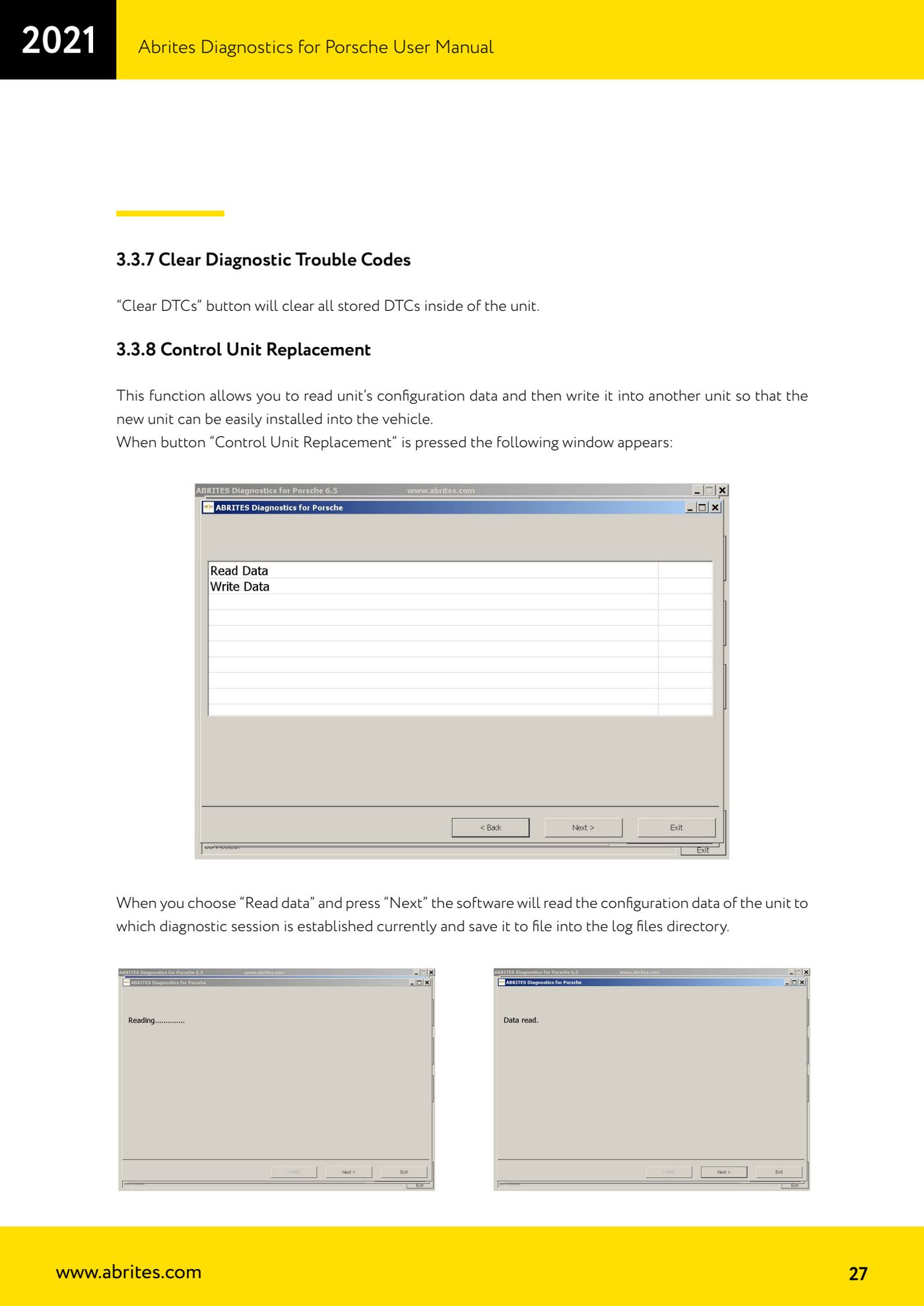
- Press the "Control Unit Replacement" button: the operation selection window opens.
- Select "Read data" and press "Next": the software reads the configuration data from the unit the diagnostic session is running with and saves it to a file in the log folder.
- Check the file has actually been created before you start removing anything.
- Fit the new or replacement control unit to the vehicle and establish a diagnostic session with it.
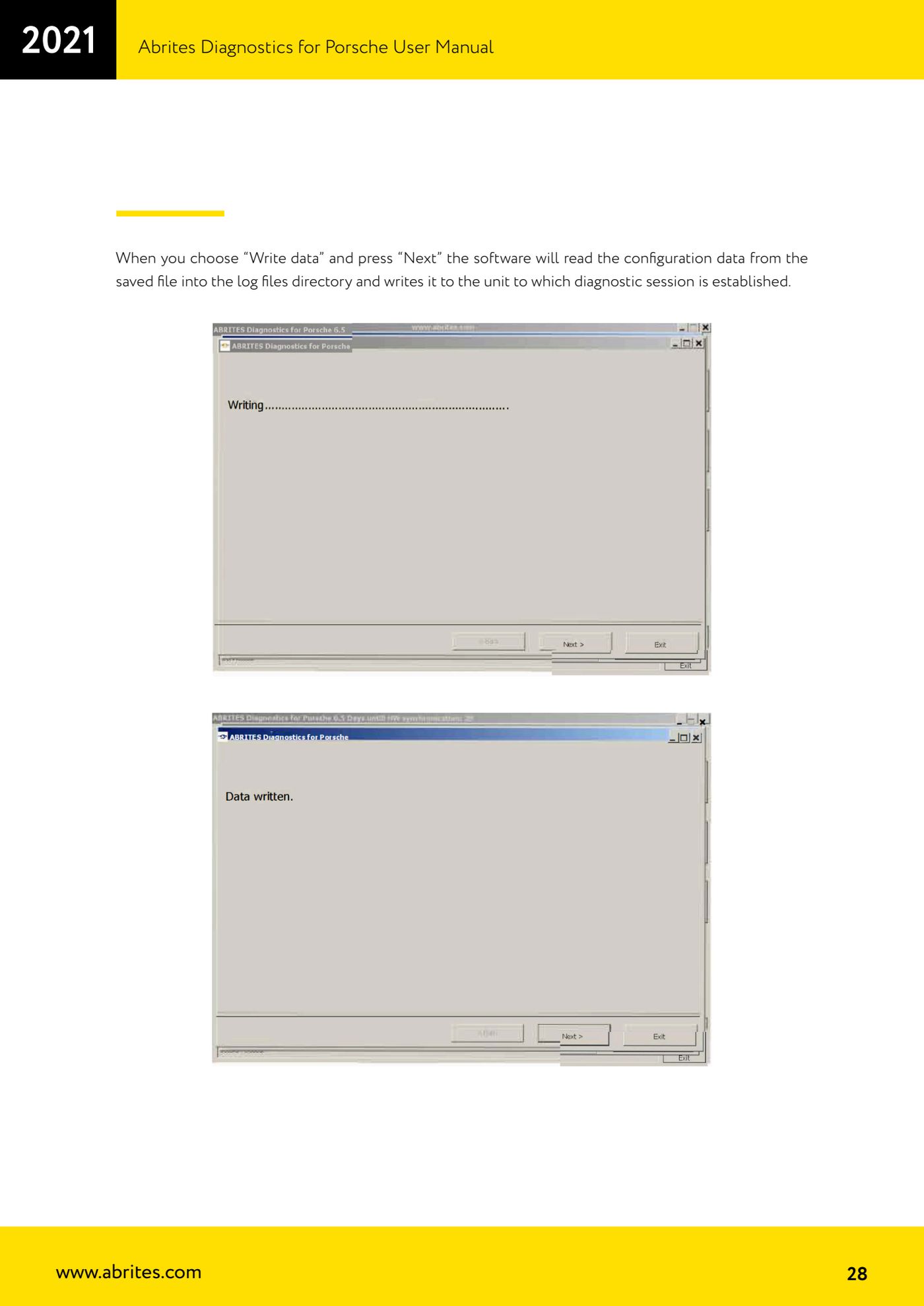
- Press "Control Unit Replacement" again, select "Write data" and press "Next": the software reads the configuration data from the file saved in the log folder and writes it into the connected unit.
- Once done, run "Extended Identification" and a fault read, then clear the DTCs generated by the replacement.
Reference screenshots
Source: Manuale Porsche (interfaccia classica), prima parte, cap. 3.3.8 (p.27-28) · ⏱ estimated time 20-40 min
← All Abrites guides Hardware catalogue
More guides Porsche
- Porsche software setup: protocols, K-Line baud rates, pins and CAN resistance
- Scanning control units, identification, actual values and reading/clearing DTCs
- Coding control unit options with "Coding - Settings" (Boxster 987 PAS example)
- Automatic coding, manual coding and restoring from file (UDS CAN TP units)
- Actuator tests ("Actuator tests") on Porsche control units
- Writing the VIN into a control unit with "Change ID"
- CAN instrument cluster 911 997, Boxster 987 and Cayman: ConfData, mileage reading and cluster reset
- Service interval reset and oil level measurement: 911 997, Boxster 987, Cayman
- Reading and erasing the instrument cluster event memory (Instrument Cluster CAN)
- Service interval reset for Panamera, Cayenne 2011+, Macan, 918 Spyder, 911 991 and Boxster/Cayman 981
- Writing and changing the maintenance intervals: Panamera (2010-2012) and Cayenne (2011+)
- Cayenne K-Line instrument cluster: ConfData, ECU reset, service and mileage reading