
Chip-Tools
Starting Abrites Nissan/Infiniti Online and selecting the vehicle
Nissan/Infiniti
Interface New
Diagnostics
Basic
⏱ 5-10 min
9 steps
The first operation of every job: connect the AVDI, open the Nissan/Infiniti Online application and have it recognise the vehicle's make, model and generation. From here you get to the list of fitted modules, the starting point for diagnostics, procedures and special functions.
Required licences
- —
Hardware / cables

⚠ WarningThe software is server-based: without a stable Internet connection and active AMS it will not work. Make sure your provider leaves port 8443 open, otherwise the online diagnostics cannot operate.
Procedure
- Check the PC requirements: Windows 10 (minimum Windows 7 64bit Service Pack 1), at least 1024MB of RAM (4GB recommended) and 64GB of free disk space. Always keep the latest software version installed with AMS active.
- Set up the Internet connection (Wi-Fi or 3G/4G from a mobile device) and make sure port 8443 is allowed by the provider.
- Connect the AVDI to the vehicle's OBDII socket and to the PC, then switch the ignition on.
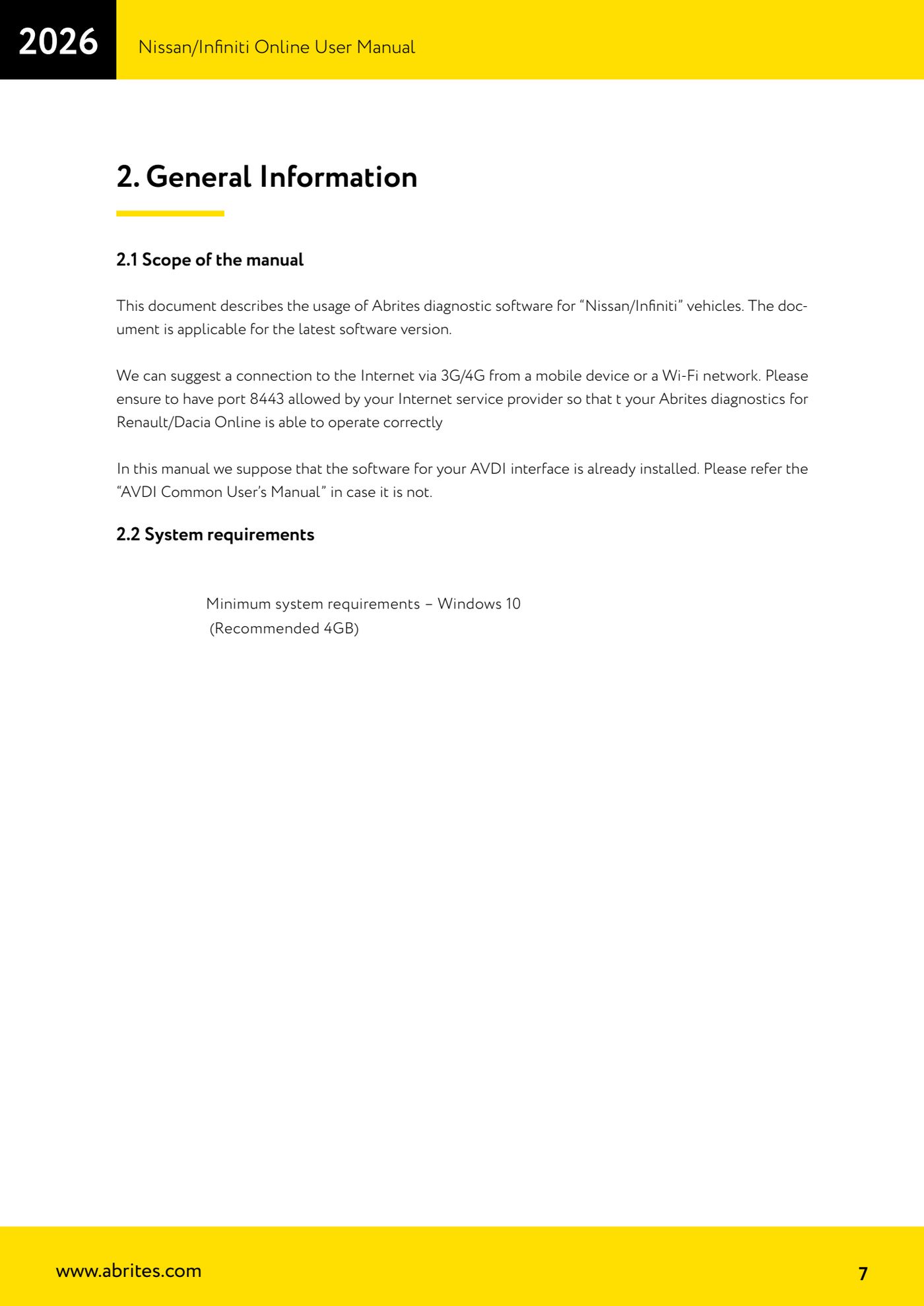
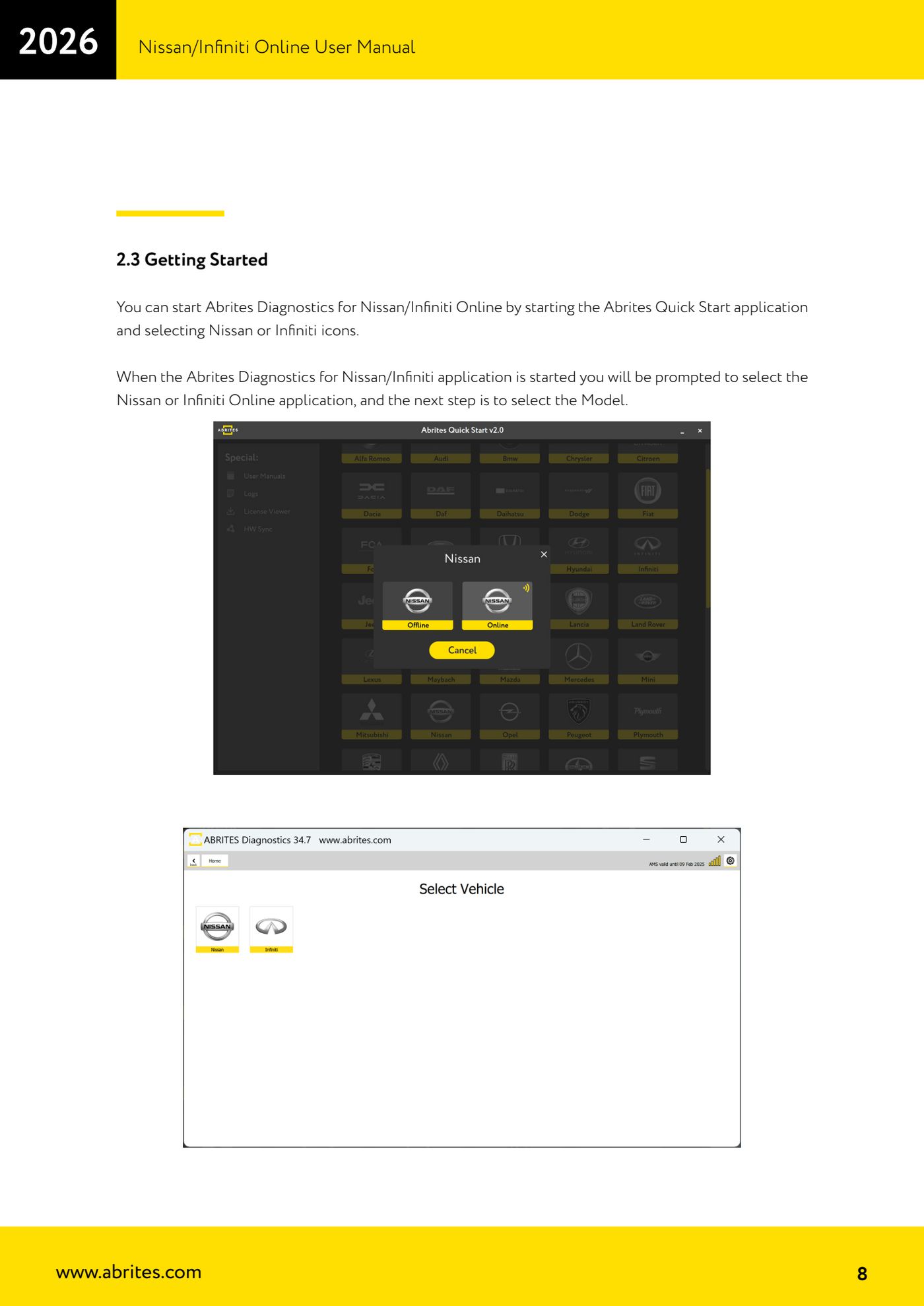
- Start the "Abrites Quick Start" application and click the "Nissan" or "Infiniti" icon.
- At the next prompt select the Nissan Online or Infiniti Online application, then move on to model selection.
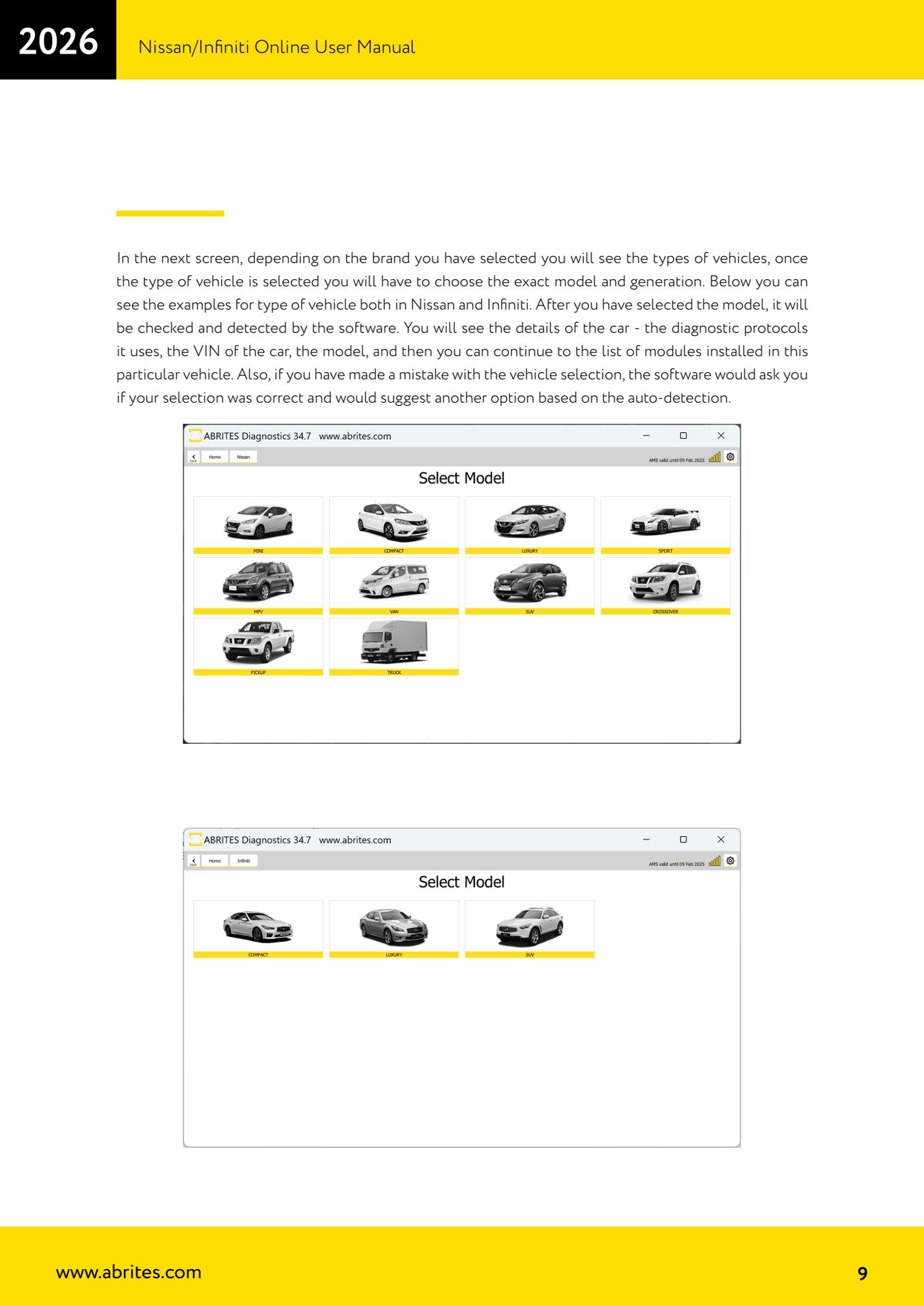
- On the following screen choose the vehicle type (the types shown change according to the make selected), then the exact model and the generation.
- Let the software run the check and detection: the diagnostic protocols the car uses, the VIN and the model appear on screen.
- If you got the selection wrong, the software warns you asking for confirmation and proposes an alternative based on the automatic detection: accept the correct proposal.
- Move on to the list of modules fitted to that vehicle: from this main screen you access DTC scanning, "Live Value", "Actuators", "procedures" and the special functions on the left-hand bar.
Reference screenshots
Source: Manuale Nissan/Infiniti Online, cap. 2.1-2.3 (p.7-9) · ⏱ estimated time 5-10 min
← All Abrites guides Hardware catalogue
More guides Nissan/Infiniti
- Module scan and DTC read/clear on Nissan/Infiniti with the AVDI
- Reading live parameters (list and graph) and actuator testing on Nissan/Infiniti
- Calculating and extracting the Nissan/Infiniti PIN Code (ICU, SEC, BCM, OBDII, glovebox label)
- Nissan key programming with NATS-2, NATS-4, NATS-5 and NATS-5+ immobiliser
- EEPROM NATS2/5 Memory Manager: reading, saving and writing NATS configuration data
- Pinout of NATS 2, NATS 4 and NATS-5/5+ Siemens immobiliser units for bench work
- EM002 ESL/steering lock emulator for Renault/Nissan: 6-pin and 8-pin connection diagrams
- Module scan and DTC read/clear on Nissan and Infiniti
- Real-time parameter monitoring (Live Values) on Nissan and Infiniti
- Actuator Testing on Nissan and Infiniti
- Dealer-level advanced functions: the "procedures" menu of Nissan/Infiniti modules
- Nissan/Infiniti key programming via OBDII (Key Learning, including all keys lost)