
Chip-Tools
Scan VINs: reading the VIN stored in each FCA control unit
Fiat/FCA
Interface New
Diagnostics
Basic
⏱ 10 min
6 steps
A special function that scans all the vehicle's control units and reports the VIN stored in each one that holds it. Handy for seeing straight away, before you start work, which modules carry a different chassis number from the rest of the car — the classic sign of an unadapted used module.
Required licences
- —
Hardware / cables

⚠ WarningThe function is informational only: it changes nothing. To align the VINs across modules you need to use the "Car Sync" special function.
Procedure
- Connect the AVDI to the OBDII socket and start FCA Online with an active Internet connection; wait for the vehicle to be recognised automatically.
- From the special functions menu on the left select "Scan VINs".
- Let the scan of all the vehicle's modules finish.
- Read the list: for every control unit that stores the data, the VIN it holds is displayed (for example the VIN held in the BCM of a Fiat vehicle).
- Compare each VIN reported against the car's actual one and identify the mismatched modules.
- If you find modules with a different VIN that need adapting, carry on with the "Car Sync" special function, bearing in mind that immobiliser-related modules (BCM, ECU, RFH) need far more than just a VIN change.
Reference screenshots
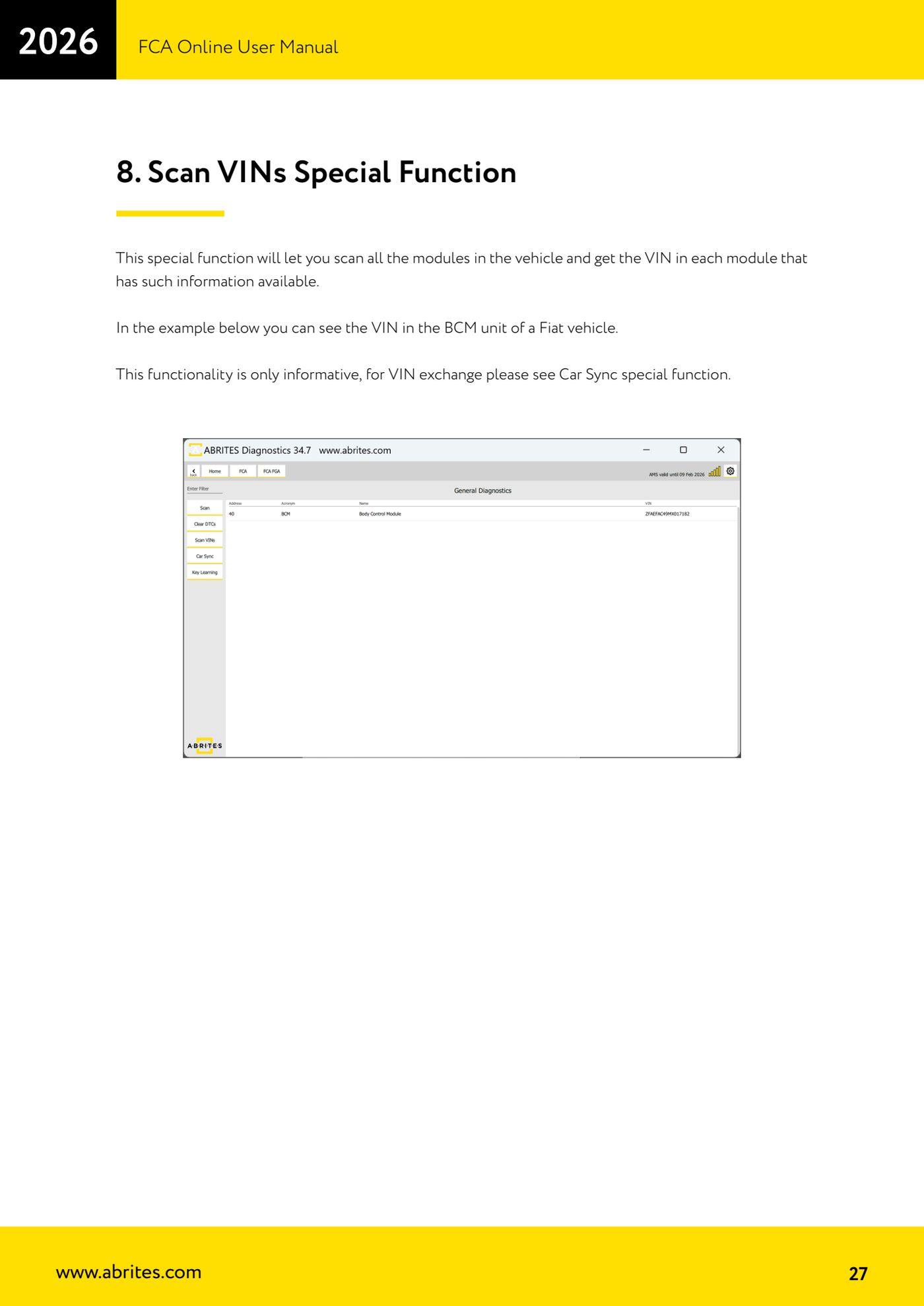
Source: Manuale FCA Online, cap. 8 (p.27) · ⏱ estimated time 10 min
← All Abrites guides Hardware catalogue
More guides Fiat/FCA
- Vehicle scan, module identification and reading/clearing DTC (Fiat, Alfa Romeo, Lancia, FCA)
- Reading live data (Data Display) and ECU identification on FCA vehicles
- Actuator tests on FCA control units (engine, BCM and other modules)
- BCM, RFH and Key Manager: reading the PIN, Component Protection data and Transponder Maker
- Key programming via OBD on FCA vehicles (with PIN from the RFH and Security Gateway bypass)
- Key programming on FCA keyless models from 2020 onwards in All Keys Lost (CB017 set + ZN051)
- Key programming on Fiat Ducato, Fiat 500L and Iveco Daily 2020+ (PIN from the BCM EEPROM with ABProg and ZN057)
- FCA instrument cluster calibration via OBDII ("Cluster Calibration" and "Cluster Calibration 2")
- ECU Flash Manager: reading and writing flash memory on Marelli and Bosch ECUs (IAW, MJD 6JF, ME7 boot mode)
- ECU Configuration Manager: reading/writing configuration and VIRGIN reset (EDC15, MJD 6JF/8F2, Marelli IAW, ME7)
- Proxi Alignment: BCM configuration and module alignment on FCA vehicles (bench work included)
- Module scan and DTC read/clear with FCA Online (Fiat, Alfa Romeo, Jeep, Lancia)