
Chip-Tools
Erasing SKIM keys after a key is lost (Erase Keys)
Fiat/FCA
Interface Classic
Keys / Immo
Medium
⏱ 20-40 min
7 steps
If a programmed key is lost, the SKIM system's key memory has to be erased so the lost key can no longer start the vehicle. After erasing, all the remaining keys must be reprogrammed.
Required licences
- —
Hardware / cables
 AVDI
AVDI- cavo OBD-II
⚠ WarningErasing wipes every key stored, not just the lost one: make sure you have all the remaining keys in hand and the correct PIN before pressing "Erase Keys", otherwise the vehicle will be left with no valid keys.
Procedure
- Collect every key the customer still has: you will have to reprogram all of them afterwards.
- Connect the AVDI to the OBD-II socket, open the Immobiliser "SKIM" Special Function, select the vehicle (or "AUTODETECT") and press "Select".
- Enter the PIN in the "PIN Code:" field; if you do not know it, press "Get Values" to read it from the SKIM module.
- Save the SKIM module's data to file before going ahead, as a backup.
- Press the "Erase Keys" button: every key held in memory is erased and the lost key will no longer be able to start the vehicle.
- Reprogram all the remaining keys following the Sentry Key programming procedure ("Program Keys").
- Check every reprogrammed key by starting the engine and letting it run for more than 10 seconds, making sure the Sentry Key lamp does not flash.
Reference screenshots
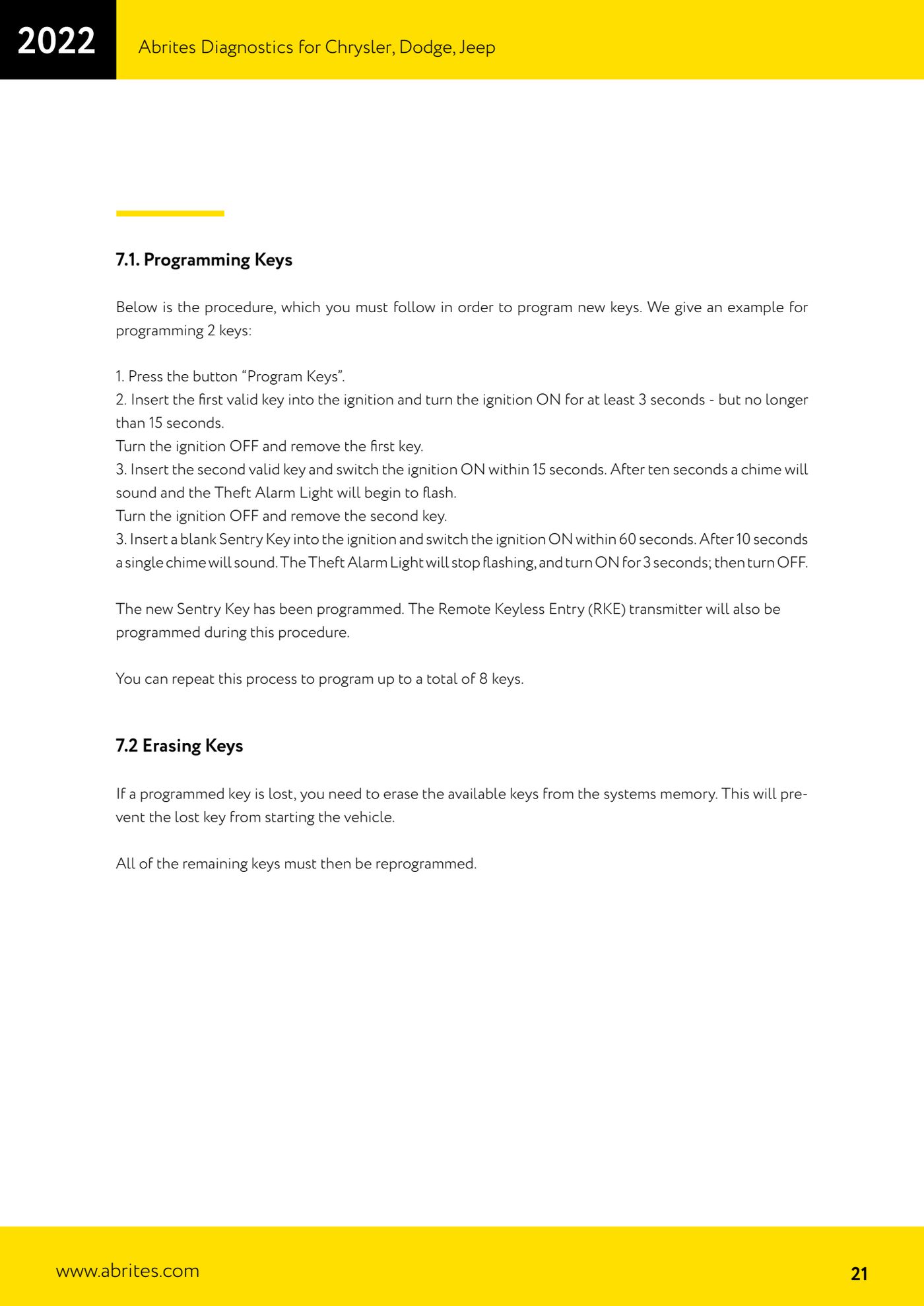
Source: Manuale Chrysler / Dodge / Jeep, cap. 7.2 (p.21) · ⏱ estimated time 20-40 min
← All Abrites guides Hardware catalogue
More guides Fiat/FCA
- Vehicle scan, module identification and reading/clearing DTC (Fiat, Alfa Romeo, Lancia, FCA)
- Reading live data (Data Display) and ECU identification on FCA vehicles
- Actuator tests on FCA control units (engine, BCM and other modules)
- BCM, RFH and Key Manager: reading the PIN, Component Protection data and Transponder Maker
- Key programming via OBD on FCA vehicles (with PIN from the RFH and Security Gateway bypass)
- Key programming on FCA keyless models from 2020 onwards in All Keys Lost (CB017 set + ZN051)
- Key programming on Fiat Ducato, Fiat 500L and Iveco Daily 2020+ (PIN from the BCM EEPROM with ABProg and ZN057)
- FCA instrument cluster calibration via OBDII ("Cluster Calibration" and "Cluster Calibration 2")
- ECU Flash Manager: reading and writing flash memory on Marelli and Bosch ECUs (IAW, MJD 6JF, ME7 boot mode)
- ECU Configuration Manager: reading/writing configuration and VIRGIN reset (EDC15, MJD 6JF/8F2, Marelli IAW, ME7)
- Proxi Alignment: BCM configuration and module alignment on FCA vehicles (bench work included)
- Module scan and DTC read/clear with FCA Online (Fiat, Alfa Romeo, Jeep, Lancia)