
Chip-Tools
DAS module replacement on Mercedes Trucks: the VIRGIN - PERSONALIZE - ACTIVATE sequence (EIS/EZS, ECU, TCU)
Camion / Bus
Interface Classic
Keys / Immo
Advanced
⏱ 60-120 min
11 steps
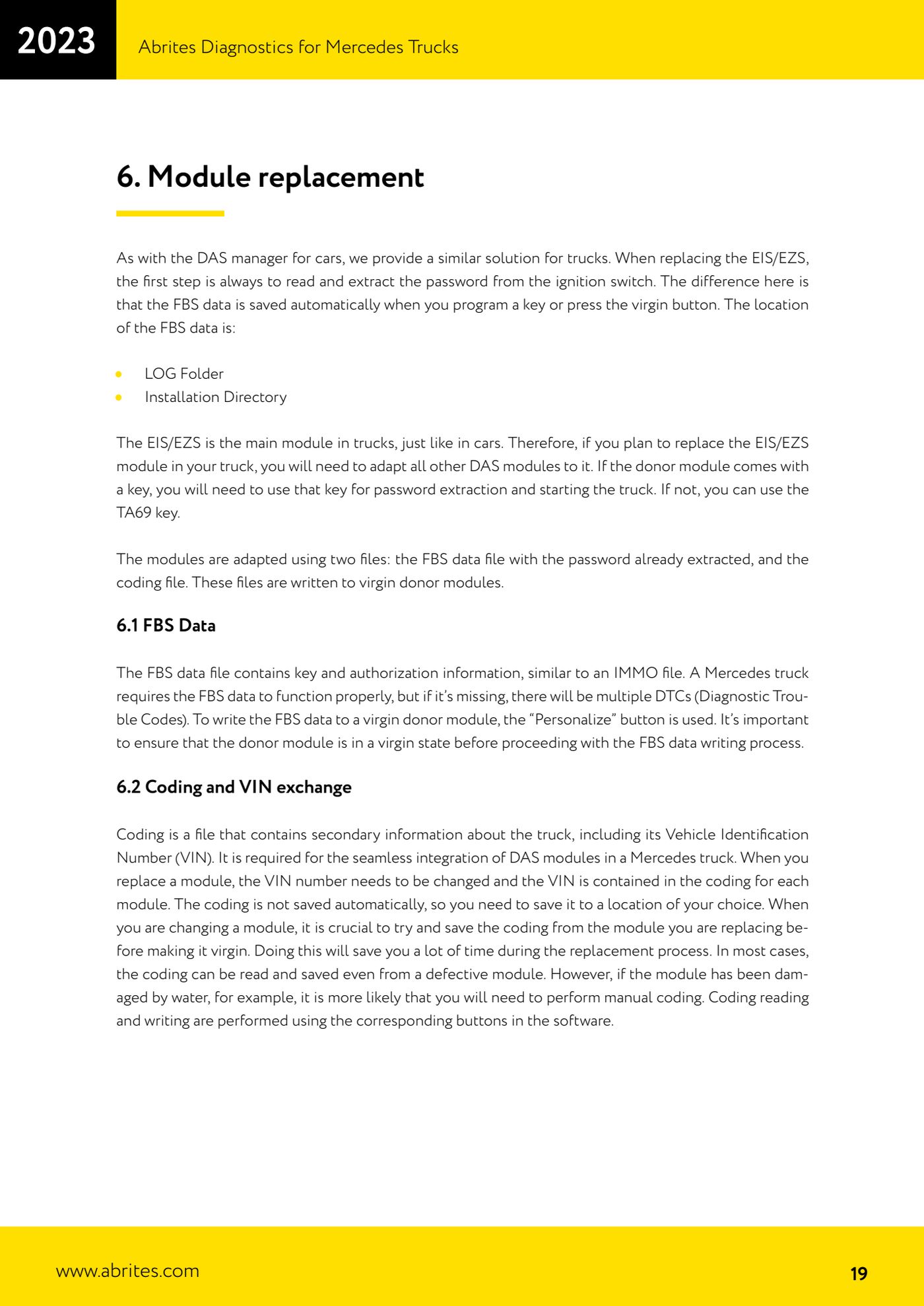
The FBS Manager for trucks lets you adapt replacement DAS units (EIS/EZS, ECU, TCU) to the truck, exactly the way the DAS Manager does on cars. The adaptation is based on two files: the FBS data file with the password already extracted, and the coding file.


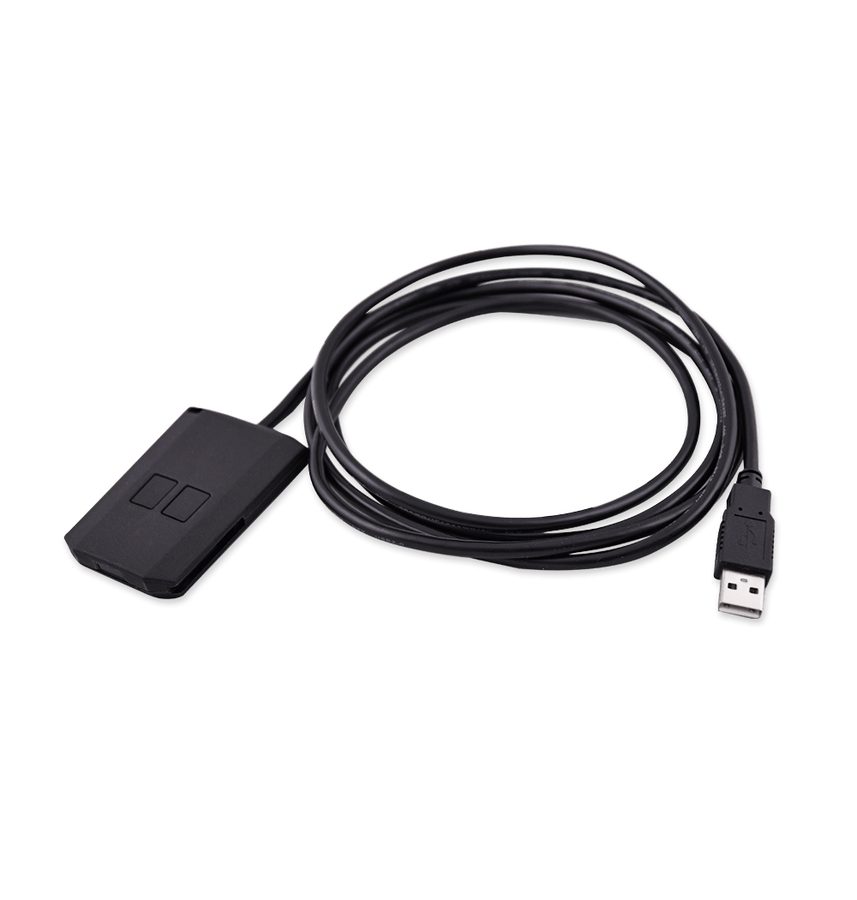
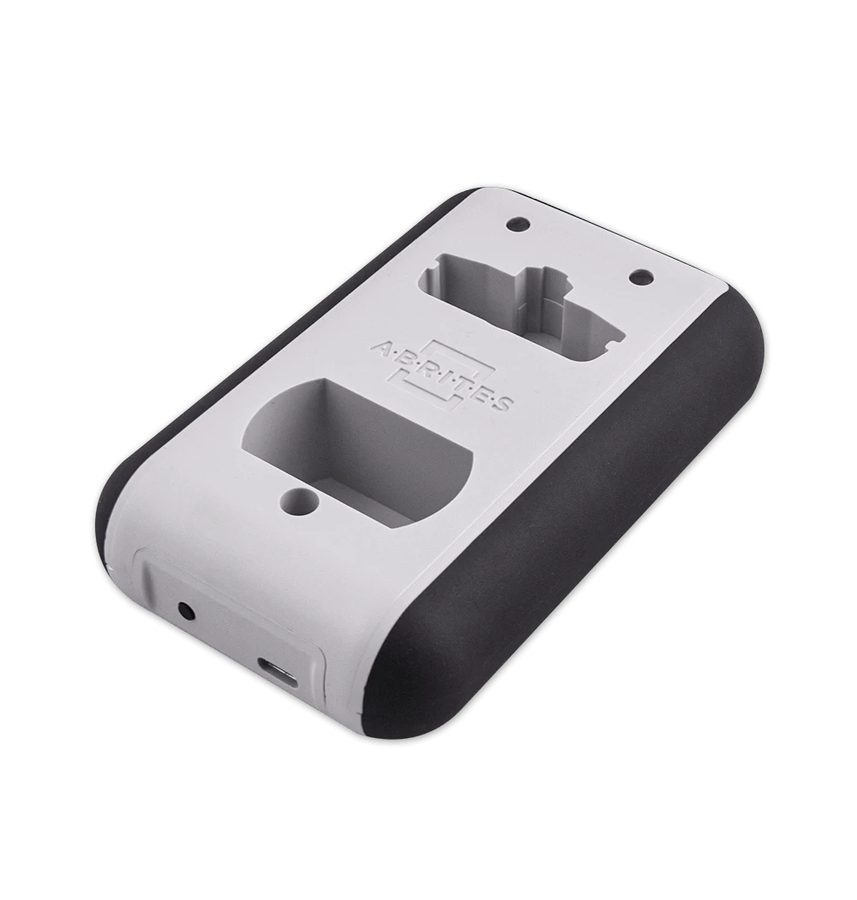
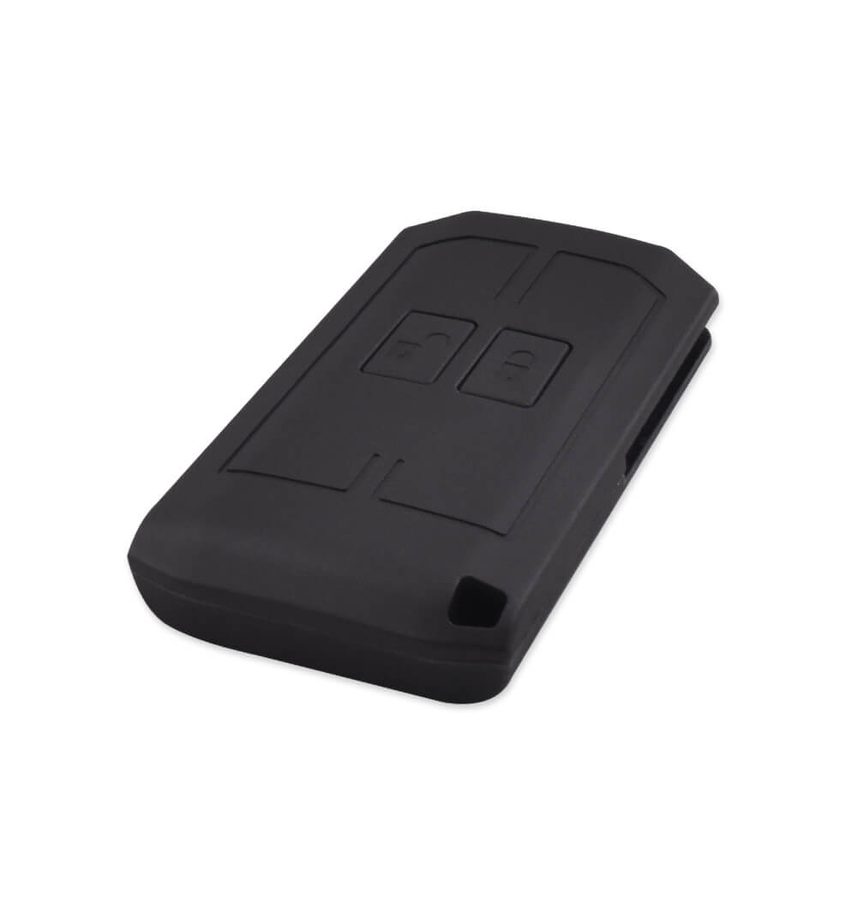
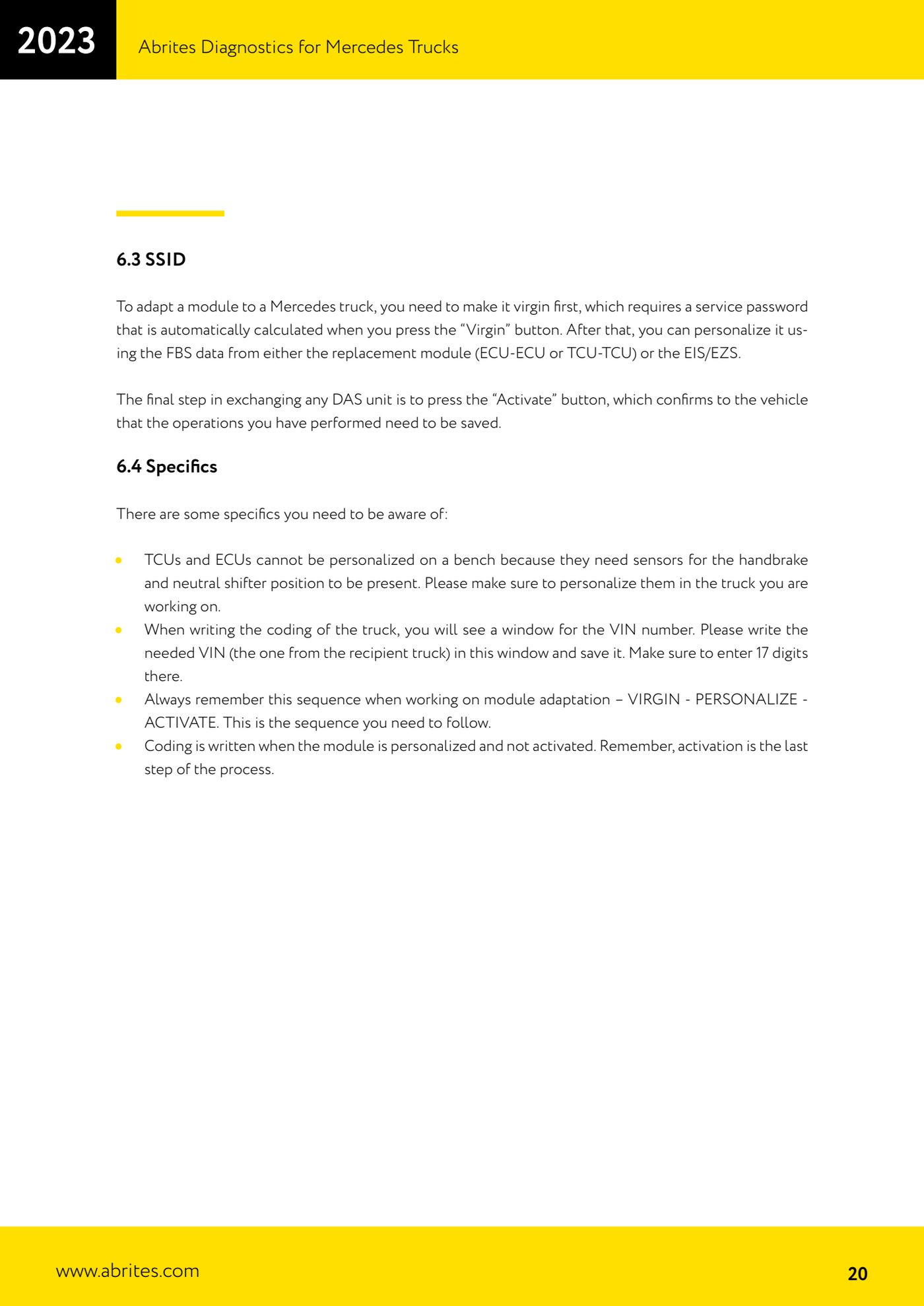
⚠ WarningThe donor module must be in virgin state before the FBS data is written. The ECU and TCU CANNOT be personalised on the bench because they need the handbrake and neutral position sensors present: always personalise them on the truck you are working on. Always follow the VIRGIN - PERSONALIZE - ACTIVATE sequence: activate is the last step and without it the operations are not confirmed to the vehicle.
Procedure
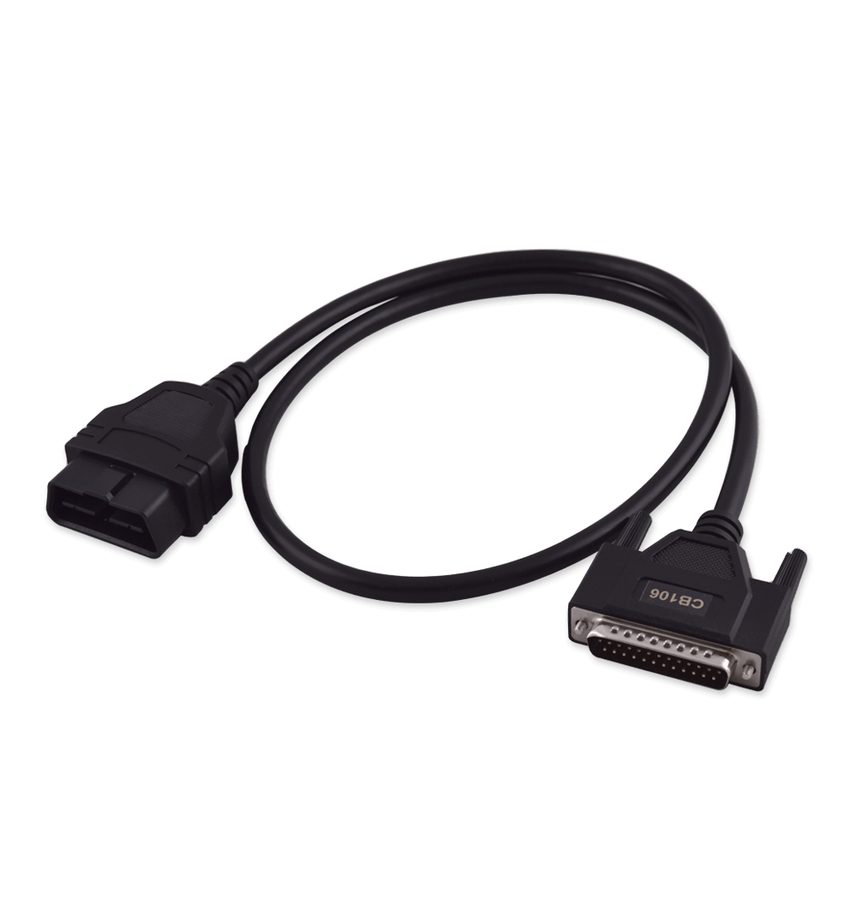
- Connect the AVDI with the CB106 OBDII cable and the ZN051; if you are working on the ECU or TCU, add the internal CAN connection (CAN H blue, CAN L white, slots 3-11 of the DS-Box).
- ALWAYS THE FIRST STEP: read and extract the password from the ignition switch (EIS/EZS) as described in the password extraction procedure. Without the password nothing can be done.
- Before you virgin anything, read and save the coding of the module you are replacing with the dedicated read coding button: the coding is NOT saved automatically, you have to save it yourself into a folder of your choice. In most cases the coding can be read even from a faulty module; if the module is damaged (by water, for instance) you will have to do the coding manually.
- Check the FBS data has been saved: it is generated automatically when you program a key or when you press the "Virgin" button, in the LOG folder and in the software installation directory.
- Fit the donor module to the truck and press the "Virgin" button: the software automatically calculates the service password needed to make the module virgin (SSID).
- Press the "Personalize" button to write the FBS data file (keys and authorisation information, the equivalent of an IMMO file) into the virgin donor module. Use the FBS data from the matching module that was replaced (ECU-ECU or TCU-TCU) or from the EIS/EZS.
- Write the coding: it is written while the module is personalised and not yet activated. When prompted for the VIN, enter the receiving truck's VIN, exactly 17 characters, and save.
- Press the "Activate" button: this is the final step that confirms to the vehicle that the operations carried out are to be saved.
- If you are replacing the EIS/EZS (the truck's master module, as on cars), adapt all the other DAS modules to it afterwards.
- For password extraction and starting after the replacement: if the donor module comes with a key, use that key; otherwise use the TA69 key.
- When the job is done, check no DTCs remain relating to missing FBS data.
Reference screenshots
Source: Manuale Abrites Diagnostics for Mercedes Trucks, cap. 6, 6.1, 6.3 e 6.4 (p.19-20) · ⏱ estimated time 60-120 min
← All Abrites guides Hardware catalogue
More guides Camion / Bus
- Starting Abrites Diagnostics for DAF and connecting the AVDI to the vehicle
- DAF key programming over OBDII (2002-2008 models, no PIN required)
- Getting to the connection points behind the glovebox on Mercedes Actros (and 963 MP4 trucks)
- Connecting to the internal CAN for ECU and TCU work on Mercedes Actros with the ZN051 Distribution Box
- All Keys Lost connections on Mercedes Actros: fuse relay on fuse 17 or CB022 jumper cable
- Connecting to the fuse box on the Setra S515HD bus with the CB025 cable (fuse F61)
- Reading FBS information from the EIS/EZS, ECU and TCU on Mercedes Trucks (Info screens)
- Key programming on Mercedes Trucks FBS3 (Actros, Axor, Arocs, Setra) with TA69 and ZN003 PROTAG
- Reading and writing the coding and changing the VIN on Mercedes Trucks DAS modules