
Chip-Tools
Getting to the connection points behind the glovebox on Mercedes Actros (and 963 MP4 trucks)
Camion / Bus
Interface Classic
Hardware / Connections
Basic
⏱ 15-30 min
7 steps
Every connection you need to work with the Abrites FBS (DAS) Manager on Mercedes Actros and derivatives is behind the glovebox panel, in the passenger footwell. This procedure explains how to get there and what you need in the case before you start.


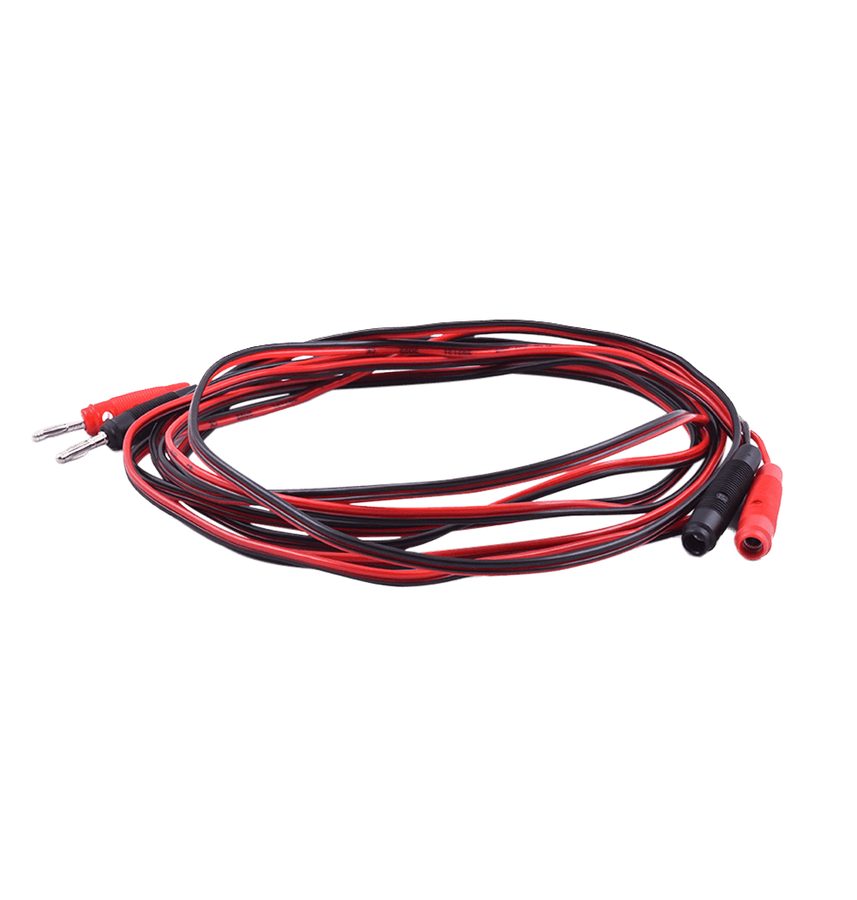
⚠ WarningOn trucks the wire colours are not always the same from vehicle to vehicle: always refer to the factory wiring diagram before you pierce any wire.
Procedure
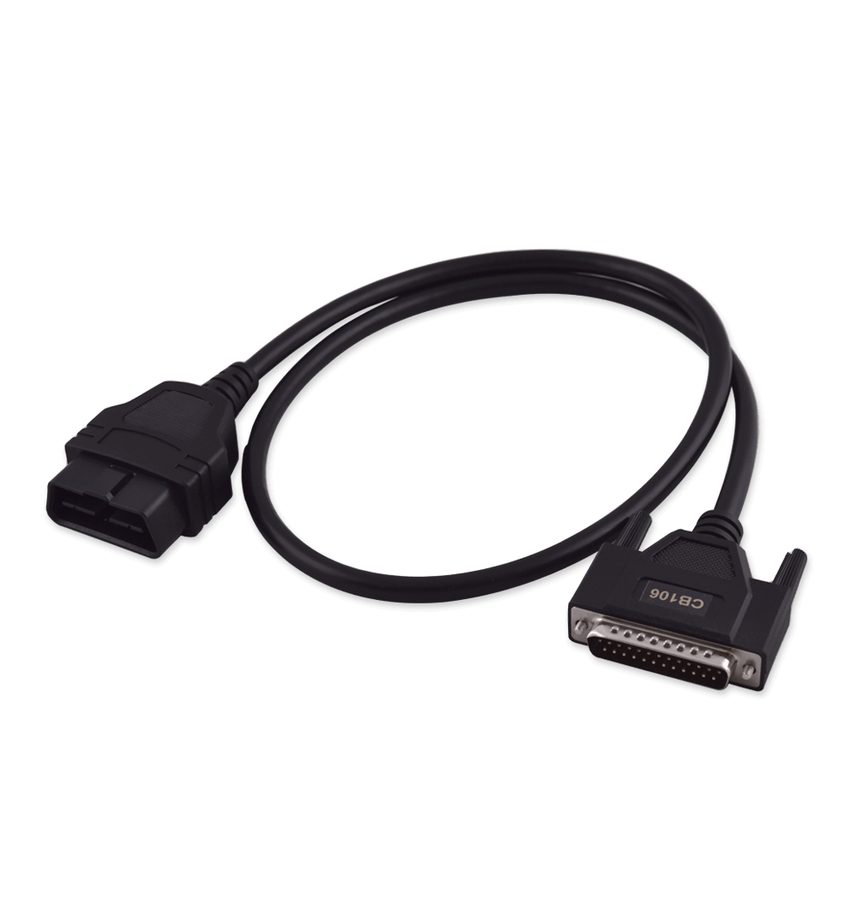
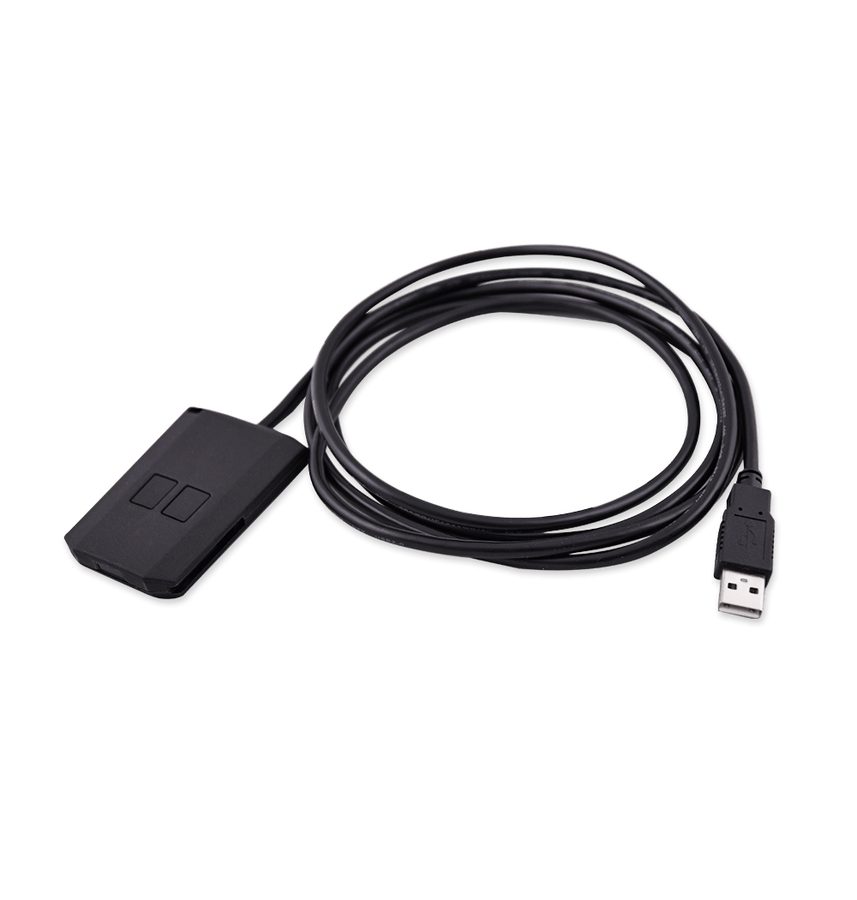
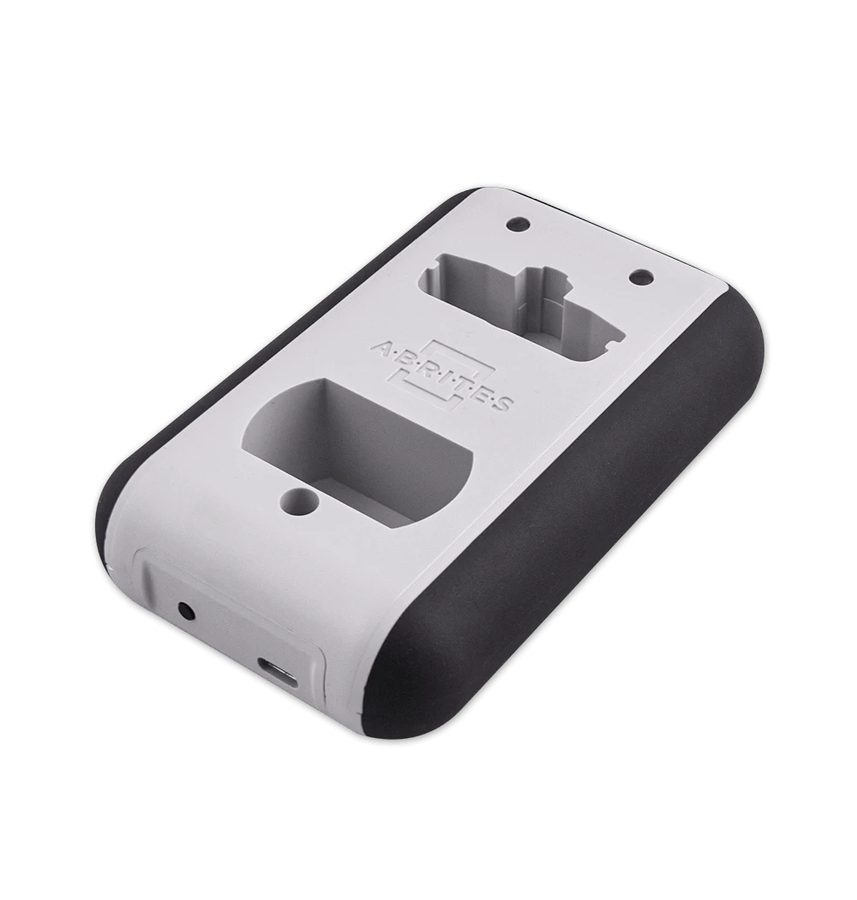
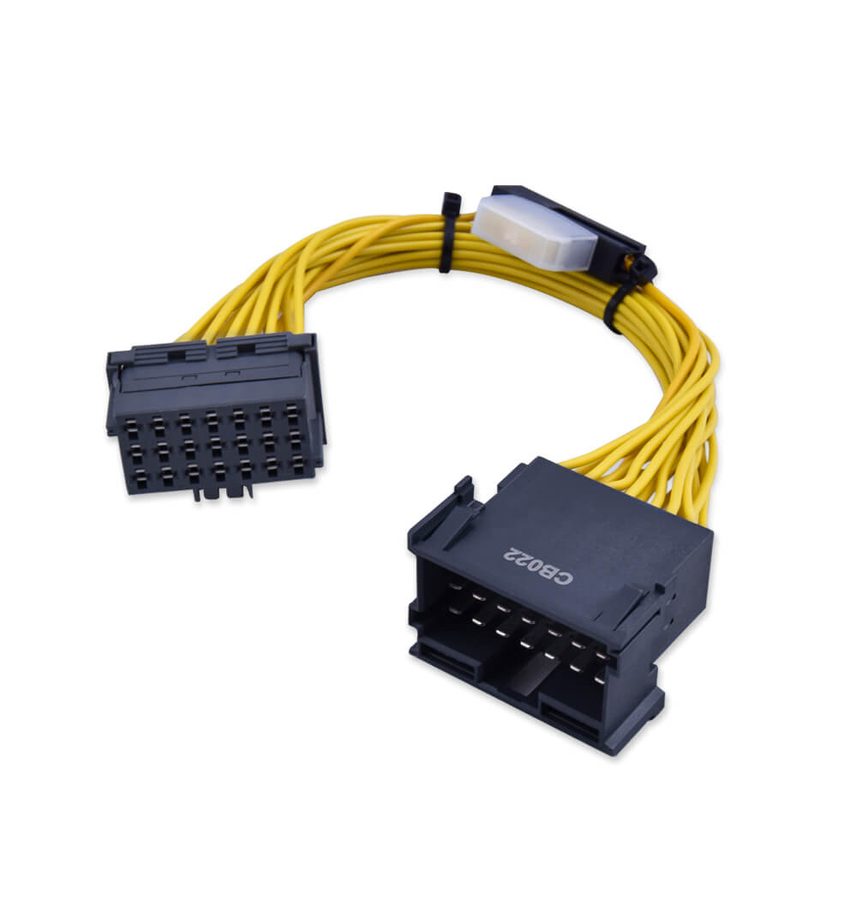
- Get the kit required for trucks together: AVDI interface with CB106 OBDII cable (mandatory on trucks), ZN051 Abrites Distribution Box (for the fuse relay and internal CAN connections), ZN075 IR Adapter for Mercedes Actros (password extraction from the EIS/EZS), ZN003 PROTAG Programmer trucks version (the ZN002 does NOT work) and a live internet connection.
- Check you have the latest software version installed, an active AMS and a Windows 7 or later PC.
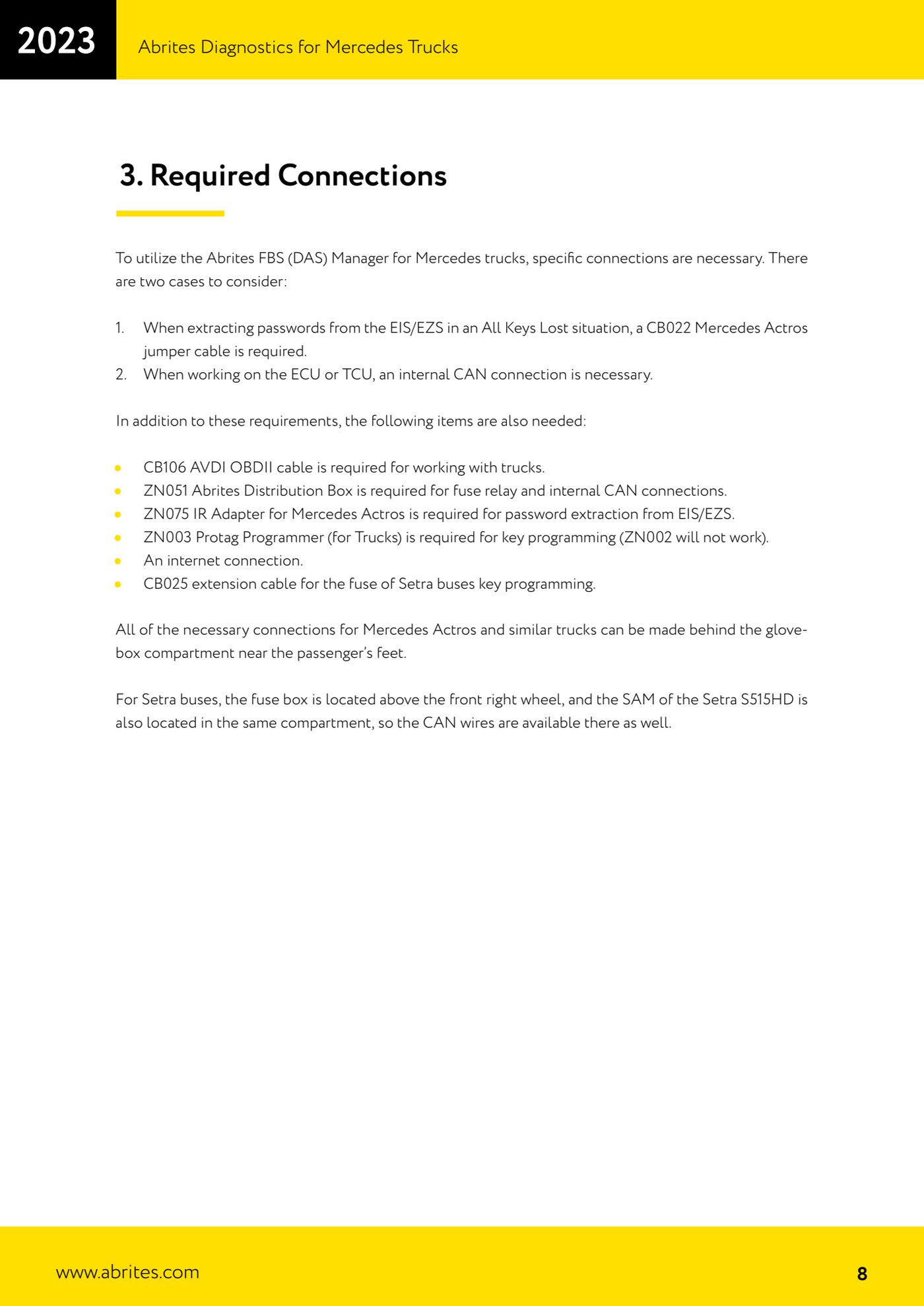
- On the passenger side, remove the plastic trim and the side cover of the footwell.
- Undo the screws holding the panel and pull the panel off.
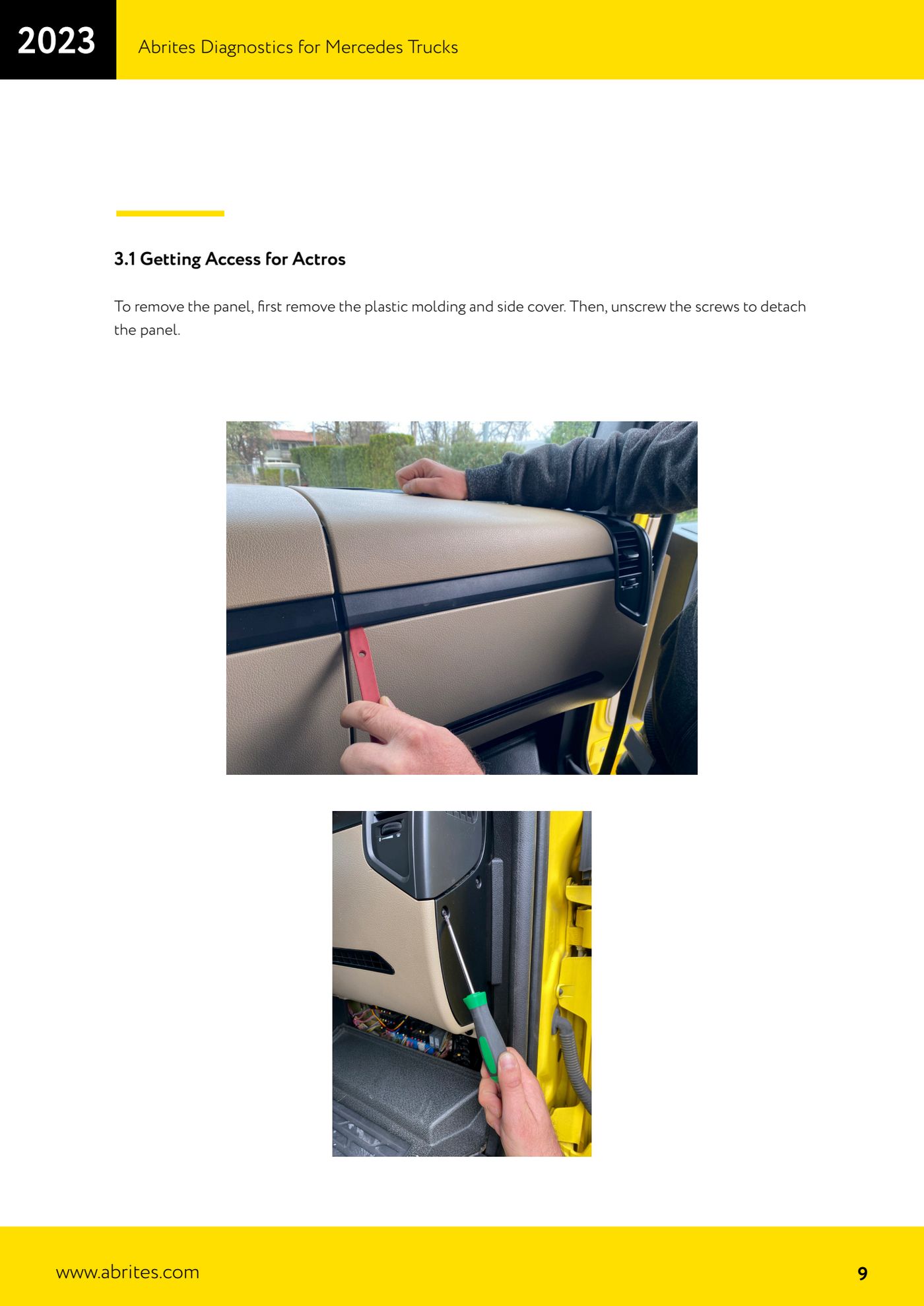
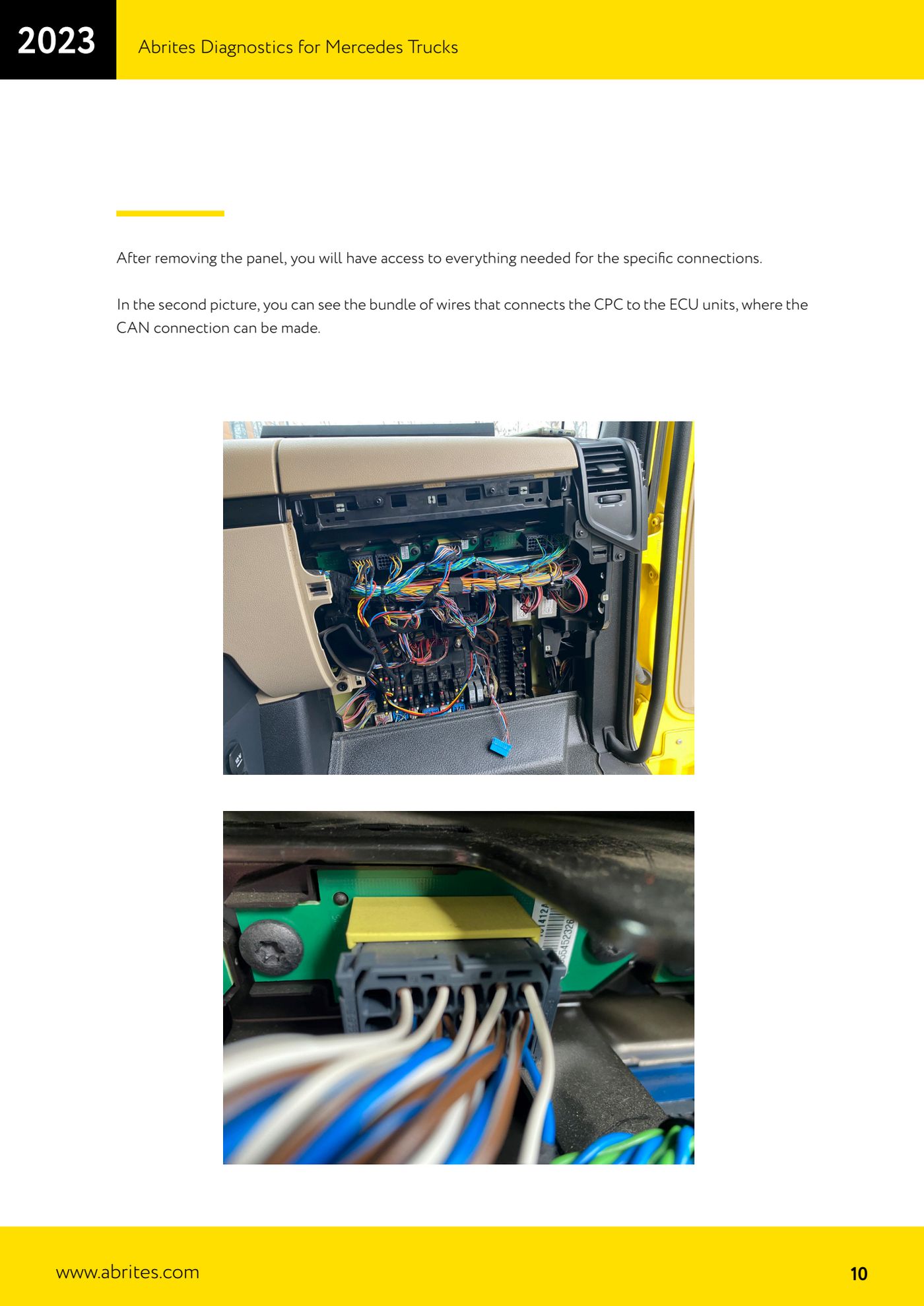
- With the panel out you have access to everything you need: the fuse box (SAM) in the passenger footwell and the harness running from the CPC to the ECU units, where the internal CAN connection is made.
- If you are working on a Setra bus, the fuse box is instead above the front right wheel; the Setra S515HD's SAM lives in the same compartment, so the CAN wires are available there too.
- Choose the connection to suit the job: CB022 Mercedes Actros jumper cable for password extraction from the EIS/EZS in All Keys Lost, or an internal CAN connection if you have to work on the ECU or TCU.
Reference screenshots
Source: Manuale Abrites Diagnostics for Mercedes Trucks, cap. 3 e 3.1 (p.8-10) · ⏱ estimated time 15-30 min
← All Abrites guides Hardware catalogue
More guides Camion / Bus
- Starting Abrites Diagnostics for DAF and connecting the AVDI to the vehicle
- DAF key programming over OBDII (2002-2008 models, no PIN required)
- Connecting to the internal CAN for ECU and TCU work on Mercedes Actros with the ZN051 Distribution Box
- All Keys Lost connections on Mercedes Actros: fuse relay on fuse 17 or CB022 jumper cable
- Connecting to the fuse box on the Setra S515HD bus with the CB025 cable (fuse F61)
- Reading FBS information from the EIS/EZS, ECU and TCU on Mercedes Trucks (Info screens)
- Key programming on Mercedes Trucks FBS3 (Actros, Axor, Arocs, Setra) with TA69 and ZN003 PROTAG
- DAS module replacement on Mercedes Trucks: the VIRGIN - PERSONALIZE - ACTIVATE sequence (EIS/EZS, ECU, TCU)
- Reading and writing the coding and changing the VIN on Mercedes Trucks DAS modules