
Chip-Tools
ZF 8HP EGS: resetting to virgin from a dump on the bench with the ECU Programming Tool and ZN079
BMW
Interface New
Flashing / Programming
Advanced
⏱ 60-90 min
9 steps
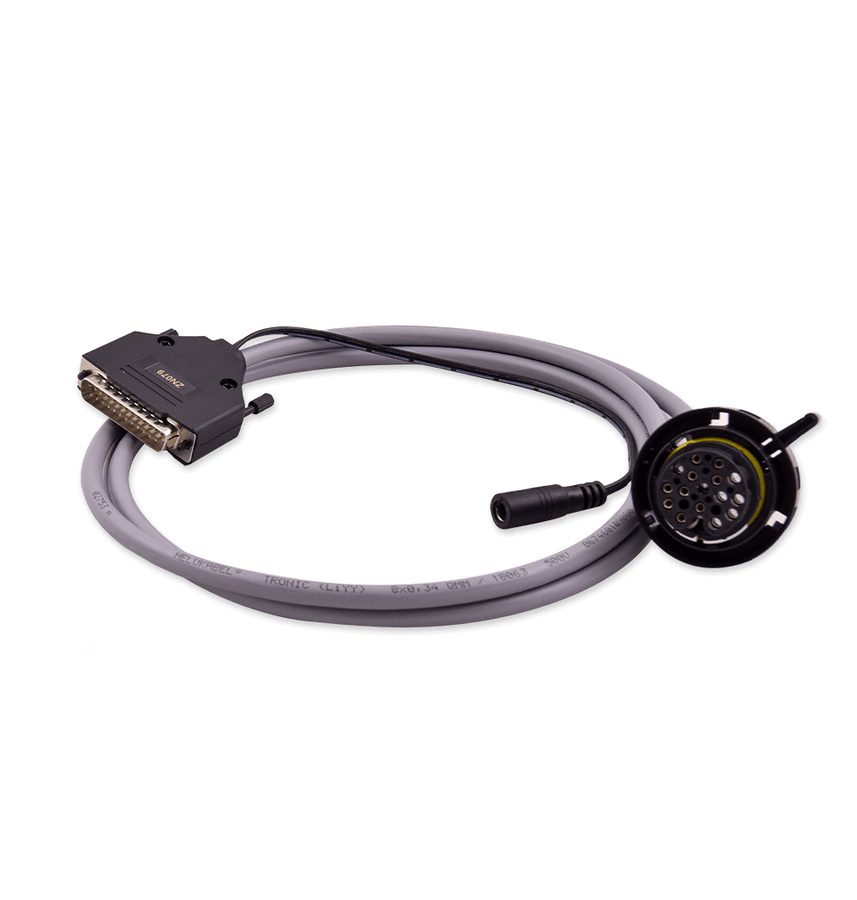
When resetting and adapting the 8HP EGS via OBDII is not possible, the unit can be taken back to virgin state on the bench by reading and rewriting the Data Flash with the ZN079 cable set and the ECU Programming Tool.

⚠ WarningAfter "Virginize" a NEW file is created and you must save it separately: always keep the original dump read at step 1 as a backup as well. For full details refer to the "ZF 8HP Virgin - Adapt for BMW" section of the ECU Programming Tool manual.
Procedure
- Remove the 8HP EGS and connect it on the bench with the ZN079 cable set.
- Using the ECU Programming Tool, read the unit's Data Flash and save the data to file (keep it as a backup).
- Load the saved file into the "Dump tool".
- Press the "Virginize" button: a new file is generated, save it.
- Go back and write the new file into the unit: the EGS is now in virgin state.
- Fit the virgin EGS on the vehicle to carry on with the adaptation.
- On-car adaptation: turn the ignition to IGN ON and wait 2 minutes.
- Turn the ignition to IGN OFF and wait 2 minutes.
- Repeat the ON/OFF cycle 5 times each: the whole procedure takes roughly 20 minutes.
Reference screenshots
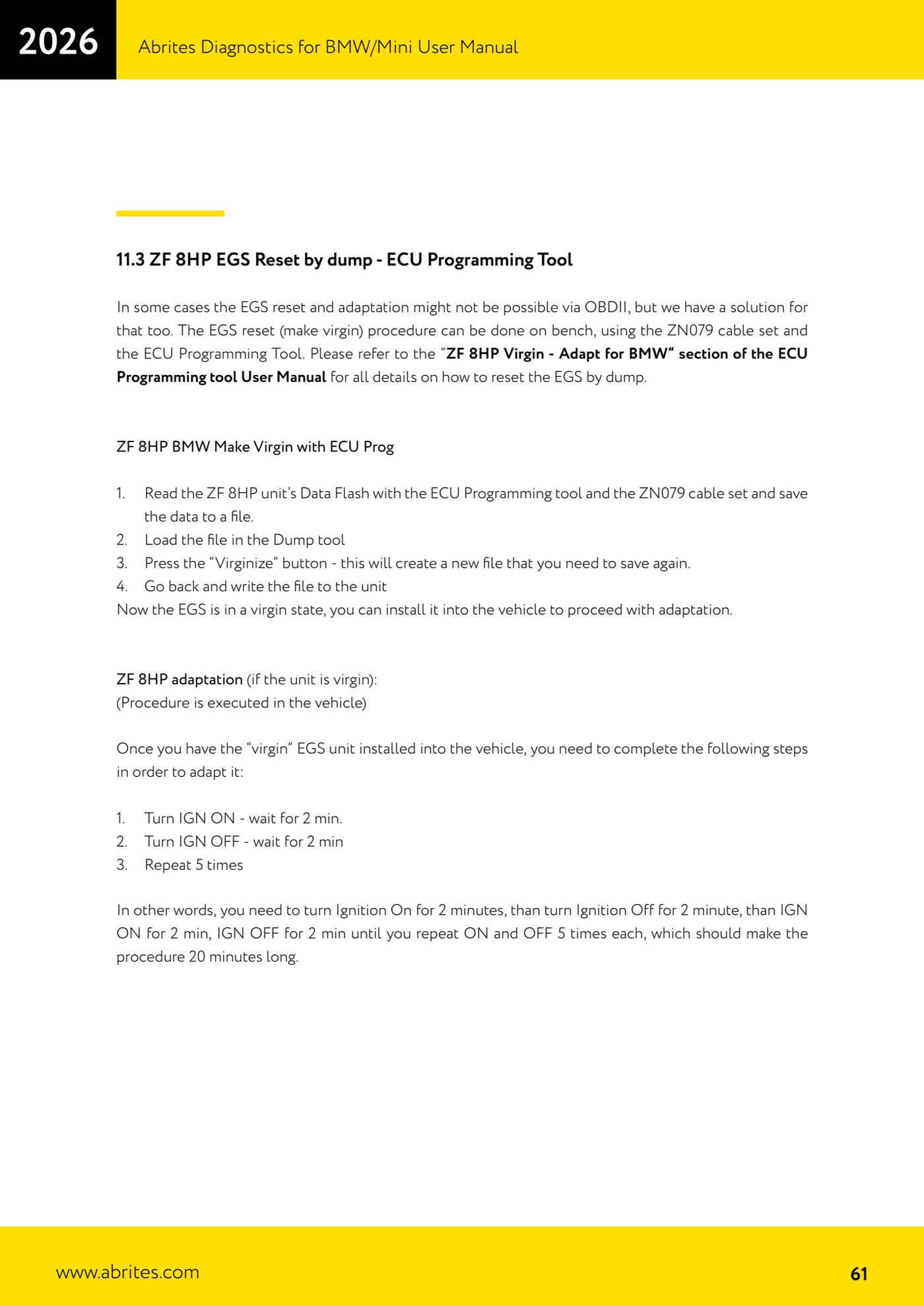
Source: Manuale BMW/Mini, terza parte, cap. 11.3 (p.61) · ⏱ estimated time 60-90 min
← All Abrites guides Hardware catalogue
More guides BMW
- Module scan and fault code (DTC) clearing on BMW/Mini E series and F series
- Reading real-time parameters ("Live values") with graphing and file comparison
- Actuator tests with simultaneous reading of measured values
- Reading and writing the VIN in control units ("Program IDs")
- Central coding and Vehicle Order: adding or removing options and retrofits
- Programming (flashing) control unit firmware with free choice of version
- MD/MG engine control unit replacement on BMW G series (DME Exchange with DFlash)
- CAS1/CAS2/CAS3/CAS3+ key programming (BMW E series) via OBDII
- FEM/BDC key programming (BMW F series) with EWS Manager
- FEM/BDC key programming over OBDII (BMW F series) - all keys lost and spare key
- Connections for F series BDC: ENET cable CB015 or OBDII CB100/CB106
- Preparing FEM and BDC units (software above version 85) with M95256 EEPROM reading