
Chip-Tools
CAS1/CAS2/CAS3/CAS3+ key programming (BMW E series) via OBDII
BMW
Interface New
Keys / Immo
Advanced
⏱ 30-60 min
10 steps
Key programming on BMW E series vehicles with CAS1, CAS2, CAS3 and CAS3+, including cars with the latest ISTA-P updates. If there is a working key, cutting a duplicate is a quick job; if all keys are lost the procedure is more involved and goes through reading the ISN from the DME.
Required licences
- —
Hardware / cables
 AVDI
AVDI PROTAG programmer
- TAG programmer (Tag Prog)
- alimentatore esterno
⚠ WarningBefore applying any change, save the current key data to a file: it is your only backup if something goes wrong. In the all keys lost case you have to keep the car awake for the whole procedure, either by shorting pins 1 and 16 of the OBD socket or by making up a temporary transponder.
Procedure
- Connect the vehicle to an external power supply, plug the AVDI into the OBDII socket and start the BMW/Mini Online software.
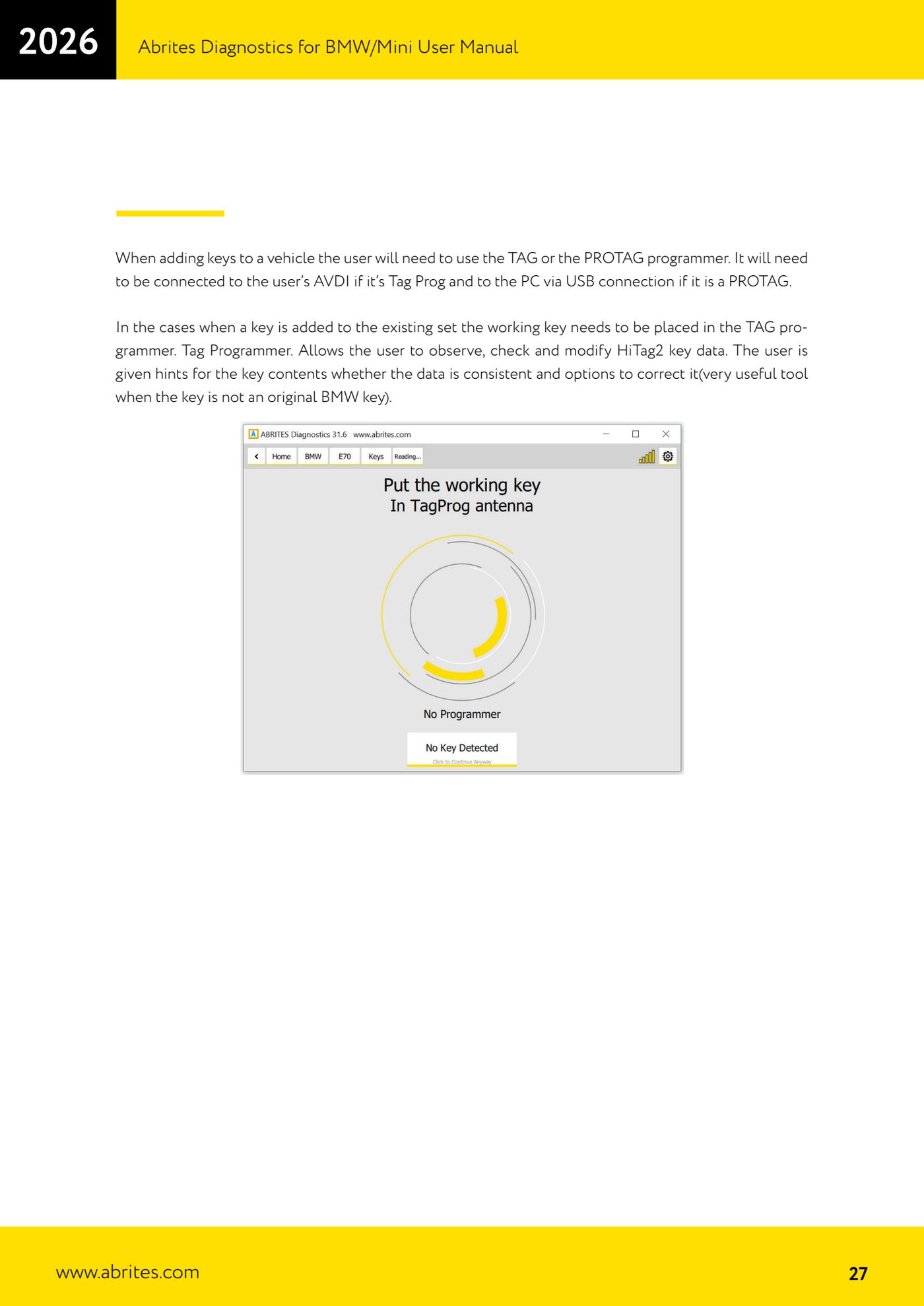
- Connect the key programmer: if you are using the Tag Prog it goes on the AVDI, if you are using the PROTAG it goes on the PC over USB.
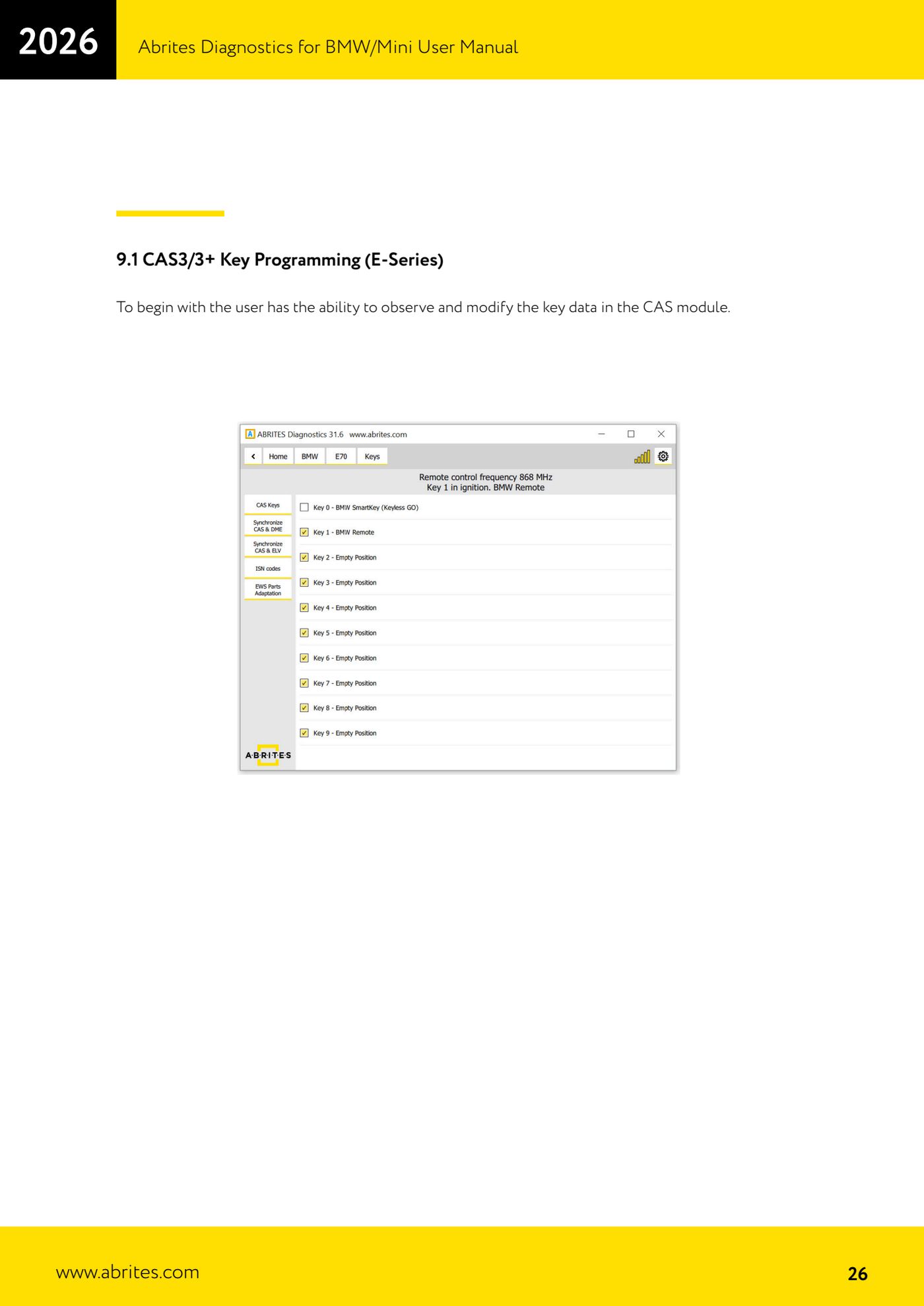
- Go into the keys menu and read the key data held in the CAS module: the key positions and their contents are displayed.
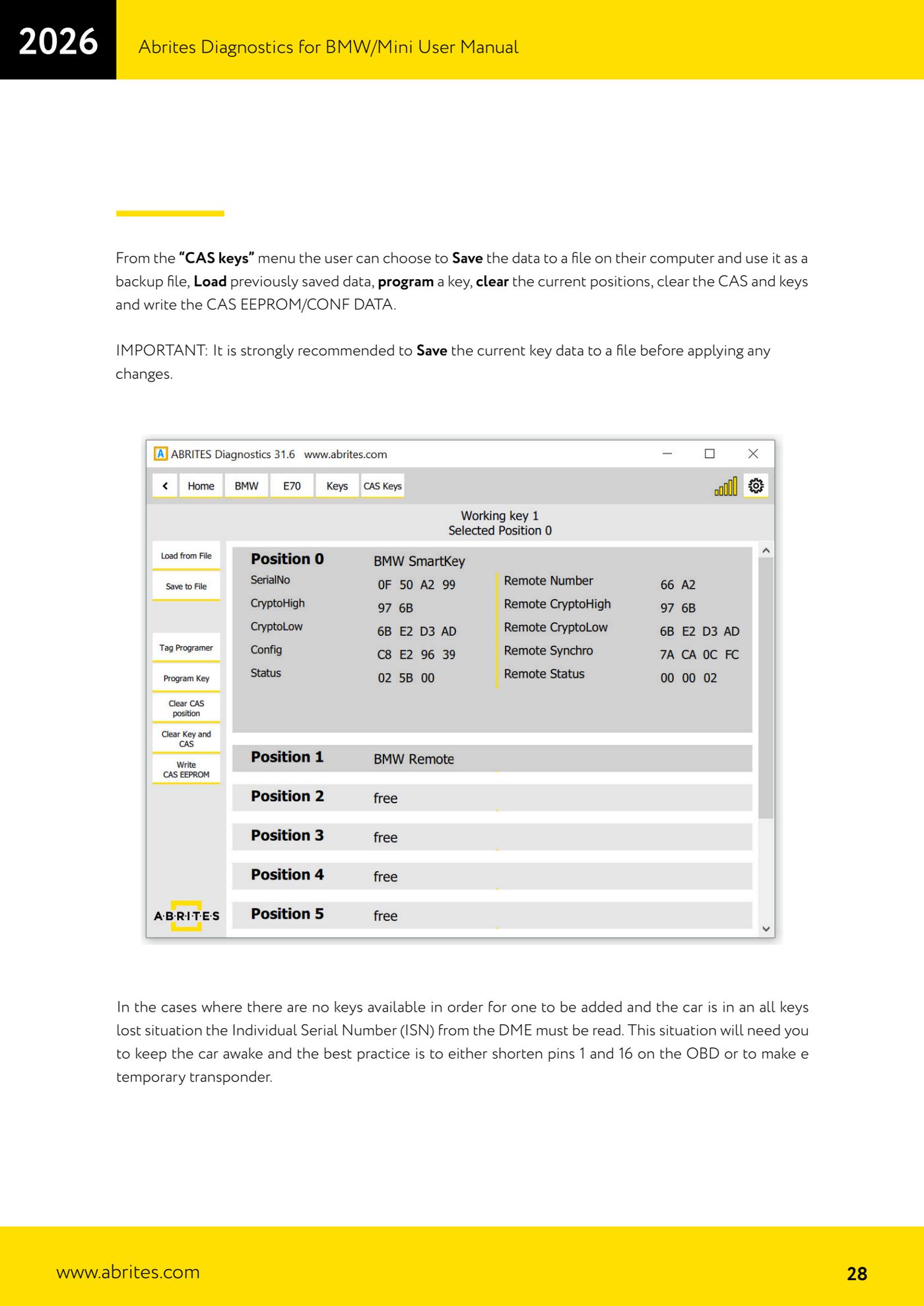
- From the "CAS keys" menu press the save command to write the current data to a file on the PC (a mandatory backup before any change).
- SPARE KEY CASE (working key available): put the working key in the TAG/PROTAG programmer. The Tag Programmer lets you read, check and correct the HiTag2 key data and tells you whether the contents are consistent, which is very useful when the key is not a BMW original.
- Put the virgin key you want to add into the programmer and start programming the key into the free position you have chosen.
- ALL KEYS LOST CASE: keep the car awake by shorting pins 1 and 16 of the OBD socket or by making up a temporary transponder, then read the Individual Serial Number (ISN) from the DME.
- With the ISN in hand, prepare and program the new key from the keys menu.
- From the "CAS keys" menu you can also enable or disable individual key positions, erase the current positions, erase CAS and keys, and write the CAS EEPROM/CONF DATA.
- Test the new key: unlocking, starting and remote. If you need to go back, reload the key data backup file you saved at the beginning.
Reference screenshots
Source: Manuale BMW/Mini, prima parte, cap. 9 e 9.1 (p.25-28) · ⏱ estimated time 30-60 min
← All Abrites guides Hardware catalogue
More guides BMW
- Module scan and fault code (DTC) clearing on BMW/Mini E series and F series
- Reading real-time parameters ("Live values") with graphing and file comparison
- Actuator tests with simultaneous reading of measured values
- Reading and writing the VIN in control units ("Program IDs")
- Central coding and Vehicle Order: adding or removing options and retrofits
- Programming (flashing) control unit firmware with free choice of version
- MD/MG engine control unit replacement on BMW G series (DME Exchange with DFlash)
- FEM/BDC key programming (BMW F series) with EWS Manager
- FEM/BDC key programming over OBDII (BMW F series) - all keys lost and spare key
- Connections for F series BDC: ENET cable CB015 or OBDII CB100/CB106
- Preparing FEM and BDC units (software above version 85) with M95256 EEPROM reading
- EWS Functions menu on a prepared FEM/BDC: keys, mileage reset, backup and virginize