
Chip-Tools
Reflashing and coding the FEM/BDC unit
BMW
Interface New
Flashing / Programming
Advanced
⏱ 30-60 min
9 steps
Reprogramming the FEM/BDC module with the correct applications and then coding the unit. Use this when the unit has to be brought back to a valid flash so the module shows up again in the diagnostic menu and the FEM/BDC procedure can be repeated.
Required licences
- —
Hardware / cables
 AVDI
AVDI- alimentatore esterno
⚠ WarningAfter reflashing or updating the unit, the FEM/BDC preparation is lost: the preparation procedure has to be run again from scratch.
Procedure
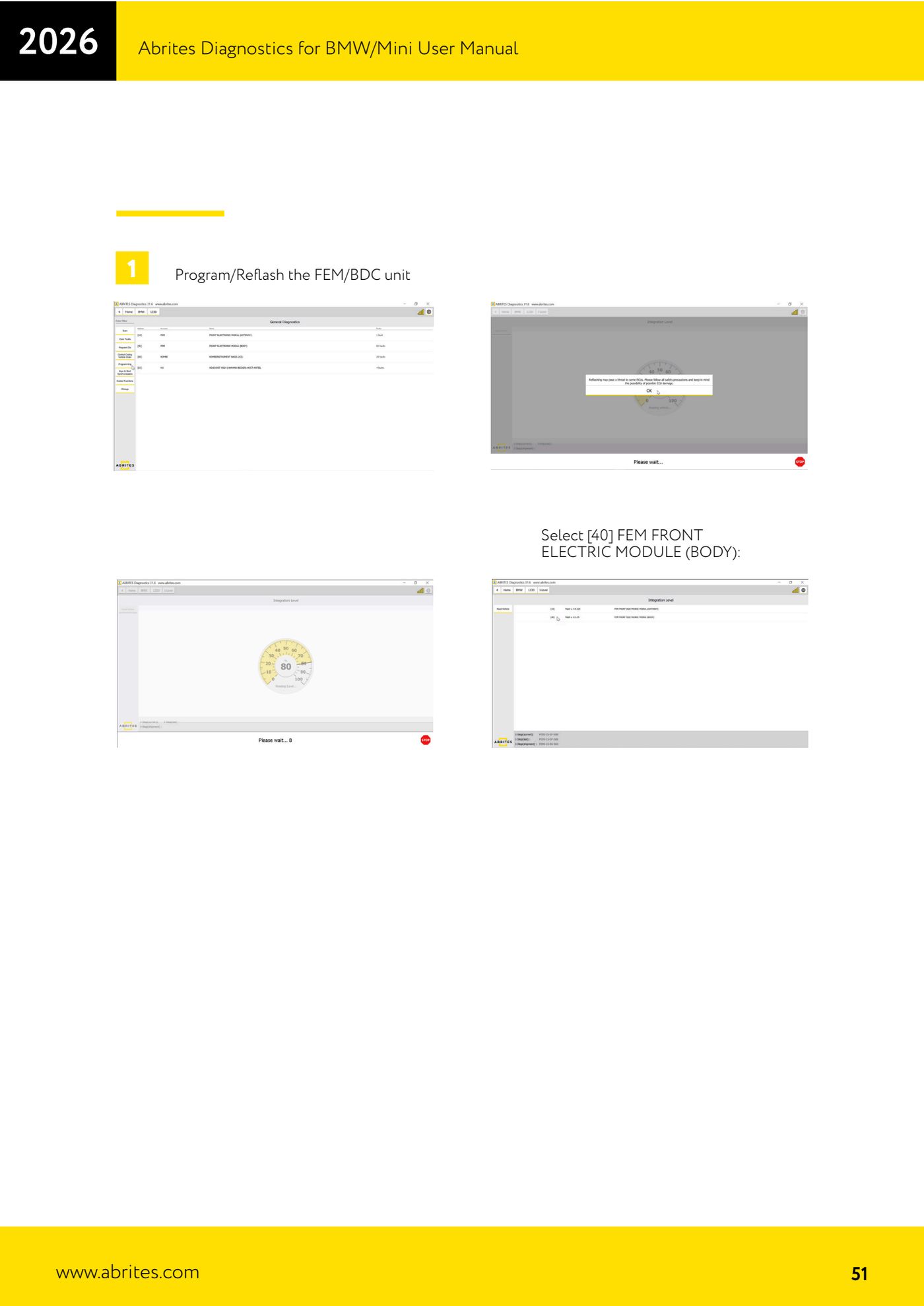
- In the control unit menu select "[40] FEM FRONT ELECTRIC MODULE (BODY)".
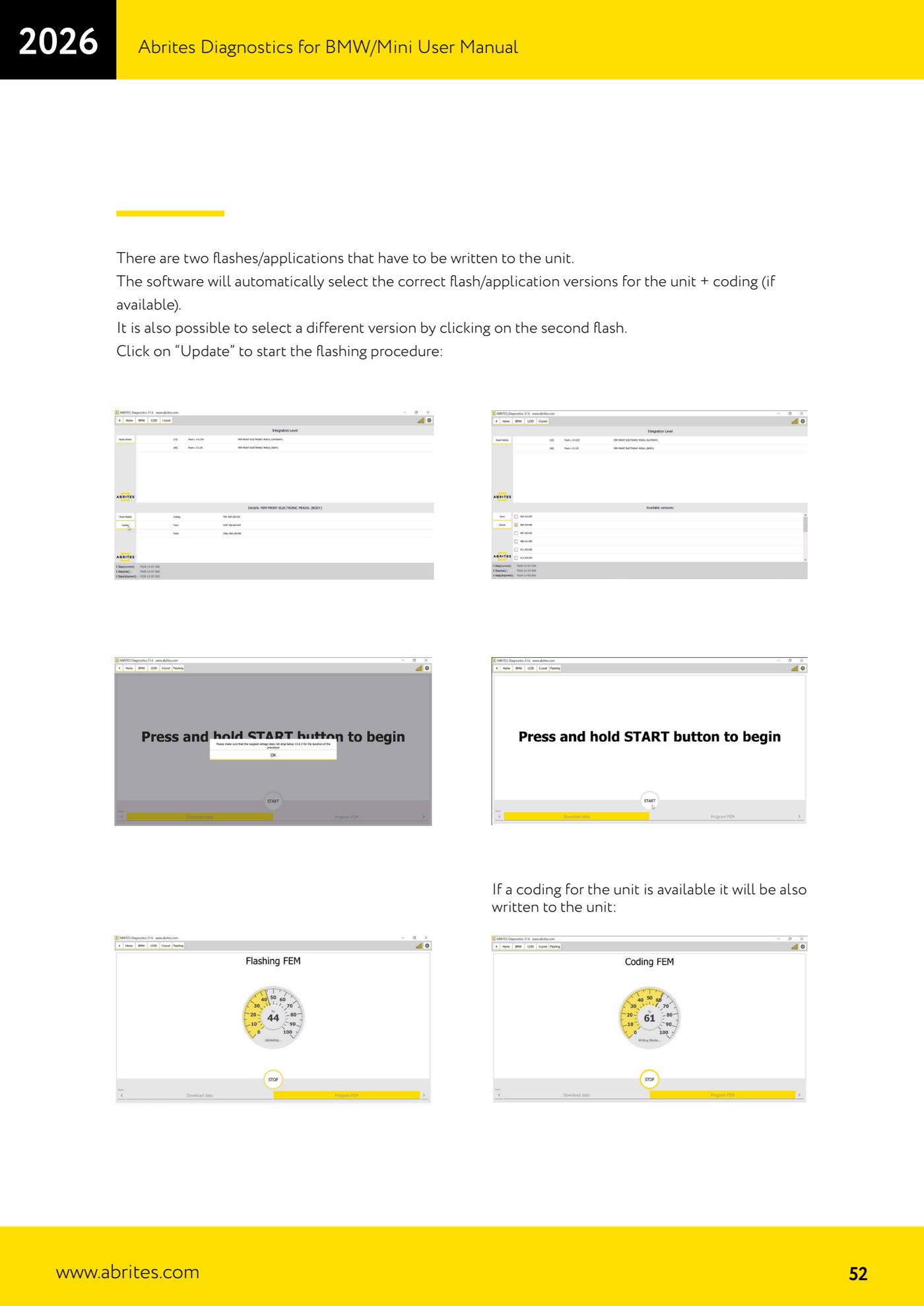
- The software shows two flashes/applications that have to be written into the unit and automatically selects the correct versions for that module, along with the coding if available.
- If needed, you can pick a different version by clicking on the second flash.
- Press "Update" to start the programming. If a coding is available for the unit, it will be written as well.
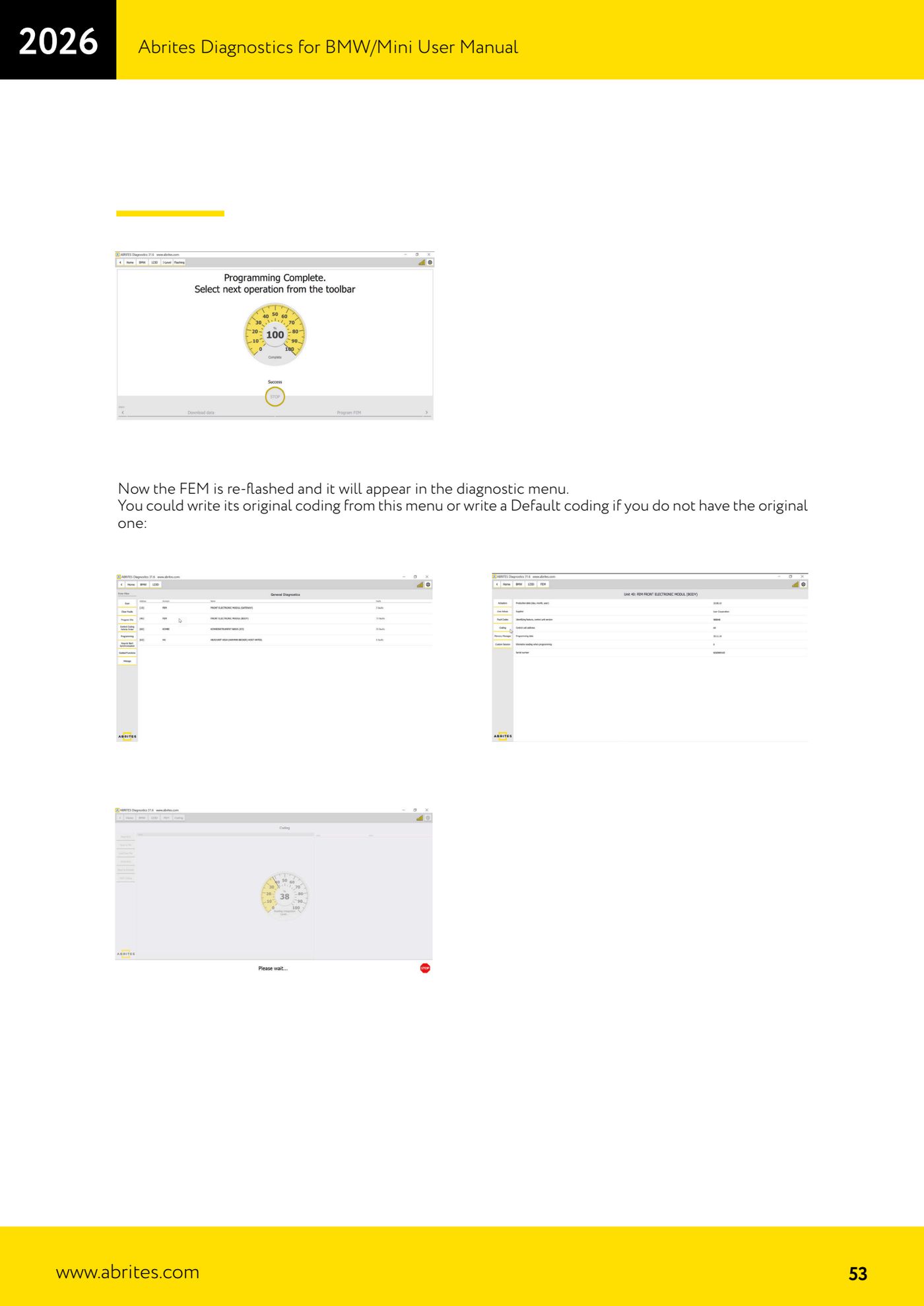
- Once the reflash is complete the FEM appears again in the diagnostic menu: from there you can write the original coding, or a default coding if you do not have the original.
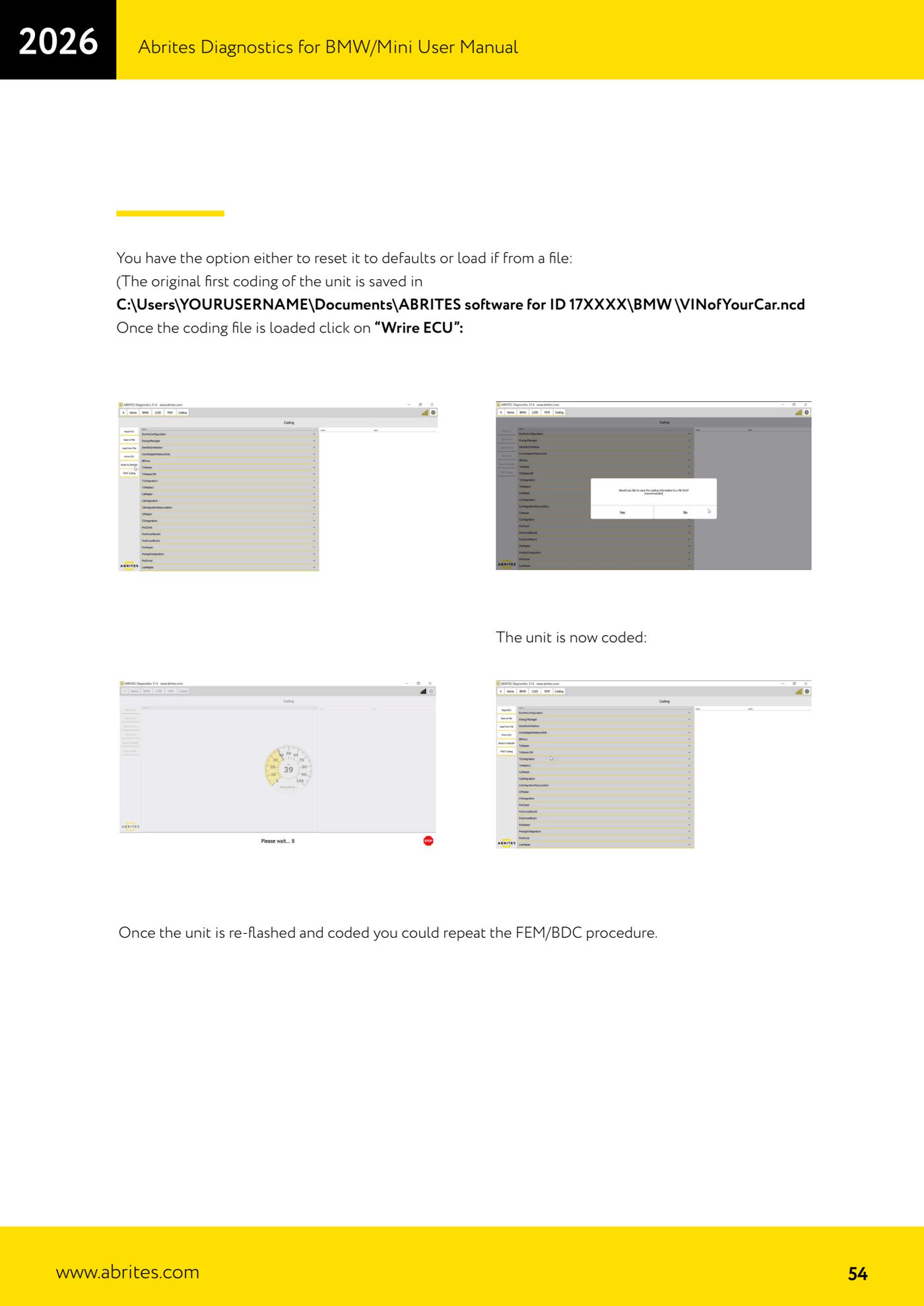
- For the coding you have two options: restore the default values, or load the coding file. The unit's first original coding is saved to C:\Users\USERNAME\Documents\ABRITES software for ID 17XXXX\BMW\VINofYourCar.ncd
- With the coding file loaded, press "Write ECU": the unit is now coded.
- With the unit reflashed and coded you can repeat the FEM/BDC procedure.
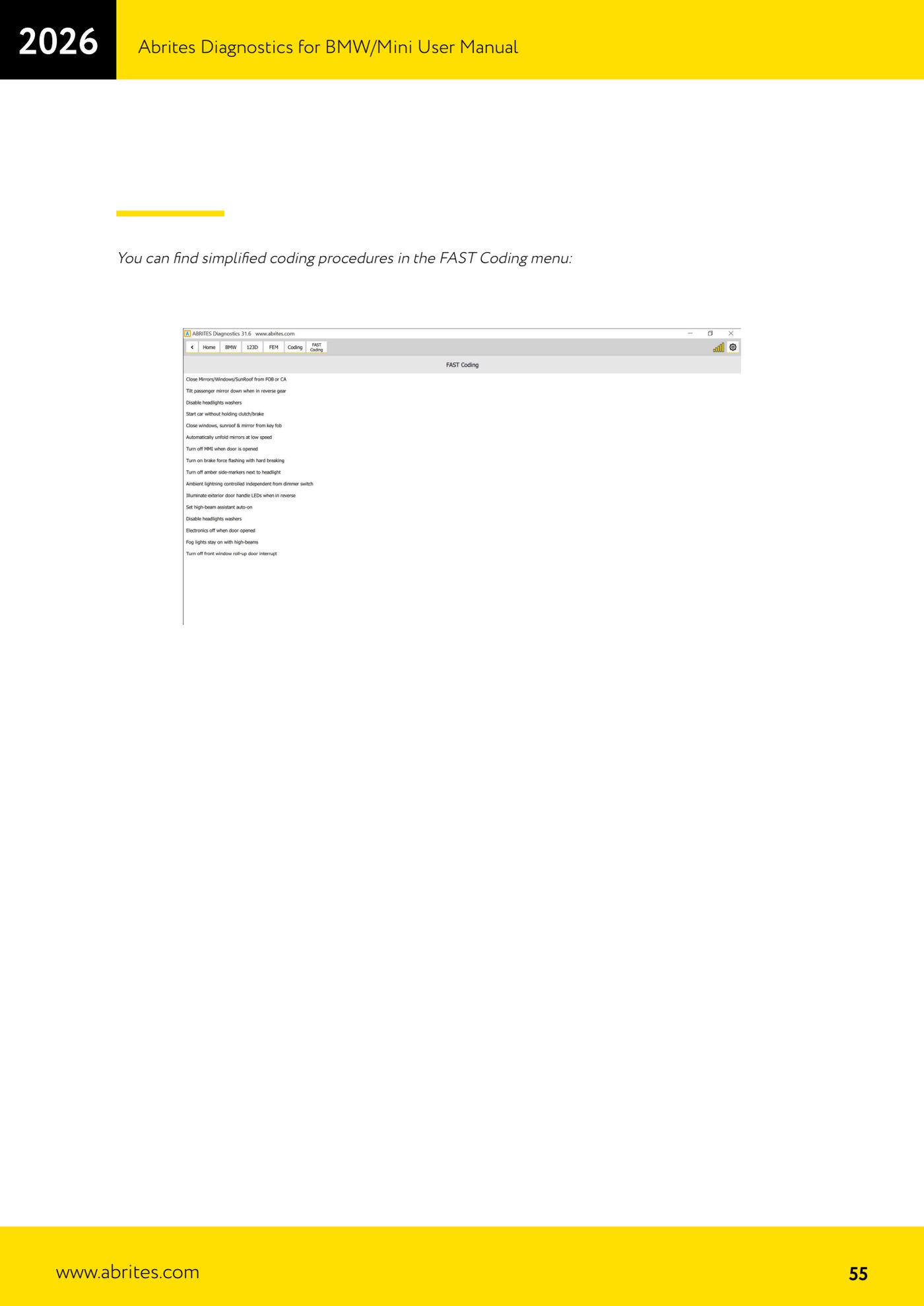
- For simplified coding jobs you can use the "FAST Coding" menu.
Reference screenshots
Source: Manuale BMW/Mini, seconda parte, "Program/Reflash the FEM/BDC unit" (p.51-55) · ⏱ estimated time 30-60 min
← All Abrites guides Hardware catalogue
More guides BMW
- Module scan and fault code (DTC) clearing on BMW/Mini E series and F series
- Reading real-time parameters ("Live values") with graphing and file comparison
- Actuator tests with simultaneous reading of measured values
- Reading and writing the VIN in control units ("Program IDs")
- Central coding and Vehicle Order: adding or removing options and retrofits
- Programming (flashing) control unit firmware with free choice of version
- MD/MG engine control unit replacement on BMW G series (DME Exchange with DFlash)
- CAS1/CAS2/CAS3/CAS3+ key programming (BMW E series) via OBDII
- FEM/BDC key programming (BMW F series) with EWS Manager
- FEM/BDC key programming over OBDII (BMW F series) - all keys lost and spare key
- Connections for F series BDC: ENET cable CB015 or OBDII CB100/CB106
- Preparing FEM and BDC units (software above version 85) with M95256 EEPROM reading