
Chip-Tools
Key programming from a dump for EWS and CAS with the Tag Key Tool
BMW
Interface New
Keys / Immo
Advanced
⏱ 30-60 min
8 steps
On older generation BMWs with EWS or CAS the key can be prepared from a dump: you read the module with a programmer and load the saved file into the Tag Key Tool. Useful when you cannot work via OBDII.


Procedure
- Remove the EWS or CAS module and read it with a programmer, saving the dump to file.
- Open the Tag Key Tool, go to "Key Tool", then open the "Vehicle models" drop-down menu.
- Select from the list the model and module type matching the dump you read.
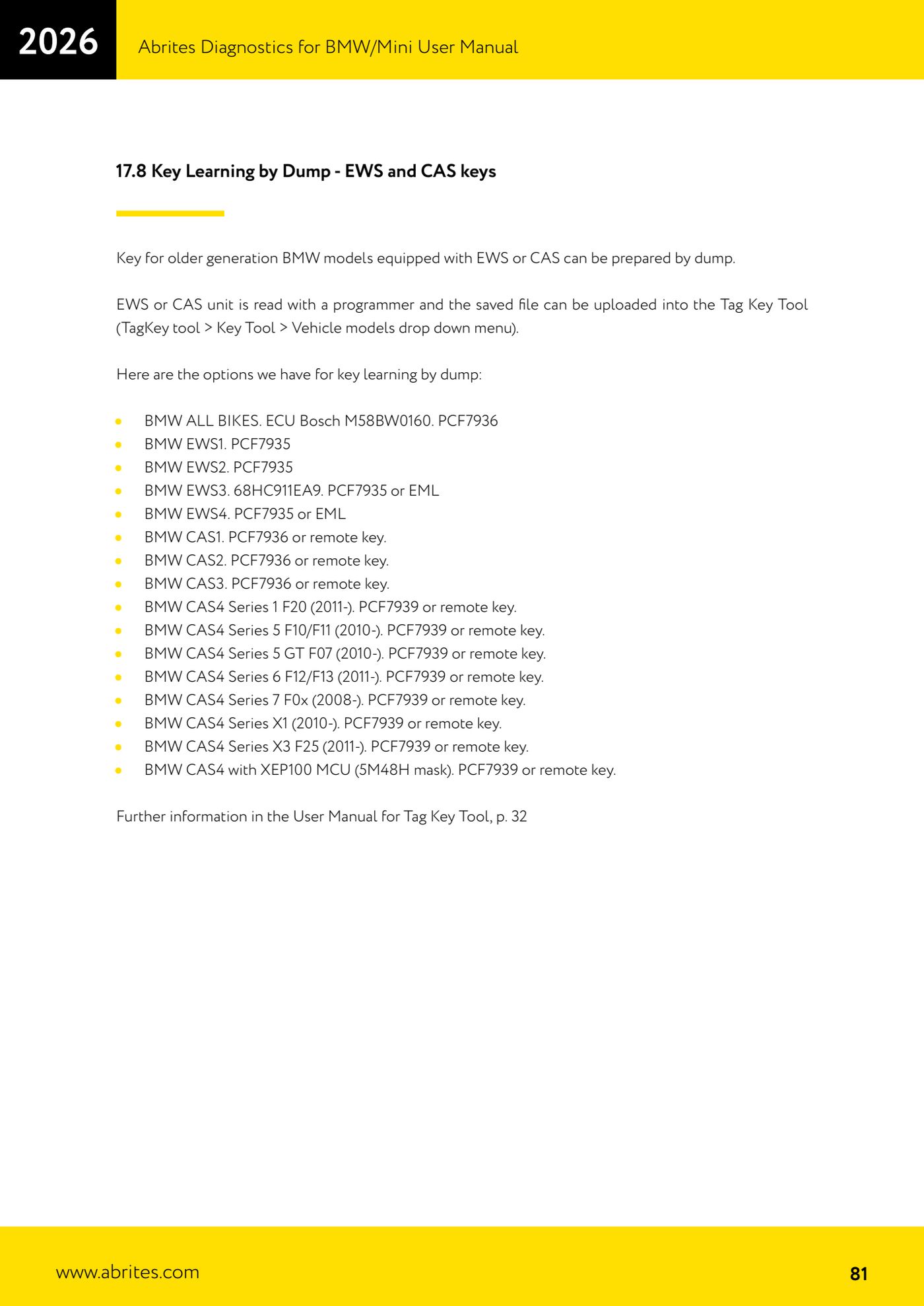
- Models supported for programming from a dump: BMW ALL BIKES with Bosch M58BW0160 ECU (PCF7936); BMW EWS1 (PCF7935); BMW EWS2 (PCF7935); BMW EWS3 with 68HC911EA9 (PCF7935 or EML); BMW EWS4 (PCF7935 or EML).
- Supported CAS series: CAS1, CAS2 and CAS3 (PCF7936 or remote key).
- Supported CAS4: 1 series F20 (from 2011), 5 series F10/F11 (from 2010), 5 series GT F07 (from 2010), 6 series F12/F13 (from 2011), 7 series F0x (from 2008), X1 (from 2010), X3 F25 (from 2011) and CAS4 with XEP100 MCU (mask 5M48H) - all with PCF7939 or remote key.
- Load the dump into the Tag Key Tool and prepare the transponder or remote key with the PROTAG programmer.
- For the full working details see the Tag Key Tool user manual, p. 32.
Reference screenshots
Source: Manuale BMW/Mini, terza parte, cap. 17.8 (p.81) · ⏱ estimated time 30-60 min
← All Abrites guides Hardware catalogue
More guides BMW
- Module scan and fault code (DTC) clearing on BMW/Mini E series and F series
- Reading real-time parameters ("Live values") with graphing and file comparison
- Actuator tests with simultaneous reading of measured values
- Reading and writing the VIN in control units ("Program IDs")
- Central coding and Vehicle Order: adding or removing options and retrofits
- Programming (flashing) control unit firmware with free choice of version
- MD/MG engine control unit replacement on BMW G series (DME Exchange with DFlash)
- CAS1/CAS2/CAS3/CAS3+ key programming (BMW E series) via OBDII
- FEM/BDC key programming (BMW F series) with EWS Manager
- FEM/BDC key programming over OBDII (BMW F series) - all keys lost and spare key
- Connections for F series BDC: ENET cable CB015 or OBDII CB100/CB106
- Preparing FEM and BDC units (software above version 85) with M95256 EEPROM reading