
Chip-Tools
EWS Functions menu on a prepared FEM/BDC: keys, mileage reset, backup and virginize
BMW
Interface New
Keys / Immo
Medium
⏱ 10-30 min
8 steps
Once the FEM/BDC unit has been prepared, all the immobiliser and mileage management functions become available in the "EWS Functions" menu. They stay usable for future work on the same vehicle too, without having to run the long procedure again.


⚠ WarningThe functions only stay available as long as the FEM/BDC flash is not changed or updated: after a reflash or an update of the unit, the whole preparation procedure has to be done again.
Procedure
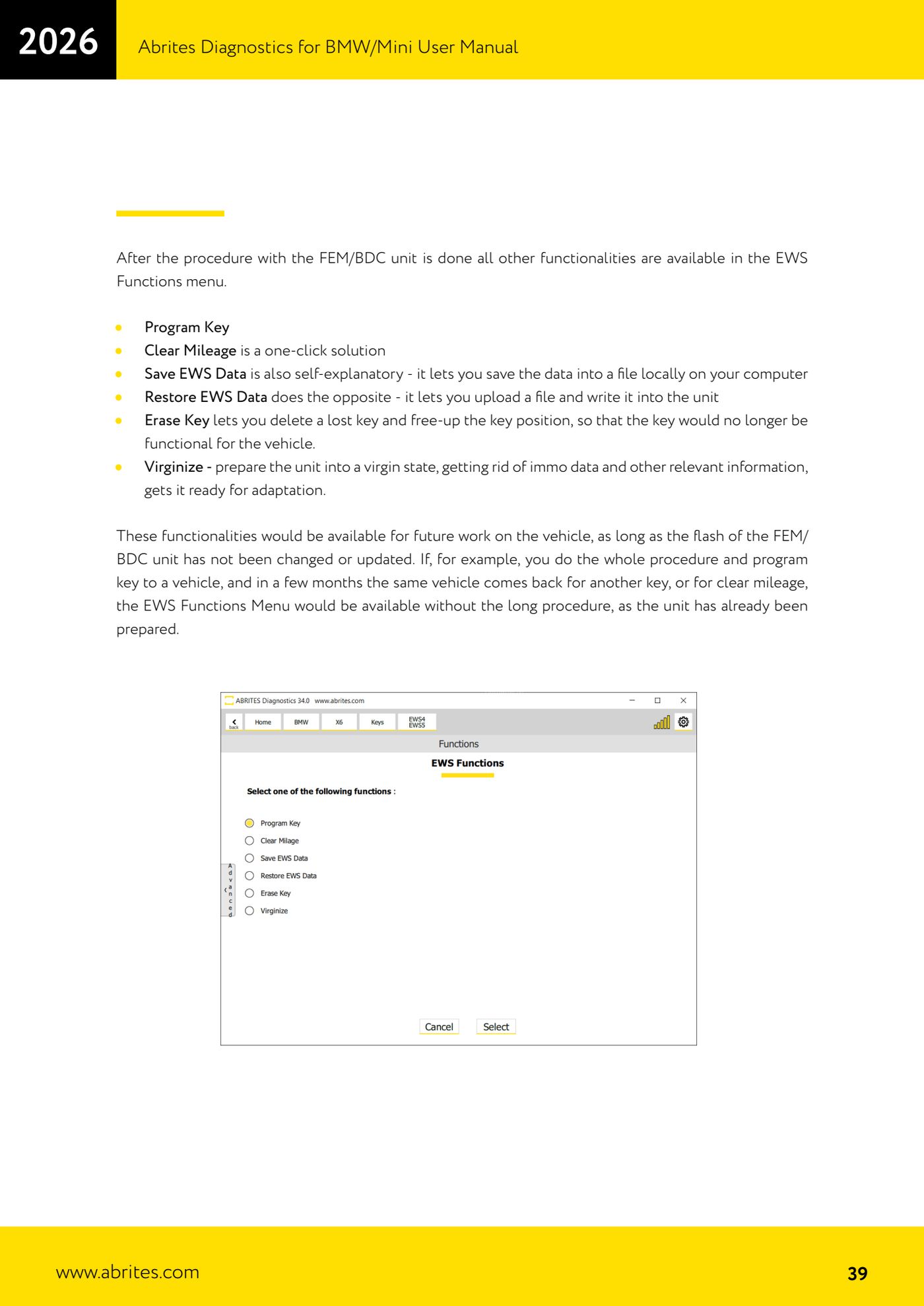
- With the unit already prepared, open "Keys and Start Synchronization" and then "EWS Manager": you will find the "EWS Functions" menu.
- "Program Key": programs a new key into a free position in the unit.
- "Clear Mileage": resets the stored mileage, a one-click solution.
- "Save EWS Data": saves the unit's EWS data to a local file on the computer. Always do this before any write.
- "Restore EWS Data": loads a previously saved file and writes it into the unit. Careful: this option virginizes the unit first and then writes the backup.
- "Erase Key": erases a lost key and frees up its position, so that key will no longer work on the vehicle.
- "Virginize": takes the unit back to virgin state, wiping the immobiliser data and the other information, ready for adaptation.
- Remember: if the same vehicle comes back months later for an extra key or for clear mileage, the "EWS Functions" menu is available straight away because the unit is already prepared.
Reference screenshots
Source: Manuale BMW/Mini, seconda parte, funzioni EWS dopo la preparazione FEM/BDC (p.39) · ⏱ estimated time 10-30 min
← All Abrites guides Hardware catalogue
More guides BMW
- Module scan and fault code (DTC) clearing on BMW/Mini E series and F series
- Reading real-time parameters ("Live values") with graphing and file comparison
- Actuator tests with simultaneous reading of measured values
- Reading and writing the VIN in control units ("Program IDs")
- Central coding and Vehicle Order: adding or removing options and retrofits
- Programming (flashing) control unit firmware with free choice of version
- MD/MG engine control unit replacement on BMW G series (DME Exchange with DFlash)
- CAS1/CAS2/CAS3/CAS3+ key programming (BMW E series) via OBDII
- FEM/BDC key programming (BMW F series) with EWS Manager
- FEM/BDC key programming over OBDII (BMW F series) - all keys lost and spare key
- Connections for F series BDC: ENET cable CB015 or OBDII CB100/CB106
- Preparing FEM and BDC units (software above version 85) with M95256 EEPROM reading