
Chip-Tools
Renault: calculating the radio code from the head unit ID
Renault/Dacia
Interface Classic
Special Functions
Basic
⏱ 10-15 min
6 steps
The "Radio Code" special function lets you re-adapt the head unit when it has reset itself and asks for the code. You need the last 4 digits/letters of the unit's ID, which can be obtained in three different ways.
Required licences
- —
Hardware / cables
 AVDI
AVDI- cavo OBDII
Procedure
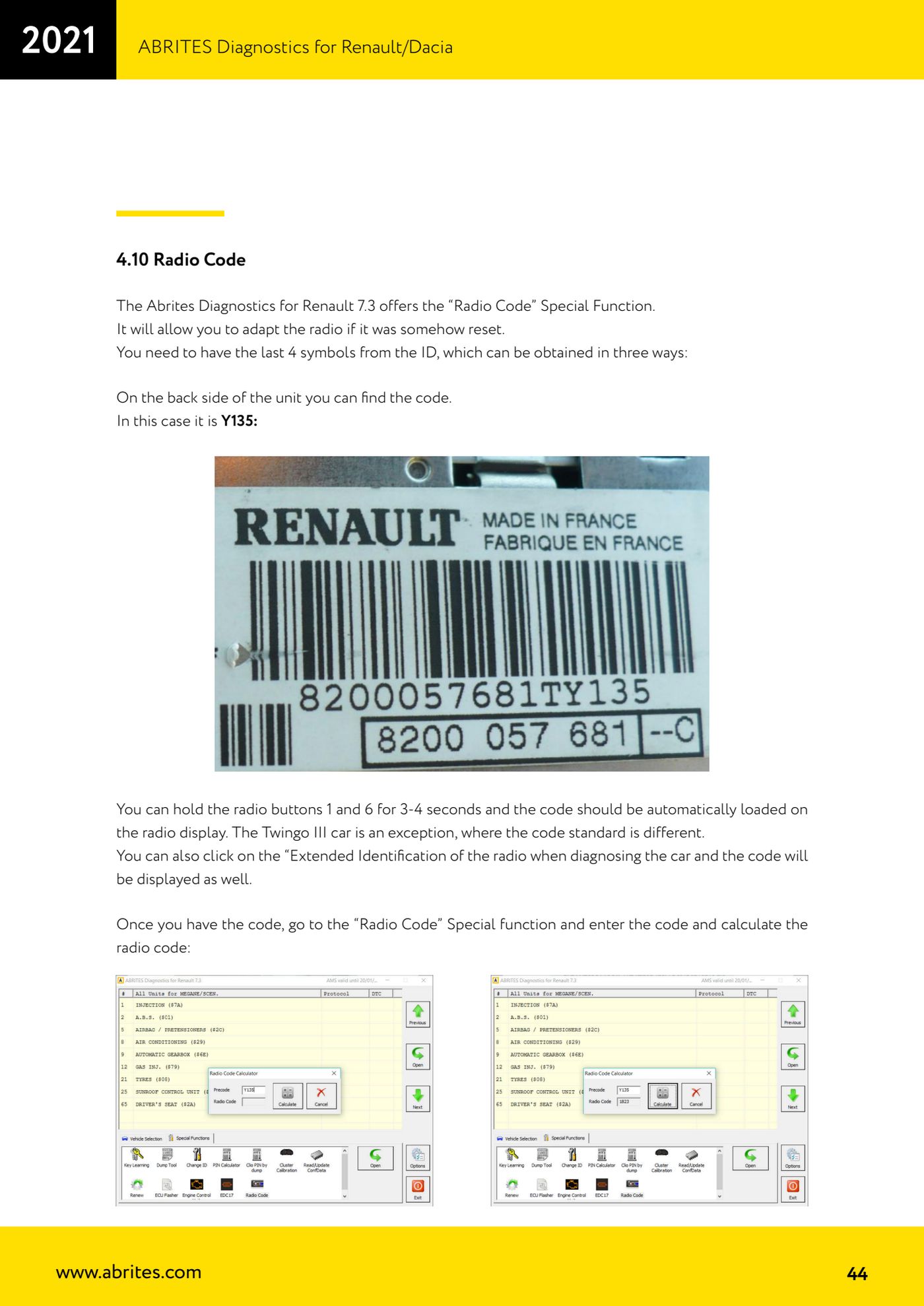
- Get the last 4 digits of the radio ID. First way: read the code printed on the back of the unit (in the manual's example it is Y135).
- Second way: hold buttons 1 and 6 on the radio for 3-4 seconds; the code is loaded automatically onto the radio display. Careful: the Twingo III is an exception, as it uses a different code standard.
- Third way: while running diagnostics on the car, click "Extended Identification" on the radio and the code is shown on screen.
- Open the Renault/Dacia software and go to the "Radio Code" special function (available from version 7.3 of Abrites Diagnostics for Renault).
- Enter the code you obtained and run the radio code calculation.
- Key the resulting code into the head unit following its own code entry procedure and check that it unlocks.
Reference screenshots
Source: Manuale Renault/Dacia, cap. 4.10 (p.43-44) · ⏱ estimated time 10-15 min
← All Abrites guides Hardware catalogue
More guides Renault/Dacia
- Renault/Dacia: module scan, ECU identification and DTC read/clear with AVDI
- Renault/Dacia: live data (list and graph) and actuator tests
- Renault/Dacia: PIN reading and key/card learning - common procedure
- Renault X95 (Megane III, Scenic III, Fluence): learning virgin cards and already-working cards
- Renault X95 from 2011 with updated immobiliser software: cards via ABPROG
- Renault Clio IV: programming ABRITES key cards with PROTAG
- Renault: immobiliser PIN calculation from the key code and Clio PIN from EEPROM dump
- Renault/Dacia: editing dumps with "Dump Tool" and writing the VIN with "Change ID"
- Renault/Dacia: cluster mileage calibration and disabling the ABS synchronisation
- Renault: reading/writing configuration data, flash and IMMO erase on the supported engine ECUs
- Bosch EDC15C3 and EDC15C13 Renault: DB9 Female pinout for bench work
- Renault SID301, SIRIUS 32 and SIM32: DB9 Female pinout and ECU data for bench work