
Chip-Tools
Dump tool: editing Opel/Vauxhall EEPROM (odometer, security code, VIN) on EDC16, Magneti Marelli, Astra G/H and Corsa D clusters
Opel
Interface Classic
Special Functions
Advanced
⏱ 30-60 min
9 steps
The Dump tool is used to edit the contents of EEPROM files from specific Opel/Vauxhall control units read with a programmer: you load the dump, select the parameters (typically odometer, security code and VIN) and the software recalculates all the required checksums automatically.
Required licences
- —
Hardware / cables
 AVDI
AVDI- programmatore EEPROM esterno
⚠ WarningAlways keep an untouched copy of the original dump read with the programmer before editing it. Files are opened in a hex editor: editing the EEPROM contents by hand is for experienced users only.
Procedure
- Remove the control unit and read the EEPROM with a programmer, saving the original file in a backup folder that will not be touched.
- Open the Opel/Vauxhall software and start the "Dump tool" function from the "Special Functions" list.
- Select the electronic unit matching the file you have read and load the dump.
- Check that the unit is one of those supported: Immobiliser II (TMS) for the Security Code; Engine Bosch EDC16 with 95160, 95320 or 95640 and Engine Magneti Marelli 95320 V1/V2/V3 for the odometer; Instrument Astra G SIEMENS VDO (93C56) for the odometer; Instrument Astra H SIEMENS VDO (M35080) and Instrument Corsa D Johnson Controls (M35080) for odometer, security code and VIN; Airbag TEMIC (68HC908) GM24 417 006 and GM24 417 007 and Airbag SIEMENS (68HC11E9) GM 24416701 DJ for crash data clearing.
- Press the "Parameters..." button: a window opens with all the parameters available for the unit you have chosen.
- Change the values you need (odometer, security code, VIN) and confirm with "OK": the dump is updated and all the required checksums are recalculated automatically.
- If you are an experienced user you can work directly on the bytes through the hex editor the dump is loaded into.
- Save the modified file under a different name from the original and write it back to the EEPROM with the programmer.
- Refit the control unit, reconnect, turn the ignition on and check the values (mileage on the dash, immobiliser operation, VIN in identification).
Reference screenshots
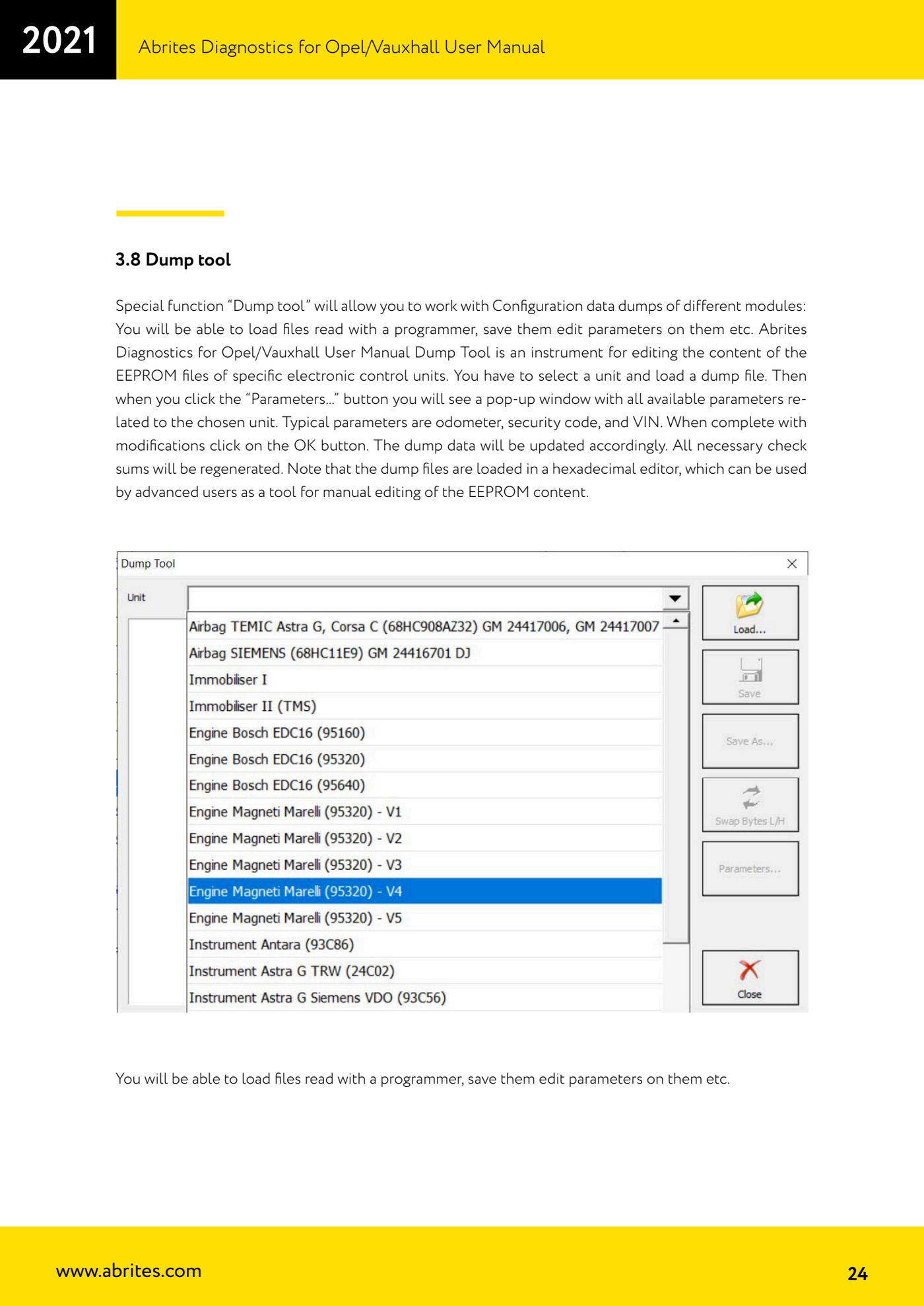
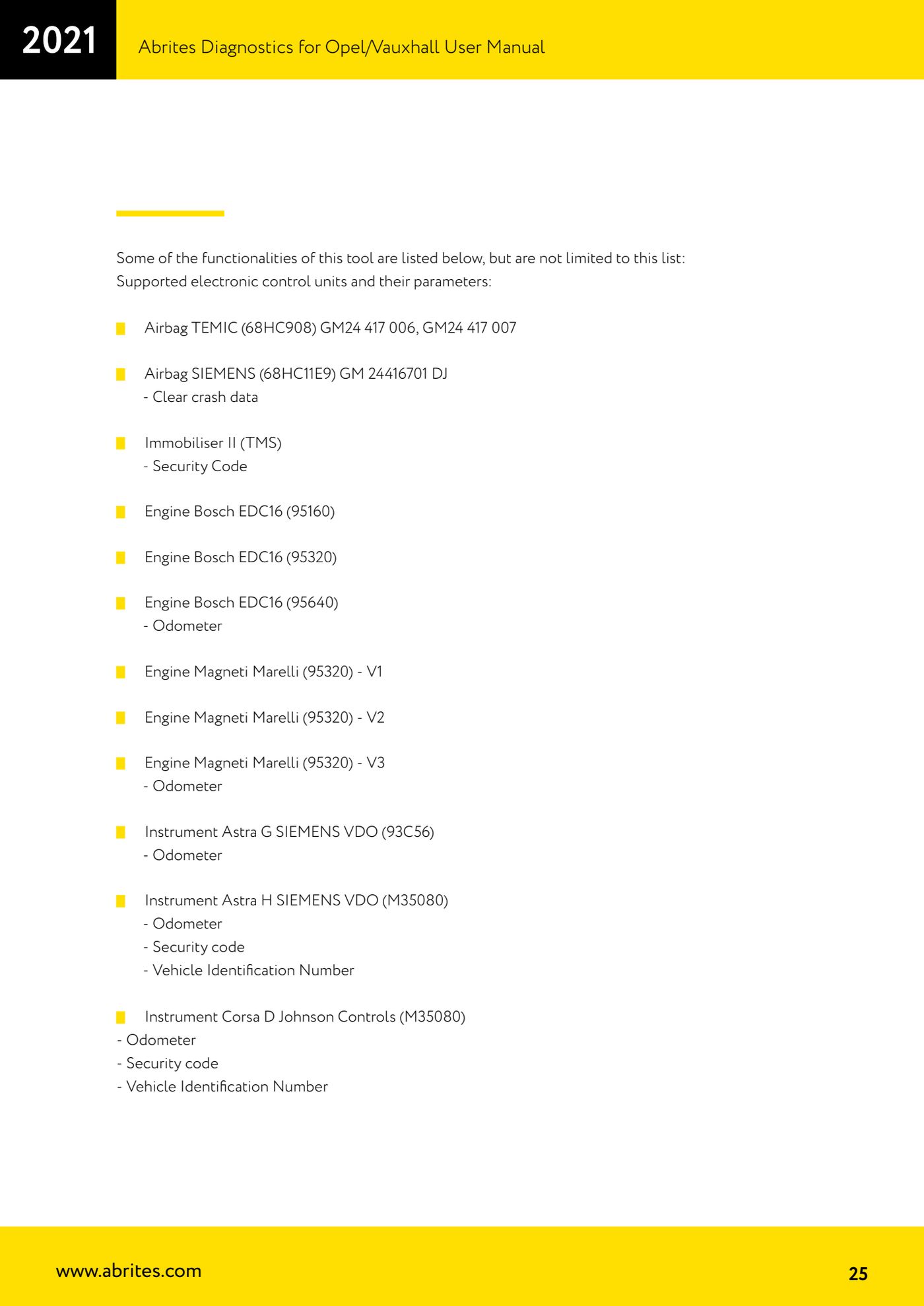
Source: Manuale Opel/Vauxhall (anche Buick/Cadillac/Chevrolet/GMC), cap. 3.8 (p.24-25) · ⏱ estimated time 30-60 min
← All Abrites guides Hardware catalogue
More guides Opel
- Vehicle scan and module identification on Opel/Vauxhall (Buick/Cadillac/Chevrolet/GMC)
- Reading and clearing DTCs on Opel/Vauxhall
- Live Data reading and actuator tests on Opel/Vauxhall modules
- Engine oil service reset and clutch pedal position learn (Opel/Vauxhall)
- Security access and module ID change for used control units (Opel/Vauxhall)
- Reading the Security Code (PIN) from an Opel/Vauxhall, Buick, Cadillac, Chevrolet, GMC control unit
- Opel/Vauxhall key programming with Key Learning (program keys / add key)
- Legacy Mode: erasing transponder keys and mechanical key number (Astra H, Corsa D, Vectra C/Signum, Zafira B)
- Key programming on Opel Vivaro and Movano (all keys in a single session)
- CAN Calibration: Opel/Vauxhall odometer correction (Corsa C note)
- Reading and updating Configuration Data and ECU Flasher on Opel/Vauxhall
- Reading the Radio Code of Opel/Vauxhall multimedia units