
Chip-Tools
Rolling Code Synchronization over OBDII: remote not unlocking after RFA/KVM or door module replacement
JLR
Interface New
Keys / Immo
Basic
⏱ 10-20 min
8 steps
A special function that syncs the RFA module (KVM) with all door modules and with the BCM over OBDII. Use it when you have replaced the RFA module (KVM) or one or more door modules and the remote has stopped working: after the sync the remote is operational again.
Required licences
- —
Hardware / cables

Procedure
- Connect the AVDI to the vehicle OBDII socket: the function works entirely over OBDII, nothing needs to be removed.
- Start the Abrites diagnostics for Jaguar/Land Rover Online software and identify the vehicle with "Auto-detect" (or "Manual Select" if auto-detection fails).
- Make sure the module scan has completed and that the RFA (KVM), door modules and BCM all respond in diagnostics.
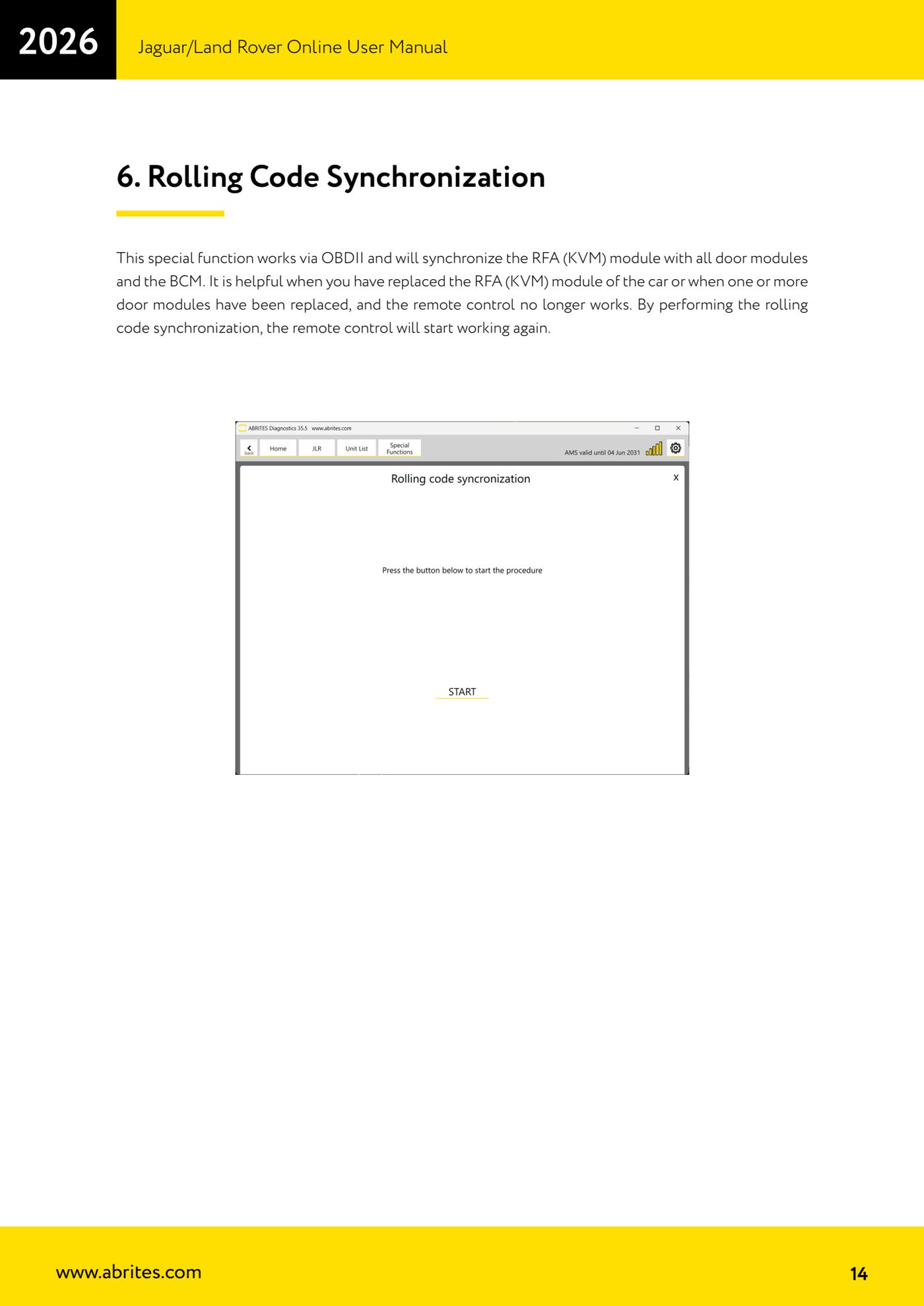
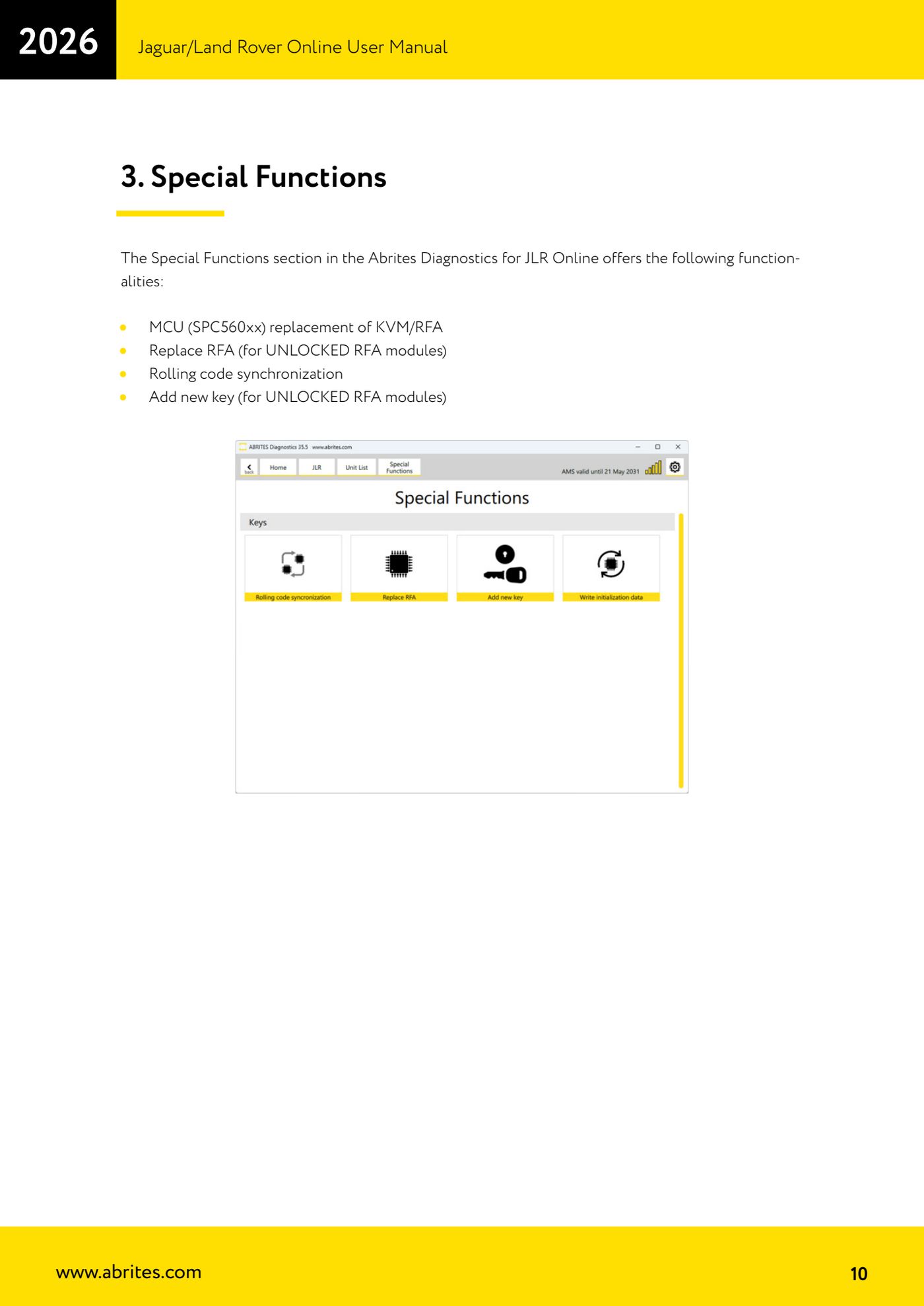
- Go into "Special Functions" and select "Rolling code synchronization".
- Start the function: the software syncs the RFA module (KVM) with all door modules and with the BCM.
- Once the procedure is complete, test the remote (lock and unlock) at every door to confirm it responds again.
- If you have just replaced the RFA module, remember that on top of the sync, new keys must also be programmed.
- Read the DTCs again and clear the ones generated during the job.
Reference screenshots
Source: Manuale Jaguar/Land Rover Online, cap. 6 (p.14) · ⏱ estimated time 10-20 min
← All Abrites guides Hardware catalogue
More guides JLR
- Module scan, DTC reading and service functions on Jaguar/Land Rover with AVDI
- Key Learning / Module Initialization via OBDII on JLR 2012-2018 (unlocked KVM/RFA)
- Key Duplicator on JLR 2018+ with PROTAG and TA54/TA56/TA66/TA67 keys
- JLR 2018-2026 key programming from a 95128 BCM EEPROM dump (works with the alarm armed)
- JLR remote control synchronization after key programming (PROTAG)
- Resetting and reusing used Abrites TA54/TA56/TA66/TA67 keys for JLR (Abrites Key Reset)
- JLR cluster calibration: matching mileage after fitting a used control unit
- NV DATA and Flash on JLR: reading, saving and writing configuration and flash files for module replacement
- Immo Advanced JLR: writing transponder ID and secret key into the BCM for emergency start
- Fitting the Abrites EM015 UWB emulator on JLR: file preparation and wiring to the UWB antenna / KVM
- Abrites EM015 UWB emulator firmware update (EMUL update)
- JLR Dump tool: preparing the KVM flash (FK72, DPLA, HPLA) to program OEM keys