
Chip-Tools
JLR remote control synchronization after key programming (PROTAG)
JLR
Interface Classic
Keys / Immo
Basic
⏱ 10 min
5 steps
Use this when, after a key learning procedure, the key starts the car but the remote will not lock or unlock the doors. The function re-syncs the remote of the key you have just programmed.


Procedure
- Connect the PROTAG programmer to the PC (the AVDI stays connected to the car as for the other JLR functions).
- Open the remote synchronization special function ("Remote control synchronization") from the special functions menu or from the "Read Vehicle Info" function.
- Start the procedure and place the newly programmed key on the PROTAG with the buttons facing up.
- Wait for the remote to start working again; confirm by trying lock and unlock.
- Once the remote responds, take the key off the PROTAG and stop the procedure.
Reference screenshots
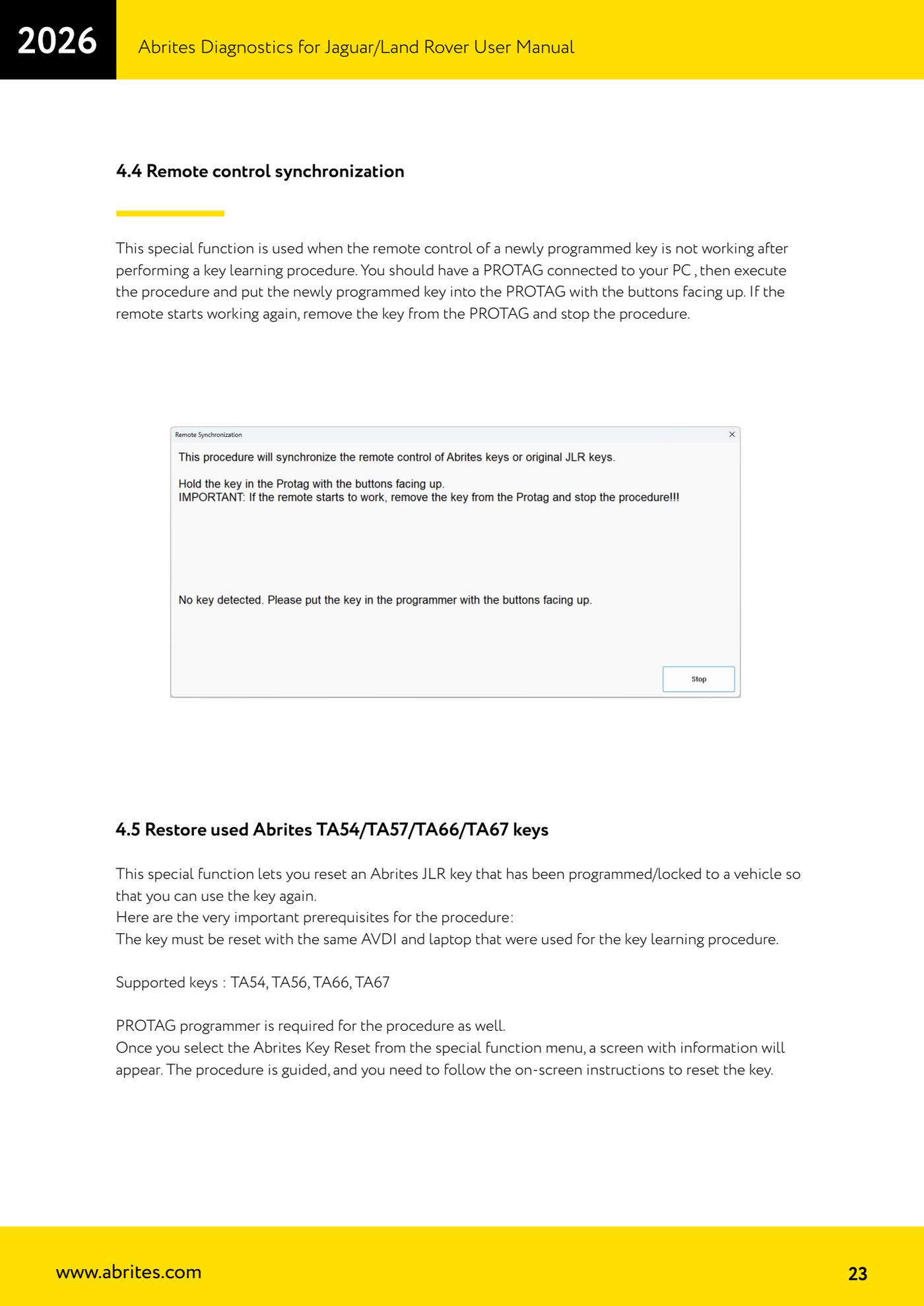
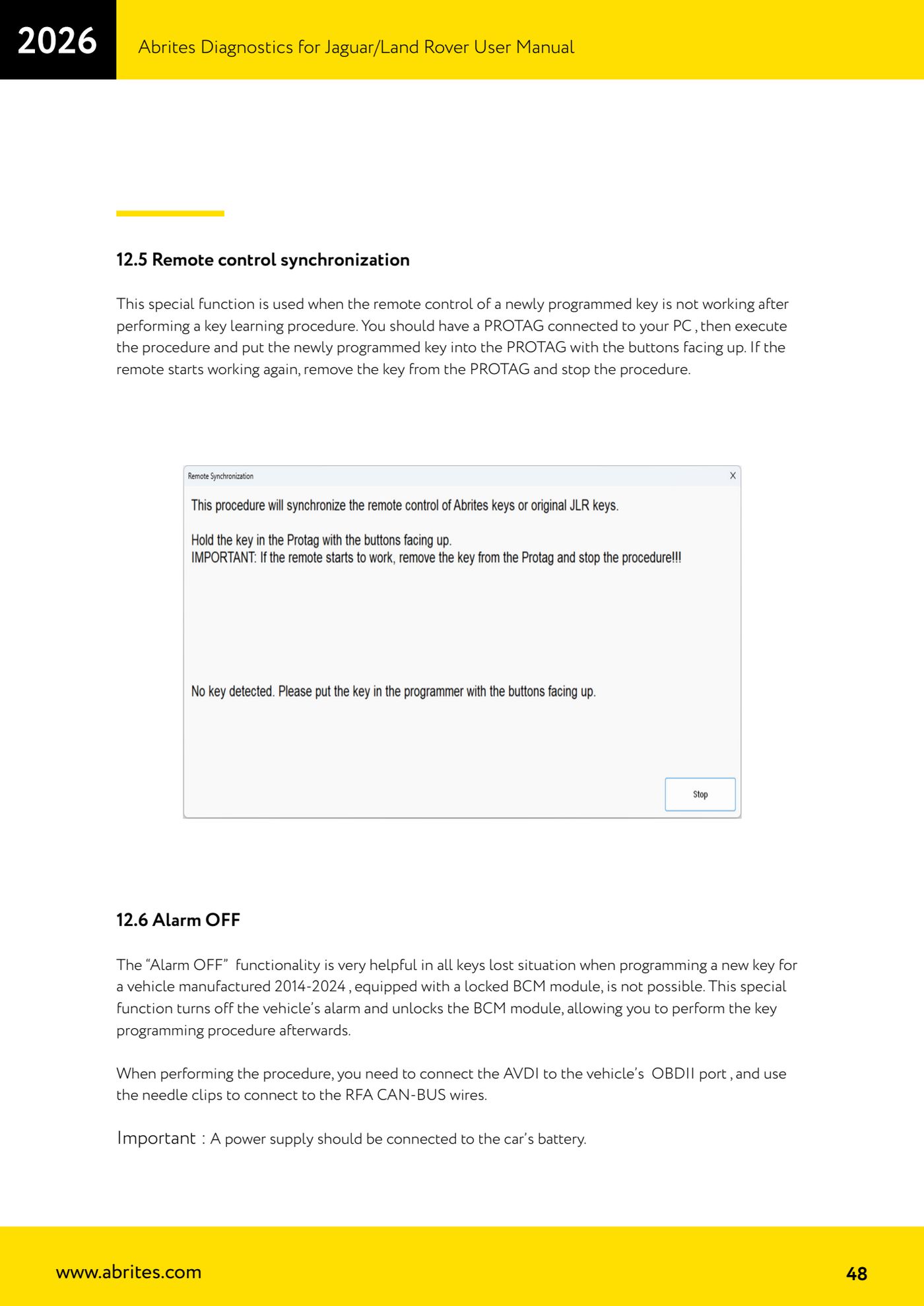
Source: Manuale Jaguar/Land Rover, cap. 4.4 e 12.5 (p.23, p.48) · ⏱ estimated time 10 min
← All Abrites guides Hardware catalogue
More guides JLR
- Module scan, DTC reading and service functions on Jaguar/Land Rover with AVDI
- Key Learning / Module Initialization via OBDII on JLR 2012-2018 (unlocked KVM/RFA)
- Key Duplicator on JLR 2018+ with PROTAG and TA54/TA56/TA66/TA67 keys
- JLR 2018-2026 key programming from a 95128 BCM EEPROM dump (works with the alarm armed)
- Resetting and reusing used Abrites TA54/TA56/TA66/TA67 keys for JLR (Abrites Key Reset)
- JLR cluster calibration: matching mileage after fitting a used control unit
- NV DATA and Flash on JLR: reading, saving and writing configuration and flash files for module replacement
- Immo Advanced JLR: writing transponder ID and secret key into the BCM for emergency start
- Fitting the Abrites EM015 UWB emulator on JLR: file preparation and wiring to the UWB antenna / KVM
- Abrites EM015 UWB emulator firmware update (EMUL update)
- JLR Dump tool: preparing the KVM flash (FK72, DPLA, HPLA) to program OEM keys
- KP002: BCM unlock and alarm deactivation over OBDII on JLR 2020+ (all keys lost)