
Chip-Tools
Abrites EM015 UWB emulator firmware update (EMUL update)
JLR
Interface Classic
Flashing / Programming
Medium
⏱ 20-30 min
5 steps
Procedure to update the firmware of the EM015 UWB emulator. It is run from Abrites Diagnostics for JLR, which automatically generates the required files in the LOGS folder.
Required licences
- —
Hardware / cables
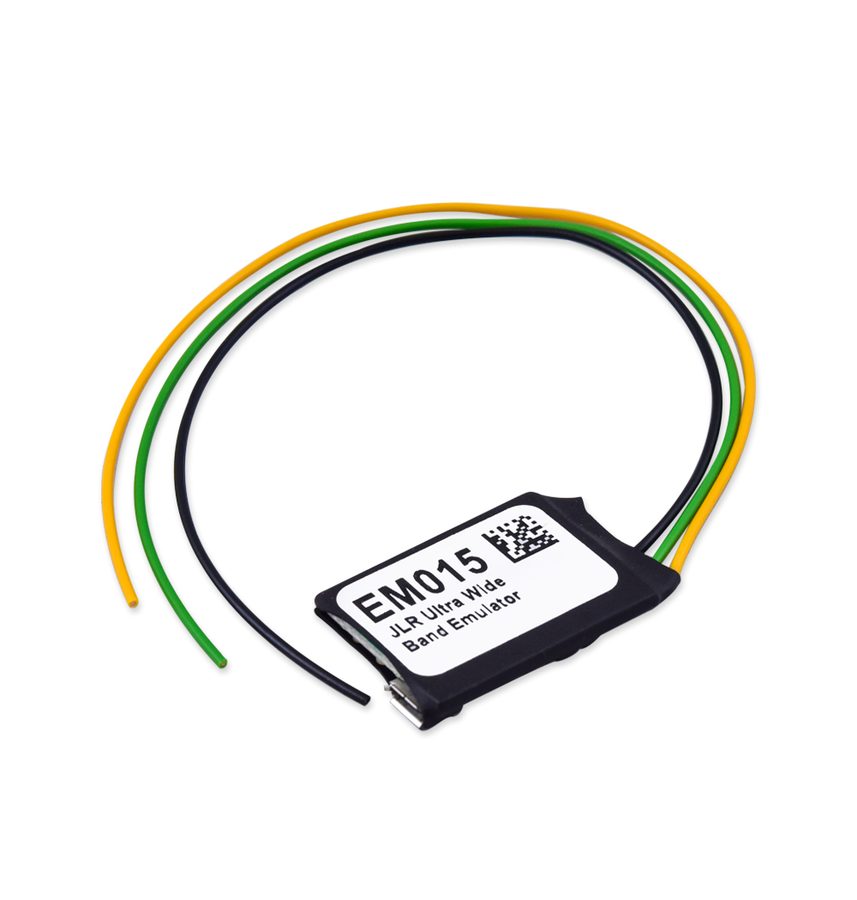 EM015
EM015- cavo Micro-USB
⚠ WarningRespect the order of the three files: first "config-gotoboot.bin", then "Application_2.X.bin", and finally the vehicle configuration file. Between each file the emulator must always be disconnected, reconnected and formatted.
Procedure
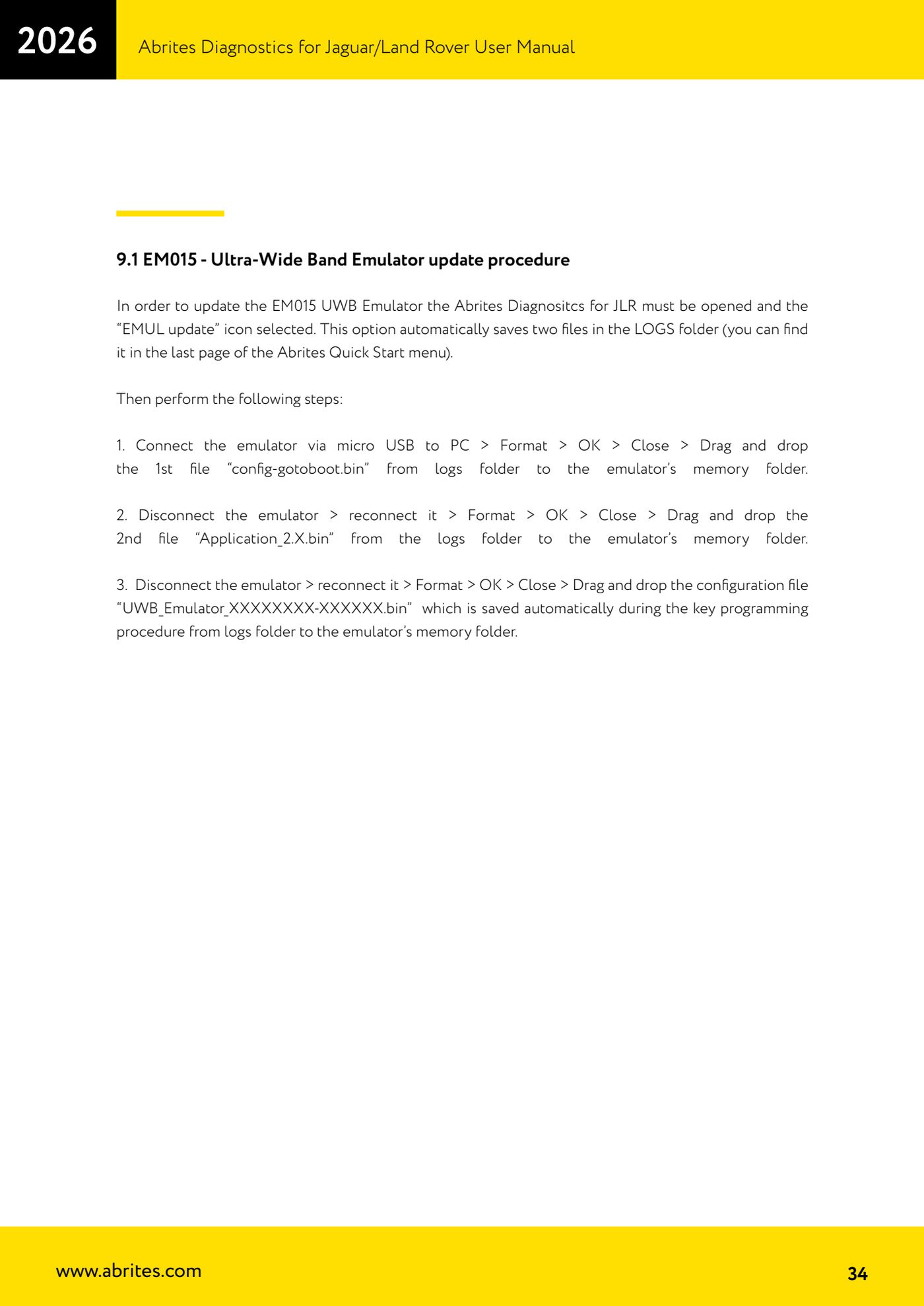
- Open Abrites Diagnostics for JLR and select the "EMUL update" icon: the software automatically saves two files in the LOGS folder (reachable from the last page of the Abrites Quick Start menu).
- Connect the emulator to the PC via Micro-USB, run "Format" > "OK" > "Close", then drag the first file, "config-gotoboot.bin", from the LOGS folder into the emulator memory.
- Disconnect the emulator, reconnect it, run "Format" > "OK" > "Close" and drag the second file, "Application_2.X.bin", from the LOGS folder into the emulator memory.
- Disconnect the emulator again, reconnect it, run "Format" > "OK" > "Close" and drag the configuration file "UWB_Emulator_XXXXXXXX-XXXXXX.bin", the one saved automatically during the key programming procedure, from the LOGS folder into the emulator memory.
- Disconnect the emulator: it is updated and ready to be fitted to the vehicle following the dedicated wiring procedure.
Reference screenshots
Source: Manuale Jaguar/Land Rover, cap. 9.1 (p.34) · ⏱ estimated time 20-30 min
← All Abrites guides Hardware catalogue
More guides JLR
- Module scan, DTC reading and service functions on Jaguar/Land Rover with AVDI
- Key Learning / Module Initialization via OBDII on JLR 2012-2018 (unlocked KVM/RFA)
- Key Duplicator on JLR 2018+ with PROTAG and TA54/TA56/TA66/TA67 keys
- JLR 2018-2026 key programming from a 95128 BCM EEPROM dump (works with the alarm armed)
- JLR remote control synchronization after key programming (PROTAG)
- Resetting and reusing used Abrites TA54/TA56/TA66/TA67 keys for JLR (Abrites Key Reset)
- JLR cluster calibration: matching mileage after fitting a used control unit
- NV DATA and Flash on JLR: reading, saving and writing configuration and flash files for module replacement
- Immo Advanced JLR: writing transponder ID and secret key into the BCM for emergency start
- Fitting the Abrites EM015 UWB emulator on JLR: file preparation and wiring to the UWB antenna / KVM
- JLR Dump tool: preparing the KVM flash (FK72, DPLA, HPLA) to program OEM keys
- KP002: BCM unlock and alarm deactivation over OBDII on JLR 2020+ (all keys lost)