
Chip-Tools
Replace RFA: replacing the RFA module on Jaguar/Land Rover and syncing the immobiliser
JLR
Interface New
Keys / Immo
Medium
⏱ 20-40 min
8 steps
A special function to use when you need to replace the vehicle's RFA module. With a single click it syncs the vehicle immobiliser system with the new module, avoiding the dealer procedure.
Required licences
- —
Hardware / cables

⚠ WarningONLY UNLOCKED RFA modules (with unlocked MCU) are supported: factory new, used, or modules whose MCU has been replaced. A locked RFA will not work with this function. After a successful RFA module replacement, programming new keys for the vehicle is mandatory.
Procedure
- Check the replacement RFA module is UNLOCKED, i.e. with an unlocked MCU: it can be new, second-hand or a module on which you have already replaced the SPC560xx MCU.
- Fit the RFA module to the vehicle and connect the AVDI to the OBDII socket.
- Start the Abrites diagnostics for Jaguar/Land Rover Online software and let it identify the vehicle with "Auto-detect" (or "Manual Select").
- Go into the "Special Functions" section and select "Replace RFA".
- Start the function: the software syncs the vehicle immobiliser system with the new RFA module in one click.
- When it finishes, you must go on and program the new keys with the "Add new key" function: after replacing the RFA the keys have to be reprogrammed.
- If the remote does not work after the job, run "Rolling code synchronization" to realign the RFA/KVM, door modules and BCM.
- Finish with a module scan and clear the DTCs generated during the job.
Reference screenshots
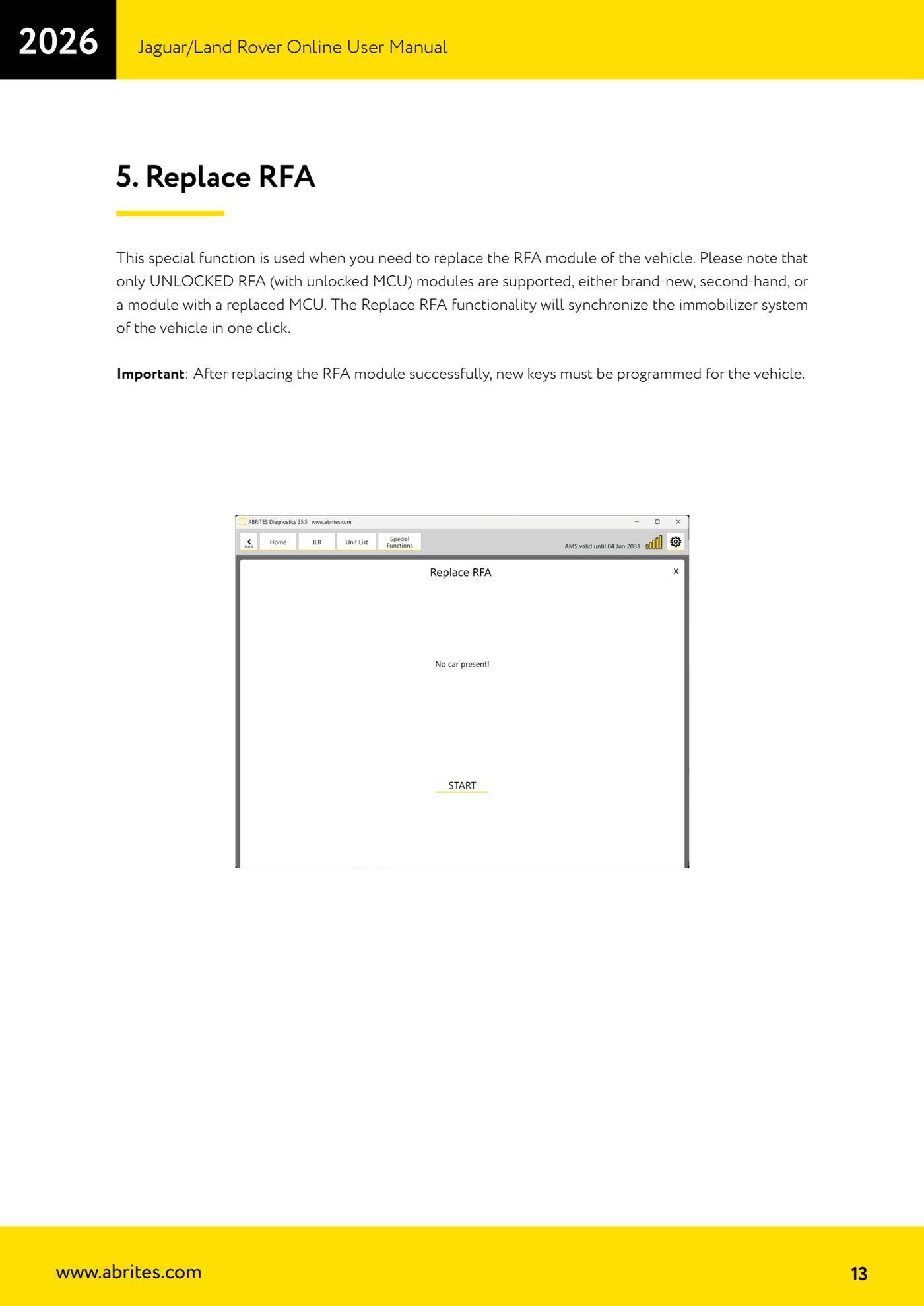
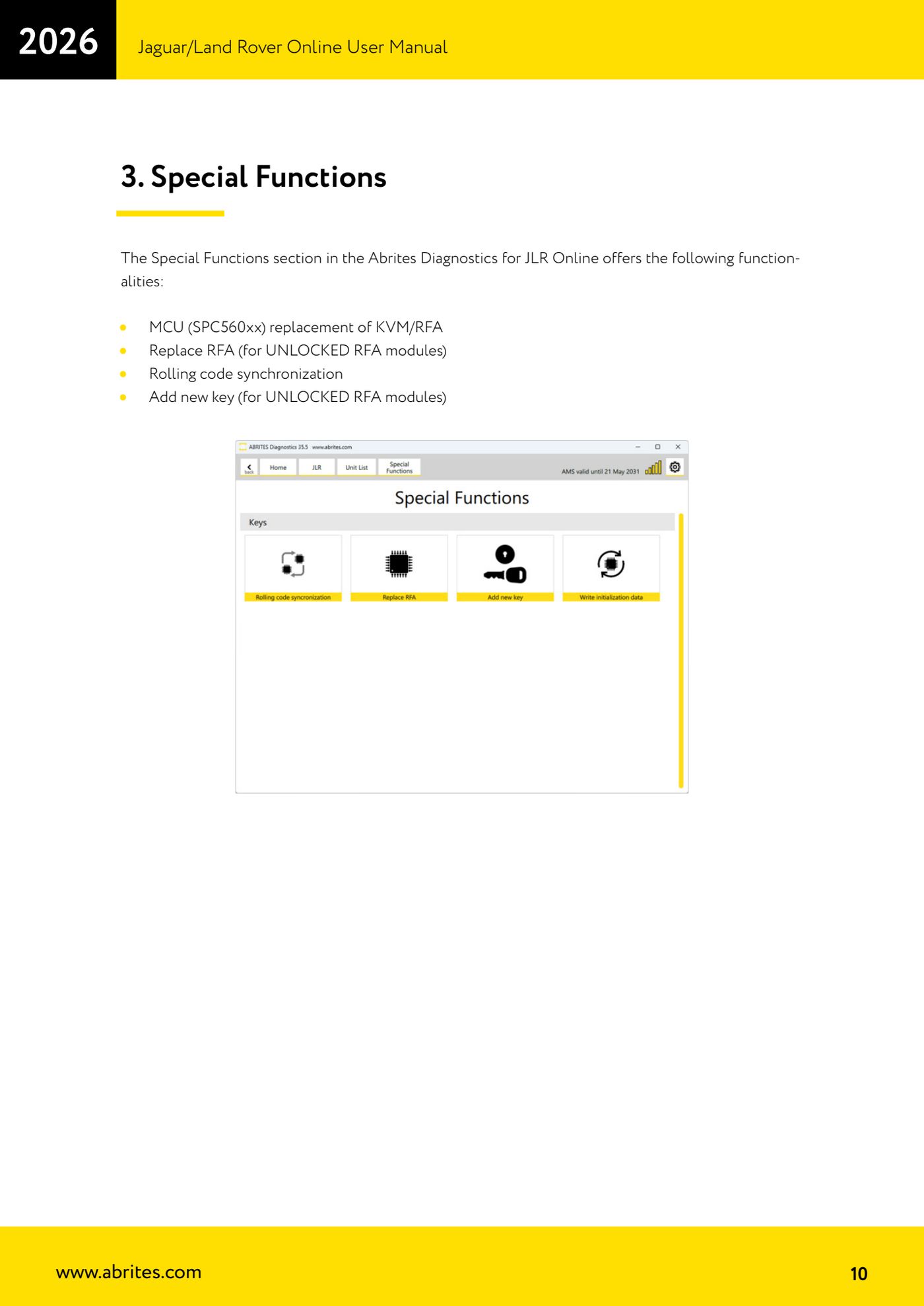
Source: Manuale Jaguar/Land Rover Online, cap. 5 (p.13) · ⏱ estimated time 20-40 min
← All Abrites guides Hardware catalogue
More guides JLR
- Module scan, DTC reading and service functions on Jaguar/Land Rover with AVDI
- Key Learning / Module Initialization via OBDII on JLR 2012-2018 (unlocked KVM/RFA)
- Key Duplicator on JLR 2018+ with PROTAG and TA54/TA56/TA66/TA67 keys
- JLR 2018-2026 key programming from a 95128 BCM EEPROM dump (works with the alarm armed)
- JLR remote control synchronization after key programming (PROTAG)
- Resetting and reusing used Abrites TA54/TA56/TA66/TA67 keys for JLR (Abrites Key Reset)
- JLR cluster calibration: matching mileage after fitting a used control unit
- NV DATA and Flash on JLR: reading, saving and writing configuration and flash files for module replacement
- Immo Advanced JLR: writing transponder ID and secret key into the BCM for emergency start
- Fitting the Abrites EM015 UWB emulator on JLR: file preparation and wiring to the UWB antenna / KVM
- Abrites EM015 UWB emulator firmware update (EMUL update)
- JLR Dump tool: preparing the KVM flash (FK72, DPLA, HPLA) to program OEM keys