
Chip-Tools
Read PIN from working key: reading the PIN from a working key with PROTAG (HK011)
Hyundai/Kia
Interface New
Keys / Immo
Medium
⏱ 5-70 min
10 steps
Guided function dedicated to reading the PIN code from a working Hyundai/KIA key, mechanical or smart. Handy when you do not want to or cannot read the PIN from the car but you have an original key in your hand.
Required licences
- HK011
Hardware / cables


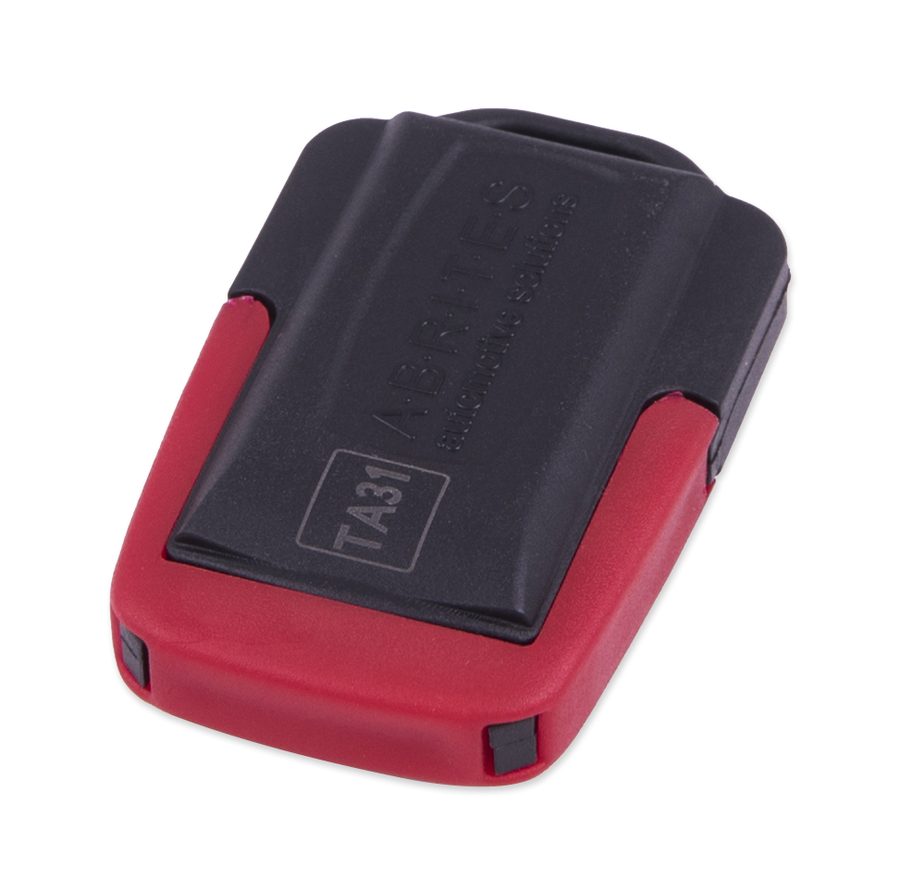
⚠ WarningFor HITAG 3 and HITAG AES the procedure can take up to 70 minutes: do not break the connection and do not remove power while it is running. The HK011 licence is required; for a HITAG 2 mechanical key the TA31 adapter is needed.
Procedure
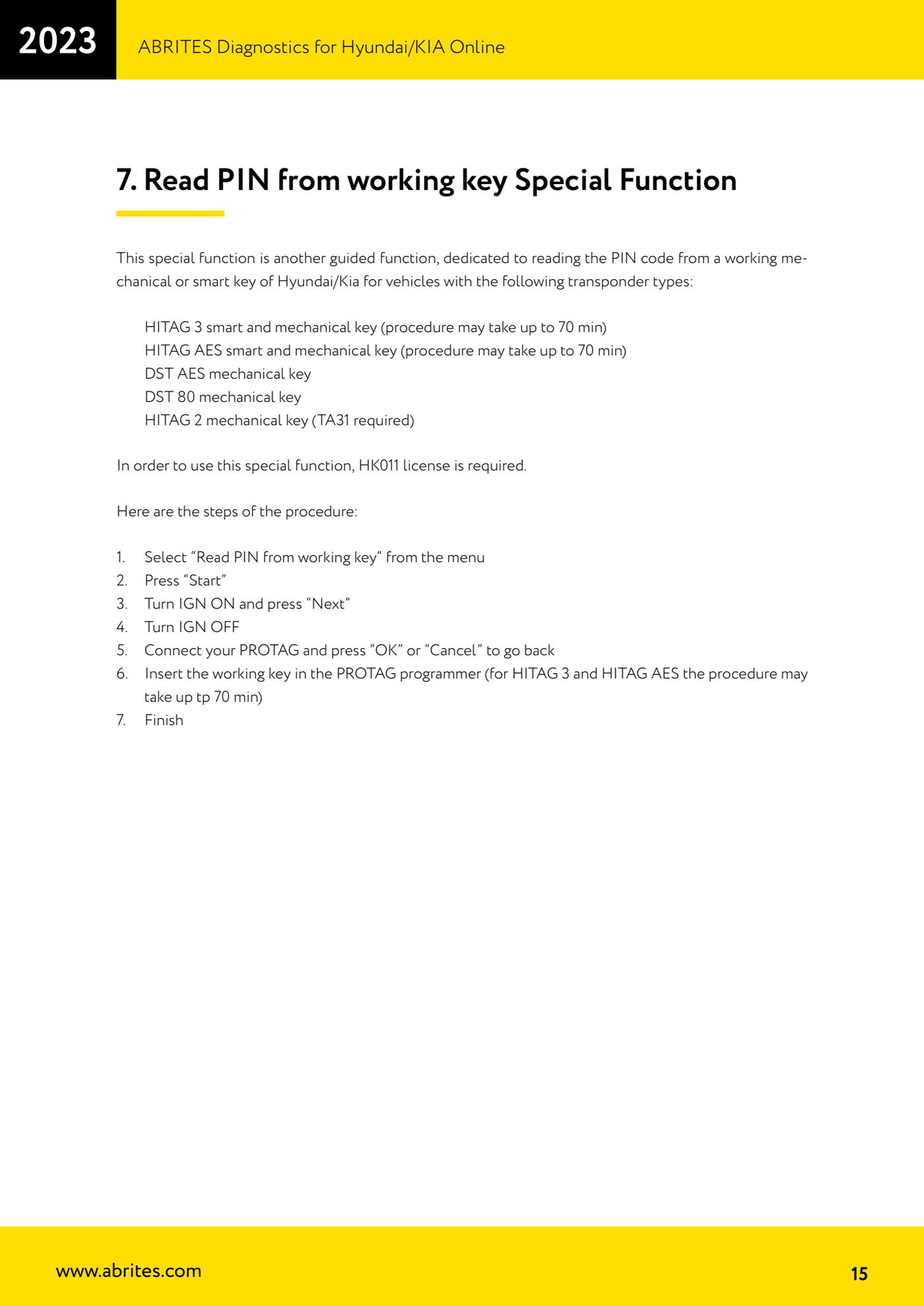
- Check that the key transponder is among the supported ones: HITAG 3 smart and mechanical (up to 70 min), HITAG AES smart and mechanical (up to 70 min), DST AES mechanical, DST 80 mechanical, HITAG 2 mechanical (requires TA31).
- Check that you have an active HK011 licence and the PROTAG programmer to hand.
- Connect the AVDI to the vehicle, start the Hyundai/KIA Online software and complete the vehicle selection.
- From the menu select "Read PIN from working key".
- Press "Start".
- Switch the ignition to IGN ON and press "Next".
- Switch the ignition to IGN OFF.
- Connect the PROTAG and press "OK" to continue, or "Cancel" to go back.
- Insert the working key into the PROTAG programmer and let the software work. For HITAG 3 and HITAG AES the read can take up to 70 minutes.
- Wait for the end-of-procedure message ("Finish") and write down the PIN obtained.
Reference screenshots
Source: Manuale Hyundai/KIA Online, cap. 7 (p.15) · ⏱ estimated time 5-70 min
← All Abrites guides Hardware catalogue
More guides Hyundai/Kia
- Hyundai/Kia diagnostics with the AVDI: module scan, DTC read and clear, actual values
- Obtaining the Hyundai/Kia PIN code: PIN by VIN or reading the PIN from the vehicle (Smart Key and mechanical key)
- Hyundai/Kia key programming with "Key Learning" and separate remote programming
- Reading the Hyundai/Kia PIN from a working key with PROTAG and the TA31 extractor
- Hyundai/Kia Neutralization: making used modules adaptable (smart system, ECU, ESCL, PDM, immobiliser)
- Hyundai/Kia cluster calibration: aligning the instrument cluster counters after fitting a used unit
- Hyundai/Kia ECU Flasher: reading and updating engine ECU Flash and Configuration Data
- Hyundai/Kia Configuration Data: "Dump tool" on dumps read with a programmer and "Read/Update Conf Data" over OBD
- Connecting to the internal CAN (B-CAN) on Hyundai/Kia 2017+ with ZN041 or ZN051: tap points and pins 3-11
- Starting Abrites Diagnostics for Hyundai/KIA Online and selecting the vehicle (VIN or model)
- Hyundai/KIA standard diagnostics: module scan, DTCs, Live Data and actuator tests
- Reading the Hyundai/KIA PIN code: from the car, from a working key or calculated from the VIN