
Chip-Tools
Supported protocols and OBDII pins on Ford/Mazda: HS-CAN, MS-CAN, K-Line and J1850 PWM
Ford/Mazda
Interface Classic
Hardware / Connections
Basic
⏱ 10 min
7 steps
Quick reference to the buses and OBDII socket pins used by the Abrites Ford/Mazda software. It tells you which line the module you are chasing communicates on and when an extra adapter is needed.
Required licences
- —
Hardware / cables

⚠ WarningThe J1850 PWM protocol requires an additional adapter: with the standard OBDII cable alone, modules on this line will not respond.
Procedure
- Connect the AVDI to the vehicle's OBDII socket: the socket is the same for every protocol, only the pins used change.
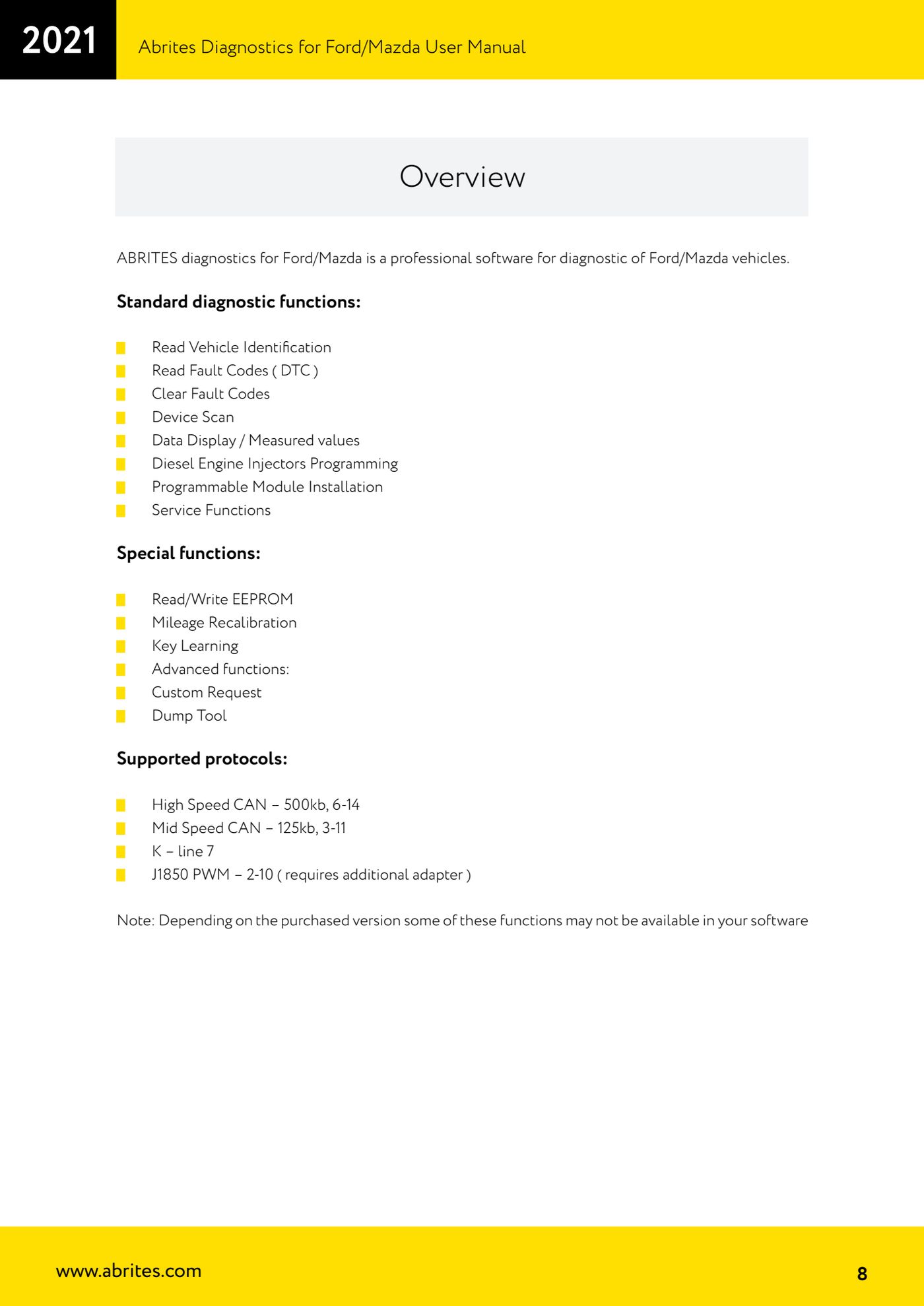
- HIGH SPEED CAN - 500 kb, pins 6 and 14 of the OBDII socket: this is the line of the main modules (engine, transmission) on recent vehicles.
- MID SPEED CAN - 125 kb, pins 3 and 11: on Ford/Mazda this typically carries the body and comfort modules. If a module does not answer on HS-CAN, check that the software is querying the MS line.
- K-LINE - pin 7: used by the modules of older vehicles.
- J1850 PWM - pins 2 and 10: requires an additional adapter, not included in the standard OBDII connection. Get hold of the adapter before taking on a job on a vehicle using this line.
- If a module does not answer the scan, before writing it off as faulty check the protocol expected for that module, the matching pin on the socket and the continuity of the wiring.
- Bear in mind that some functions may not be available depending on the software version you purchased: if a menu item is missing, it is not a connection problem.
Reference screenshots
Source: Manuale Ford/Mazda, parte 1 di 2, Overview - protocolli supportati (p.8) · ⏱ estimated time 10 min
← All Abrites guides Hardware catalogue
More guides Ford/Mazda
- Starting Abrites Diagnostics for Ford/Mazda: vehicle context and ECU scanning ("Scan all")
- ECU identification, DTC read/clear and Live Data on Ford/Mazda
- Getting to the Ford/Mazda "Special Functions": Memory Read/Write and Key Learning
- PATS Key Learning: adding keys on Ford/Mazda (including with the alarm triggered)
- Key programming on Mazda CX-30 and Mazda 3 from 2019 with special function MZ001
- Ford key programming from 2021 (F-150, Maverick, Mustang Mach-E, Transit): incode from the outcode or bench read of the BCM with the ZN085
- PATS Erase All Keys: erasing all keys from the Ford/Mazda PATS memory
- PATS Initialization: matching the PCM to the instrument cluster (IPC/HEC), BCM or FIP on Ford/Mazda
- Spare Key Programming and Unlimited Key Mode: enabling/disabling Ford/Mazda key programming
- PATS OUT/IN code calculator for Ford/Mazda IDS (SINGLE xx40 and DOUBLE xx44 outcodes)
- VID block (Vehicle Identification Data) in the Ford/Mazda PCM: reading and configuring parameters
- Ford PMI (Programmable Module Installation): transferring As-Built data to a new module