
Chip-Tools
Dump Tool: editing Ford/Mazda EEPROMs (mileage, security code, VIN, crash data)
Ford/Mazda
Interface Classic
Special Functions
Advanced
⏱ 20-40 min
8 steps
The Dump Tool is the built-in editor for the EEPROM content of specific Ford/Mazda modules. It lets you read and change the usual parameters (odometer, security code, VIN) and, on airbag modules, clear the crash data, with checksums regenerated automatically.
Required licences
- —
Hardware / cables

⚠ WarningThe Dump Tool works on a dump file: always keep a copy of the untouched original file before you start, because editing the parameters updates the data and regenerates the checksums in the file.
Procedure
- Open the Dump Tool from the Ford/Mazda diagnostics.
- Select from the list the unit (module) matching the one the dump was read from.
- Load the EEPROM dump file to be edited.
- Click the "Parameters..." button: a window opens with all the parameters available for the selected unit.
- Find the parameter you need. The usual parameters are odometer, security code and VIN; on airbag modules the crash data clearing option is also available.
- Click on the parameter value to edit it and enter the new value.
- When all the changes are done press "OK": the dump data is updated accordingly and every necessary checksum is regenerated automatically.
- Save the modified dump and write it back into the module with the same tool you used to read it.
Reference screenshots
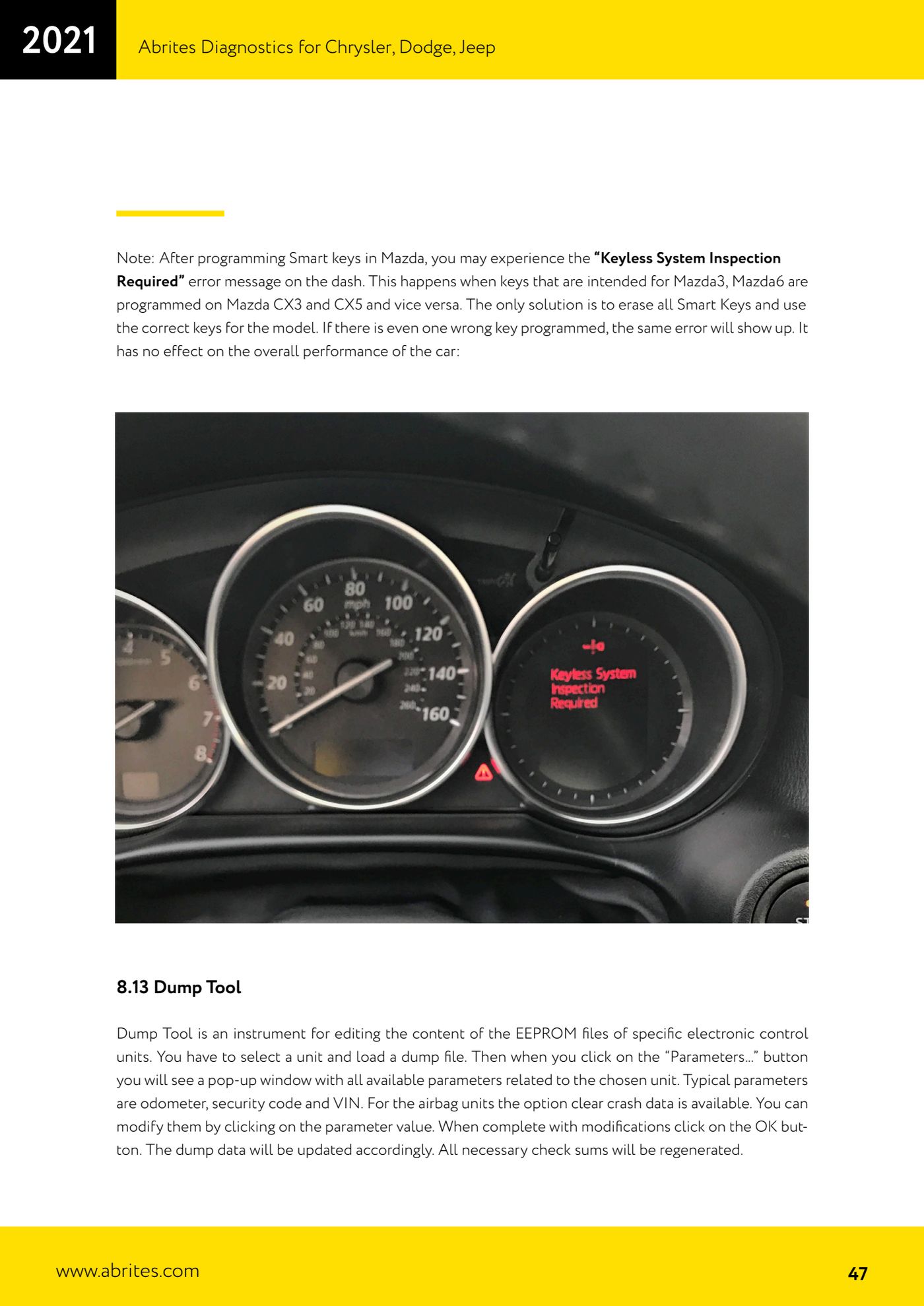
Source: Manuale Ford/Mazda, parte 2 di 2, cap. 8.13 Dump Tool (p.47) · ⏱ estimated time 20-40 min
← All Abrites guides Hardware catalogue
More guides Ford/Mazda
- Starting Abrites Diagnostics for Ford/Mazda: vehicle context and ECU scanning ("Scan all")
- ECU identification, DTC read/clear and Live Data on Ford/Mazda
- Getting to the Ford/Mazda "Special Functions": Memory Read/Write and Key Learning
- PATS Key Learning: adding keys on Ford/Mazda (including with the alarm triggered)
- Key programming on Mazda CX-30 and Mazda 3 from 2019 with special function MZ001
- Ford key programming from 2021 (F-150, Maverick, Mustang Mach-E, Transit): incode from the outcode or bench read of the BCM with the ZN085
- PATS Erase All Keys: erasing all keys from the Ford/Mazda PATS memory
- PATS Initialization: matching the PCM to the instrument cluster (IPC/HEC), BCM or FIP on Ford/Mazda
- Spare Key Programming and Unlimited Key Mode: enabling/disabling Ford/Mazda key programming
- PATS OUT/IN code calculator for Ford/Mazda IDS (SINGLE xx40 and DOUBLE xx44 outcodes)
- VID block (Vehicle Identification Data) in the Ford/Mazda PCM: reading and configuring parameters
- Supported protocols and OBDII pins on Ford/Mazda: HS-CAN, MS-CAN, K-Line and J1850 PWM