
Chip-Tools
Key Learning Immo 5C MQB (VDO) — spare key in 3 stages
VAG
Interface New
Keys / Immo
Advanced
⏱ 30–60 min
7 steps
Adds a spare key on VDO Immo 5C (Hitag Pro) instrument clusters on the MQB platform. Three stages: read the dashboard and prepare the keys → bench read with the ZN085 → learn the key via OBDII. You can resume from one stage to the next if you close the software.
Required licences
- VN003
Hardware / cables
 AVDI
AVDI PROTAG
- Programmatore RH850/V850
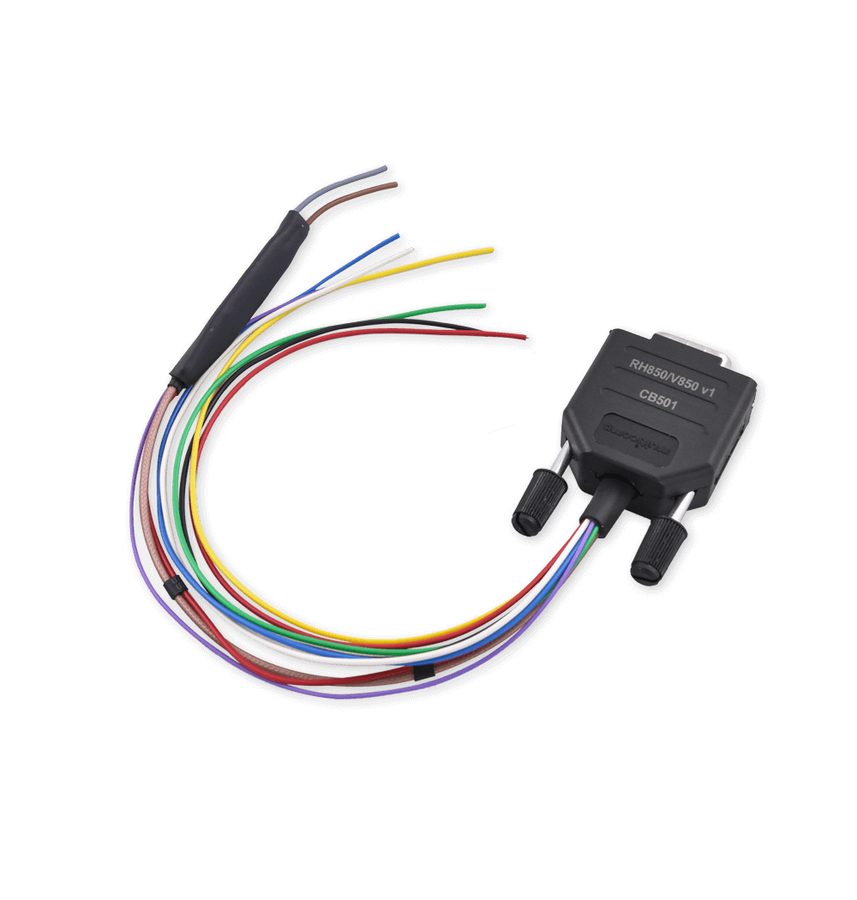 Cavo CB501
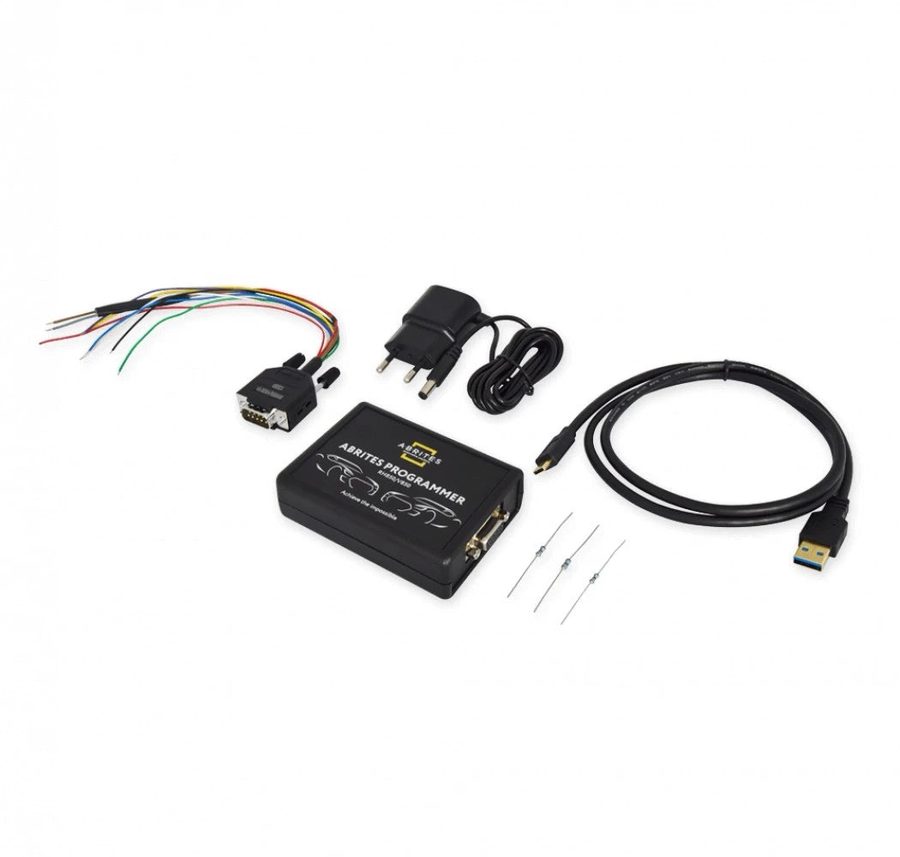 ZN085
ZN085- Chiave/i spare
⚠ WarningFollow the instructions to the letter. Stage 2 requires removing the cluster and soldering the CB501 cable per the diagram; once the write is done, refit the capacitors and desolder.
Procedure
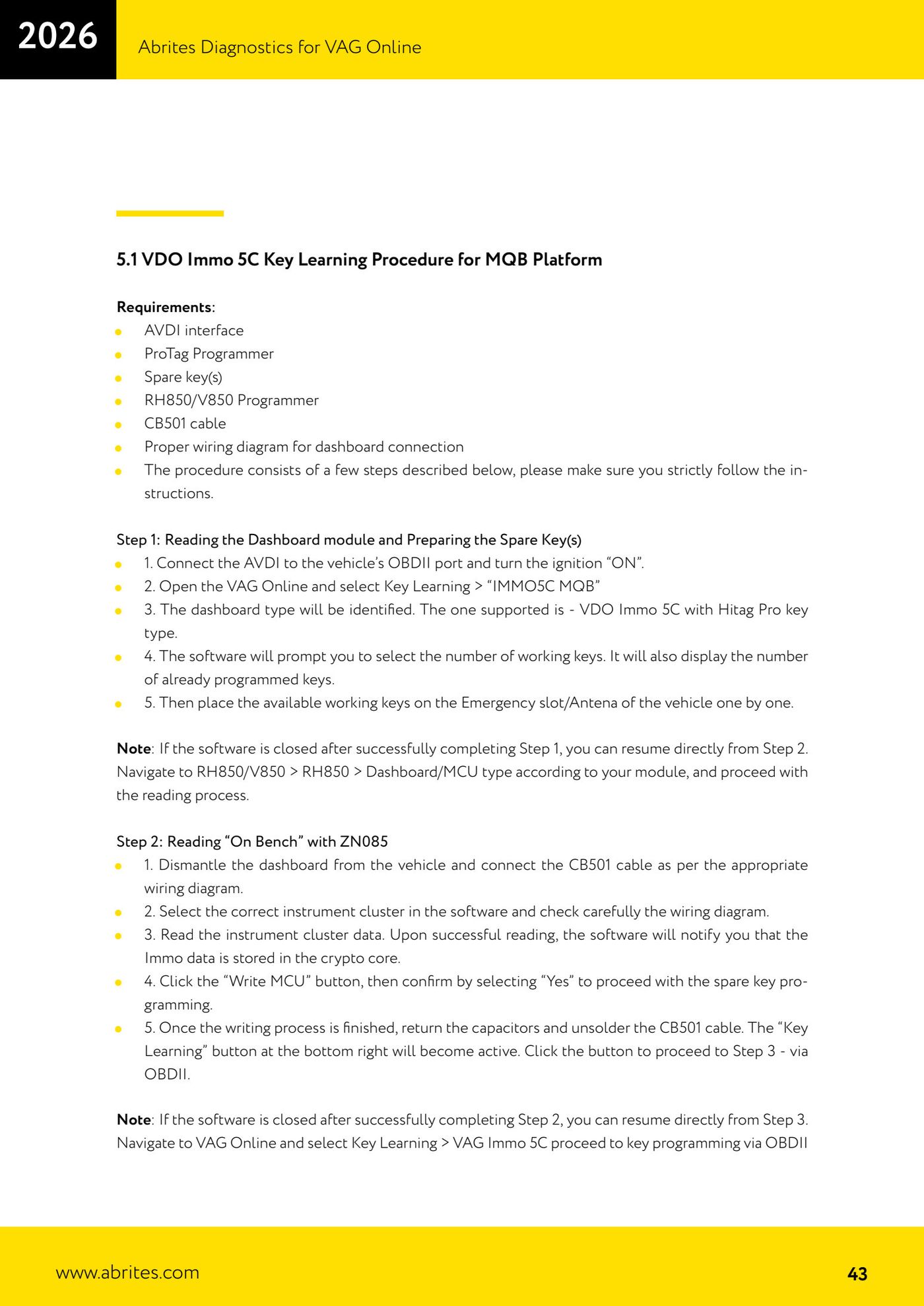
- STAGE 1 — Connect the AVDI to the OBDII port, ignition ON. Open VAG Online → Key Learning → "IMMO5C MQB". The dashboard type is identified (supported: VDO Immo 5C with Hitag Pro key).
- STAGE 1 — Select the number of working keys (it also shows the keys already programmed), then hold the working keys one at a time against the vehicle's emergency slot/antenna.
- STAGE 2 — Remove the cluster and connect the CB501 cable per the diagram. Select the correct cluster in the software, check the diagram and read the cluster data (the immo data is stored in the crypto core).
- STAGE 2 — Click "Write MCU" and confirm with "Yes" to program the spare key. When the write finishes, refit the capacitors and desolder the CB501; the "Key Learning" button becomes active.
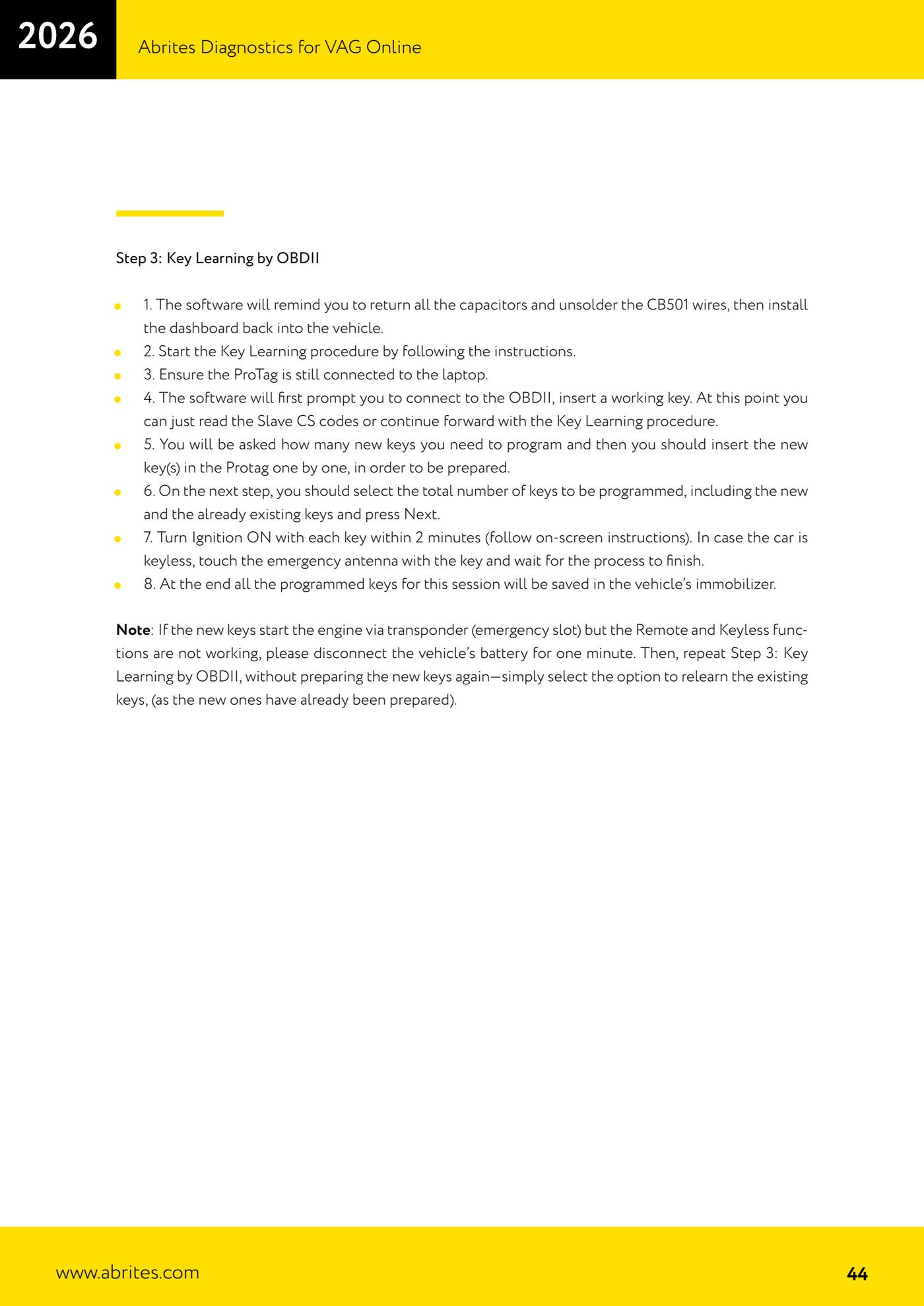
- STAGE 3 — Refit the cluster in the vehicle. With the PROTAG connected, start Key Learning via OBDII, insert a working key, enter the number of new keys and prepare them one at a time in the PROTAG.
- STAGE 3 — Select the total number of keys (new + existing), press Next, and switch the ignition ON with each key within 2 minutes (or touch the emergency antenna on keyless cars). At the end the keys are stored in the immobilizer.
- If the keys start the engine but remote/keyless does not work: disconnect the battery for 1 minute and repeat Stage 3 selecting "relearn existing keys" (without re-preparing the new ones).
Reference screenshots
Source: Manuale VAG Online, cap. 5.1 (p.43–44) · ⏱ estimated time 30–60 min
← All Abrites guides Hardware catalogue
More guides VAG
- General diagnostics and fault code (DTC) read/clear
- Basic settings — factory reset (throttle body, steering, clutch)
- Adaptations — customer-requested changes
- Long coding — enabling hidden features
- MMI Functions — enable/disable infotainment features
- Wireless CarPlay / Android Auto
- Video in motion
- BCM2 unlock with the ZN080 set (solder-free)
- Reading CS on bench (PCR2.1, Simos 8.x/1x.xx, DCM6.2, TCU AL551/DL501/DQxxx)
- DSG mileage recalibration
- Service Intervals
- ECU programming with .frf files