
Chip-Tools
Toyota/Lexus/Scion Online: starting the software, module scan, DTC read/clear and Live Values
Toyota/Lexus
Interface New
Diagnostics
Basic
⏱ 15-30 min
10 steps
Basic procedure to connect to a Toyota, Lexus or Scion with the AVDI and the Abrites Diagnostics for Toyota/Lexus/Scion Online software: vehicle selection, full module scan, DTC read and clear, and live value monitoring. It is the starting point before any special function.

⚠ WarningConnect the vehicle to an external power supply before you start: the software works online and the car must not lose power during the job.
Procedure
- Check the PC requirements: Windows 7 SP1 or later with at least 2GB of RAM (4GB recommended) and the AVDI software already installed (for installation refer to the "AVDI Common User's Manual").
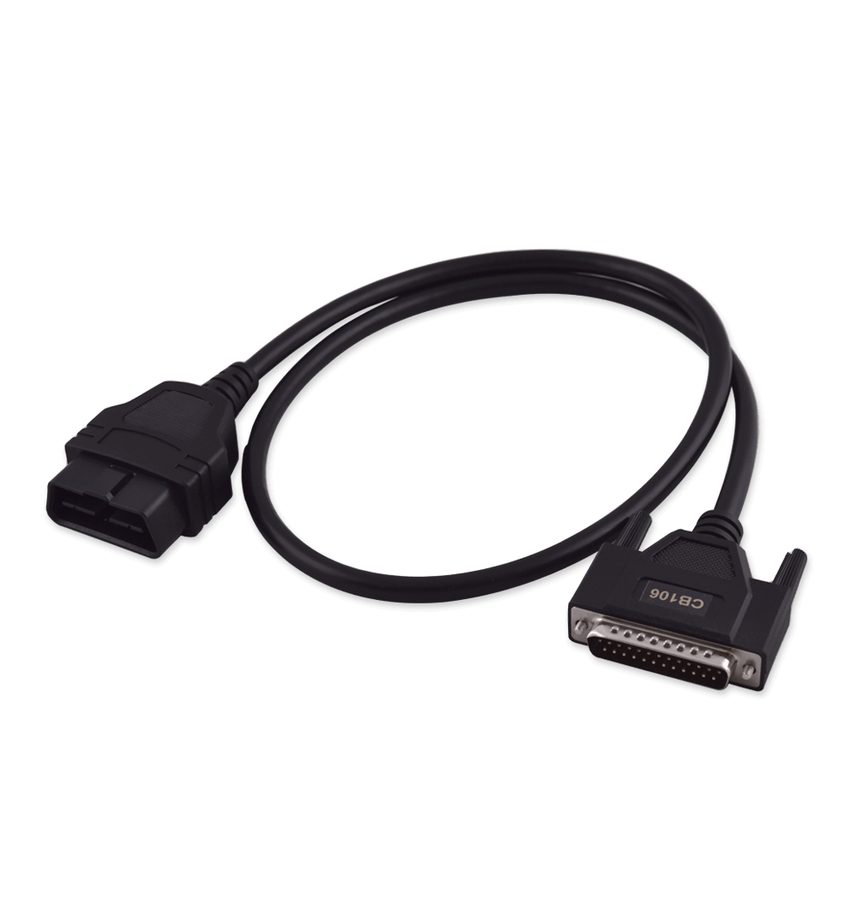
- Connect the AVDI to the vehicle's OBDII socket with the CB106 cable and connect the vehicle to an external power supply.
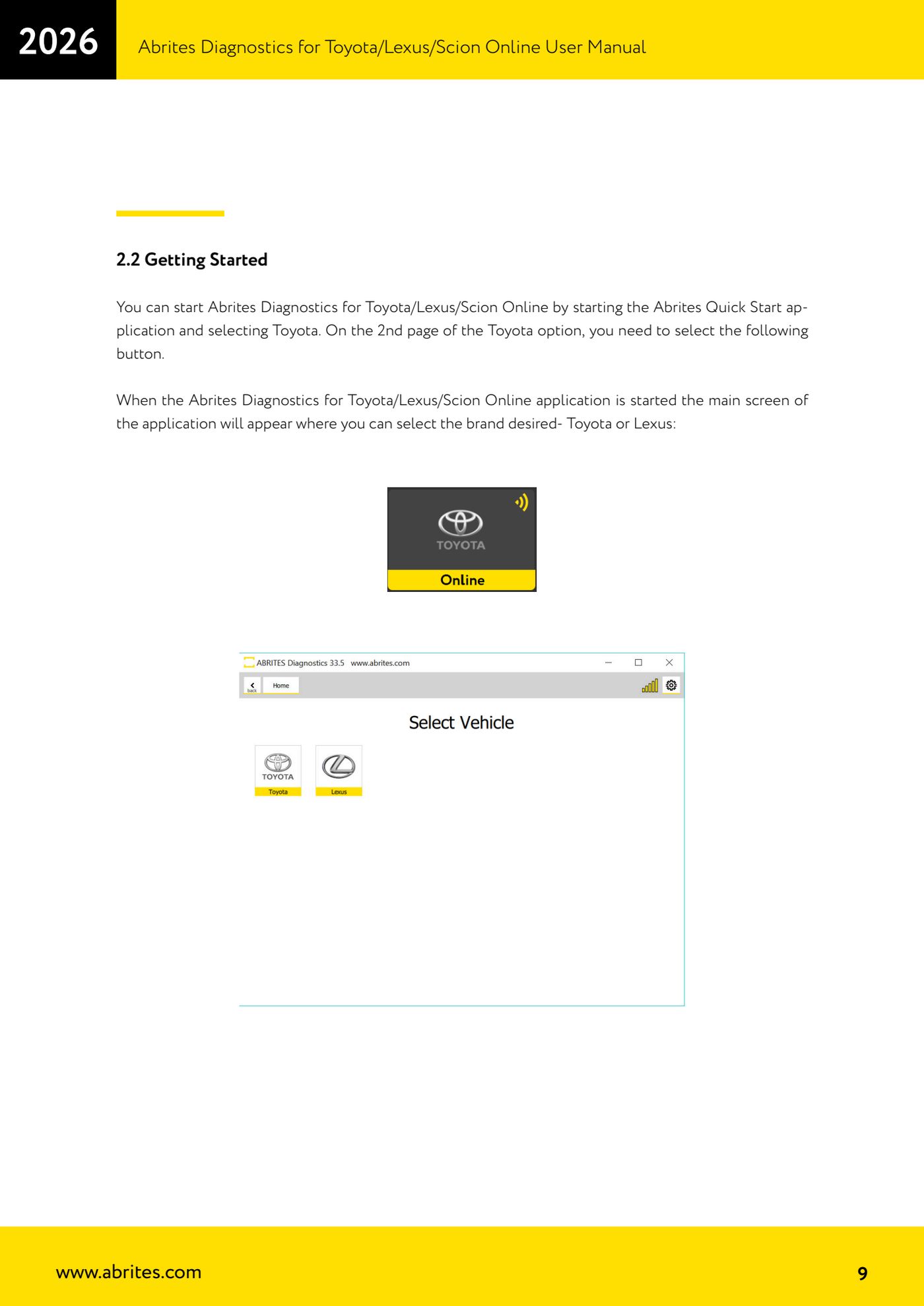
- Start the "Abrites Quick Start" application, select "Toyota" and, on the second page of the Toyota options, press the button that launches "Abrites Diagnostics for Toyota/Lexus/Scion Online".
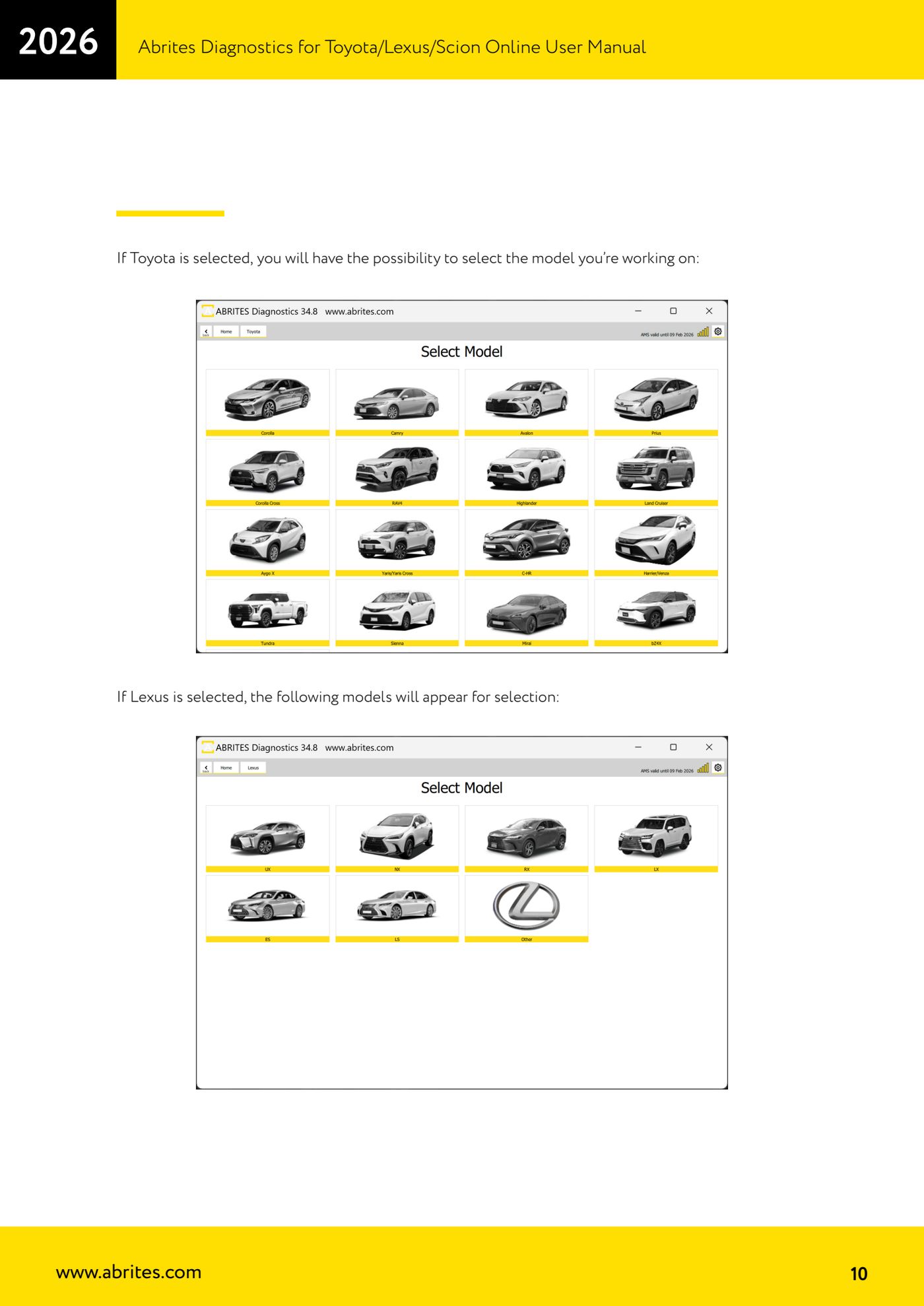
- On the main screen pick the make: "Toyota" or "Lexus". The list of models available for the chosen make then appears: select the model you are working on.
- The software checks the selection and, if needed, proposes the correct vehicle: accept the suggestion if it matches the car in the workshop.
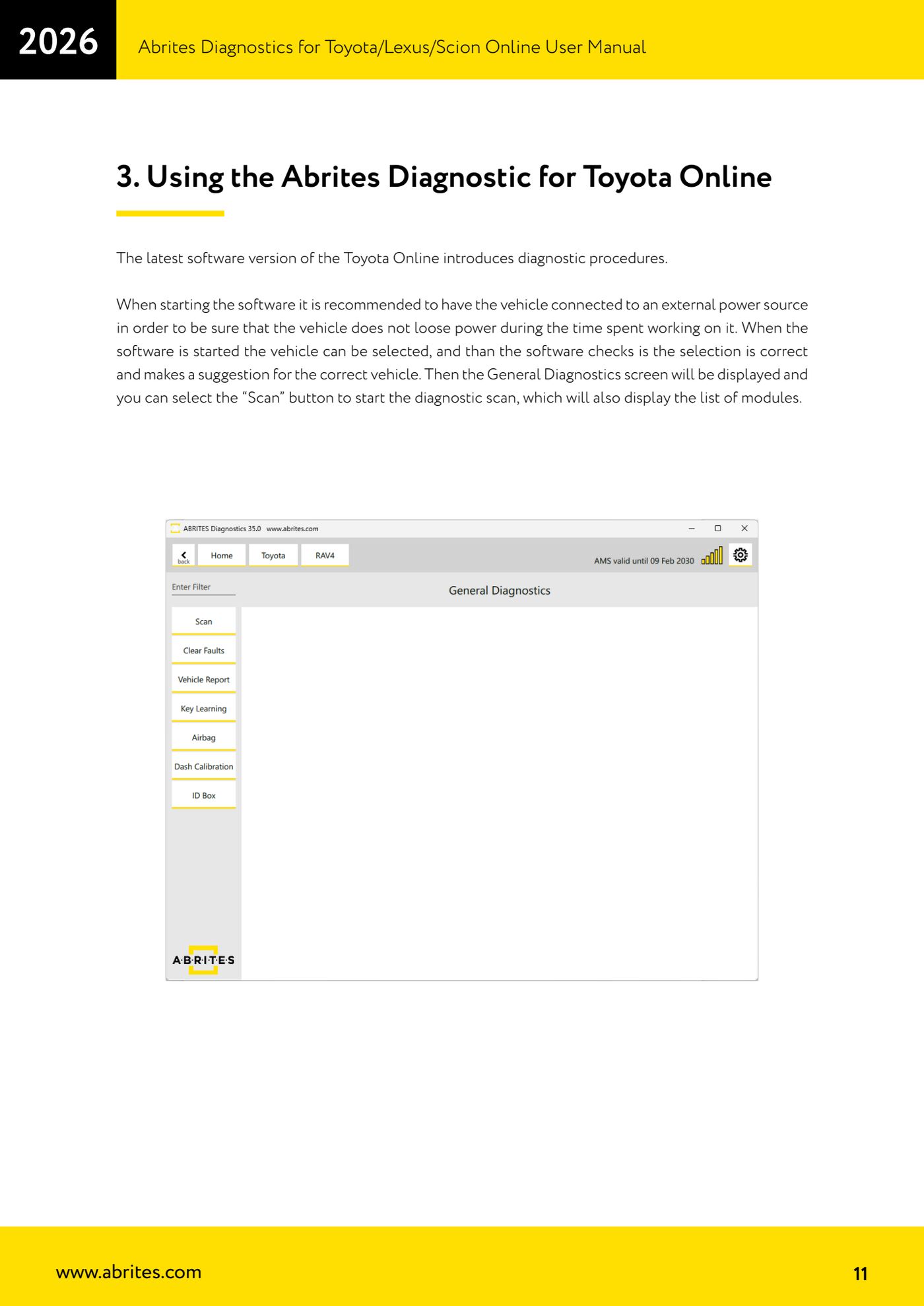
- On the "General Diagnostics" screen press "Scan": the software runs through all available protocols and identifies every module fitted to the car, listing them on screen.
- Go into the module you need: for each one you get identification, live/measured values, actuator tests and DTC clearing.
- To read the faults open the "Fault Codes" menu on the left-hand side: you can see the detail of each DTC and save the scan report to file.
- Once the faults are fixed press "Clear Faults" to clear the module's DTCs, then run the scan again to check they do not come back.
- For live values open the module you want from the main screen and press "Live Values" on the left-hand side: pick the parameters you want to monitor from the list and follow the readings in real time for diagnosis.
Reference screenshots
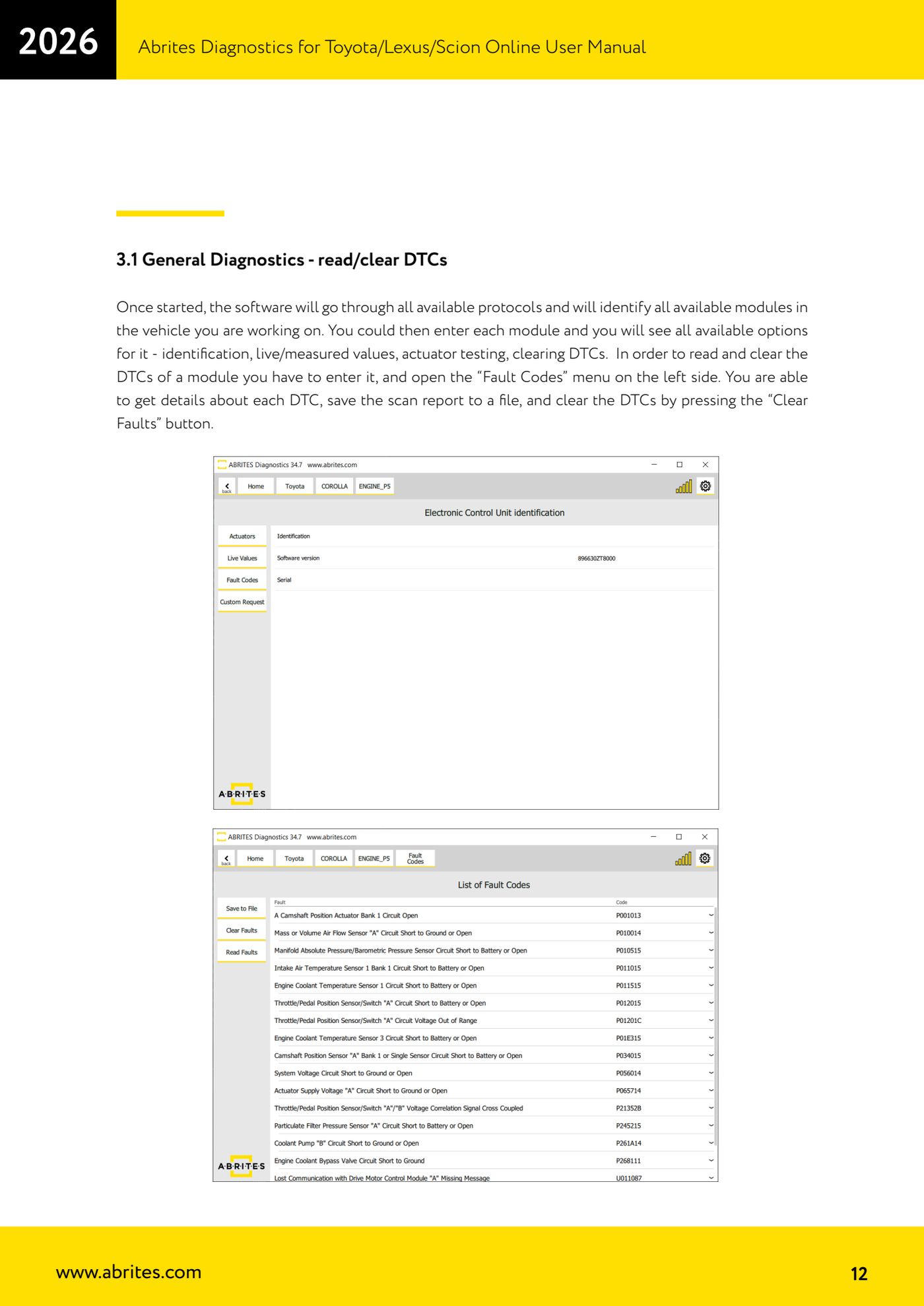
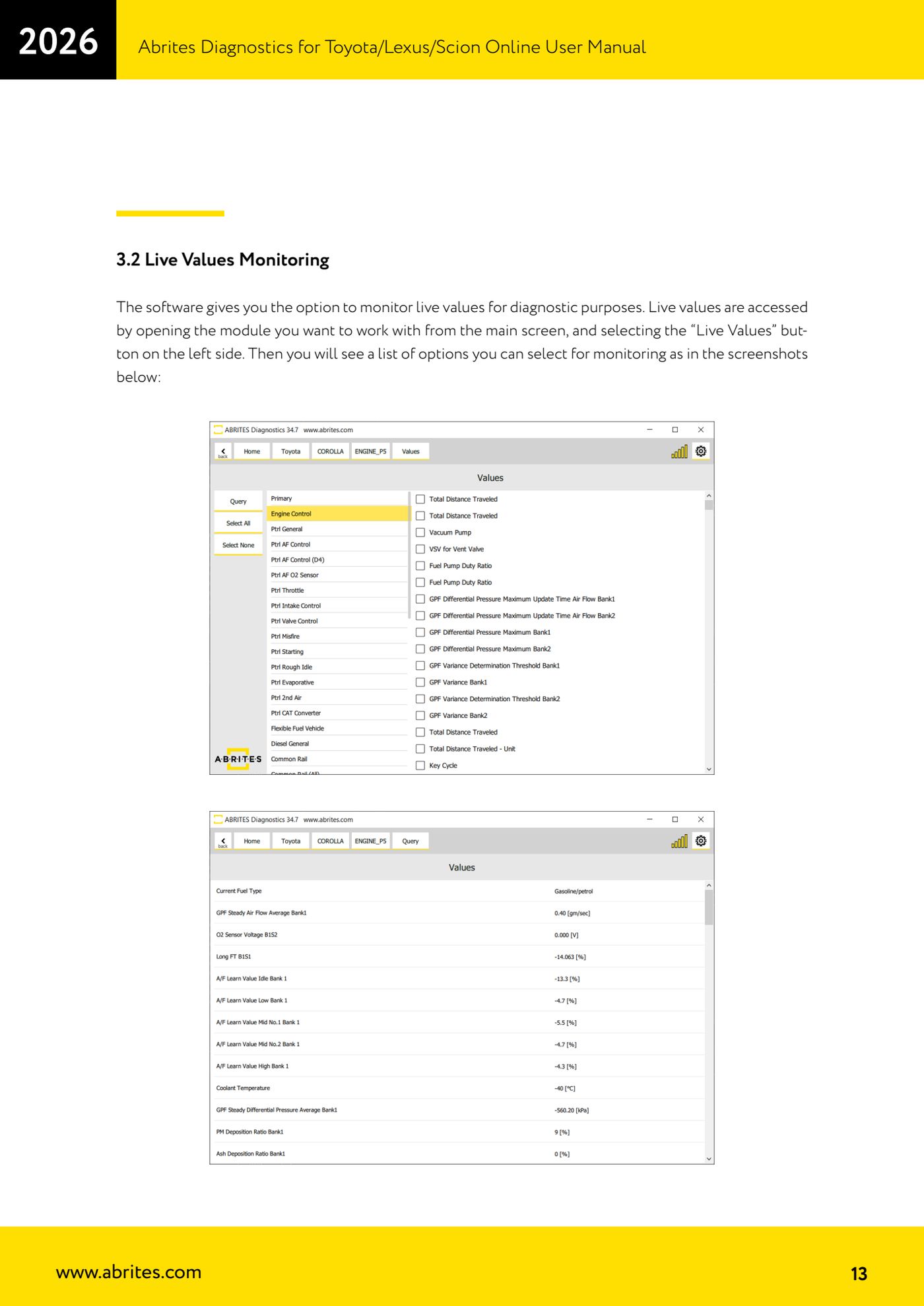
Source: Manuale Abrites Diagnostics for Toyota/Lexus/Scion Online, capp. 2.2 e 3 (p.9-13) · ⏱ estimated time 15-30 min
← All Abrites guides Hardware catalogue
More guides Toyota/Lexus
- Basic Toyota/Lexus/Scion diagnostics: reading and clearing DTCs, Live Data and full SCAN
- Toyota/Lexus/Scion Key Learning: identifying the immobiliser system and the rules to follow
- Toyota key programming with 4C transponder (immo integrated in the engine ECU or synchronised immobox)
- Key programming with 4D immoboxes: Tokai Rika 1st/2nd generation, VALEO and VISTEON
- Programming G-type keys (DST80, 80 bit) on Tokai Rika immoboxes
- Adding an H-type key (DST AES, 128 bit) via OBD with a working key
- All keys lost on Toyota with H-type mechanical key: reset and sniffing with ZN068 and ZN067
- Finding the B+, IG SW and KEY SW fuses for the ZN067 using immobiliser Live Data
- Bench programming of H-type keys with the ZN067 adapter
- Cloning Toyota/Lexus/Scion keys and transponders with PROTAG (4C, ID33, 4D, G and H)
- Key learning on Toyota smart keys with the ZN039-2 master emulator
- Emergency start with the ZN039-2 on Toyota/Lexus/Scion/Subaru smart access