
Chip-Tools
Cloning Toyota/Lexus/Scion keys and transponders with PROTAG (4C, ID33, 4D, G and H)
Toyota/Lexus
Interface Classic
Keys / Immo
Basic
⏱ 10-20 min
6 steps
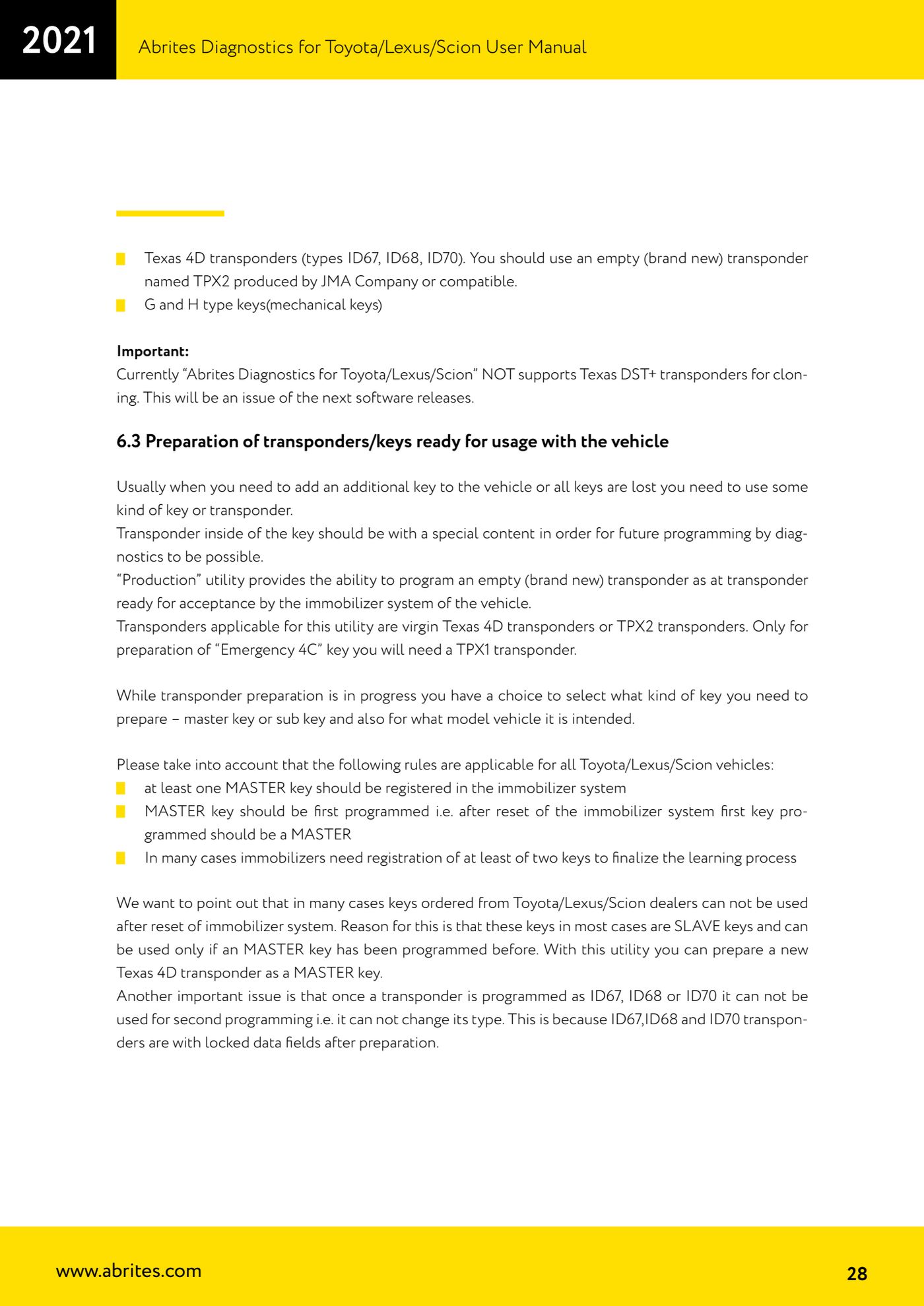
You do not need the vehicle to clone a key: a working key and the PROTAG programmer are enough. It is done through the "Transponder Tool" > "Cloner" special function.


⚠ WarningAbrites Diagnostics for Toyota/Lexus/Scion does NOT support cloning of Texas DST+ transponders.
Procedure
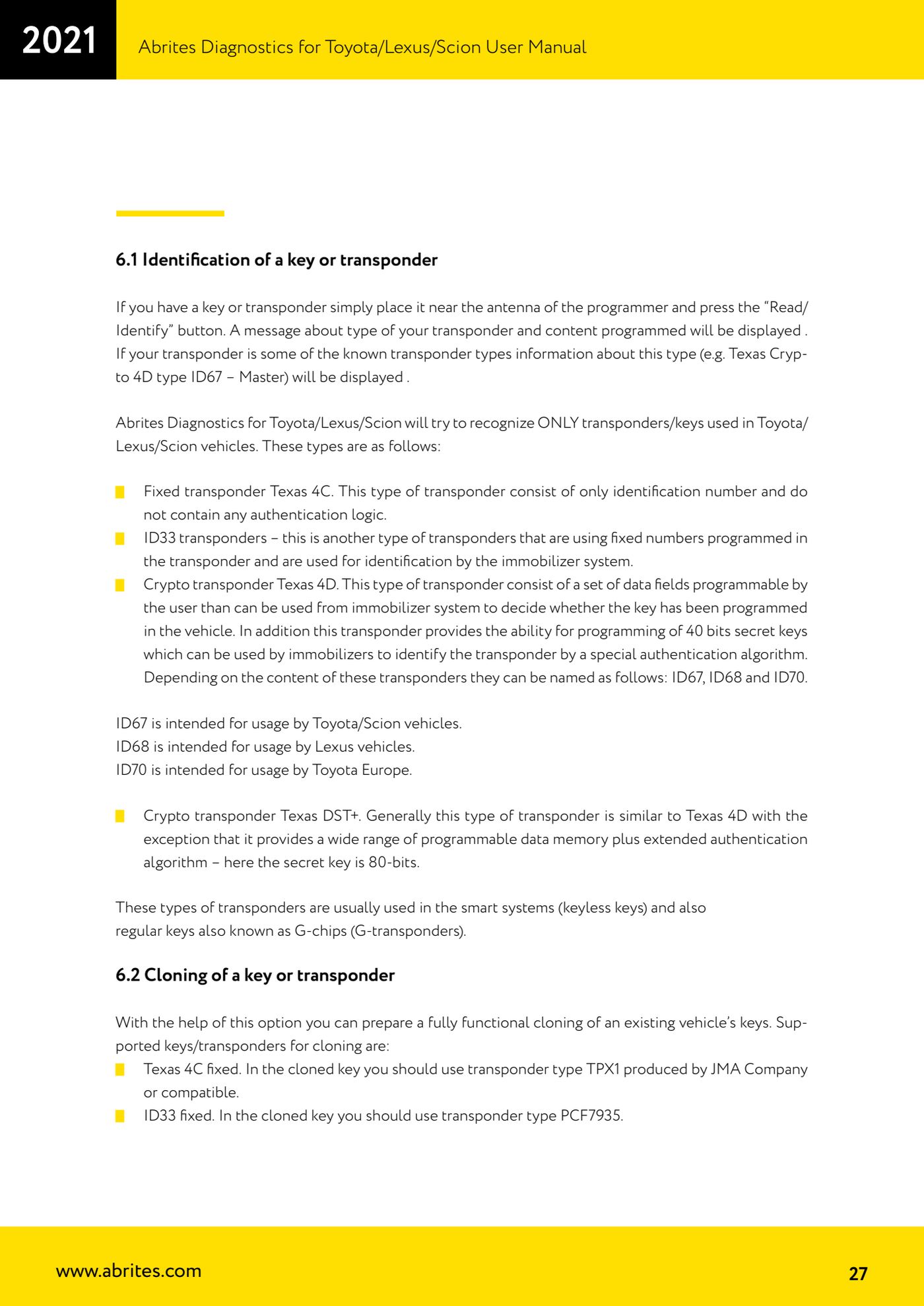
- Connect the PROTAG programmer to the PC and check that the software detects it, then open the "Transponder Tool" special function and select "Cloner".
- Keep the PROTAG away from metal surfaces while working on the transponder antenna and seat the key or transponder properly in the programmer, otherwise reading and writing will fail.
- Hold the working original key close to the programmer antenna and read it.
- Choose the correct target according to the type read: fixed Texas 4C is cloned onto a TPX1 transponder (JMA or compatible); fixed ID33 is cloned onto a PCF7935; Texas 4D transponders (types ID67, ID68, ID70) are cloned onto a virgin TPX2 (JMA or compatible).
- For G-type and H-type mechanical keys, cloning is only possible onto Abrites TA30 transponders.
- Run the cloning and check the result by reading the new key back with "Read/Identify" before trying it on the car.
Reference screenshots
Source: Manuale Toyota/Lexus/Scion, cap. 5 - Cloning a key (p.21) e cap. 6.2 (p.27-28) · ⏱ estimated time 10-20 min
← All Abrites guides Hardware catalogue
More guides Toyota/Lexus
- Basic Toyota/Lexus/Scion diagnostics: reading and clearing DTCs, Live Data and full SCAN
- Toyota/Lexus/Scion Key Learning: identifying the immobiliser system and the rules to follow
- Toyota key programming with 4C transponder (immo integrated in the engine ECU or synchronised immobox)
- Key programming with 4D immoboxes: Tokai Rika 1st/2nd generation, VALEO and VISTEON
- Programming G-type keys (DST80, 80 bit) on Tokai Rika immoboxes
- Adding an H-type key (DST AES, 128 bit) via OBD with a working key
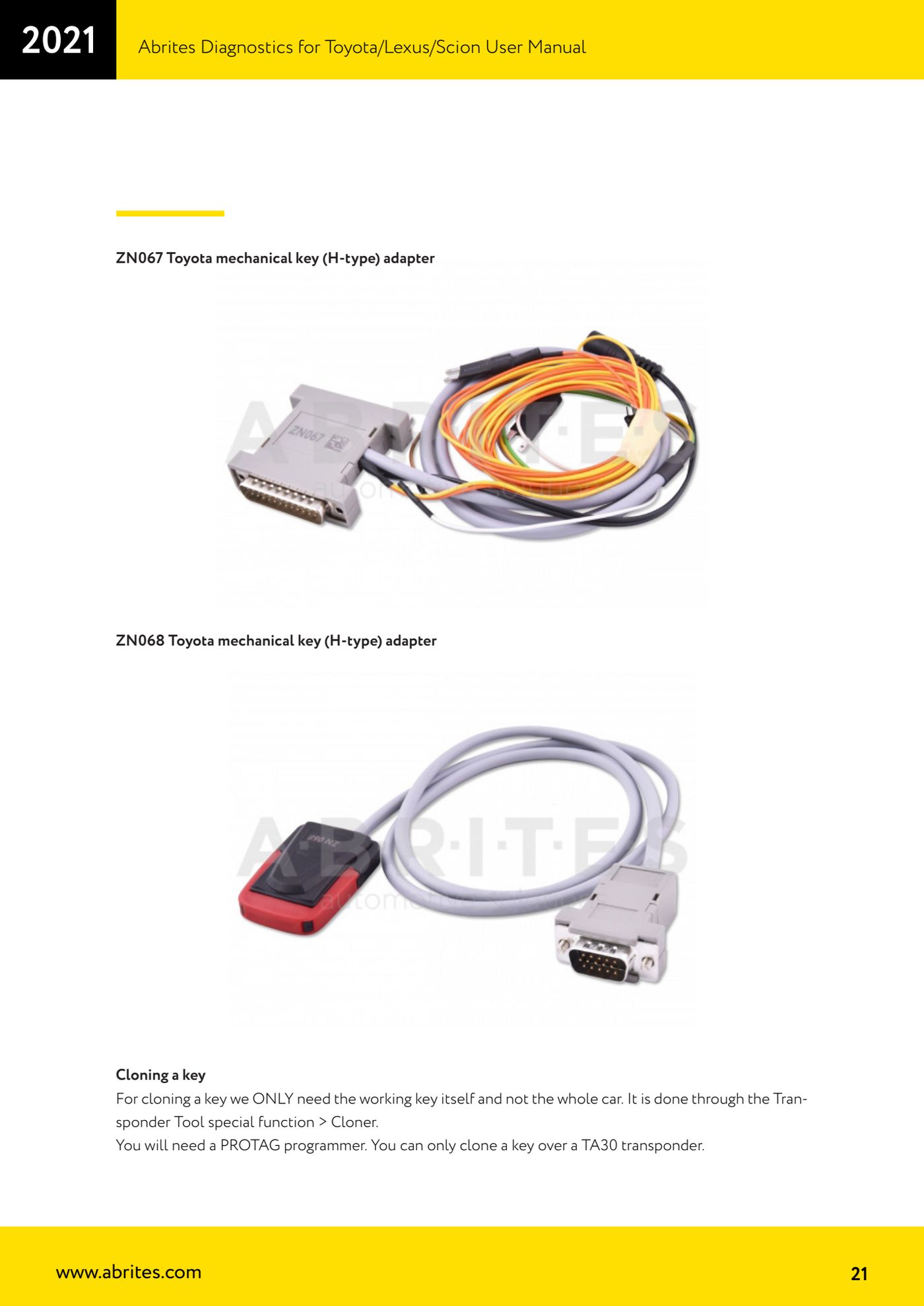
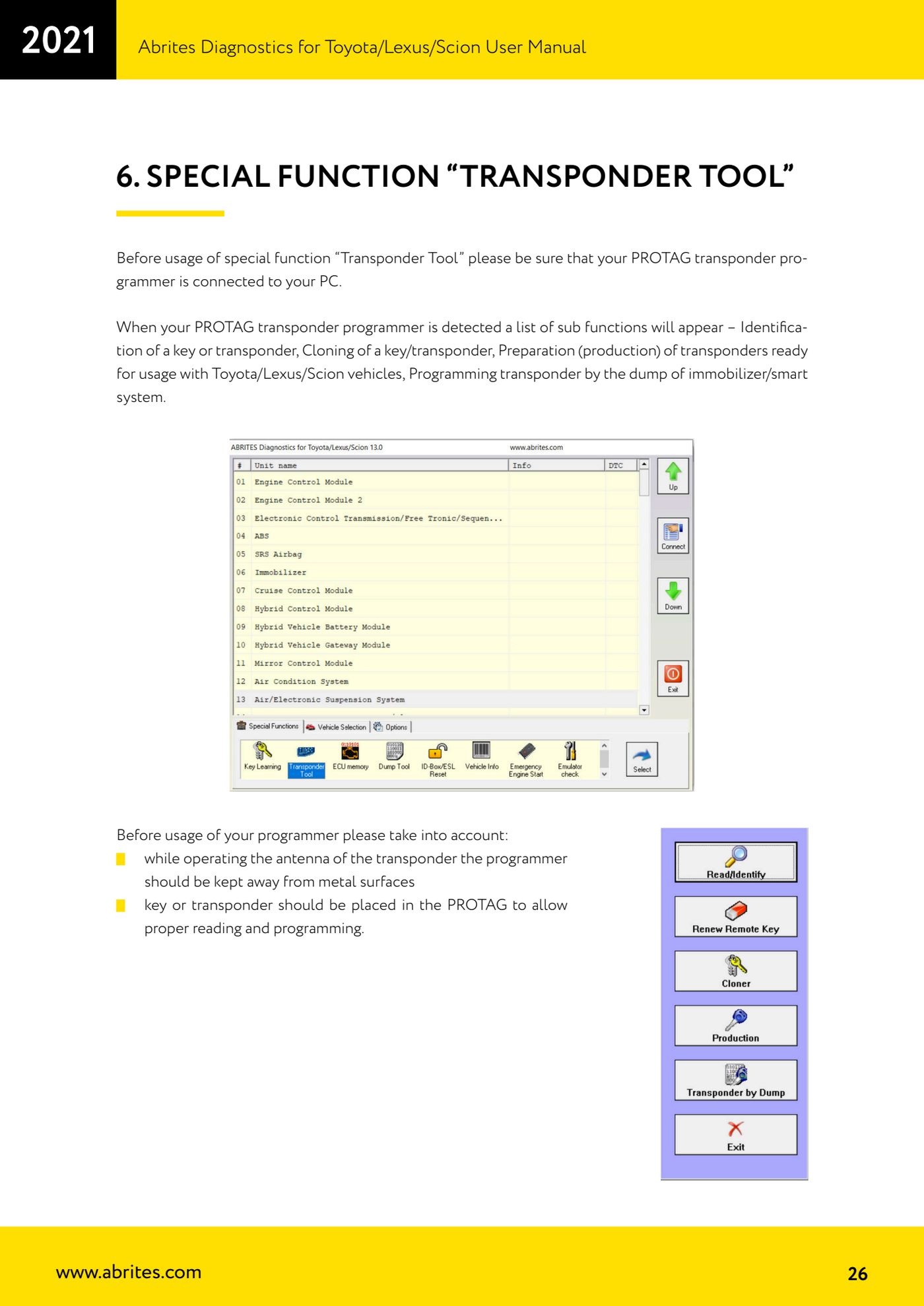
- All keys lost on Toyota with H-type mechanical key: reset and sniffing with ZN068 and ZN067
- Finding the B+, IG SW and KEY SW fuses for the ZN067 using immobiliser Live Data
- Bench programming of H-type keys with the ZN067 adapter
- Key learning on Toyota smart keys with the ZN039-2 master emulator
- Emergency start with the ZN039-2 on Toyota/Lexus/Scion/Subaru smart access
- Toyota engine ECU and immobox replacement: matching with an OBDII jumper (30 minutes)