
Chip-Tools
Toyota/Lexus ID Code Box reset (up to 2024) for Smart System, ECU or ESL replacement - LIN connection with CB012/CB031
Toyota/Lexus
Interface New
Keys / Immo
Advanced
⏱ 30-60 min
11 steps
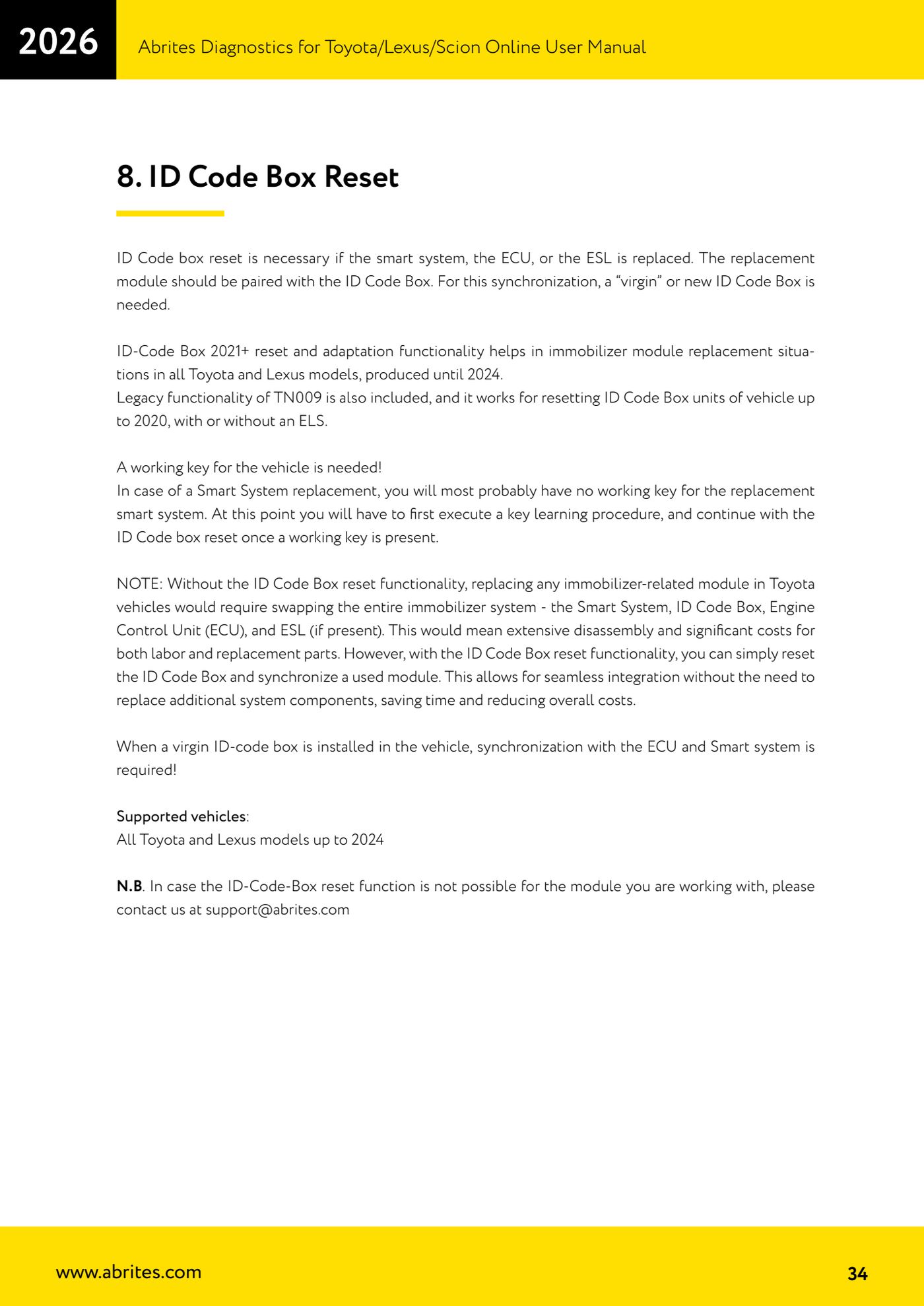
An ID Code Box reset is needed when replacing the Smart System, the engine ECU or the ESL: the replacement module has to be matched to the ID Code Box. It lets you adapt a used module without having to replace the whole immobiliser system (Smart System + ID Code Box + ECU + ESL), saving strip-down work and parts.

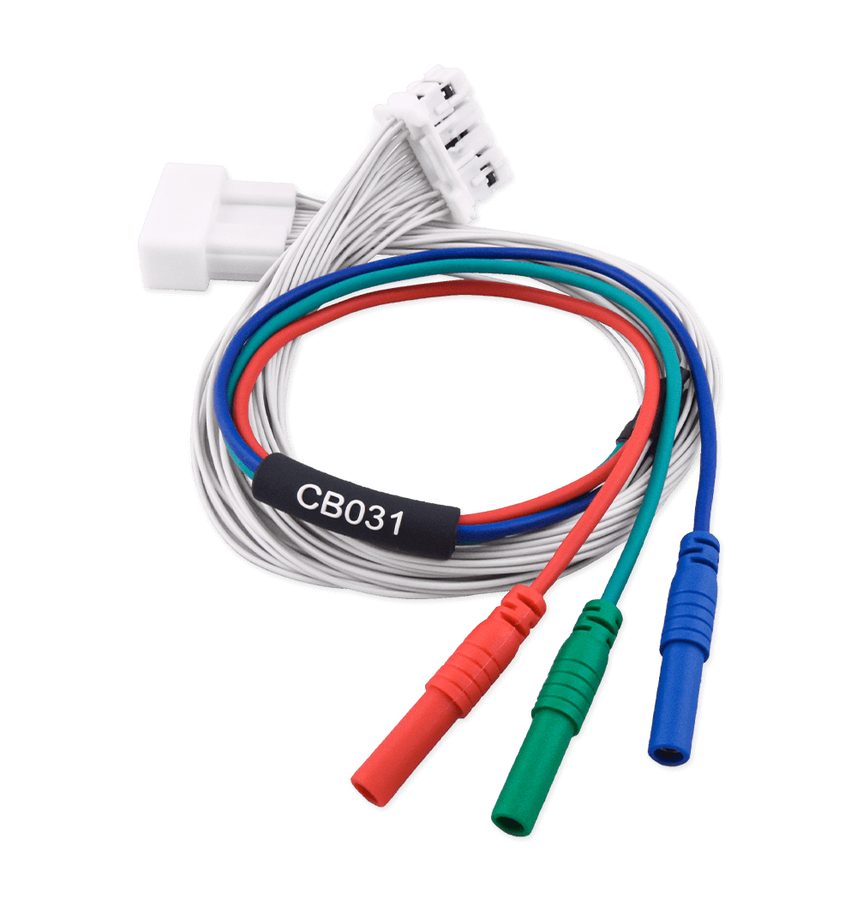
⚠ WarningA working key for the vehicle is required. When replacing the Smart System you most likely will not have a working key for the new module: in that case run the key learning procedure first and only then, with a working key available, the ID Code Box reset. Make sure the Smart System (SMT) is disconnected and do NOT connect the other end of the CB031 to the SMT.
Procedure
- Check the coverage: the 2021+ ID Code Box reset and adaptation function covers immobiliser module replacement on all Toyota and Lexus models built up to 2024. The legacy TN009 functionality is also included, which resets the ID Code Box on vehicles up to 2020, with or without ESL.
- Remember that synchronisation requires a "virgin" or new ID Code Box; when a virgin ID Code Box is fitted to the vehicle, synchronisation with the ECU and the Smart System is mandatory.
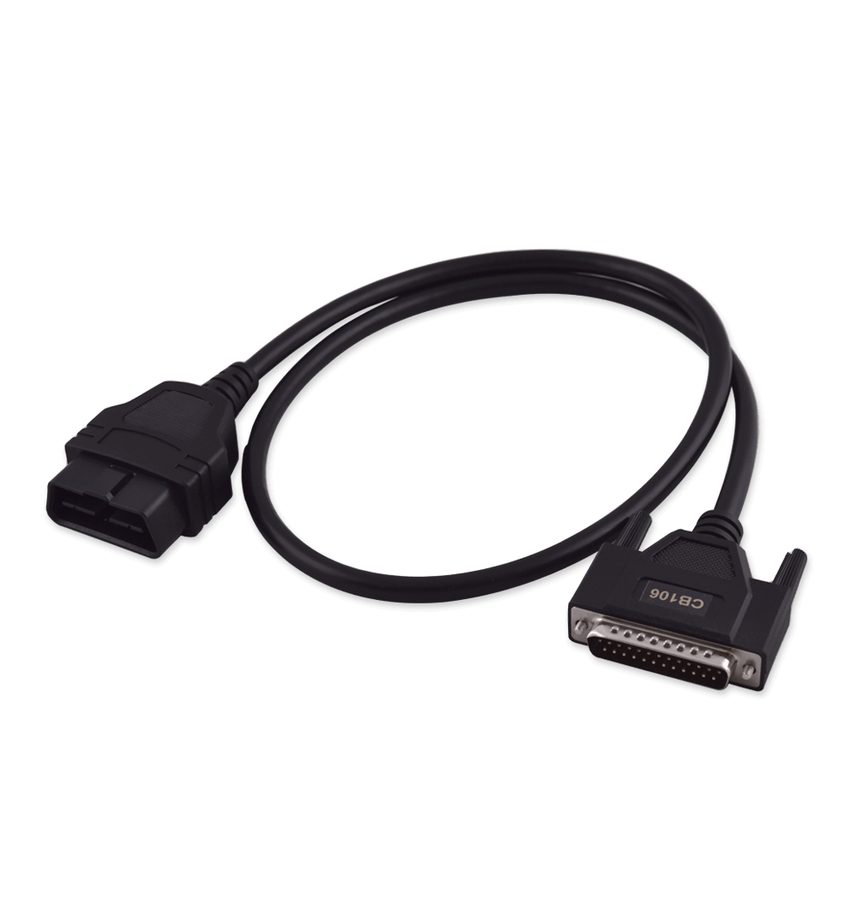
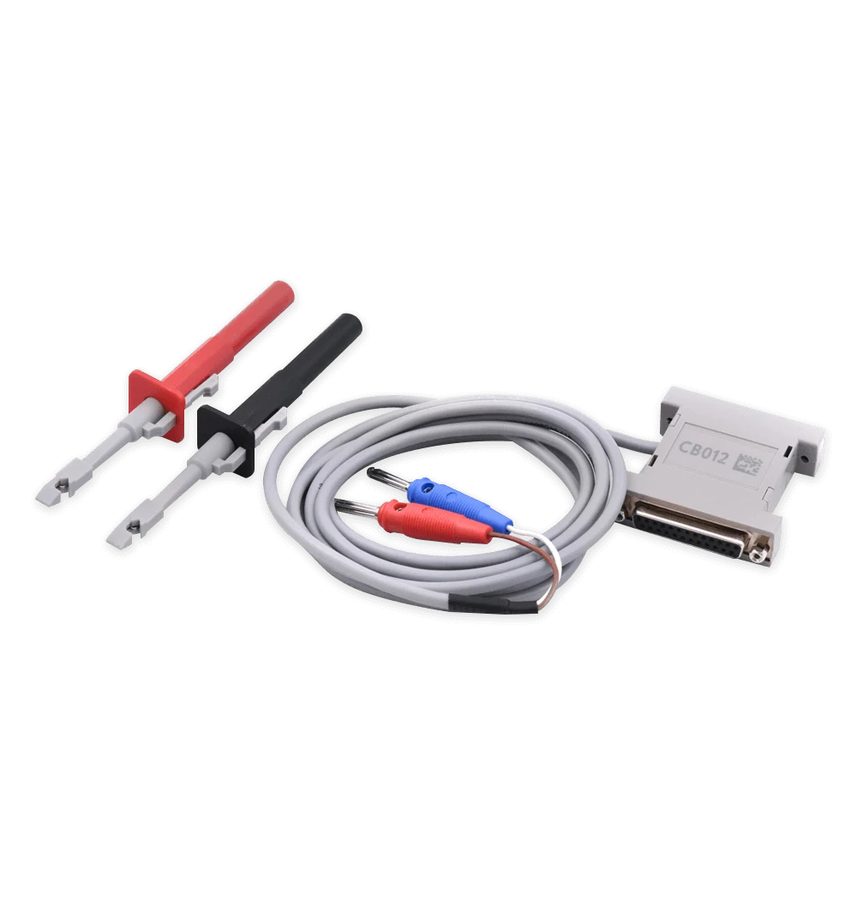
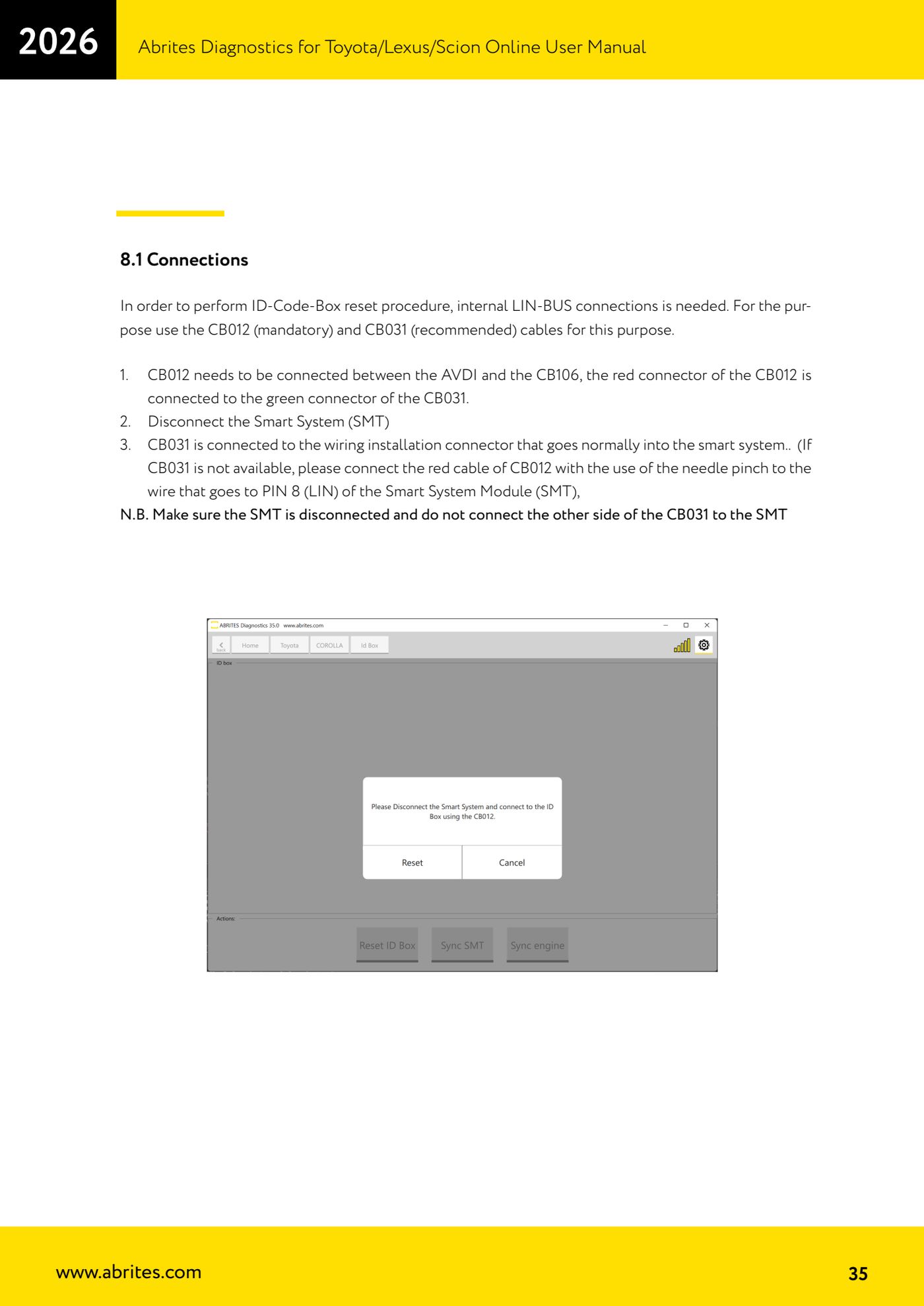
- Prepare the connections: the reset requires a connection to the internal LIN-BUS. Use the CB012 (mandatory) and the CB031 (recommended).
- Connect the CB012 between the AVDI and the CB106; the red connector of the CB012 goes to the green connector of the CB031.
- Disconnect the Smart System (SMT) from the vehicle.
- Connect the CB031 to the harness connector that normally plugs into the Smart System. If you do not have the CB031, connect the red wire of the CB012 with the needle pinch to the wire going to PIN 8 (LIN) of the Smart System module (SMT).
- Check that the SMT stays disconnected and that the other end of the CB031 is NOT connected to the SMT.
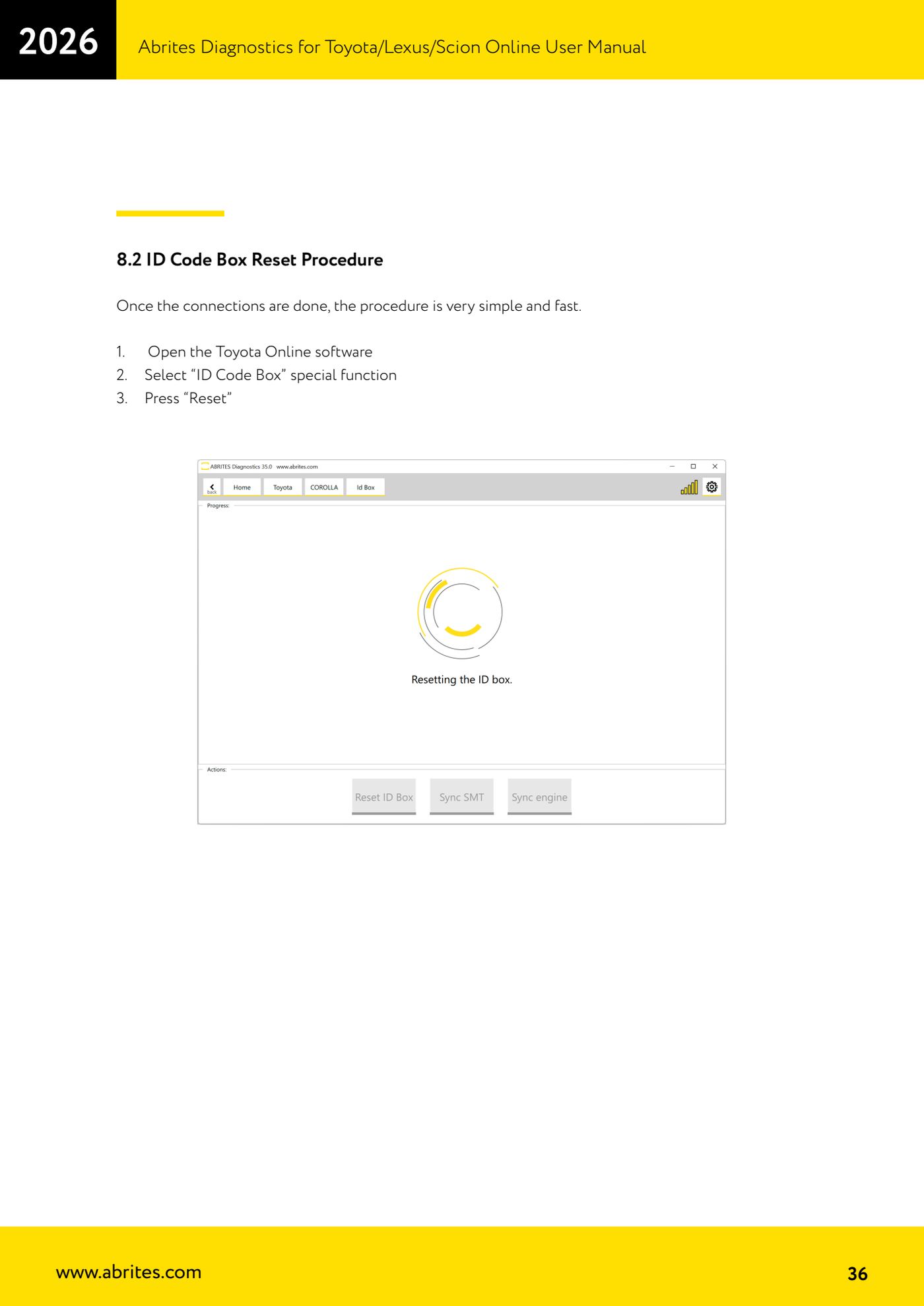
- Open the Toyota Online software.
- Select the "ID Code Box" special function.
- Press "Reset": the procedure is quick and finishes in a few moments.
- Afterwards carry on with synchronising the ID Code Box to the Smart System and the engine ECU. If the reset is not possible on the module you are working on, contact Abrites support at support@abrites.com.
Reference screenshots
Source: Manuale Abrites Diagnostics for Toyota/Lexus/Scion Online, cap. 8 ID Code Box Reset (p.34-36) · ⏱ estimated time 30-60 min
← All Abrites guides Hardware catalogue
More guides Toyota/Lexus
- Basic Toyota/Lexus/Scion diagnostics: reading and clearing DTCs, Live Data and full SCAN
- Toyota/Lexus/Scion Key Learning: identifying the immobiliser system and the rules to follow
- Toyota key programming with 4C transponder (immo integrated in the engine ECU or synchronised immobox)
- Key programming with 4D immoboxes: Tokai Rika 1st/2nd generation, VALEO and VISTEON
- Programming G-type keys (DST80, 80 bit) on Tokai Rika immoboxes
- Adding an H-type key (DST AES, 128 bit) via OBD with a working key
- All keys lost on Toyota with H-type mechanical key: reset and sniffing with ZN068 and ZN067
- Finding the B+, IG SW and KEY SW fuses for the ZN067 using immobiliser Live Data
- Bench programming of H-type keys with the ZN067 adapter
- Cloning Toyota/Lexus/Scion keys and transponders with PROTAG (4C, ID33, 4D, G and H)
- Key learning on Toyota smart keys with the ZN039-2 master emulator
- Emergency start with the ZN039-2 on Toyota/Lexus/Scion/Subaru smart access