
Chip-Tools
Toyota/Lexus airbag 2020+: DFLASH read/write and crash data erase
Toyota/Lexus
Interface New
Airbag
Medium
⏱ 20-40 min
6 steps
Lets you read the DFLASH of Toyota/Lexus airbag modules from 2020 onwards, erase the crash data and write the file back into the unit. Used after an accident, when the airbag module is locked by the stored crash data.

Procedure
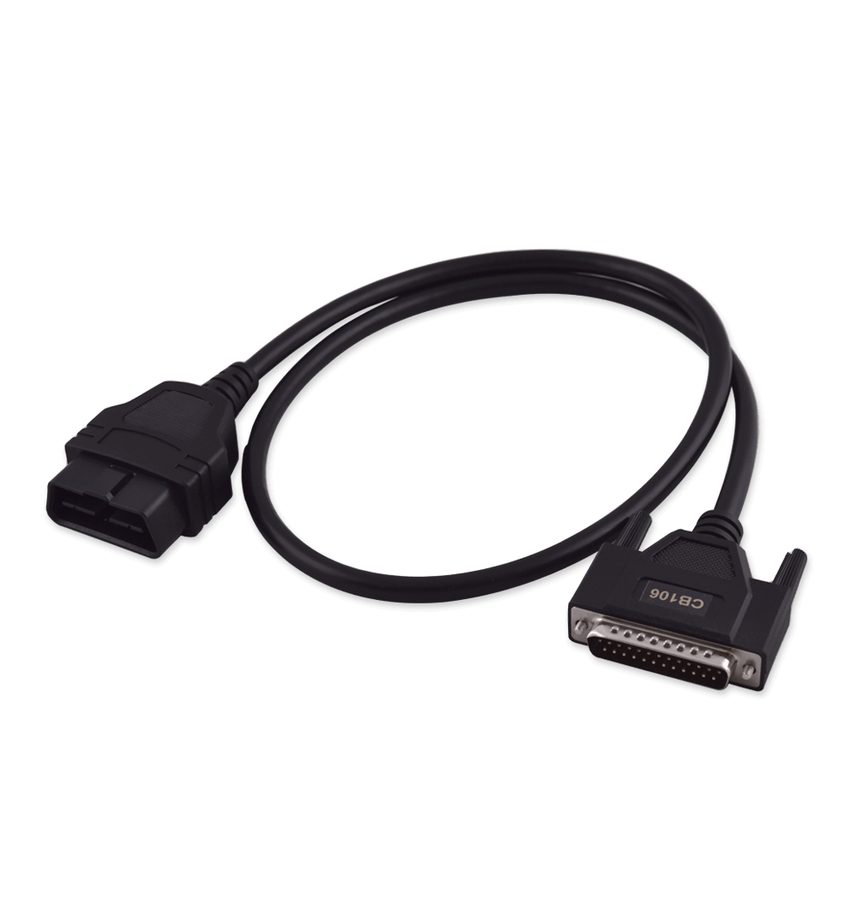
- Connect the AVDI to the vehicle's OBDII socket and start the Toyota Online software, selecting make and model.
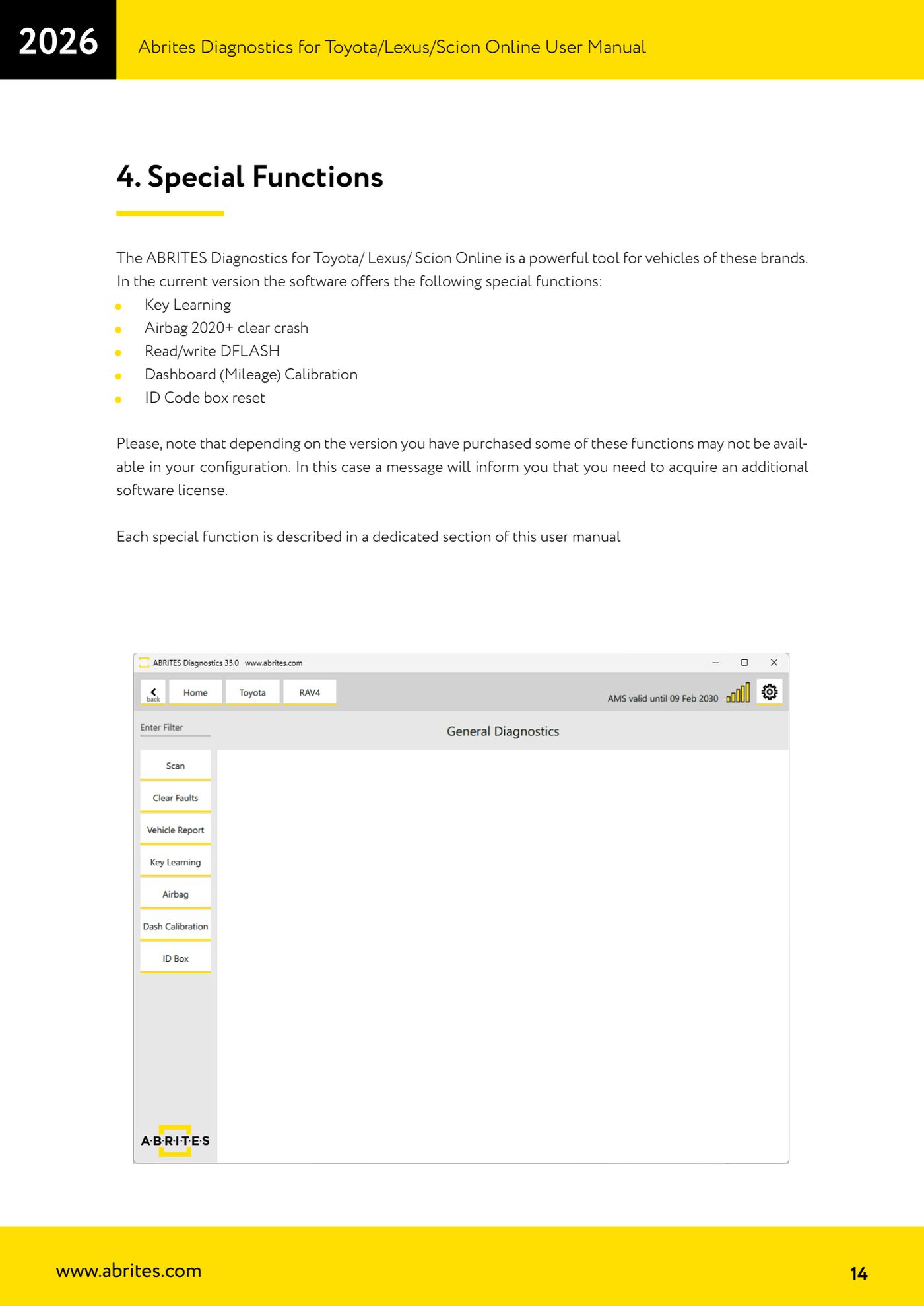
- From the main screen, on the left-hand side, press the "Airbag" button to open the function menu.
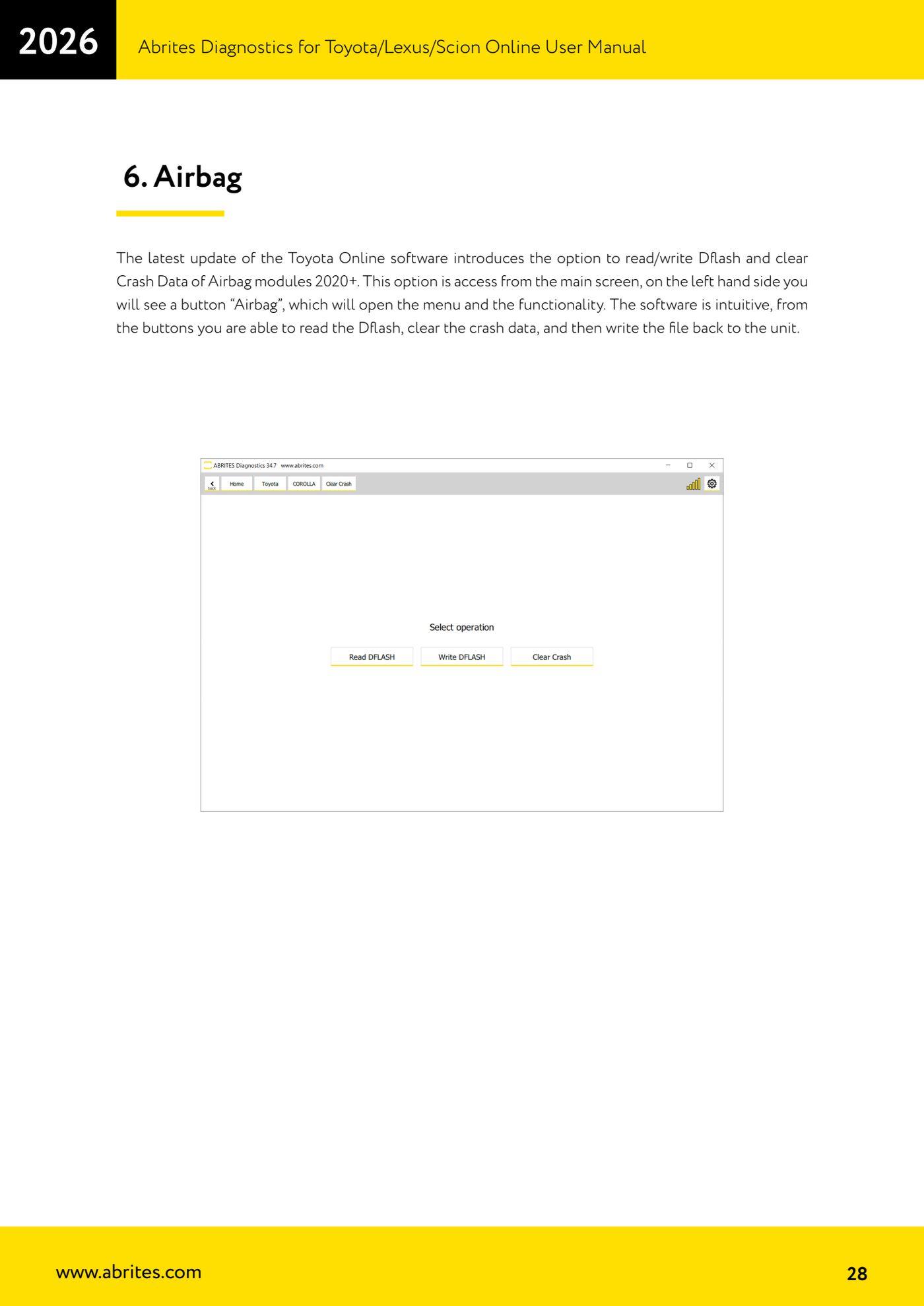
- Read the airbag module's DFLASH with the read button and save the file: that is your backup before any modification.
- Erase the crash data with the dedicated clear crash data button.
- Write the file back into the unit with the software's write function.
- At the end run a diagnostic scan and clear any remaining DTCs in the airbag module, checking that the SRS light goes out.
Reference screenshots
Source: Manuale Abrites Diagnostics for Toyota/Lexus/Scion Online, cap. 6 Airbag (p.28), elenco funzioni speciali cap. 4 (p.14) · ⏱ estimated time 20-40 min
← All Abrites guides Hardware catalogue
More guides Toyota/Lexus
- Basic Toyota/Lexus/Scion diagnostics: reading and clearing DTCs, Live Data and full SCAN
- Toyota/Lexus/Scion Key Learning: identifying the immobiliser system and the rules to follow
- Toyota key programming with 4C transponder (immo integrated in the engine ECU or synchronised immobox)
- Key programming with 4D immoboxes: Tokai Rika 1st/2nd generation, VALEO and VISTEON
- Programming G-type keys (DST80, 80 bit) on Tokai Rika immoboxes
- Adding an H-type key (DST AES, 128 bit) via OBD with a working key
- All keys lost on Toyota with H-type mechanical key: reset and sniffing with ZN068 and ZN067
- Finding the B+, IG SW and KEY SW fuses for the ZN067 using immobiliser Live Data
- Bench programming of H-type keys with the ZN067 adapter
- Cloning Toyota/Lexus/Scion keys and transponders with PROTAG (4C, ID33, 4D, G and H)
- Key learning on Toyota smart keys with the ZN039-2 master emulator
- Emergency start with the ZN039-2 on Toyota/Lexus/Scion/Subaru smart access