
Chip-Tools
Toyota/Lexus 2018+ key programming (HT-AES and DST-AES) over OBDII with TA64/TA68 emulators and PROTAG
Toyota/Lexus
Interface New
Keys / Immo
Medium
⏱ 30-60 min
17 steps
Key programming on Toyota, Lexus and Scion vehicles built from 2018 onwards, both spare key and all keys lost. The procedure is guided on screen, is done over OBDII and requires neither a Smart System reset nor a connection to the Toyota servers. It covers all market versions (US, Europe, UK, Asia).
Required licences
- TN011
- TN012
- TN013
- TN014
- TN015
- TN016
- TN017
- TN018


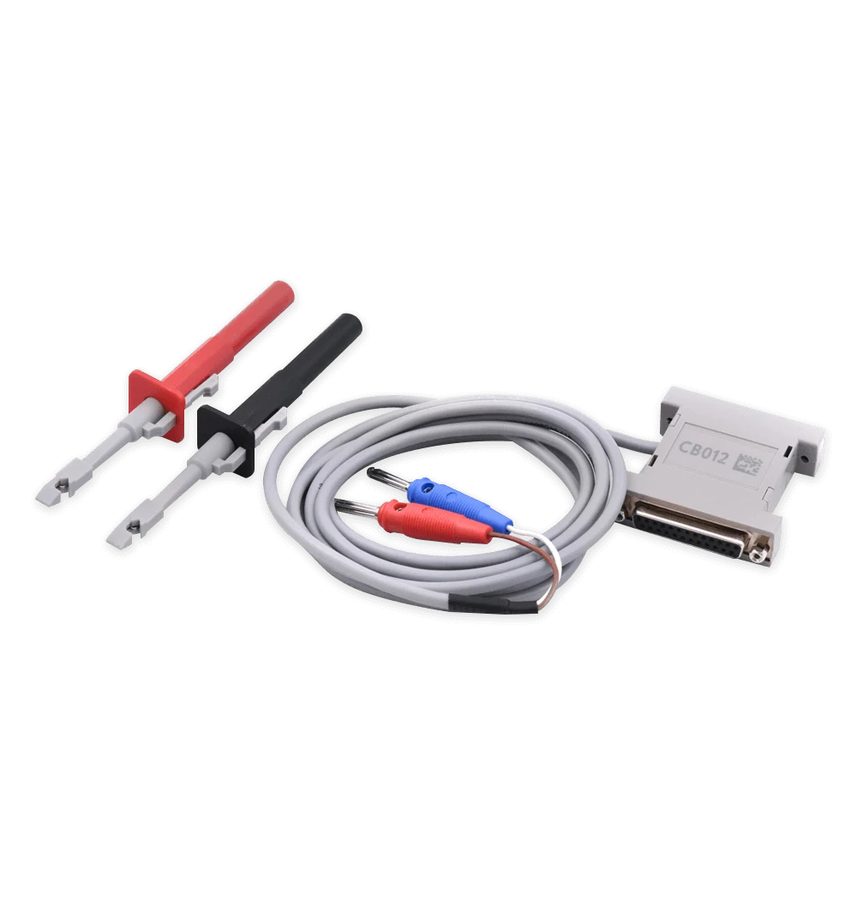
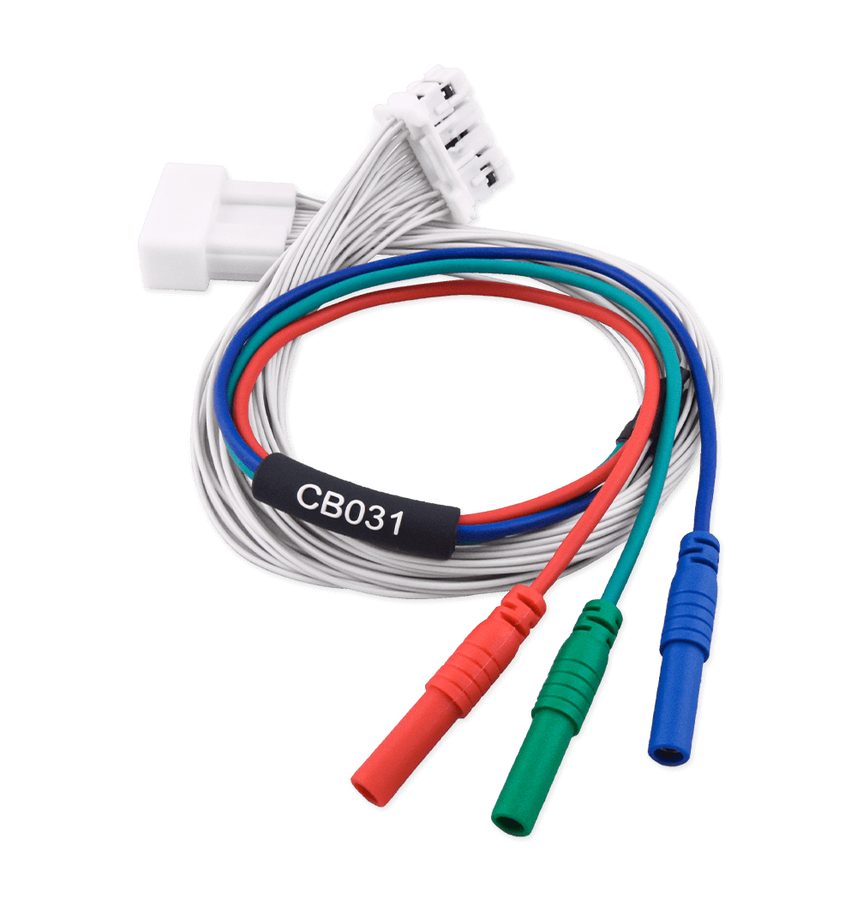
⚠ WarningFollow every on-screen instruction to the letter and in the exact order: it is a necessary condition for the procedure to succeed. The software warns you if a connection to the vehicle's internal CAN is required (CB012/CB031).
Procedure
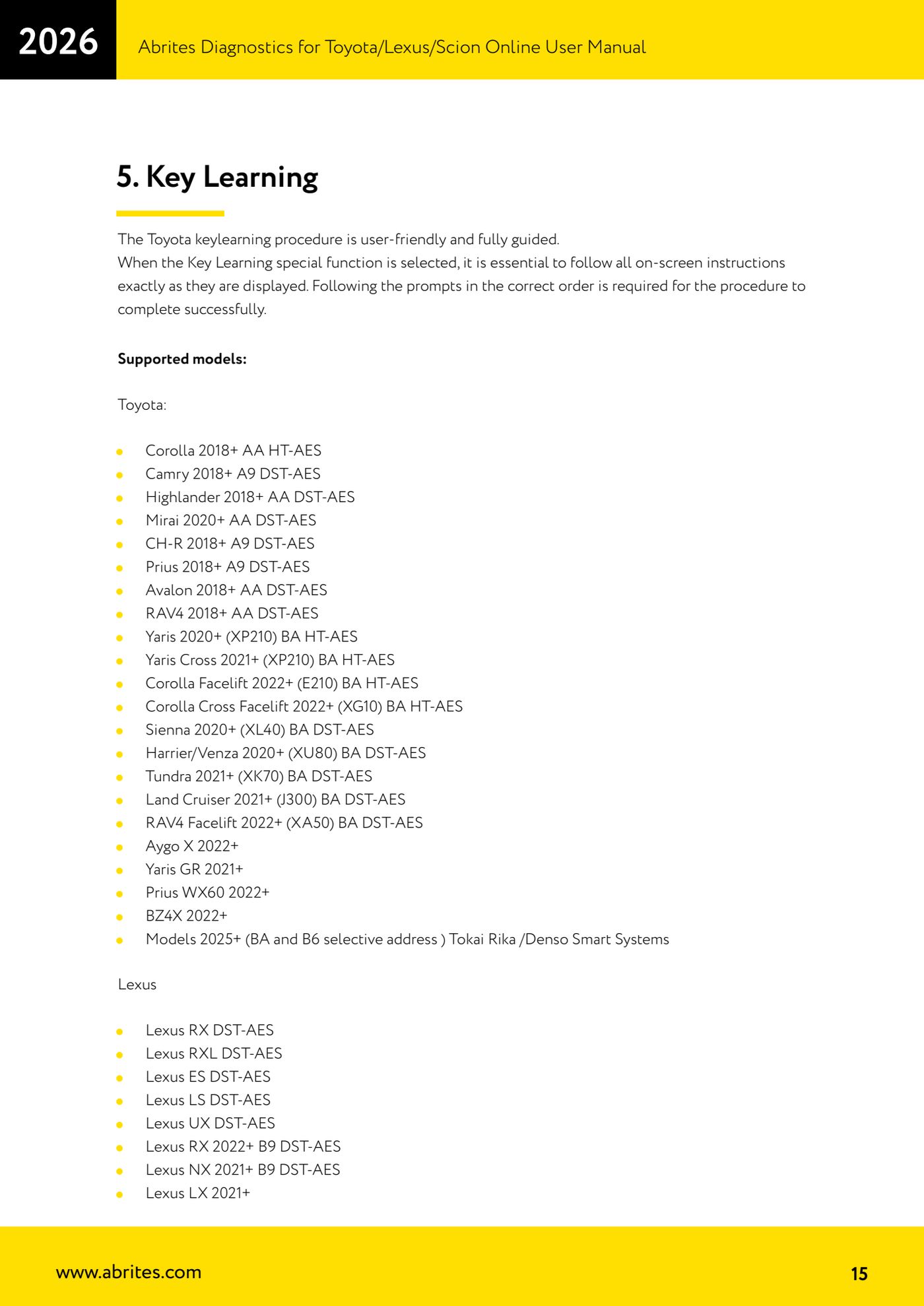
- Check that the model is covered. Toyota: Corolla 2018+ AA HT-AES, Camry 2018+ A9 DST-AES, Highlander 2018+ AA DST-AES, Mirai 2020+ AA DST-AES, CH-R 2018+ A9 DST-AES, Prius 2018+ A9 DST-AES, Avalon 2018+ AA DST-AES, RAV4 2018+ AA DST-AES, Yaris 2020+ (XP210) BA HT-AES, Yaris Cross 2021+ (XP210) BA HT-AES, Corolla Facelift 2022+ (E210) BA HT-AES, Corolla Cross Facelift 2022+ (XG10) BA HT-AES, Sienna 2020+ (XL40) BA DST-AES, Harrier/Venza 2020+ (XU80) BA DST-AES, Tundra 2021+ (XK70) BA DST-AES, Land Cruiser 2021+ (J300) BA DST-AES, RAV4 Facelift 2022+ (XA50) BA DST-AES, Aygo X 2022+, Yaris GR 2021+, Prius WX60 2022+, BZ4X 2022+ and the 2025+ models (BA and B6 selective address) with Tokai Rika/Denso Smart System. Lexus: RX, RXL, ES, LS, UX DST-AES, RX 2022+ B9 DST-AES, NX 2021+ B9 DST-AES, LX 2021+.
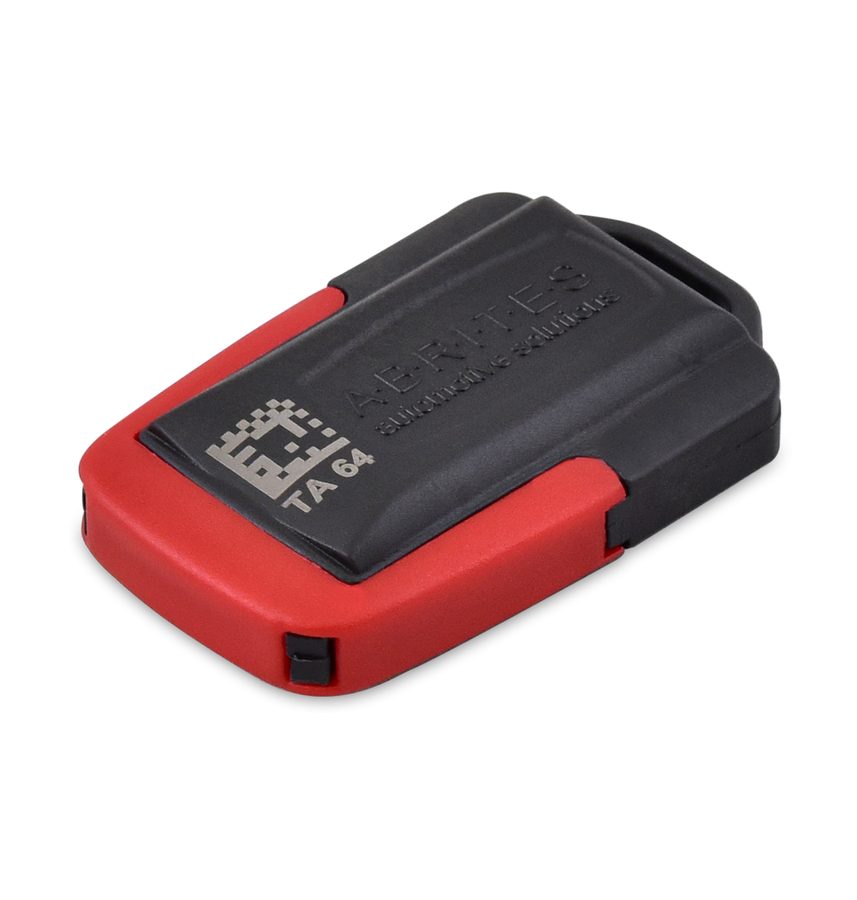
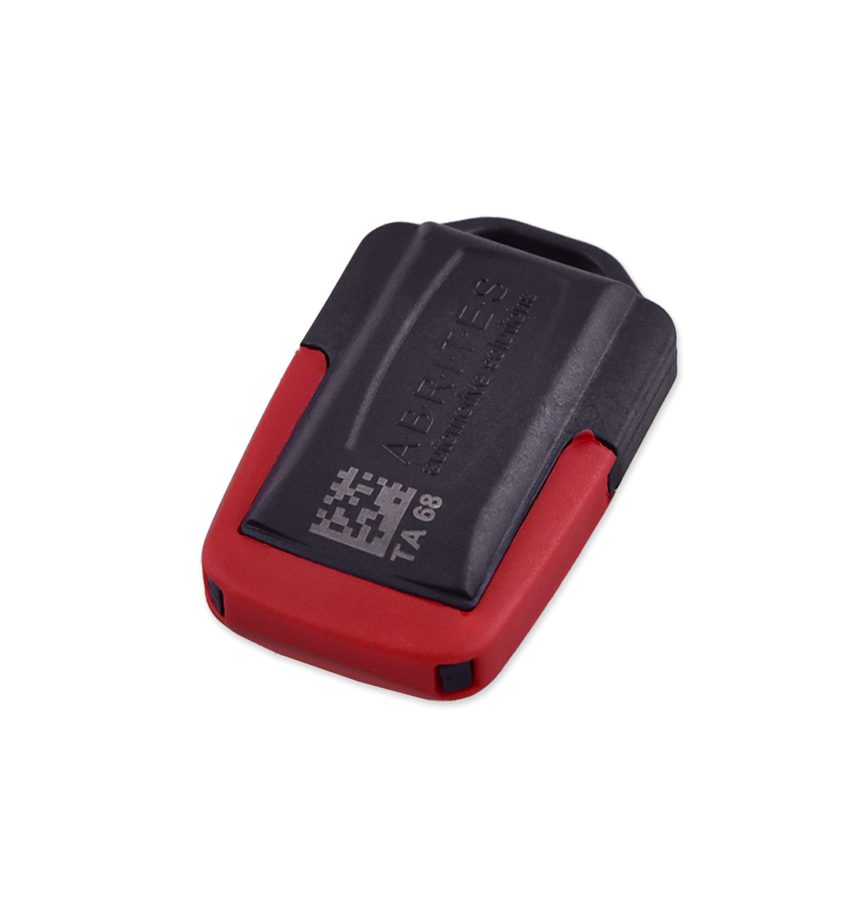
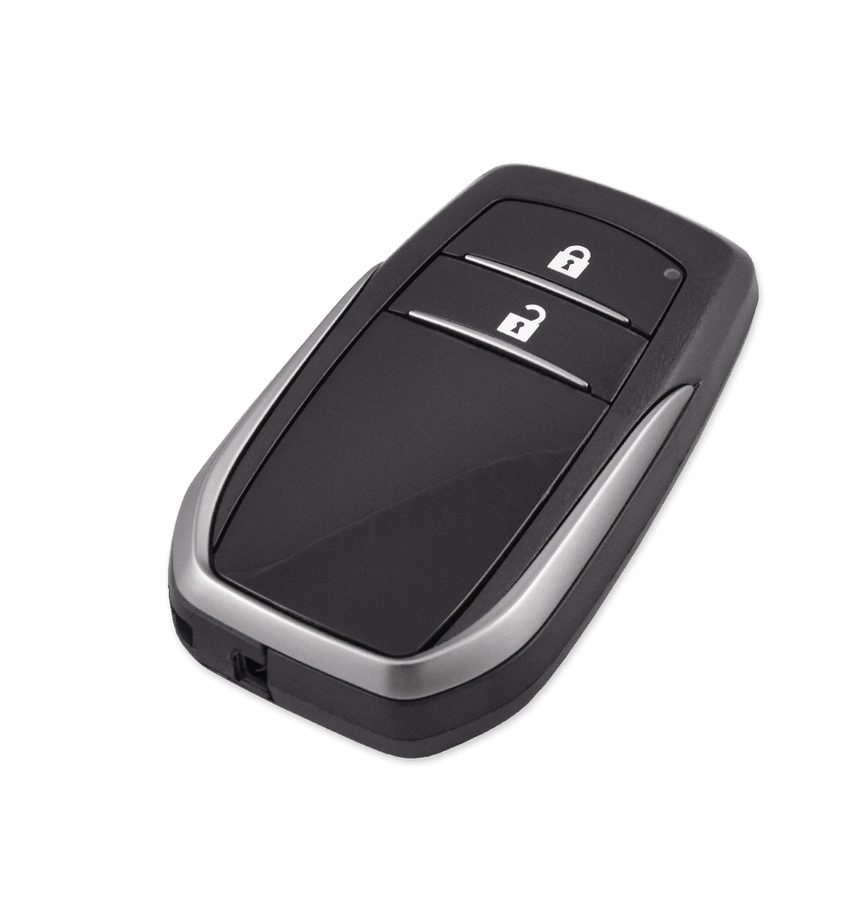
- Get the right emulator ready according to the vehicle's transponder type: TA64 (HITAG-AES emulator) for HT-AES systems, TA68 (DST-AES emulator) for DST-AES systems. For 2021+ Toyotas with Tokai Rika Smart System and "BA" HT-AES key you can use the TA71 key, which is learned with the TN014 licence.
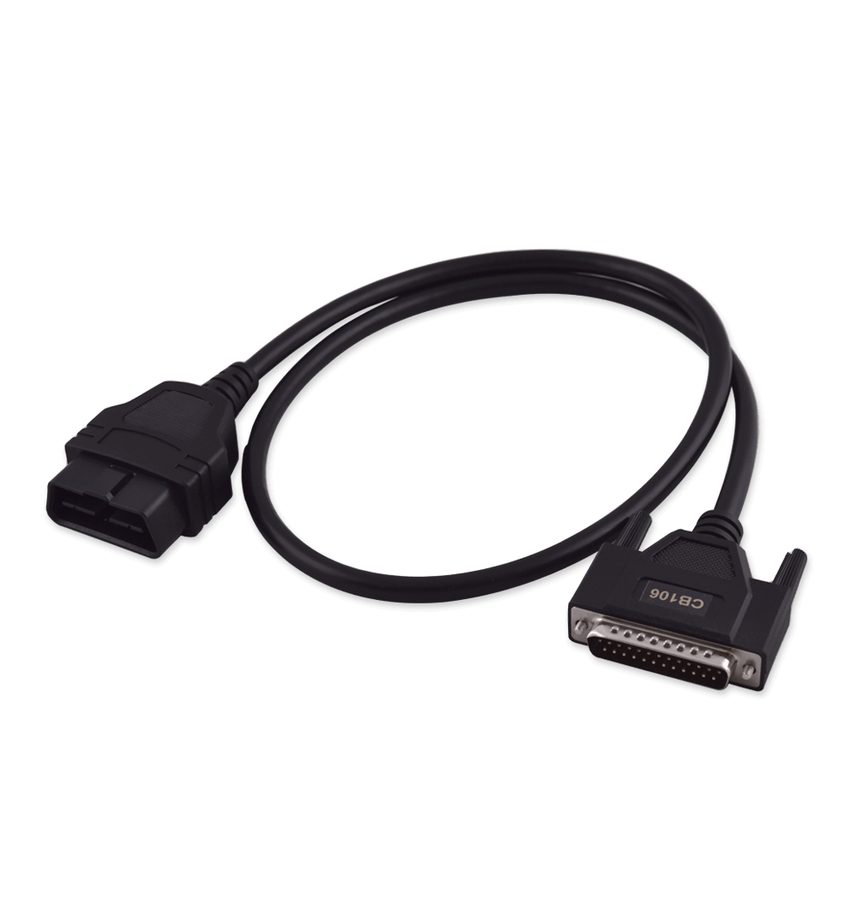
- Connect the AVDI to the OBDII socket with the CB106 and the PROTAG to the PC. Keep the CB012 (and the CB031, recommended) to hand in case the software asks for the internal CAN connection.
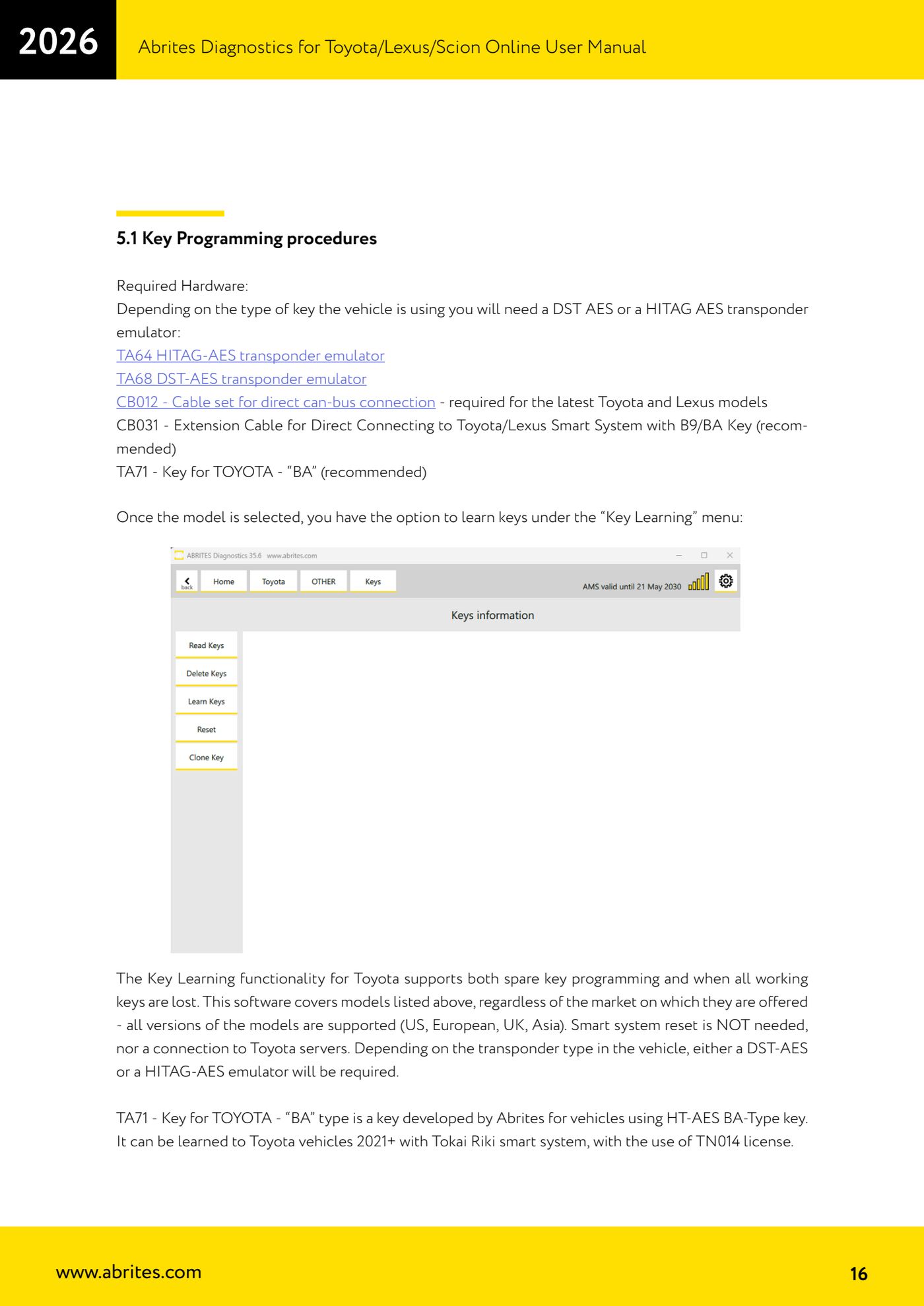
- Start the Toyota Online software, select make and model, then open the "Key Learning" menu.
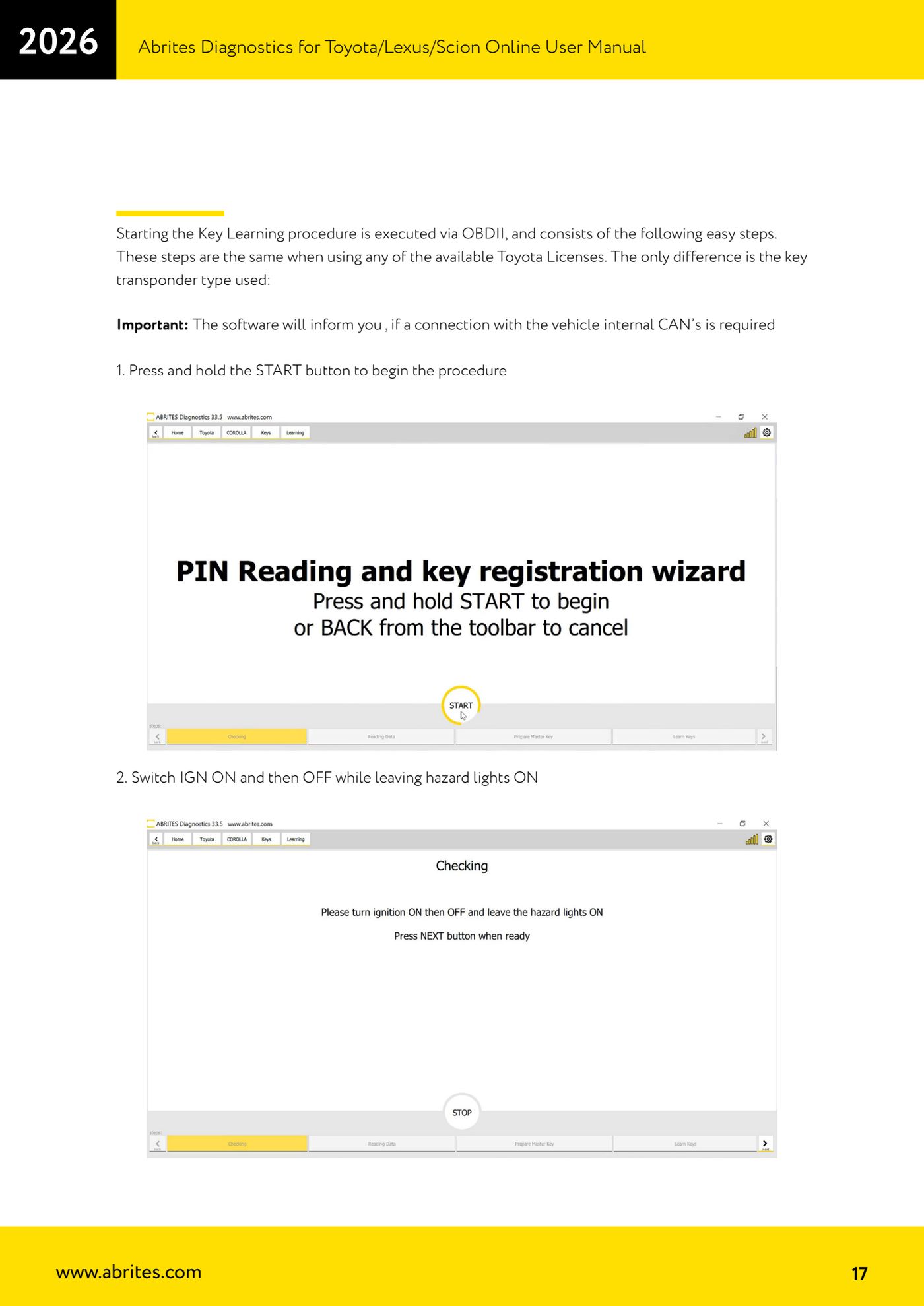
- On-screen step 1: press and hold the START button to begin the procedure.
- Step 2: cycle the ignition (IGN) ON and then OFF, leaving the hazard lights on.
- Step 3: confirm when the software asks whether you want to prepare a Master Key emulator.
- Step 4: wait while the software reads and modifies the required data.
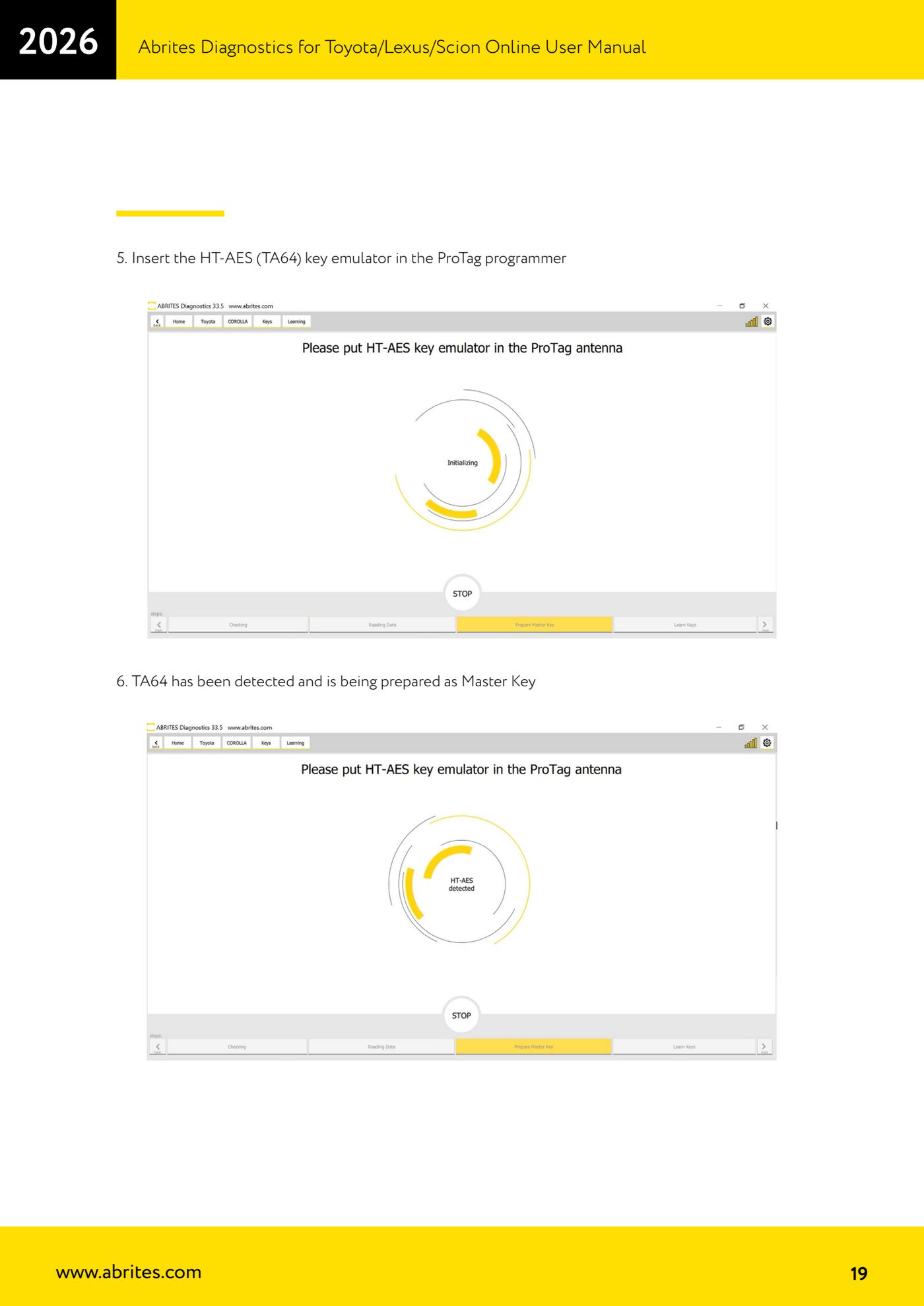
- Step 5: insert the HT-AES key emulator (TA64) - or the TA68 if the system is DST-AES - into the PROTAG programmer.
- Step 6: wait for confirmation that the TA64/TA68 has been detected and is being prepared as Master Key.
- Step 7: use the TA64 you have just prepared to bring the ignition to IGN ON.
- Step 8: leave the ignition in the ON position and open the driver's door.
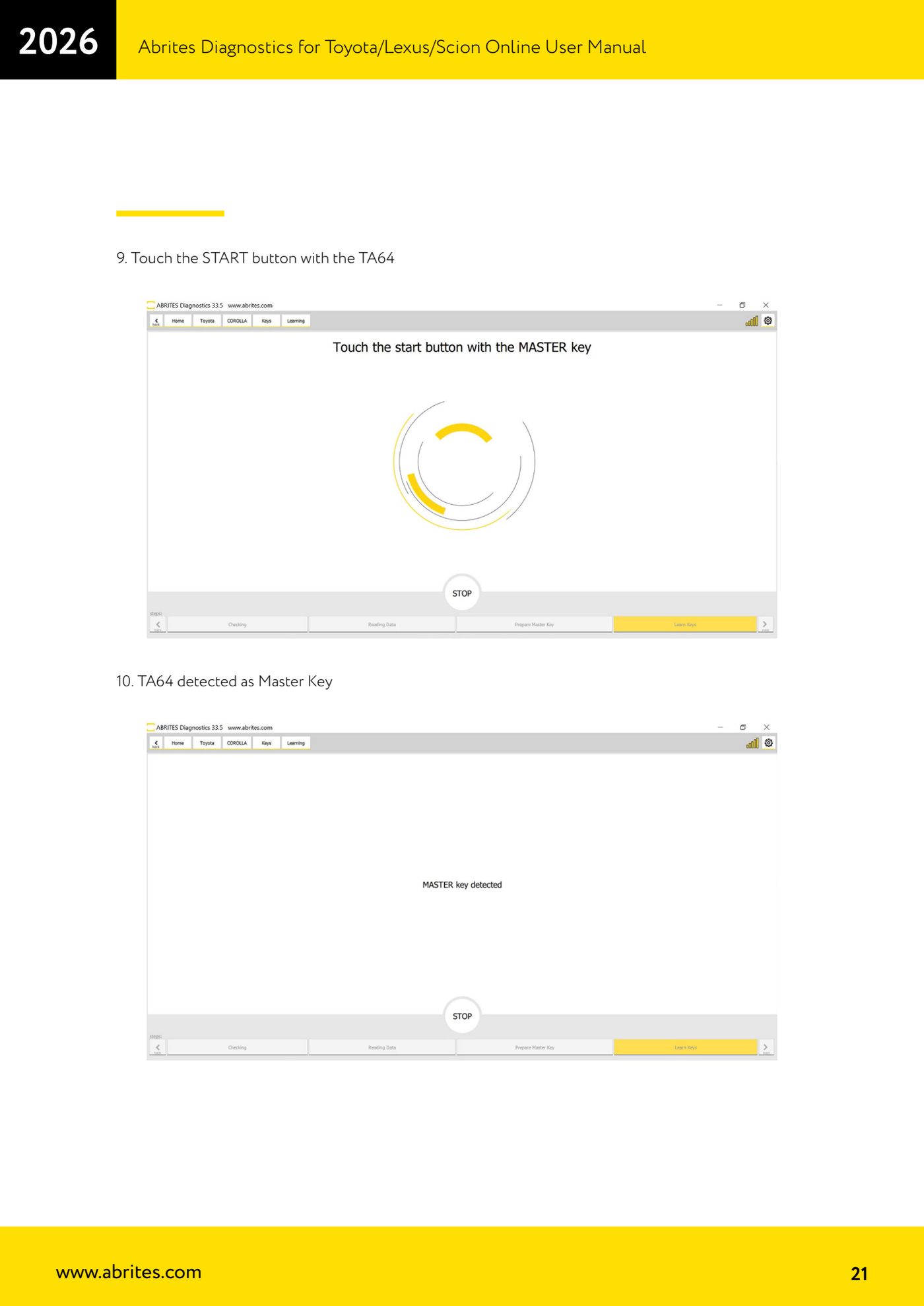
- Step 9: hold the TA64 up to the START button (touch it with the emulator).
- Step 10: check on screen that the TA64 has been detected as Master Key.
- Step 11: touch the START button with the new key to be learned.
- Step 12: wait for the software to detect the new key.
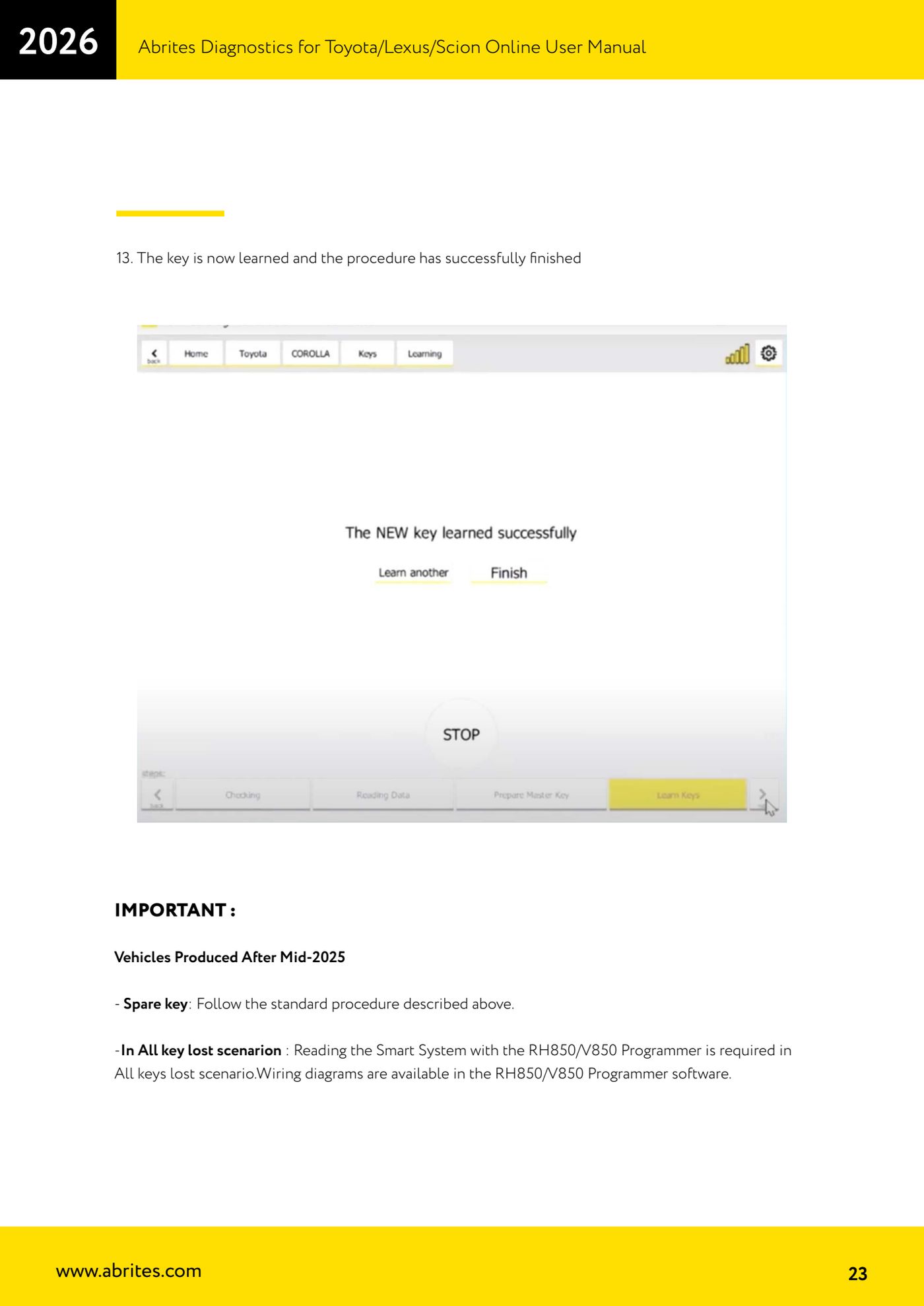
- Step 13: when the completion message appears the key is learned and the procedure has finished successfully. Test the key: lock/unlock and engine start.
Reference screenshots
Source: Manuale Abrites Diagnostics for Toyota/Lexus/Scion Online, capp. 5 e 5.1 (p.15-23) · ⏱ estimated time 30-60 min
← All Abrites guides Hardware catalogue
More guides Toyota/Lexus
- Basic Toyota/Lexus/Scion diagnostics: reading and clearing DTCs, Live Data and full SCAN
- Toyota/Lexus/Scion Key Learning: identifying the immobiliser system and the rules to follow
- Toyota key programming with 4C transponder (immo integrated in the engine ECU or synchronised immobox)
- Key programming with 4D immoboxes: Tokai Rika 1st/2nd generation, VALEO and VISTEON
- Programming G-type keys (DST80, 80 bit) on Tokai Rika immoboxes
- Adding an H-type key (DST AES, 128 bit) via OBD with a working key
- All keys lost on Toyota with H-type mechanical key: reset and sniffing with ZN068 and ZN067
- Finding the B+, IG SW and KEY SW fuses for the ZN067 using immobiliser Live Data
- Bench programming of H-type keys with the ZN067 adapter
- Cloning Toyota/Lexus/Scion keys and transponders with PROTAG (4C, ID33, 4D, G and H)
- Key learning on Toyota smart keys with the ZN039-2 master emulator
- Emergency start with the ZN039-2 on Toyota/Lexus/Scion/Subaru smart access