
Chip-Tools
Synchronising the smart system and ID-box with virgin dumps (OBDII pin 4-13 jumper, 45 minutes)
Toyota/Lexus
Interface Classic
Keys / Immo
Advanced
⏱ about 1 hour 30 min (45 min of jumper alone)
14 steps
Procedure for when you prefer to start from virgin smart system and ID-box dumps: two keys are registered and the units are synchronised with the vehicle using a jumper on the OBDII socket and a precise sequence of door openings and closings.
Required licences
- —
Hardware / cables
 AVDI
AVDI- cavo OBDII
- programmatore EEPROM
⚠ WarningWhile registering the keys do NOT touch the START button: simply leave the door open as instructed. The jumper between OBDII pin 4 and pin 13 has to stay in place for 45 minutes and must only be removed after the ignition has been switched off.
Procedure
- Make sure the smart system and the ID-box really are virgin (dump virgin).
- Fit and connect the units to the vehicle: do NOT touch the START button.
- Connect the AVDI, start Abrites Diagnostics for Toyota/Lexus/Scion and select the "Key Learning" function: once again do NOT touch the START button, just leave the door open.
- Register 2 keys following the on-screen instructions.
- Disconnect the AVDI.
- Close the driver's door and test each remote.
- Open the driver's door.
- Turn the ignition ON for the first time.
- Jumper PIN 4 and PIN 13 of the OBDII socket and leave the jumper in place for 45 minutes.
- Turn the ignition OFF.
- Remove the jumper between pin 4 and pin 13.
- Close the door.
- Lock and unlock 6 times with each remote.
- Leave the vehicle locked for 5 minutes: after that the units are synchronised.
Reference screenshots
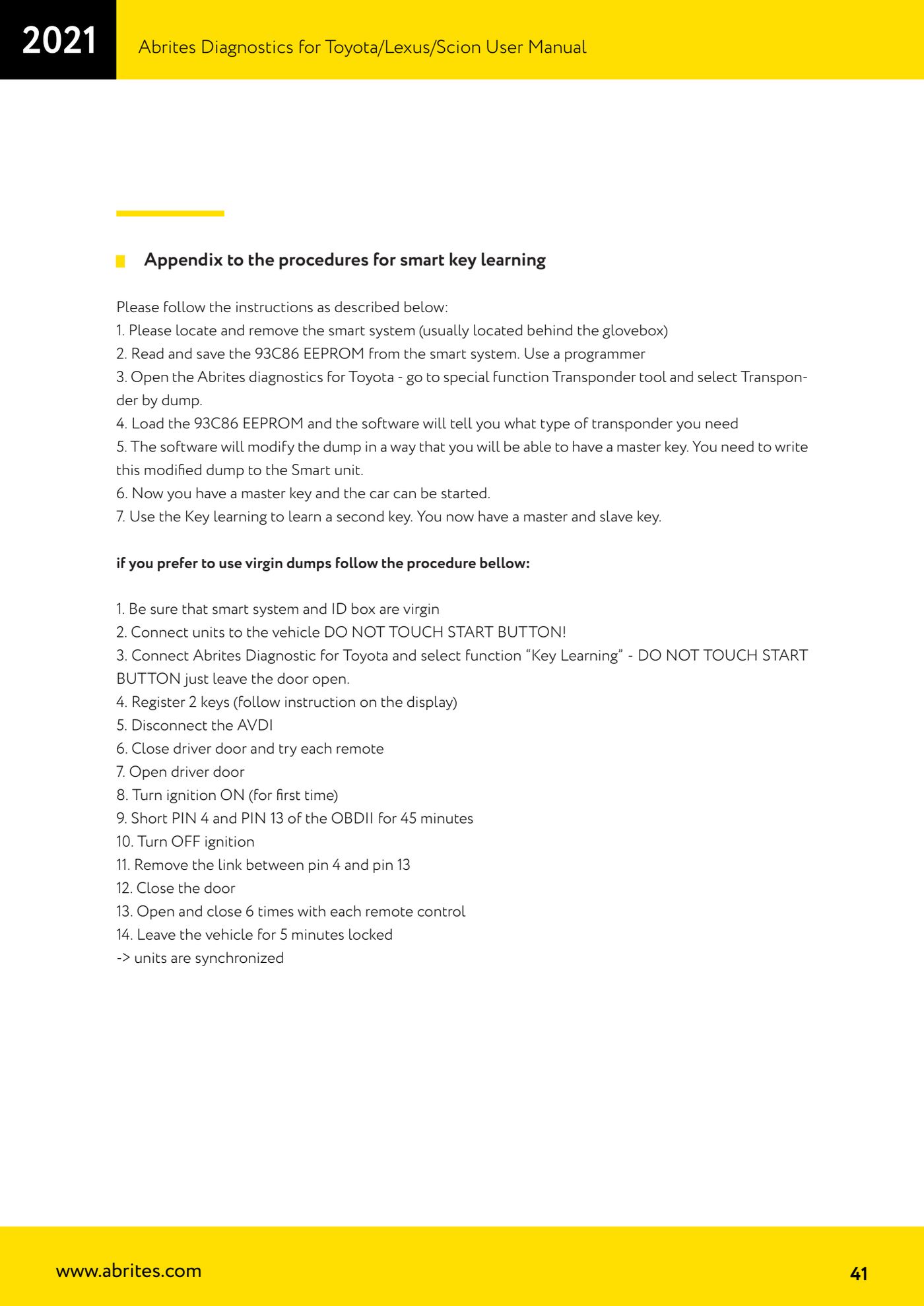
Source: Manuale Toyota/Lexus/Scion, Appendice - smart key learning con dump virgin (p.41) · ⏱ estimated time about 1 hour 30 min (45 min of jumper alone)
← All Abrites guides Hardware catalogue
More guides Toyota/Lexus
- Basic Toyota/Lexus/Scion diagnostics: reading and clearing DTCs, Live Data and full SCAN
- Toyota/Lexus/Scion Key Learning: identifying the immobiliser system and the rules to follow
- Toyota key programming with 4C transponder (immo integrated in the engine ECU or synchronised immobox)
- Key programming with 4D immoboxes: Tokai Rika 1st/2nd generation, VALEO and VISTEON
- Programming G-type keys (DST80, 80 bit) on Tokai Rika immoboxes
- Adding an H-type key (DST AES, 128 bit) via OBD with a working key
- All keys lost on Toyota with H-type mechanical key: reset and sniffing with ZN068 and ZN067
- Finding the B+, IG SW and KEY SW fuses for the ZN067 using immobiliser Live Data
- Bench programming of H-type keys with the ZN067 adapter
- Cloning Toyota/Lexus/Scion keys and transponders with PROTAG (4C, ID33, 4D, G and H)
- Key learning on Toyota smart keys with the ZN039-2 master emulator
- Emergency start with the ZN039-2 on Toyota/Lexus/Scion/Subaru smart access