
Chip-Tools
Starting Abrites Diagnostics for bikes, snowmobiles and water scooters and setting "Debug logging" and language
Moto
Interface Classic
Diagnostics
Basic
⏱ 10 min
7 steps
First thing to do on every workstation: open the bike software from the "Quick start" menu and set up the log recording options and the language. Without "Debug logging" enabled you cannot send Abrites support the files they need to sort out a communication problem.
Required licences
- —
Hardware / cables

Procedure
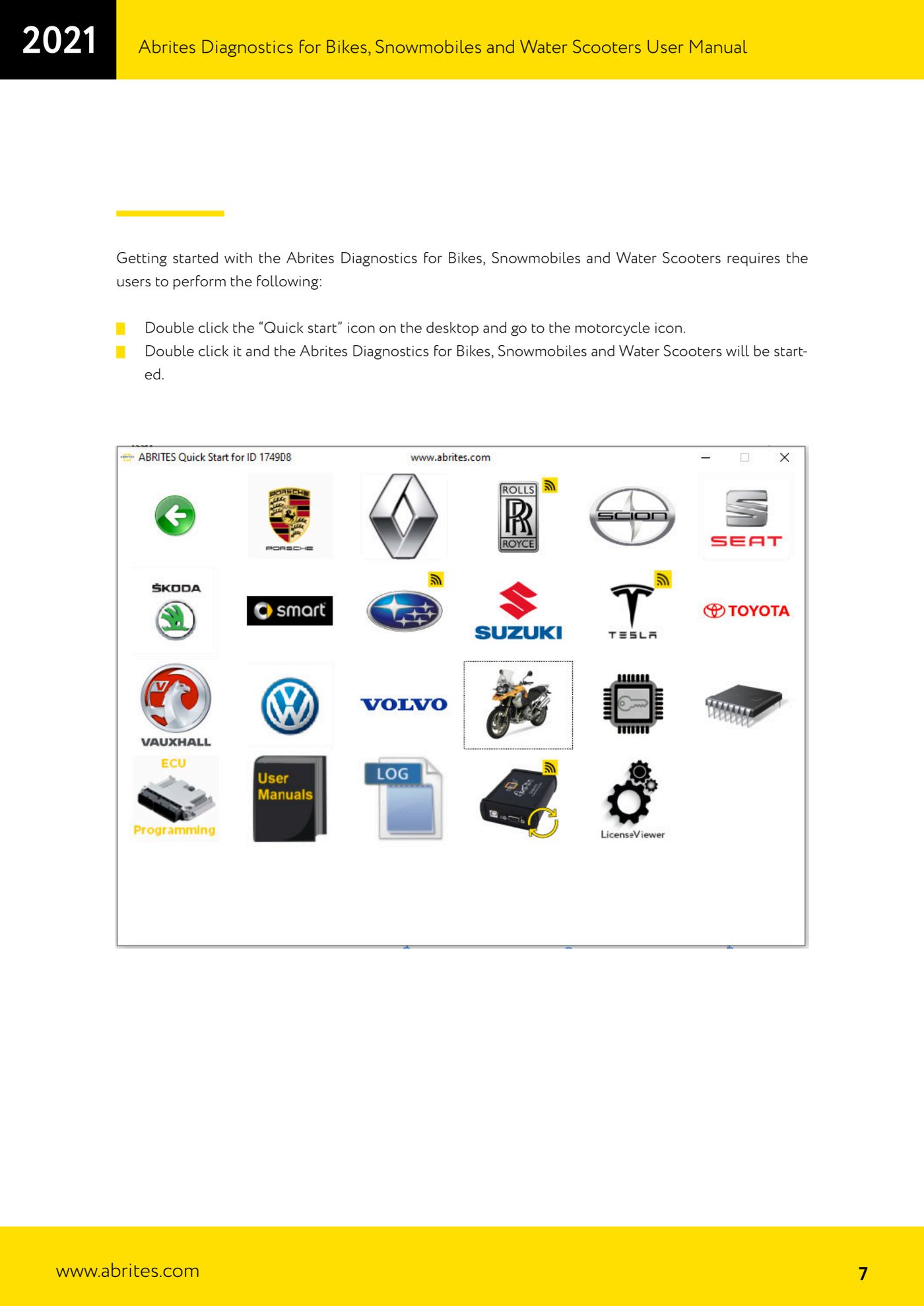
- Connect the AVDI to the PC and open the software: double-click the "Quick start" icon on the desktop.
- On the "Quick start" screen find the bike icon and double-click it: Abrites Diagnostics for Bikes, Snowmobiles and Water Scooters starts up.
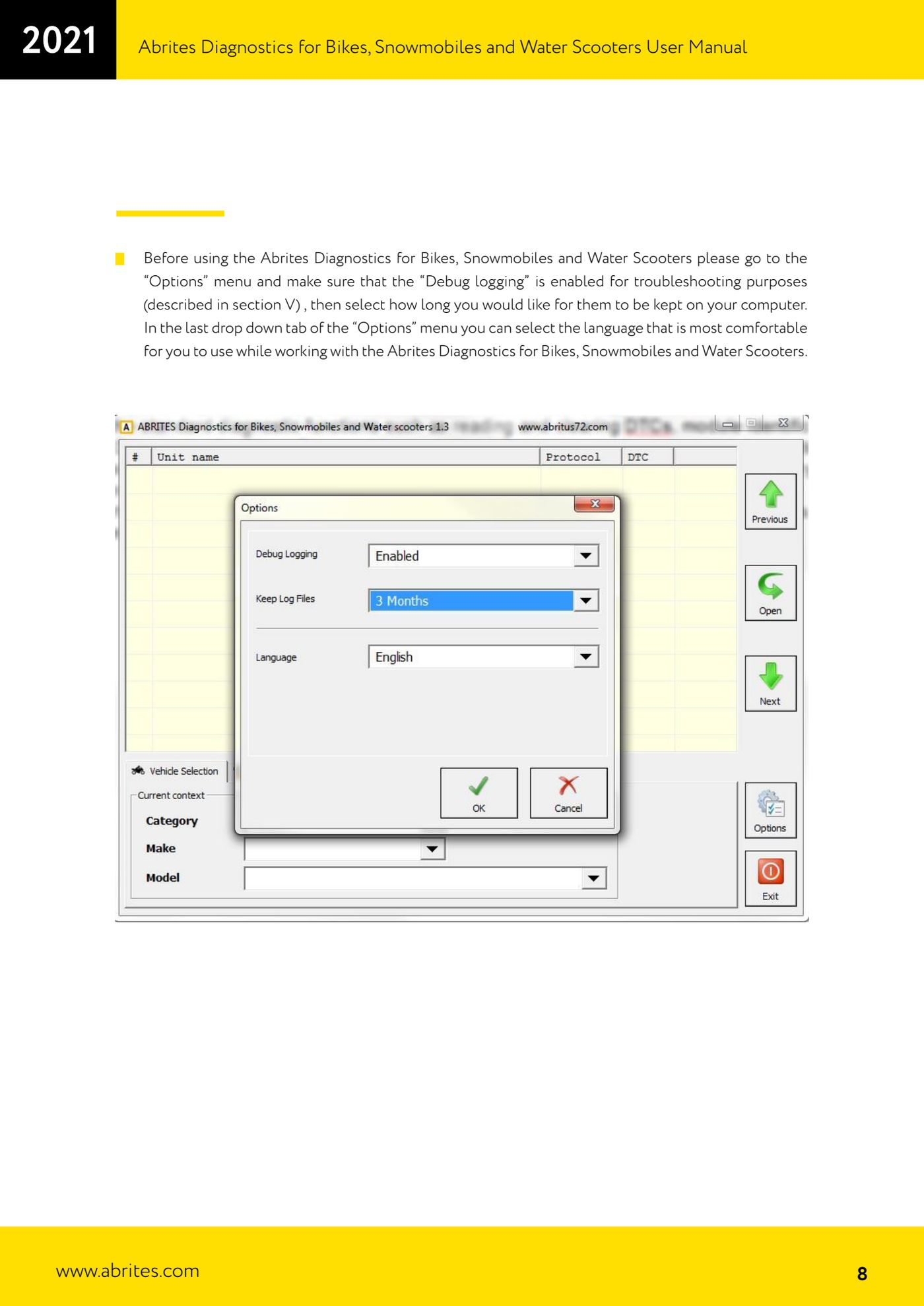
- Before you start working on the vehicle, open the "Options" menu.
- In "Options" check that "Debug logging" is enabled: it is needed for the fault-finding described in the troubleshooting chapter of the manual.
- Still in "Options", set how long the log files should be kept on the computer.
- In the last drop-down of "Options" select the working language of the interface.
- Close the options and go to the "Vehicle selection" tab, which the software opens as its first screen.
Reference screenshots
Source: Manuale Abrites Diagnostics per moto, snowmobili e moto d'acqua (bikes), cap. I Introduction (p.7-8) · ⏱ estimated time 10 min
← All Abrites guides Hardware catalogue
More guides Moto
- Standard bike diagnostics: vehicle selection, module scan, "Identification", "Read DTC" and "Clear DTC"
- Reading live parameters with "Data Display" ("List" and "Graph" views) and sending a "Custom Request"
- Programming bike keys with Temic transponders: cloning or replacing with "Key learning"
- Key programming for BMW bikes with Hitag 2 transponders and the TAG programmer
- Programming a Harley-Davidson spare key with the CB305 cable and the FOB Serial Number
- Reading and writing ECU configuration data: "Read ConfData", "Update ConfData", "Load from file" and "Make Virgin"
- Connecting the AVDI to Suzukis with the 6-pin diagnostic connector: DB9 and DB25 pinout
- Diagnostic socket location and connections for BMW (10-pin), Harley-Davidson (4/6-pin), Aprilia (6-pin) and Kawasaki
- Additional Abrites cables for bikes: CB008, CB301, CB302, CB303, CB304, CB305, CB306
- Troubleshooting connection problems and sending log files to Abrites support
- Recovering the CAS PIN on BMW R1200GS and other recent models with CAS4: opening the module and reading the EEPROM