
Chip-Tools
VGS4-NAG2 7G-Tronic: personalizing the donor TCU WITHOUT saved data, using the EIS4 data
Mercedes
Interface New
Keys / Immo
Medium
⏱ 45-90 min
12 steps
Use this when the original VGS4-NAG2 TCU is dead or unreadable and you do not have its FBS4 data. In that case the personalization data is taken from the vehicle's EIS (Electronic Ignition Switch) and written into the donor gearbox control unit.
Required licences
- MN034

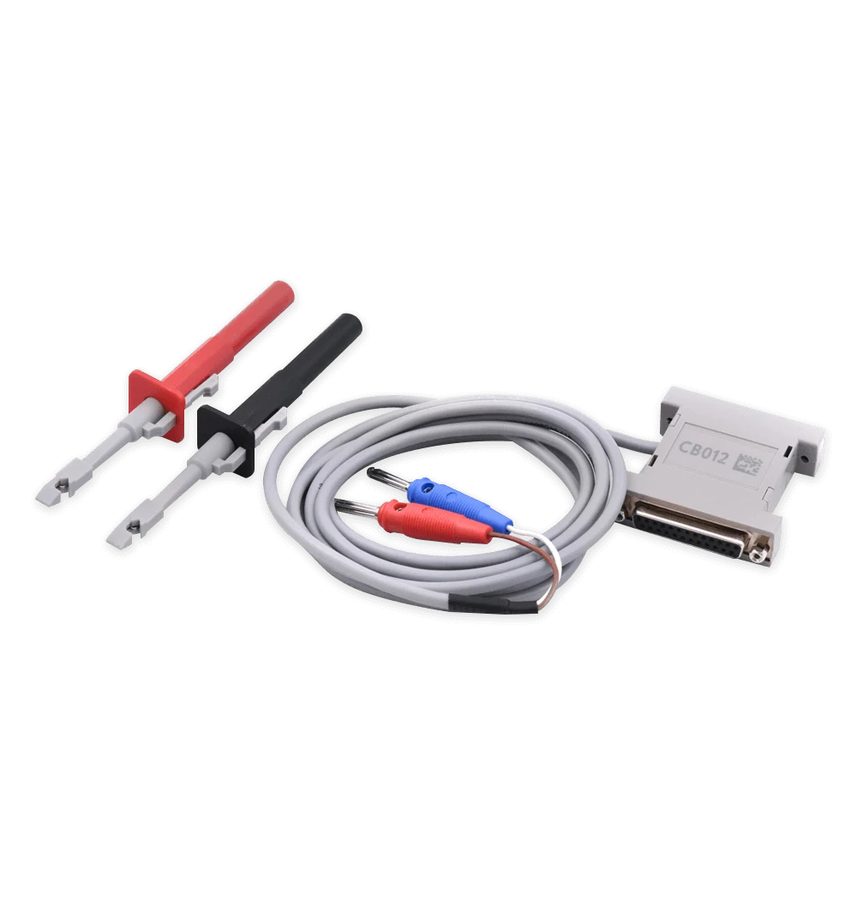
⚠ WarningThe connection needs both OBDII and the internal CAN (diagnostic CAN): the CB012 Direct CAN-BUS/LIN-BUS cable set is recommended. Watch the file type: in this procedure you have to load the EIS4 file read from the EIS, not an FBS4 file from a TCU. The unit activates automatically after 100 key cycles.
Procedure
- Fit the donor TCU to the vehicle.
- Connect the AVDI over OBDII and also make the connection to the internal CAN (diagnostic CAN) with the CB012 set.
- Open the Mercedes FBS4 Manager software, select the TCU and press "Info" to establish the connection and check the unit status.
- Now select "Electronic Ignition Switch" and press "Info".
- Press "Save" to save the personalization data file (EIS4 data file).
- Save the file on the PC in a folder you can find easily: you will need it straight afterwards.
- Go back and select "TCU" in the software.
- Press "Info" to establish the connection with the donor TCU.
- Press "Personalize" and select the file with the EIS4 data saved from the EIS, checking that the file type is the right one.
- Once the procedure is complete the software will ask you to turn the key IGN OFF and then ON to finalize.
- Set the vehicle VIN on the unit.
- Point out that automatic activation of the unit happens after 100 ignition cycles.
Reference screenshots
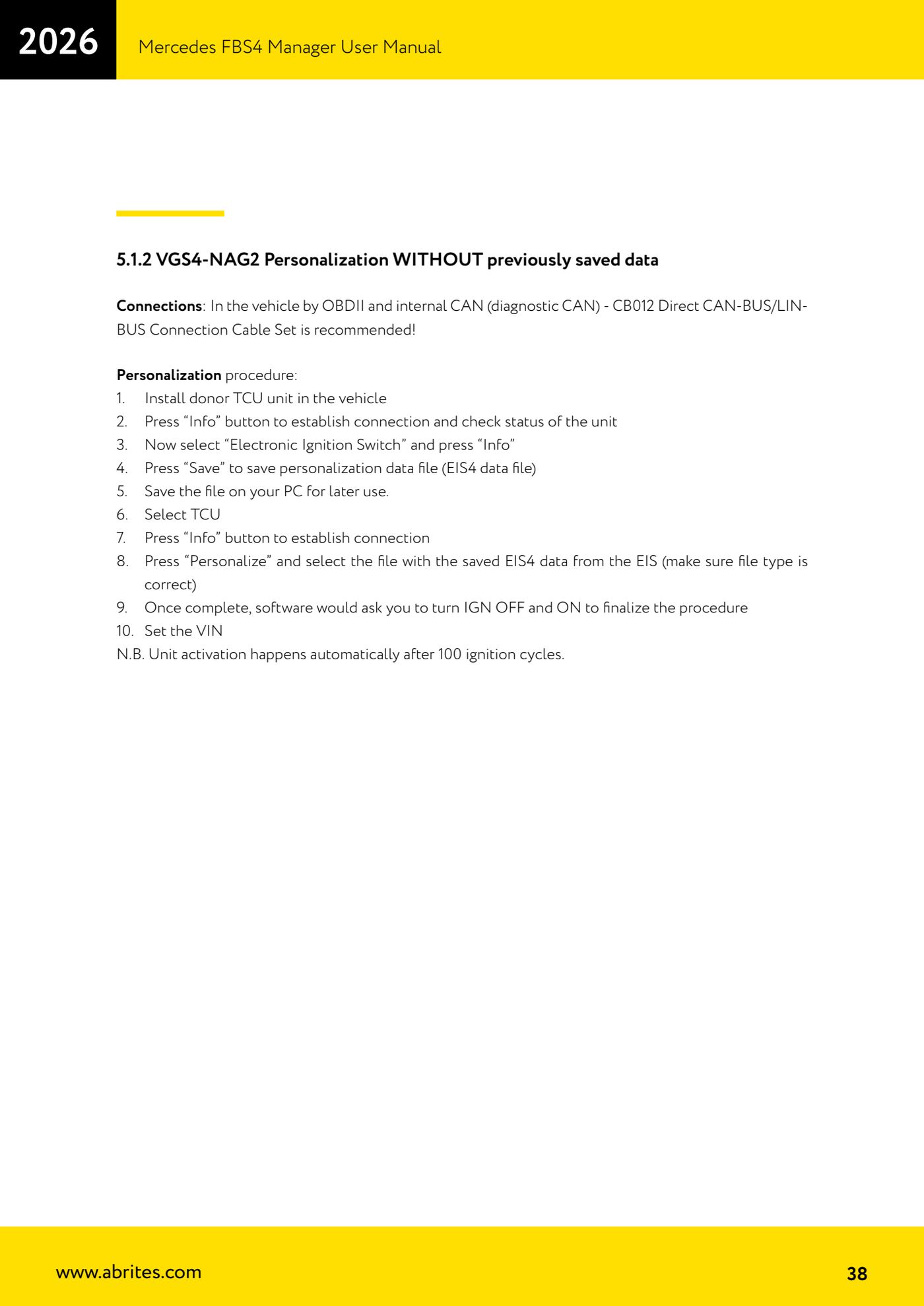
Source: Manuale Mercedes FBS4 Manager, parte 2 di 2, cap. 5.1.2 (p.38) · ⏱ estimated time 45-90 min
← All Abrites guides Hardware catalogue
More guides Mercedes
- Diagnostics and vehicle selection (VIN, chassis, over 1300 modules)
- Mercedes-Benz bus and truck diagnostics
- Mercedes Coding (VMAX, side sensors, parameters)
- Mercedes ECU Flashing (CFF files)
- Mercedes FBS4 Manager (722.9 and CRD3 renew, VIN change)
- Smart Functions (DPF mileage reset, DPF ash, VIM, seat belt alarm, sun roof, 360° cameras)
- FBS4 odometer correction with MN030 + emulators (EM008/EM014/EM018)
- Exhaust flaps — exhaust valve control
- CPC Torque limiter — torque limit
- VMax calibration — speed limiter
- Speed Limit Calibration — eVito 447 (electric)
- Mercedes AdBlue Reset: resetting the AdBlue system after component replacement or the remaining mileage warning