
Chip-Tools
Mercedes Coding (VMAX, side sensors, parameters)
Mercedes
Interface New
Coding / Adaptations
Medium
⏱ 5–10 min
4 steps
Coding lets you change the functional parameters of a unit — for example the VMAX parameter (speed limiter) or enabling/disabling the side sensors.
Required licences
- Licenza Mercedes Online
Hardware / cables
 AVDI
AVDI- Cavo OBDII
⚠ WarningBefore changing any coding group, save the current coding as a backup (the software puts up a warning). Some parameters cannot be changed and the software will tell you.
Procedure
- Let the software auto-detect the model, or select it manually from the list.
- Enter the unit you want to code and open the "Coding" option.
- Change the parameters you need (e.g. VMAX, side sensors).
- Press "WRITE GROUP" to write. You can change several parameters and then write the group in one go.
Reference screenshots
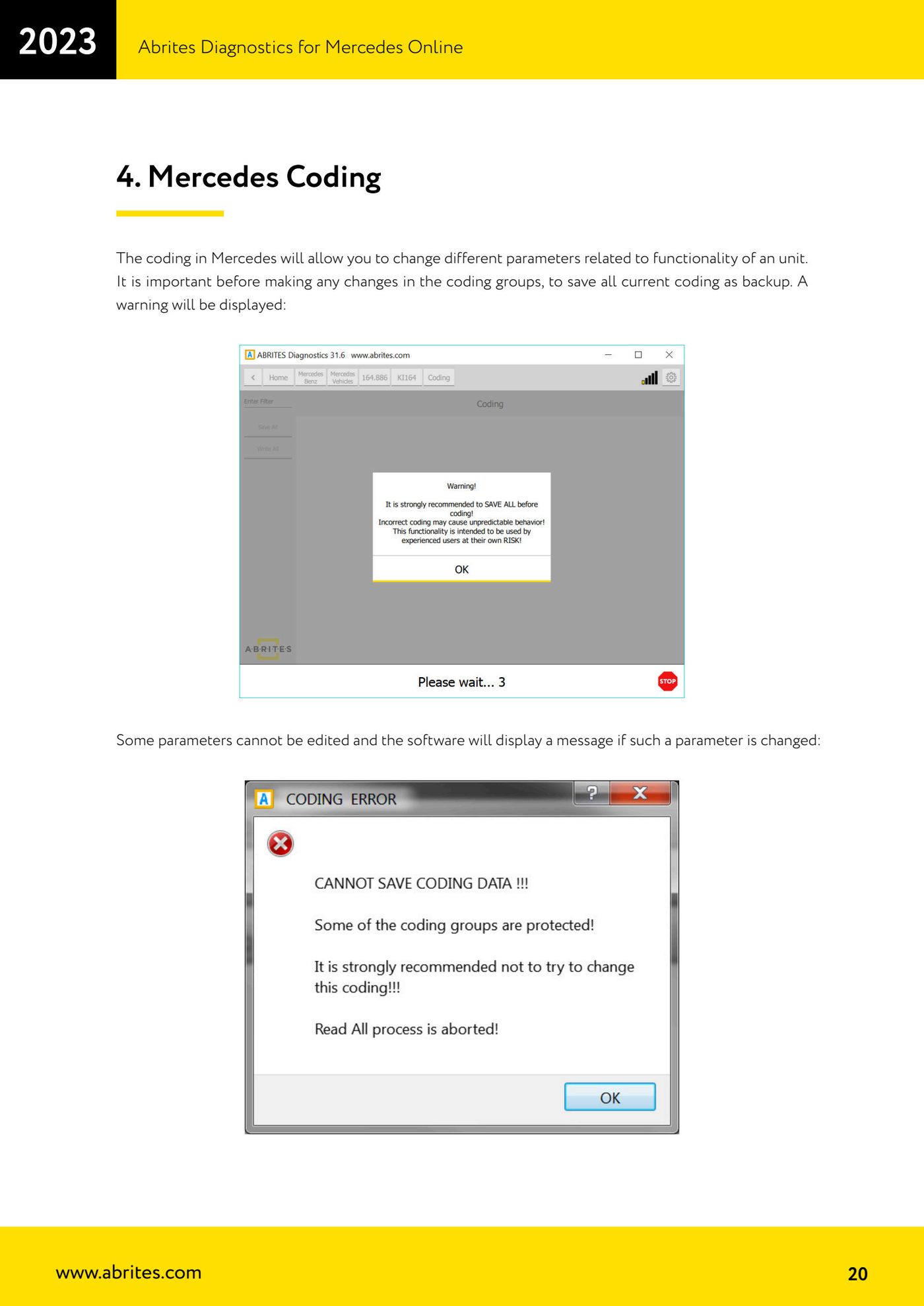
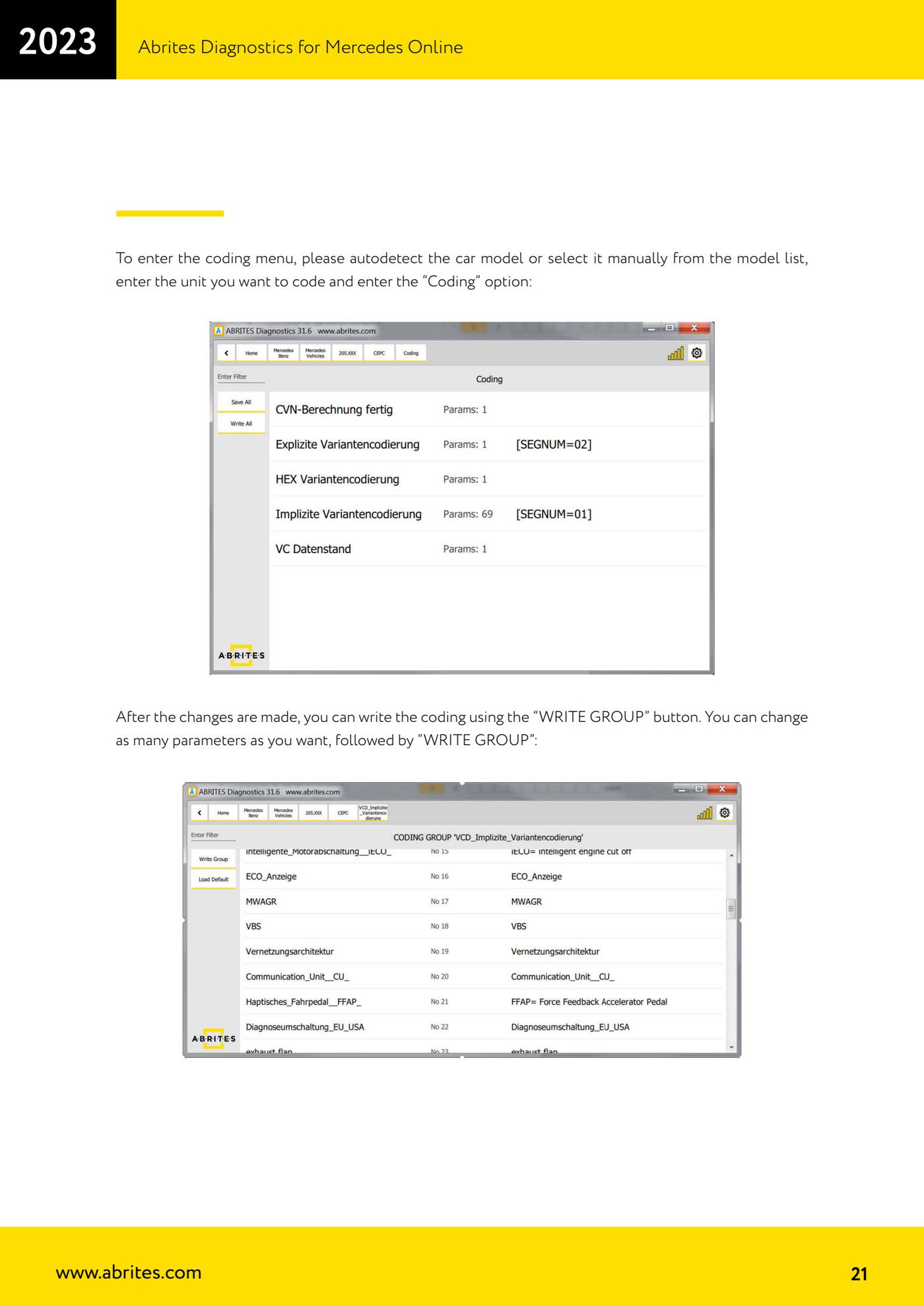
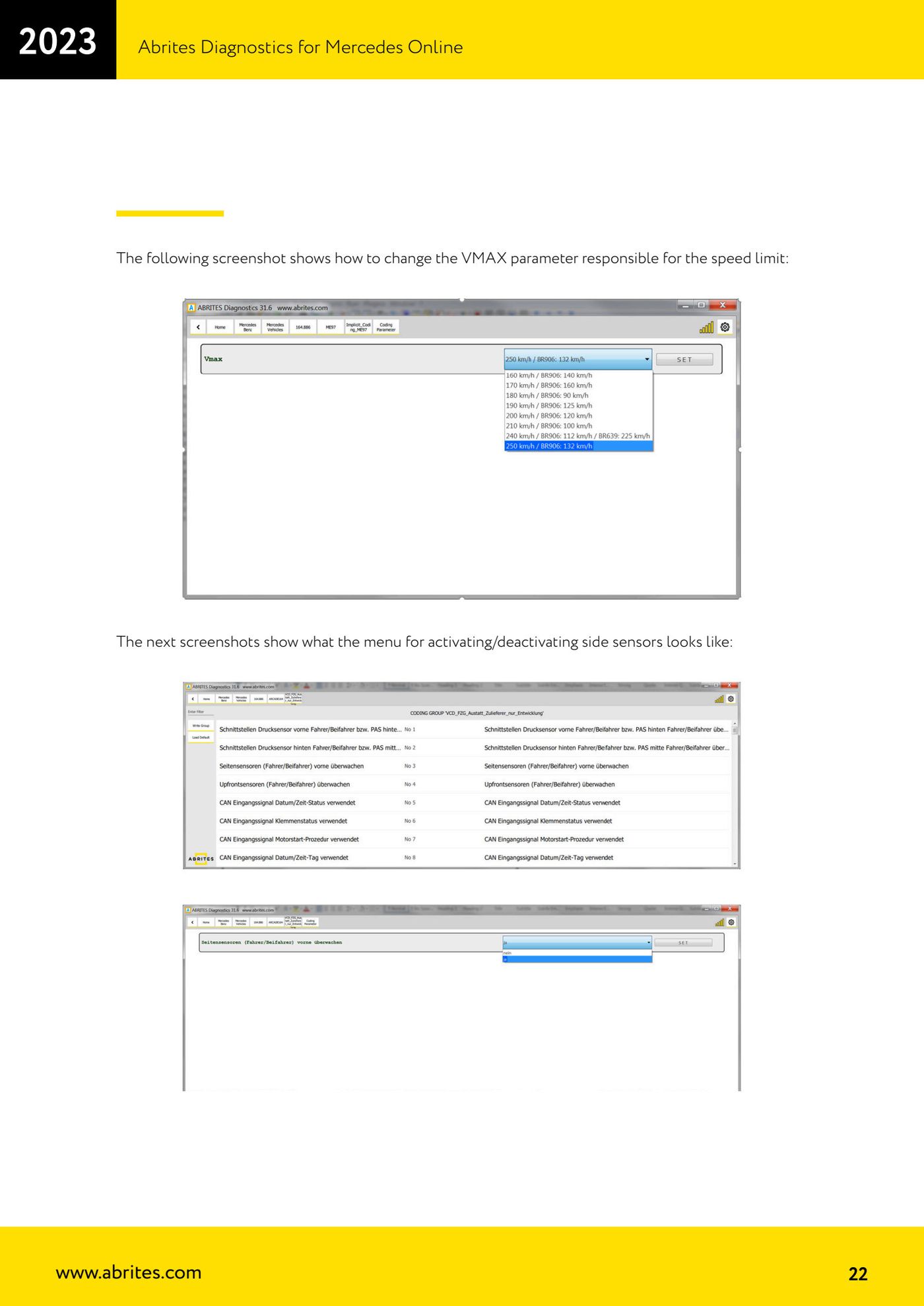
Source: Manuale Mercedes Online, cap. 4 (p.20–22) · ⏱ estimated time 5–10 min
← All Abrites guides Hardware catalogue
More guides Mercedes
- Diagnostics and vehicle selection (VIN, chassis, over 1300 modules)
- Mercedes-Benz bus and truck diagnostics
- Mercedes ECU Flashing (CFF files)
- Mercedes FBS4 Manager (722.9 and CRD3 renew, VIN change)
- Smart Functions (DPF mileage reset, DPF ash, VIM, seat belt alarm, sun roof, 360° cameras)
- FBS4 odometer correction with MN030 + emulators (EM008/EM014/EM018)
- Exhaust flaps — exhaust valve control
- CPC Torque limiter — torque limit
- VMax calibration — speed limiter
- Speed Limit Calibration — eVito 447 (electric)
- Mercedes AdBlue Reset: resetting the AdBlue system after component replacement or the remaining mileage warning
- Basic diagnostics: identification, DTCs, Scan All, live values and actuator tests