
Chip-Tools
Personalizing the EM001 emulator (in car or on the bench with the ZN051)
Mercedes
Interface Classic
Keys / Immo
Advanced
⏱ 30-60 min
8 steps
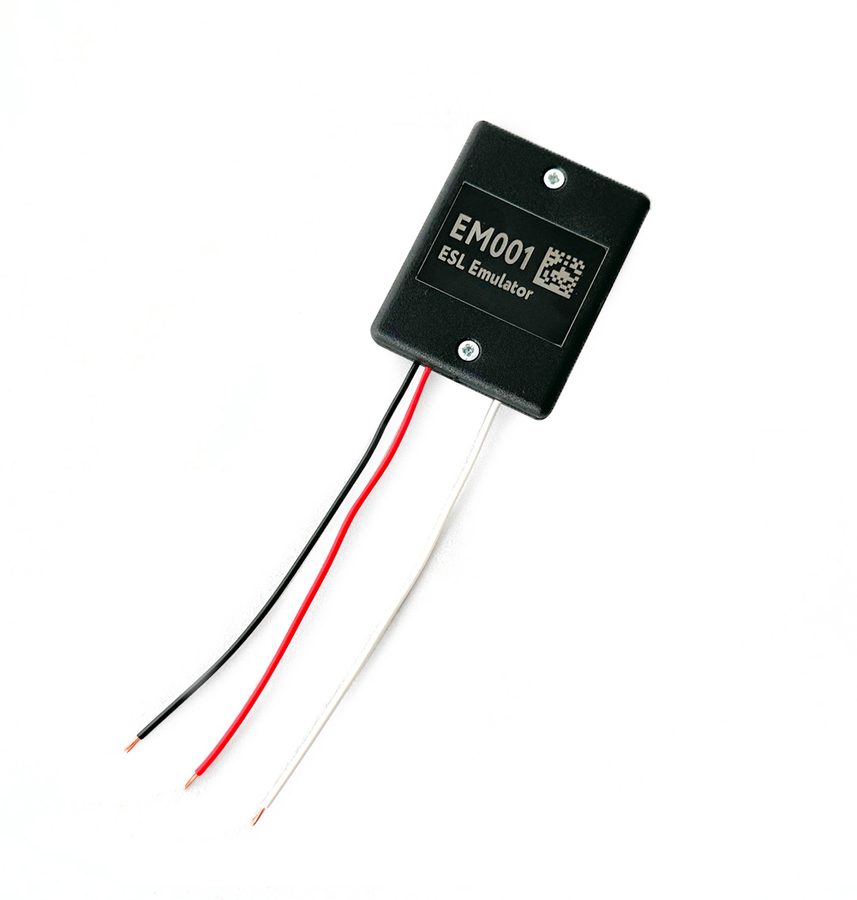
Needed on the models where the EM001 is not plug and play (W204, W207, W212, W176, W246): the emulator is personalized with the vehicle's FBS data. It can be done in the car or on the bench with the ZN051 Distribution Box.
Required licences
- MN026
- MN032
Hardware / cables


⚠ WarningIf you work on the bench you must already have an FBS data file on the computer, read from the original ESL or from the EZS through the "DAS Manager" special function: without that file personalization is not possible.
Procedure
- If you are working on the bench, first get the FBS data file by reading it from the original ESL or from the EZS with the "DAS Manager" special function.
- Set the emulator's toggle switches as you would for a W204.
- To work in the car, connect the EM001 directly to the ESL connector.
- To work on the bench, use the ZN051 Distribution Box with the PIN Connectors included in the set and wire the EM001's 3 leads as follows: white wire = K-Line into the K7 socket of the ZN051; black wire = GND into the GND socket; red wire = +12V into the B+ (+12V) socket.
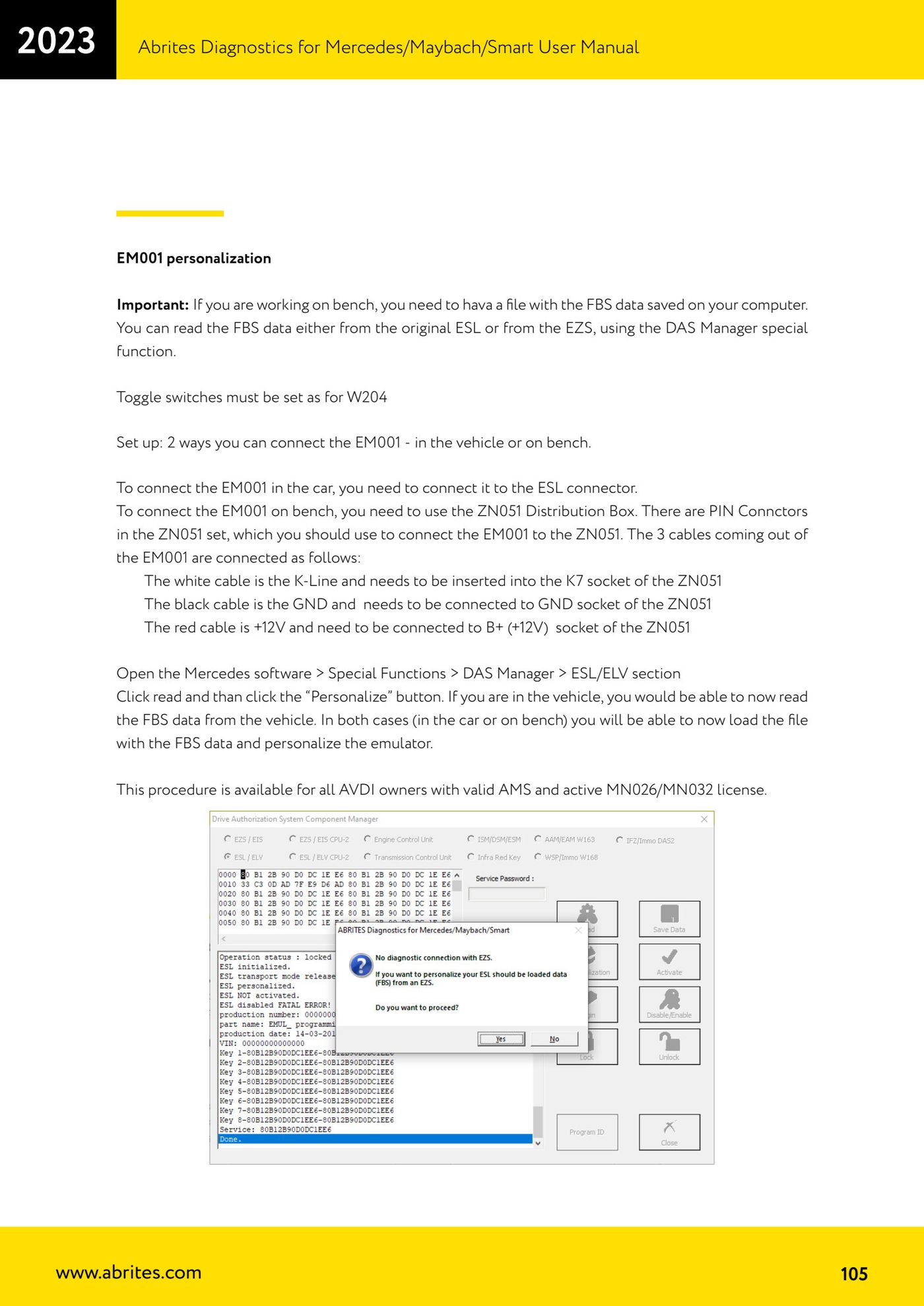
- Open the Mercedes software and go to "Special Functions" > "DAS Manager" > "ESL/ELV" section.
- Click read and then the "Personalize" button.
- In the car you will be able to read the FBS data straight from the vehicle; either way (car or bench) you can load the FBS data file and personalize the emulator.
- The procedure is available to all AVDI owners with a valid AMS and an active MN026/MN032 licence.
Reference screenshots
Source: Manuale Mercedes (Offline), cap. 5.17.3 (p.105) · ⏱ estimated time 30-60 min
← All Abrites guides Hardware catalogue
More guides Mercedes
- Diagnostics and vehicle selection (VIN, chassis, over 1300 modules)
- Mercedes-Benz bus and truck diagnostics
- Mercedes Coding (VMAX, side sensors, parameters)
- Mercedes ECU Flashing (CFF files)
- Mercedes FBS4 Manager (722.9 and CRD3 renew, VIN change)
- Smart Functions (DPF mileage reset, DPF ash, VIM, seat belt alarm, sun roof, 360° cameras)
- FBS4 odometer correction with MN030 + emulators (EM008/EM014/EM018)
- Exhaust flaps — exhaust valve control
- CPC Torque limiter — torque limit
- VMax calibration — speed limiter
- Speed Limit Calibration — eVito 447 (electric)
- Mercedes AdBlue Reset: resetting the AdBlue system after component replacement or the remaining mileage warning