
Chip-Tools
Mercedes VGS2-FDCT: connecting with ZN051/ZN151 and personalising with saved FBS4 data
Mercedes
Interface New
Keys / Immo
Advanced
⏱ 1-2 hours
13 steps
Replacing the VGS2-FDCT transmission control unit: how to hook up on the bench with the DS Box and how to transfer the FBS4 data read from the original on the car into the donor.
Required licences
- —


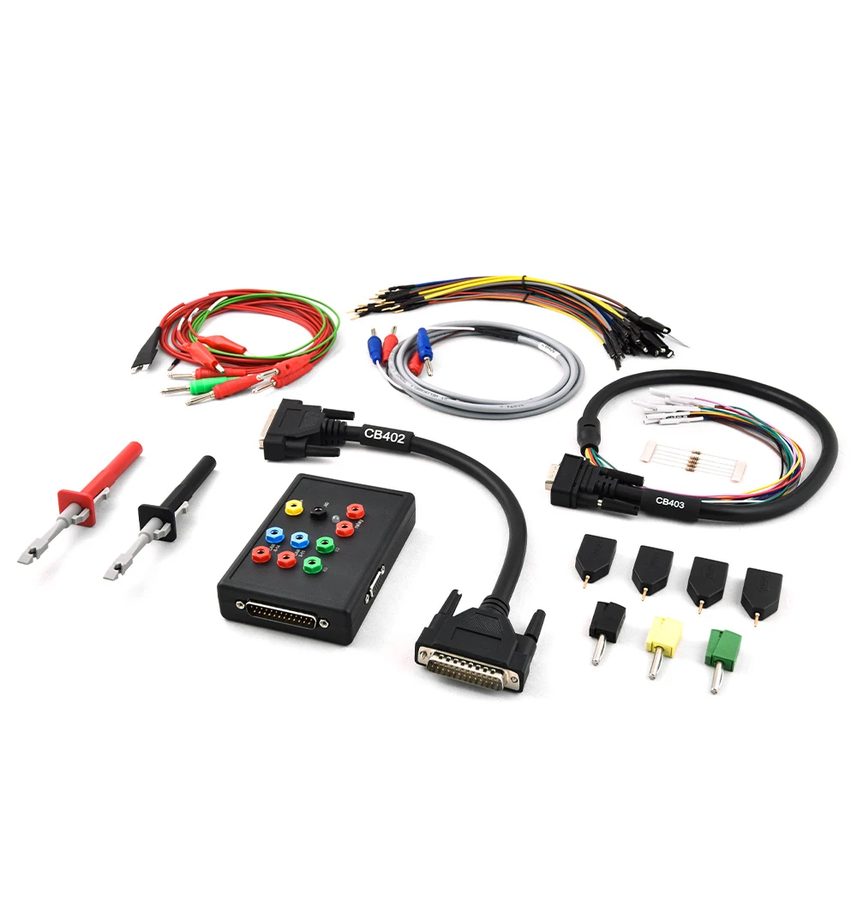
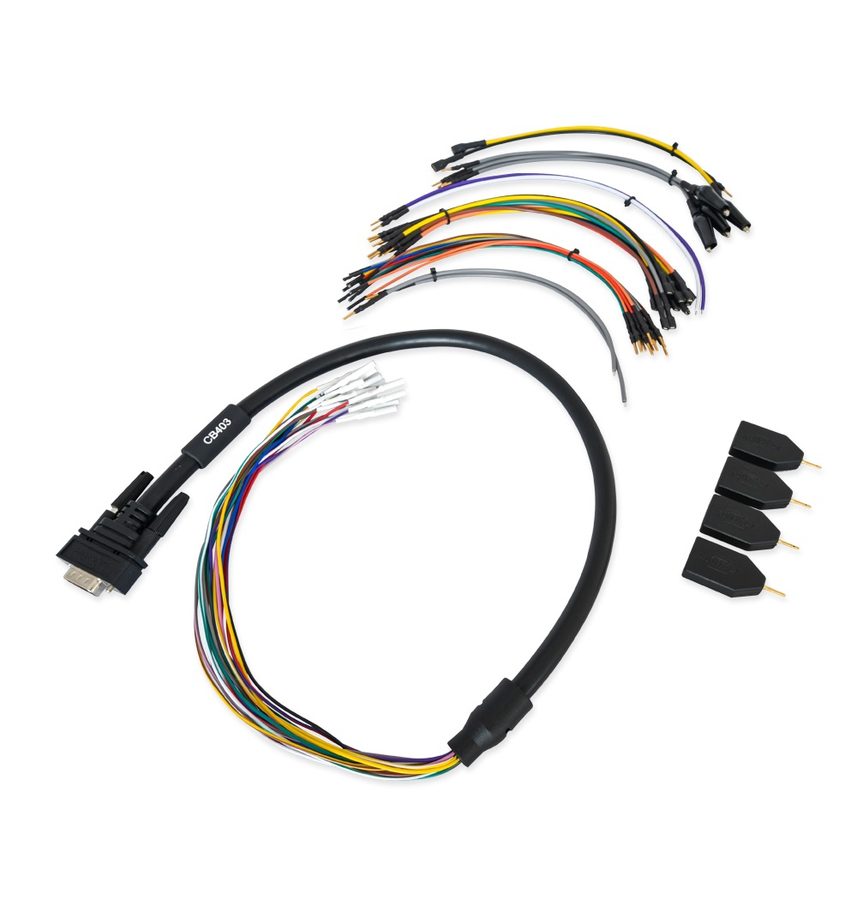
⚠ WarningThe FDCT connector has no dedicated GND pin: the ground (black wire) goes to any point on the TCU's metal case. The virgin procedure has to be done on the bench; always save the configuration data too. The unit activates automatically after 100 ignition cycles.
Procedure
- Bench connection: connect the CB403 to the TCU connector as per the diagram, connect the AVDI to the ZN151 DS Box with the CB402 cable, connect the CB403 to the ZN151 DS Box and power the ZN051/ZN151 DS Box.
- For the ground, connect the black GND connector straight onto the TCU's metal case, because the FDCT connector has no GND pin.
- READING - With the original TCU on the car, connect the AVDI over OBDII, open the Mercedes FBS4 Manager software and select "TCU".
- Press "Info" to establish the connection, then "Save" to read and save the FBS4 data.
- Back up the configuration: TCU > "Utilities" > "Save All Config Data".
- PERSONALISATION - Set the donor unit up on the bench with the ZN151 DS Box and CB403 as in step 1.
- Open the software, select "TCU" and press "Info" to establish the connection.
- Take the unit to "Virgin" state with the dedicated button. From here on (or if the unit is already virgin) you can carry on in the car over OBDII with an internal CAN connection.
- Press "Personalize" and select the file with the FBS4 data saved from the original TCU.
- When prompted, cycle the key IGN OFF and then ON to finalise.
- Program the configuration data with "Utilities" > "Program All Config Data" using the original's files.
- Set the VIN of the car.
- If the software versions need matching up, press "Program".
Reference screenshots
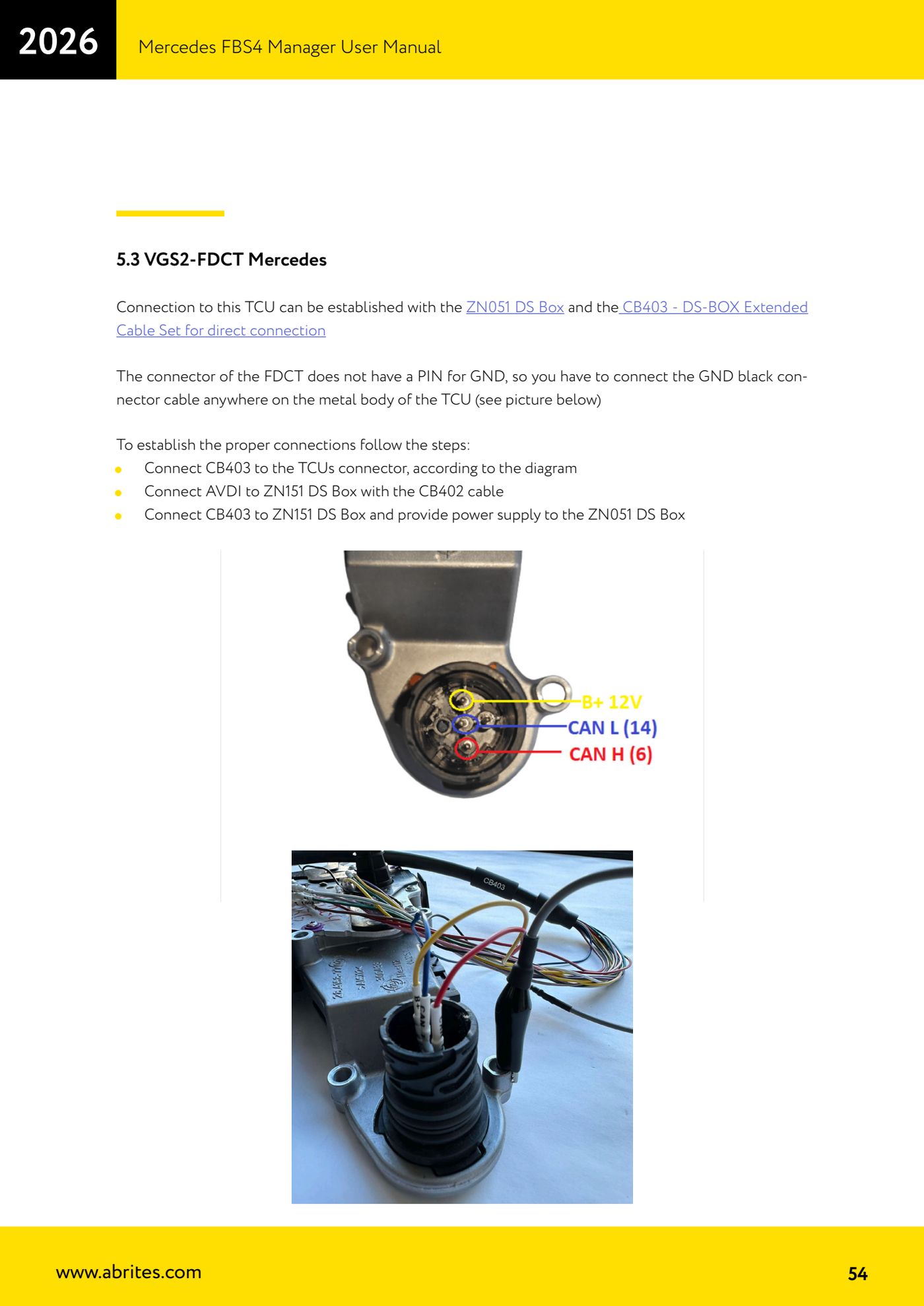
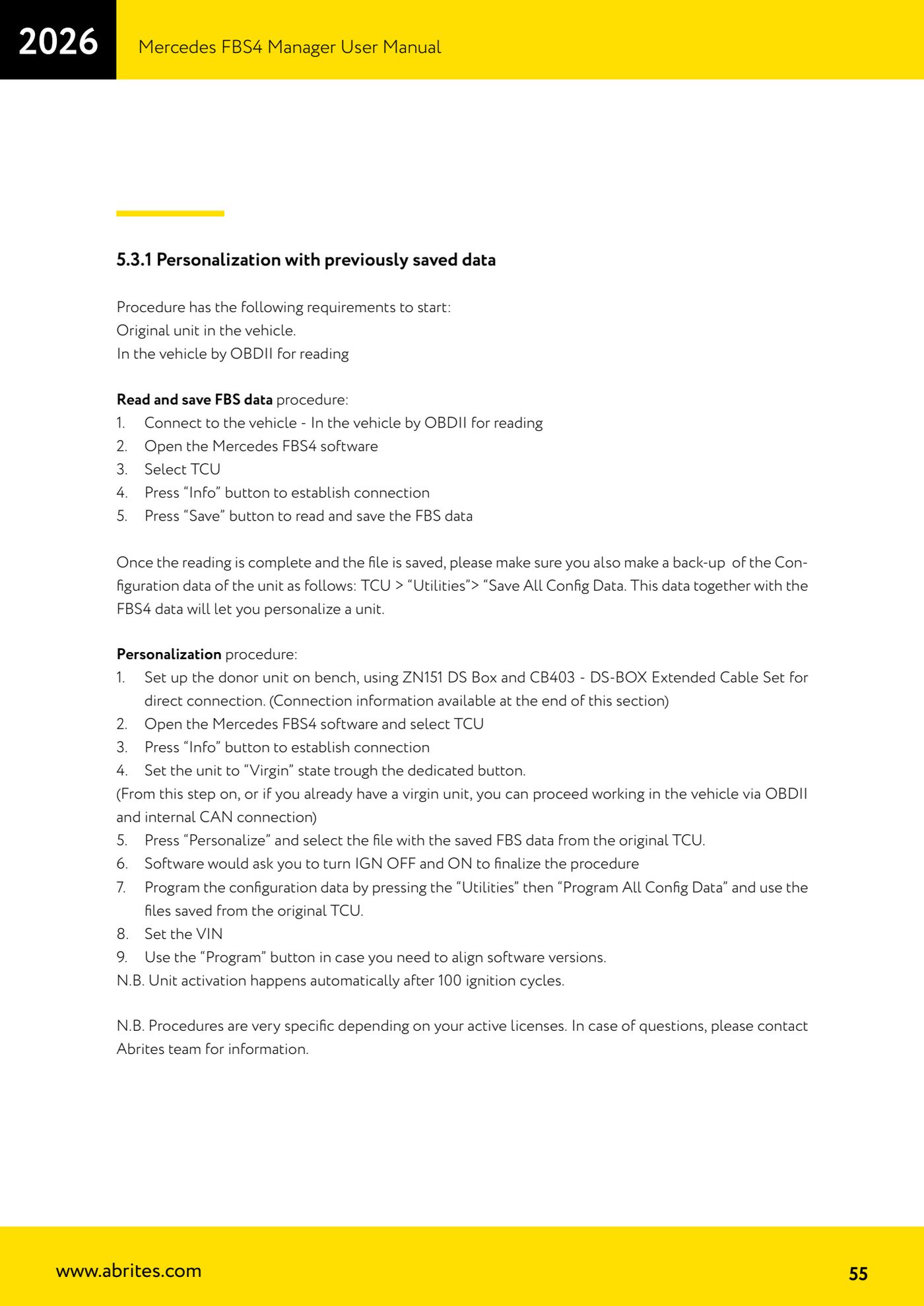
Source: Manuale Mercedes FBS4 Manager, parte 2 di 2, cap. 5.3 e 5.3.1 (p.54-55) · ⏱ estimated time 1-2 hours
← All Abrites guides Hardware catalogue
More guides Mercedes
- Diagnostics and vehicle selection (VIN, chassis, over 1300 modules)
- Mercedes-Benz bus and truck diagnostics
- Mercedes Coding (VMAX, side sensors, parameters)
- Mercedes ECU Flashing (CFF files)
- Mercedes FBS4 Manager (722.9 and CRD3 renew, VIN change)
- Smart Functions (DPF mileage reset, DPF ash, VIM, seat belt alarm, sun roof, 360° cameras)
- FBS4 odometer correction with MN030 + emulators (EM008/EM014/EM018)
- Exhaust flaps — exhaust valve control
- CPC Torque limiter — torque limit
- VMax calibration — speed limiter
- Speed Limit Calibration — eVito 447 (electric)
- Mercedes AdBlue Reset: resetting the AdBlue system after component replacement or the remaining mileage warning