
Chip-Tools
Mercedes FBS4 TCU replacement: available functions, software version alignment (.cff) and configuration backup
Mercedes
Interface New
Flashing / Programming
Advanced
⏱ varies
8 steps
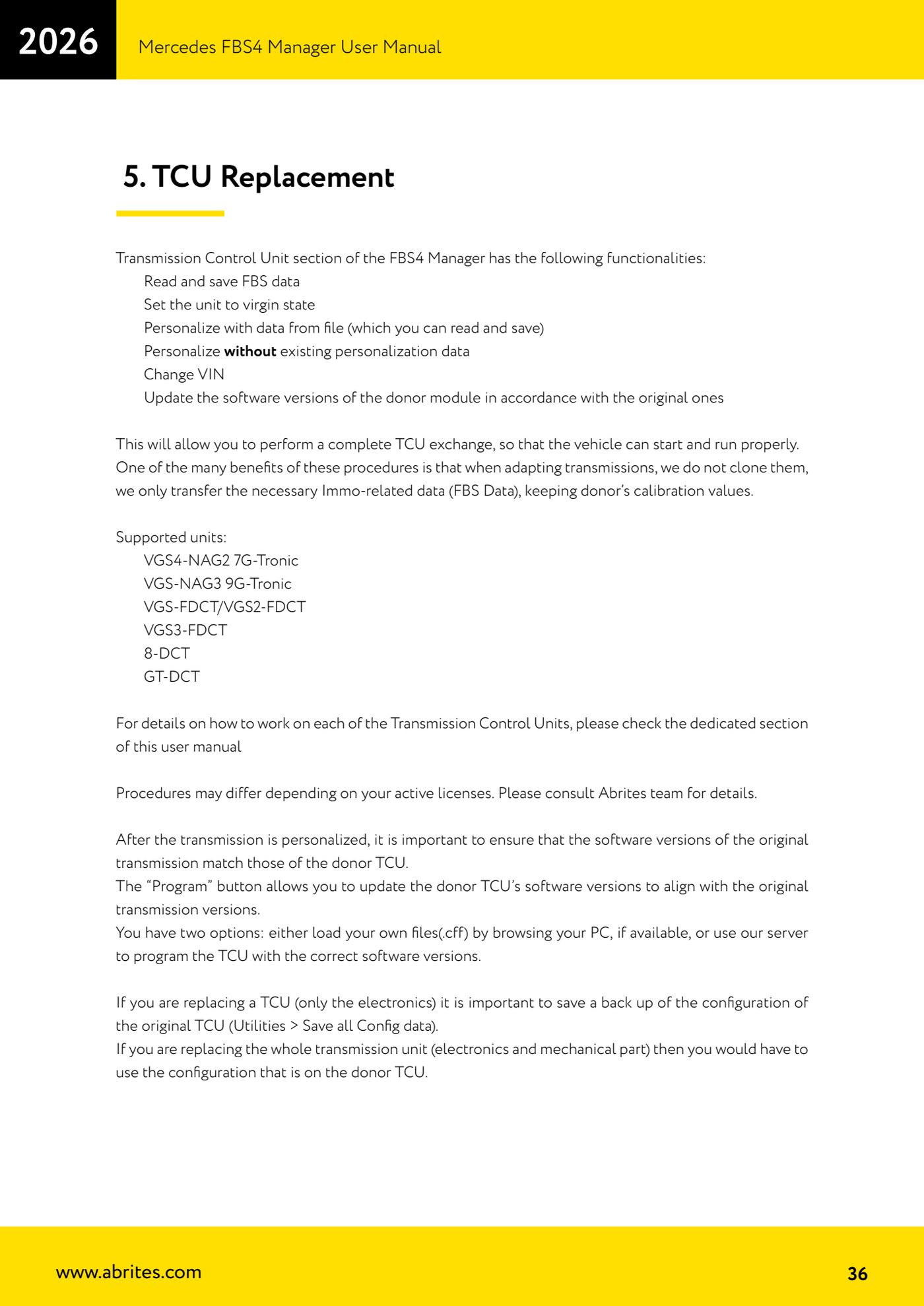
The TCU section of the FBS4 Manager allows a complete gearbox control unit swap: only the immo data (FBS data) is transferred, keeping the donor's calibrations, and the donor's software versions are aligned to those of the original gearbox.

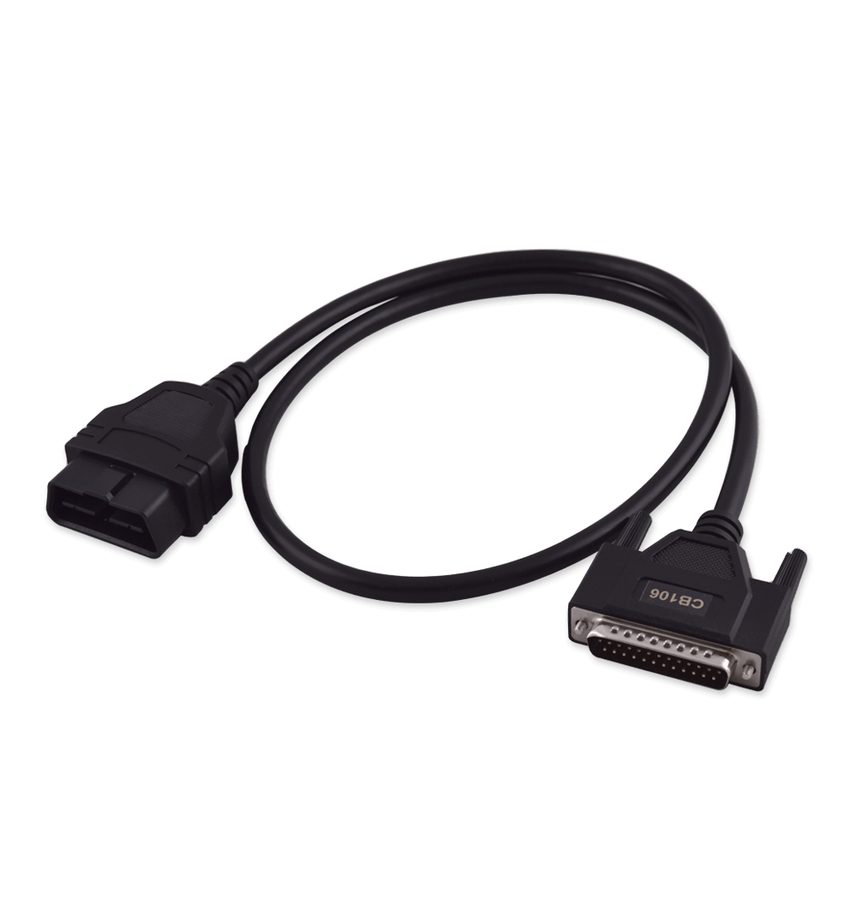


⚠ WarningIf you are only replacing the electronic part of the TCU, you must first save a backup of the original TCU configuration (Utilities > Save all Config data). If instead you are replacing the whole gearbox assembly (electronics plus mechanical part), you have to use the configuration already on the donor TCU. Procedures may vary depending on the licenses you hold.
Procedure
- Check the unit is among those supported: VGS4-NAG2 7G-Tronic, VGS-NAG3 9G-Tronic, VGS-FDCT/VGS2-FDCT, VGS3-FDCT, 8-DCT, GT-DCT. Remember that VGS4NAG2 and DSM require the ABProg programmer.
- If you are only replacing the TCU electronics, before removing anything save the original unit's configuration backup from "Utilities" > "Save all Config data".
- Open the FBS4 Manager, select the TCU section and use "Info" to identify the unit; with "Save" you read and save the original TCU's FBS data.
- On the donor module use the dedicated button to bring it to virgin state, then "Personalize" to write the saved FBS data (or the without-existing-data procedure, according to the chapter for that gearbox type).
- Use the "VIN" button to write the vehicle's VIN to the donor TCU.
- After personalization, align the software versions: press "Program" to bring the donor TCU's software versions up to those of the original gearbox.
- In "Program" you have two options: load your own .cff files by browsing the PC, if you have them, or use the Abrites server to program the TCU with the correct software versions.
- If you replaced the whole gearbox assembly, do not restore the original's configuration: keep the one already on the donor TCU.
Reference screenshots
Source: Manuale Mercedes FBS4 Manager, parte 1 di 2, cap. 5 - TCU Replacement (p.36) · ⏱ estimated time varies
← All Abrites guides Hardware catalogue
More guides Mercedes
- Diagnostics and vehicle selection (VIN, chassis, over 1300 modules)
- Mercedes-Benz bus and truck diagnostics
- Mercedes Coding (VMAX, side sensors, parameters)
- Mercedes ECU Flashing (CFF files)
- Mercedes FBS4 Manager (722.9 and CRD3 renew, VIN change)
- Smart Functions (DPF mileage reset, DPF ash, VIM, seat belt alarm, sun roof, 360° cameras)
- FBS4 odometer correction with MN030 + emulators (EM008/EM014/EM018)
- Exhaust flaps — exhaust valve control
- CPC Torque limiter — torque limit
- VMax calibration — speed limiter
- Speed Limit Calibration — eVito 447 (electric)
- Mercedes AdBlue Reset: resetting the AdBlue system after component replacement or the remaining mileage warning