
Chip-Tools
EM004 / EM005 emulators: enabling Video in Motion with a CAN filter
Mercedes
Interface Classic
Configuration / MMI
Medium
⏱ 30-60 min
4 steps
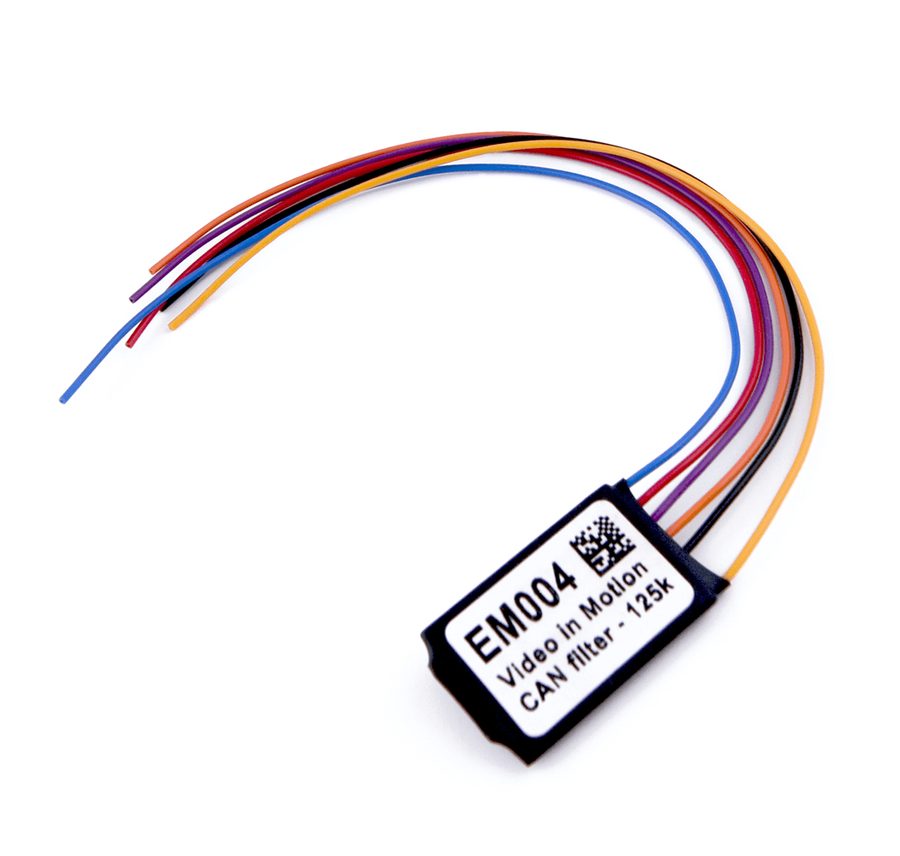
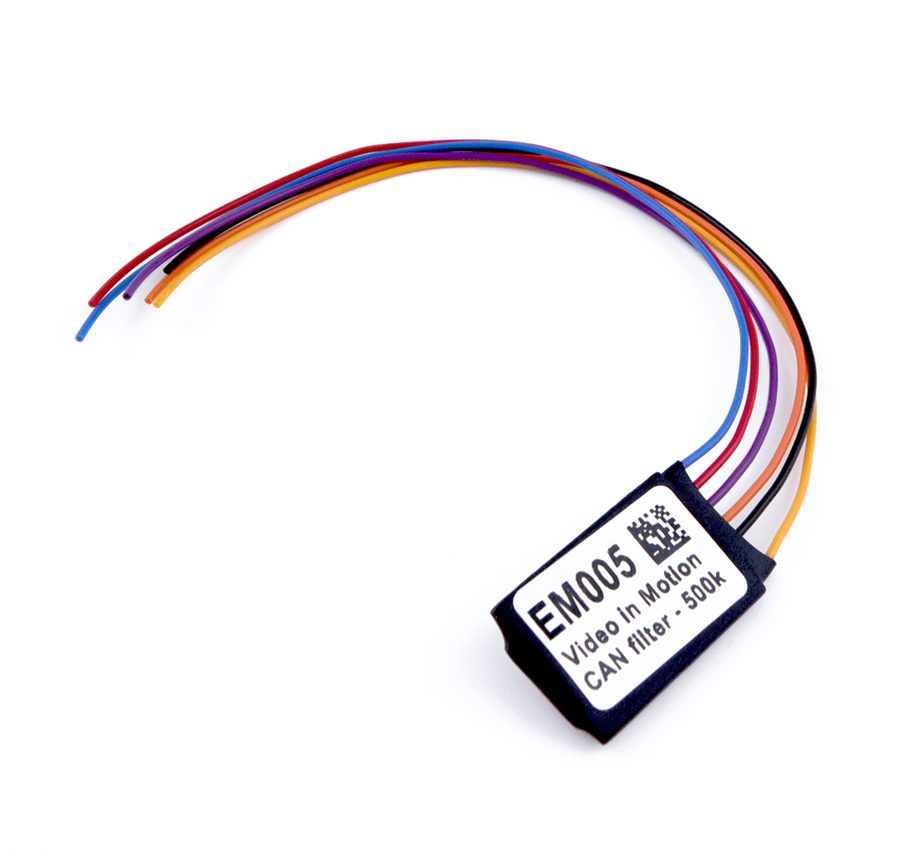
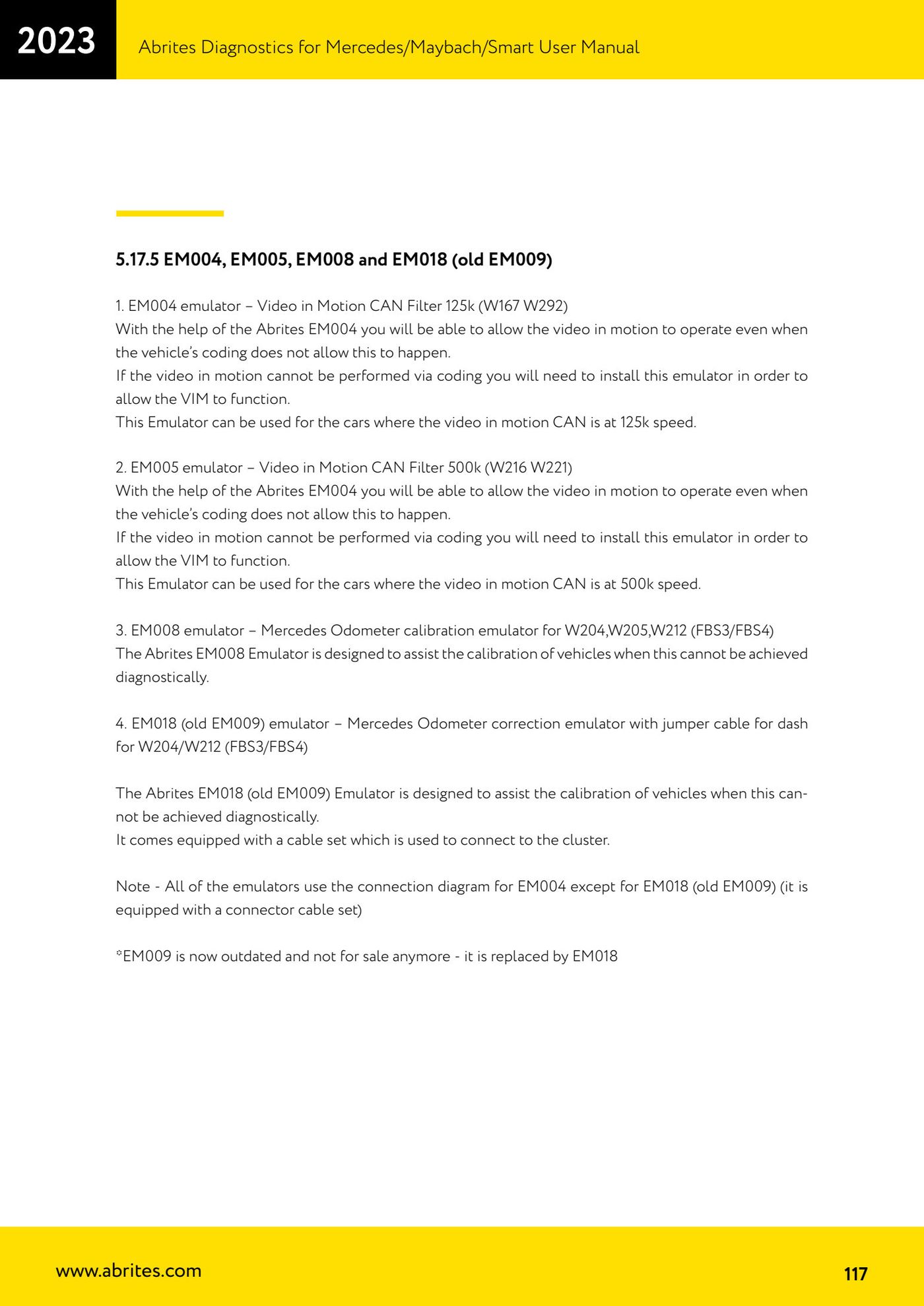
When Video in Motion cannot be enabled by coding, an Abrites CAN filter emulator is fitted instead. The choice between EM004 and EM005 depends on the speed of the Video in Motion CAN line.
Procedure
- First check whether Video in Motion can be achieved by coding: the emulator is only needed if coding will not do it.
- If the video in motion CAN runs at 125k (for example W167, W292) use the EM004 - Video in Motion CAN Filter 125k emulator.
- If the video in motion CAN runs at 500k (for example W216, W221) use the EM005 - Video in Motion CAN Filter 500k emulator.
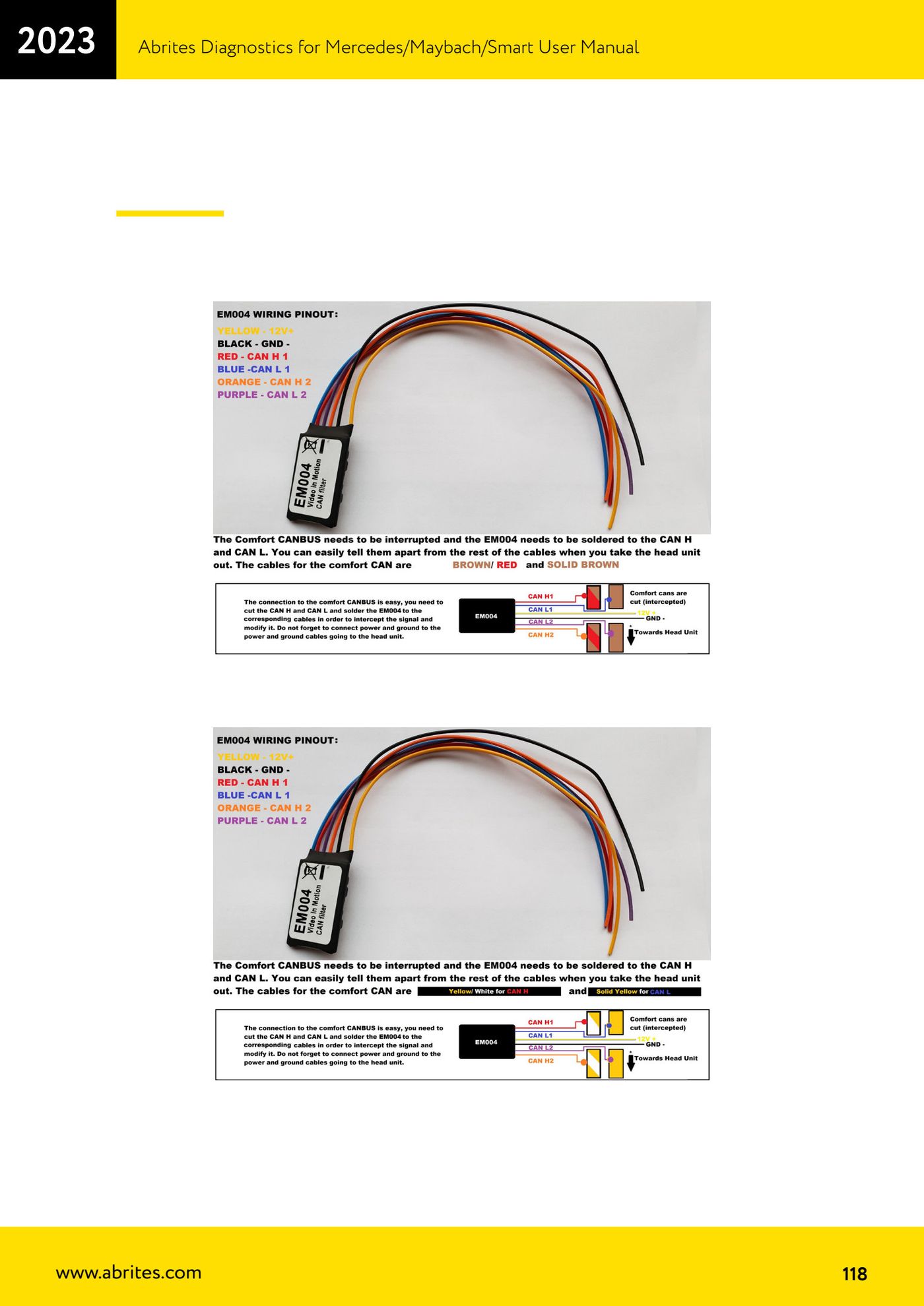
- Fit the emulator following the EM004 wiring diagram, which applies to all of these emulators (the only exception is the EM018, which has its own cable set).
Reference screenshots
Source: Manuale Mercedes (Offline), cap. 5.17.5 (p.117-118) · ⏱ estimated time 30-60 min
← All Abrites guides Hardware catalogue
More guides Mercedes
- Diagnostics and vehicle selection (VIN, chassis, over 1300 modules)
- Mercedes-Benz bus and truck diagnostics
- Mercedes Coding (VMAX, side sensors, parameters)
- Mercedes ECU Flashing (CFF files)
- Mercedes FBS4 Manager (722.9 and CRD3 renew, VIN change)
- Smart Functions (DPF mileage reset, DPF ash, VIM, seat belt alarm, sun roof, 360° cameras)
- FBS4 odometer correction with MN030 + emulators (EM008/EM014/EM018)
- Exhaust flaps — exhaust valve control
- CPC Torque limiter — torque limit
- VMax calibration — speed limiter
- Speed Limit Calibration — eVito 447 (electric)
- Mercedes AdBlue Reset: resetting the AdBlue system after component replacement or the remaining mileage warning