
Chip-Tools
DSM (Direct Select Module / DSM222) replacement using FBS4 data saved from the original
Mercedes
Interface New
Keys / Immo
Medium
⏱ 45-90 min
12 steps
Complete replacement of the Direct Select Module on FBS4 cars: reading and saving the FBS4 data from the original, virginising the donor, personalising it and writing the VIN, so the car will start and run normally.
Required licences
- —

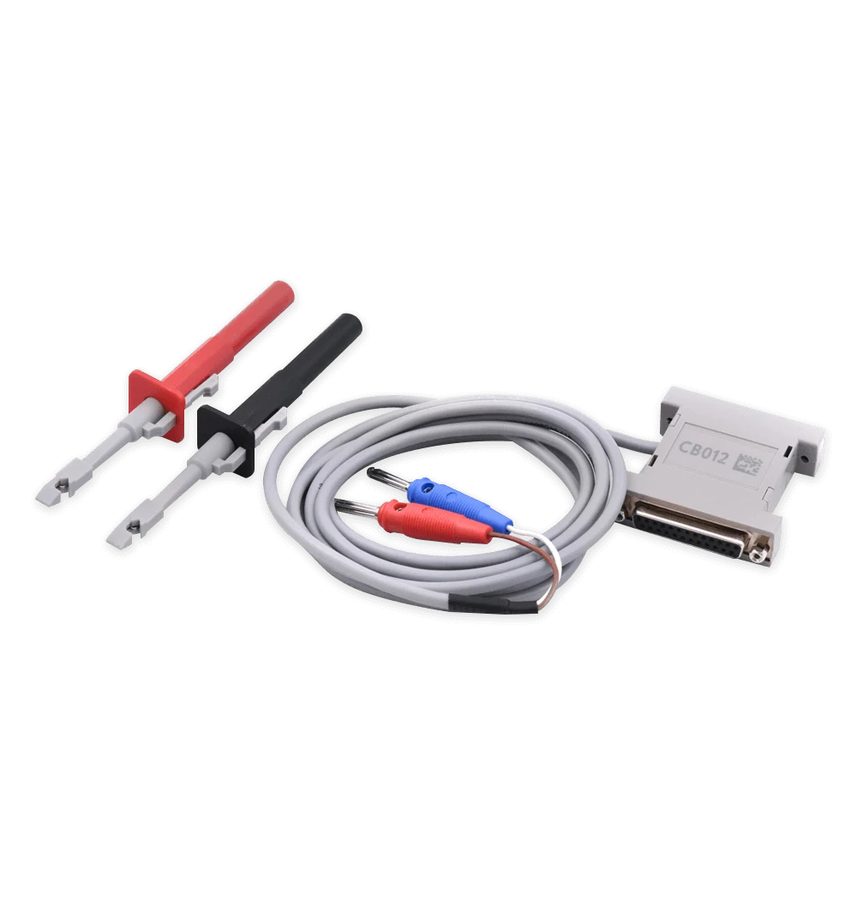
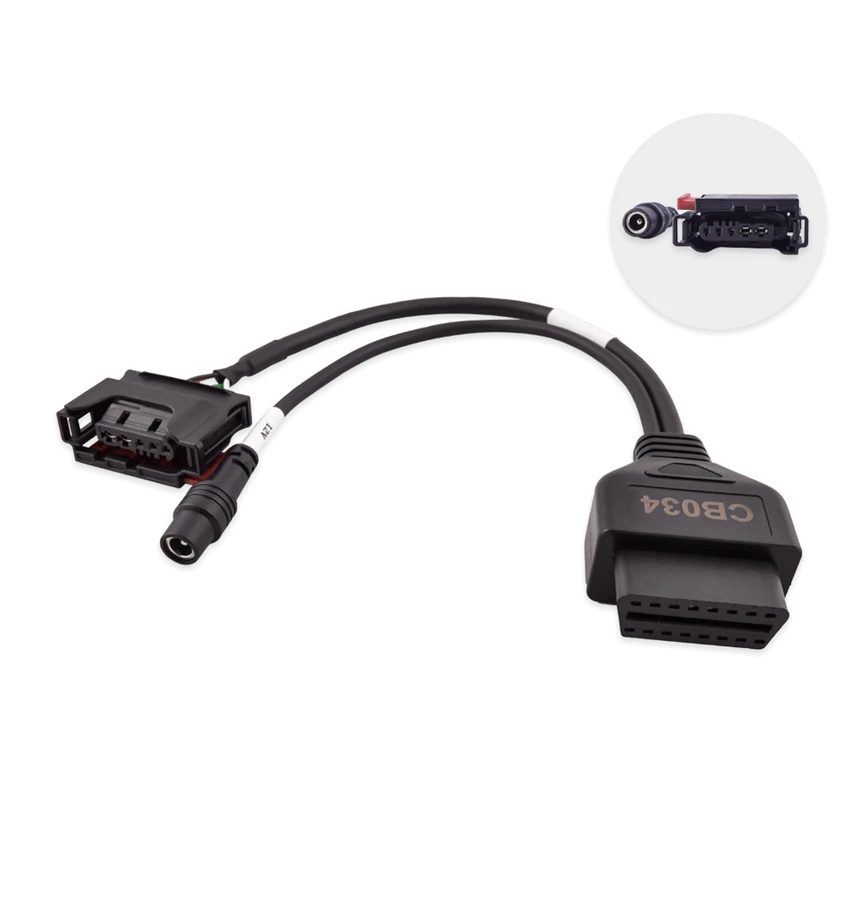

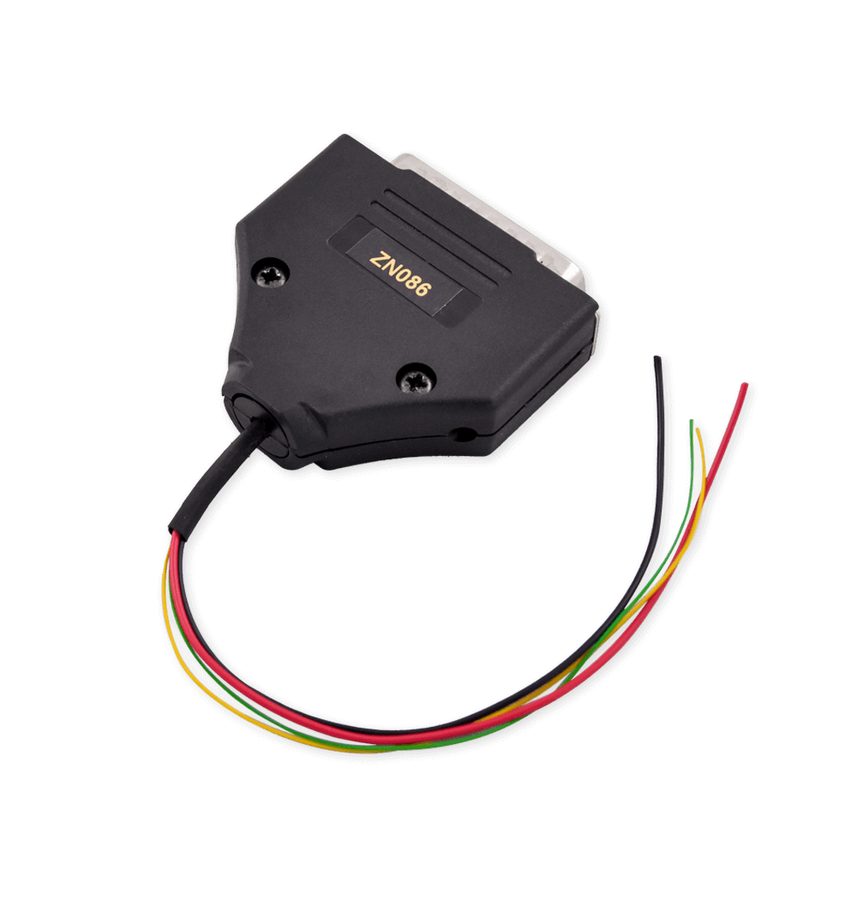
⚠ WarningReading and virginising can be done over OBDII, with CB034 or with ABProg and ZN086; personalisation with saved FBS4 data requires OBDII plus an internal CAN connection (CB012), or CB034, or ABProg and ZN086.
Procedure
- With the ORIGINAL DSM still on the car, connect the AVDI over OBDII (alternatively you can read with CB034 or via ABProg).
- Open the Mercedes FBS4 Manager software and select "DSM".
- Press "Info" to establish the connection and check the state of the module.
- Press "Save" to read and save the FBS4 data to a file on the PC.
- Fit the donor unit to the car.
- Open the Mercedes FBS4 Manager software and select "DSM".
- Press "Info" to establish the connection.
- Take the unit to "Virgin" state with the dedicated button. You can carry on in the car over OBDII with an internal CAN connection using the CB012.
- Press "Personalize" and select the file with the FBS4 data saved from the original DSM.
- When prompted, cycle the key IGN OFF and then ON to finalise the procedure.
- Set the car's VIN on the module.
- Press "Info" again to confirm the unit shows as personalised and activated.
Reference screenshots
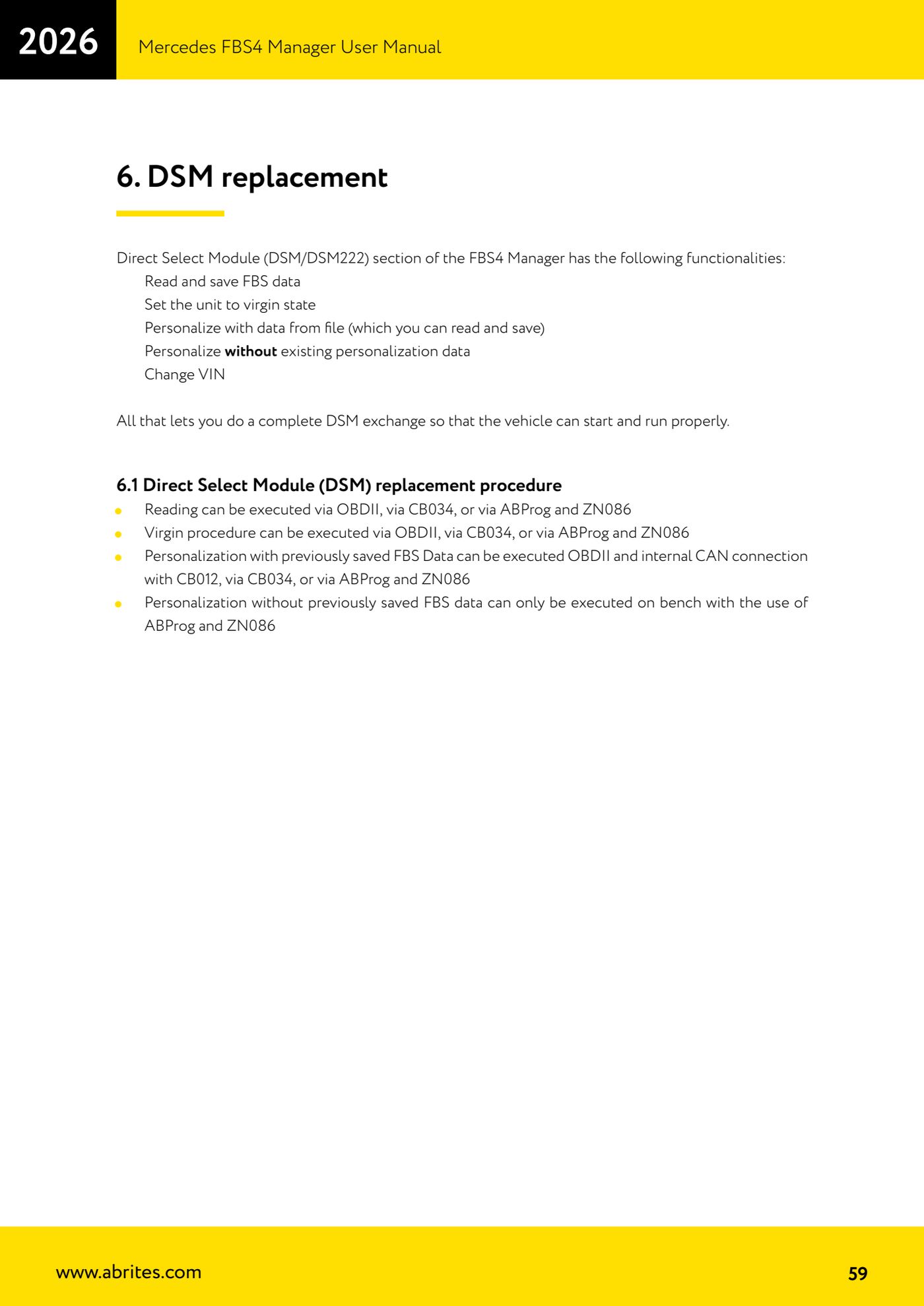
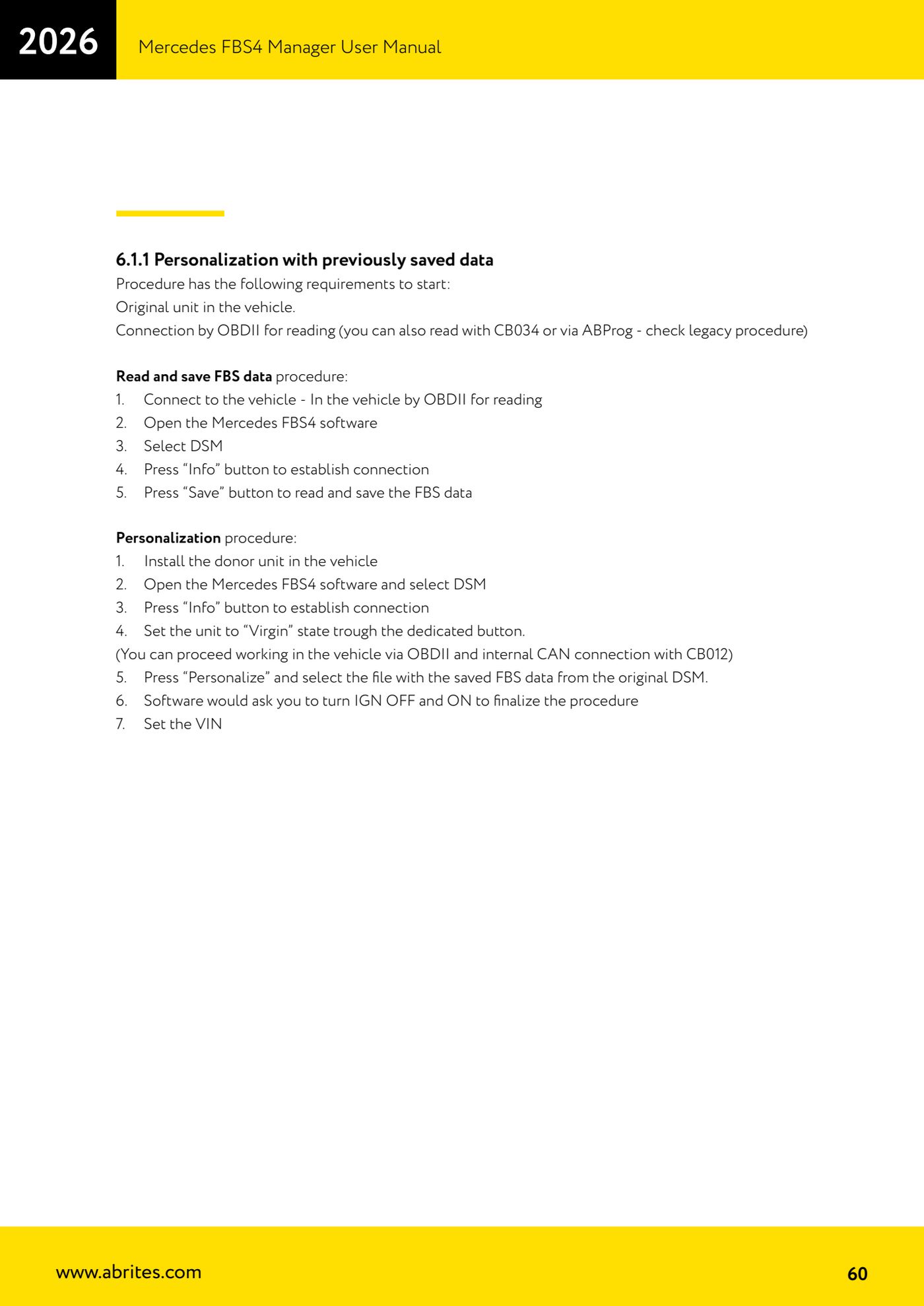
Source: Manuale Mercedes FBS4 Manager, parte 2 di 2, cap. 6, 6.1 e 6.1.1 (p.59-60) · ⏱ estimated time 45-90 min
← All Abrites guides Hardware catalogue
More guides Mercedes
- Diagnostics and vehicle selection (VIN, chassis, over 1300 modules)
- Mercedes-Benz bus and truck diagnostics
- Mercedes Coding (VMAX, side sensors, parameters)
- Mercedes ECU Flashing (CFF files)
- Mercedes FBS4 Manager (722.9 and CRD3 renew, VIN change)
- Smart Functions (DPF mileage reset, DPF ash, VIM, seat belt alarm, sun roof, 360° cameras)
- FBS4 odometer correction with MN030 + emulators (EM008/EM014/EM018)
- Exhaust flaps — exhaust valve control
- CPC Torque limiter — torque limit
- VMax calibration — speed limiter
- Speed Limit Calibration — eVito 447 (electric)
- Mercedes AdBlue Reset: resetting the AdBlue system after component replacement or the remaining mileage warning