
Chip-Tools
Bench connection of Bosch MD1/MG1 ECUs (MRD1, MRG1) and CRR2 MD1CS006 with the CB030 cable
Mercedes
Interface New
Hardware / Connections
Advanced
⏱ 30-60 min
7 steps
The CB030 is the dedicated cable for bench-connecting Mercedes-Benz Bosch MD1 and MG1 engine ECUs (MRD1, MRG1) to the FBS4 Manager, to read and save FBS data, virginize, personalize (with or without saved data) and change the VIN.


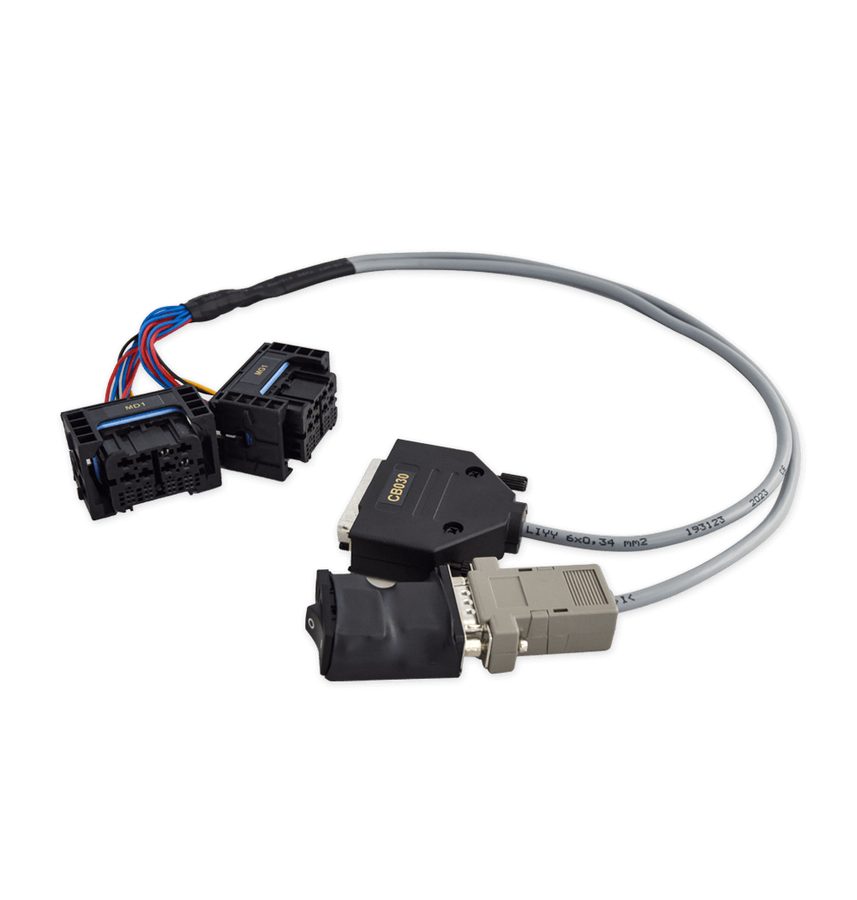
⚠ WarningThe CB030 has two identical-looking connectors with different pinouts, labelled MG1 and MD1: to avoid damage or malfunction to the ECU or the AVDI, always use the correct connector for the ECU type you are working on. IMPORTANT: units built after 2021 are locked; only new units not ordered for that vehicle from the dealer can be personalized. For MRD1/MRG1/CRR2 up to 2021 the EP003 license is also required.
Procedure
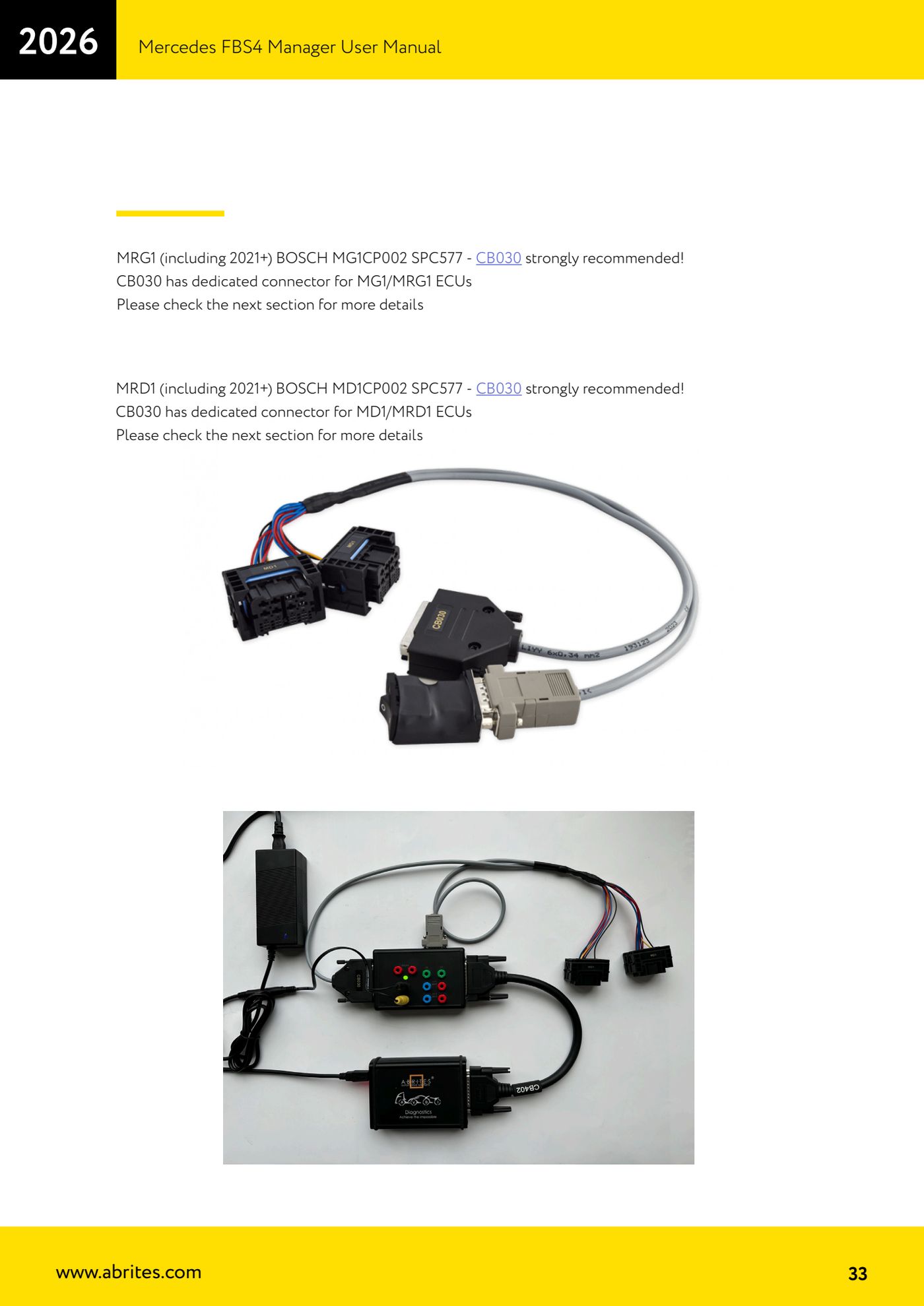
- Take the CB030 cable and connect its DB25 connector and its DB15 connector to the ZN051 DS Box.
- Connect the ZN051 DS Box to the AVDI using the CB402 cable.
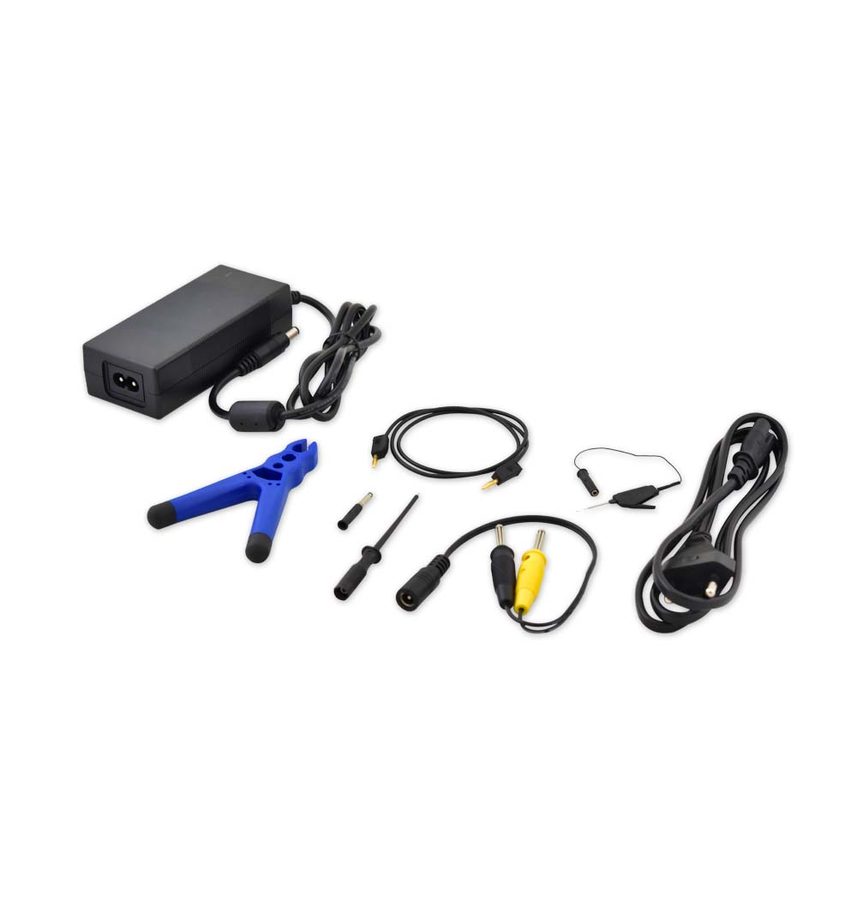
- Power the ZN051 DS Box on its power slots; you can use the ZN074 set to supply the power.
- Identify the ECU type: MRG1 (Bosch MG1CP002 SPC577), including 2021+ versions, goes on the connector labelled MG1 on the CB030; MRD1 (Bosch MD1CP002 SPC577), including 2021+, goes on the connector labelled MD1. The CB030 is strongly recommended for both.
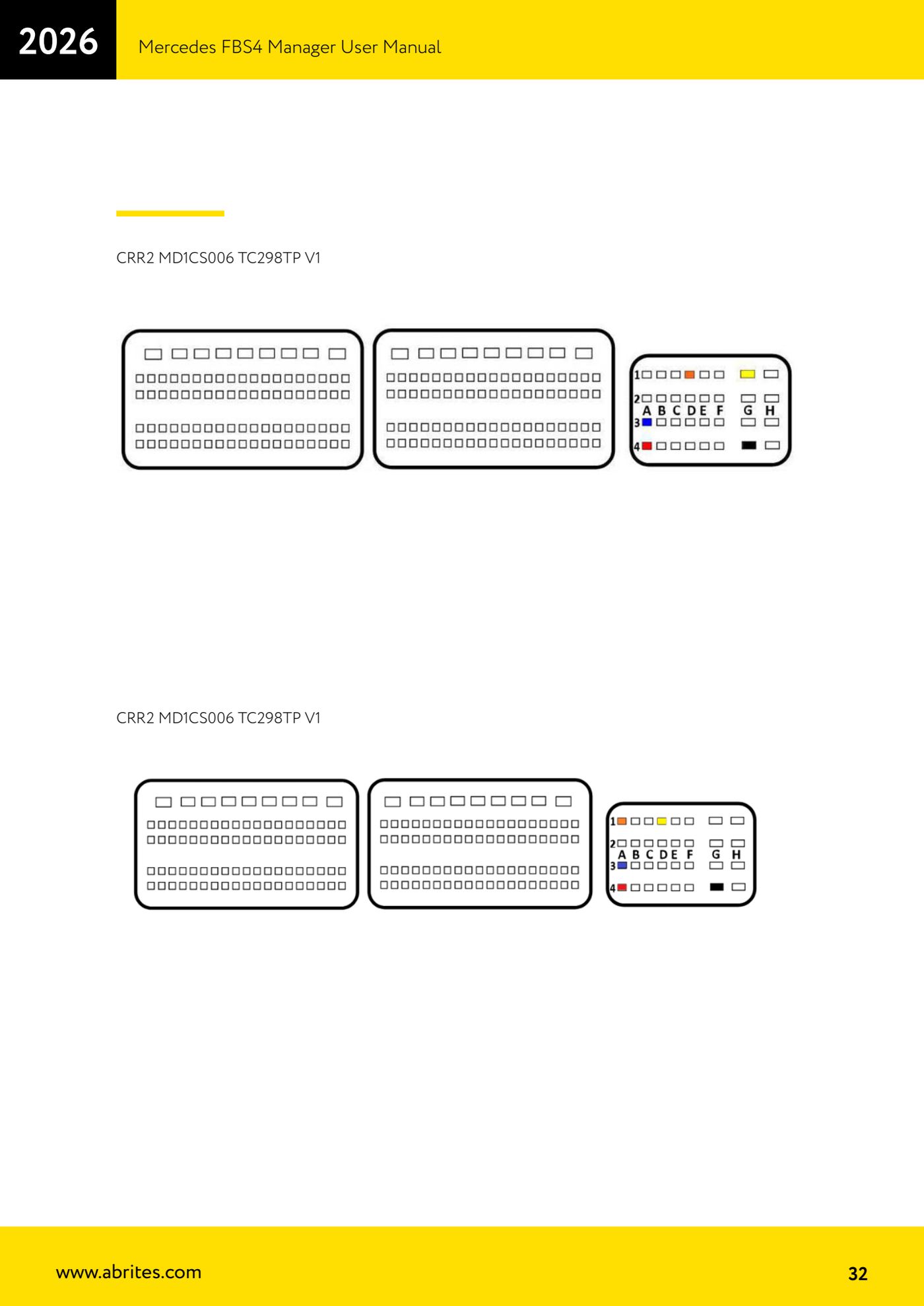
- For the CRR2 MD1CS006 TC298TP (V1 versions) use the bench connection with DS Box and CB401 cable as per the diagram in the manual; for CRR2 units built up to 2021 the EP003 license is also required.
- With the wiring checked and power applied, open the Mercedes FBS4 Manager, select ECU and press "Info" to establish the connection.
- From here you can run on the connected unit: "Save" (read and save the FBS data), "Virgin" (virgin state), "Personalize" (with a saved file or without previous data) and "VIN" (VIN change).
Reference screenshots
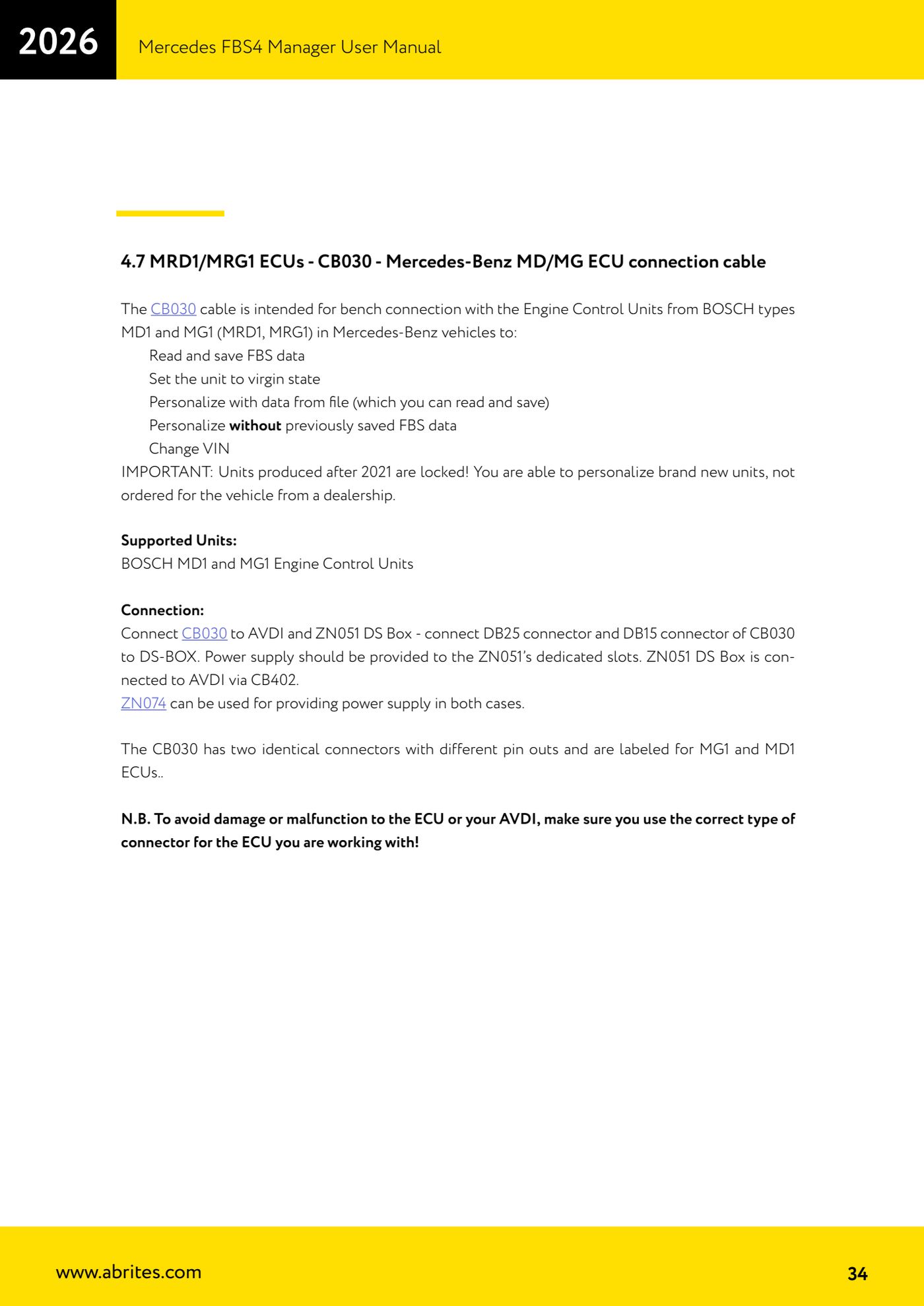
Source: Manuale Mercedes FBS4 Manager, parte 1 di 2, cap. 4.6 e 4.7 - CB030 (p.32-34) · ⏱ estimated time 30-60 min
← All Abrites guides Hardware catalogue
More guides Mercedes
- Diagnostics and vehicle selection (VIN, chassis, over 1300 modules)
- Mercedes-Benz bus and truck diagnostics
- Mercedes Coding (VMAX, side sensors, parameters)
- Mercedes ECU Flashing (CFF files)
- Mercedes FBS4 Manager (722.9 and CRD3 renew, VIN change)
- Smart Functions (DPF mileage reset, DPF ash, VIM, seat belt alarm, sun roof, 360° cameras)
- FBS4 odometer correction with MN030 + emulators (EM008/EM014/EM018)
- Exhaust flaps — exhaust valve control
- CPC Torque limiter — torque limit
- VMax calibration — speed limiter
- Speed Limit Calibration — eVito 447 (electric)
- Mercedes AdBlue Reset: resetting the AdBlue system after component replacement or the remaining mileage warning