
Chip-Tools
Updating the EM001 emulator software (ESL EMUL Update)
Mercedes
Interface Classic
Flashing / Programming
Medium
⏱ 15-30 min
8 steps
EM001 emulators are brought up to the latest software version through the ABRITES Diagnostics for Mercedes software. The update can be done in the car or on the bench with the ZN051.
Required licences
- —
Hardware / cables
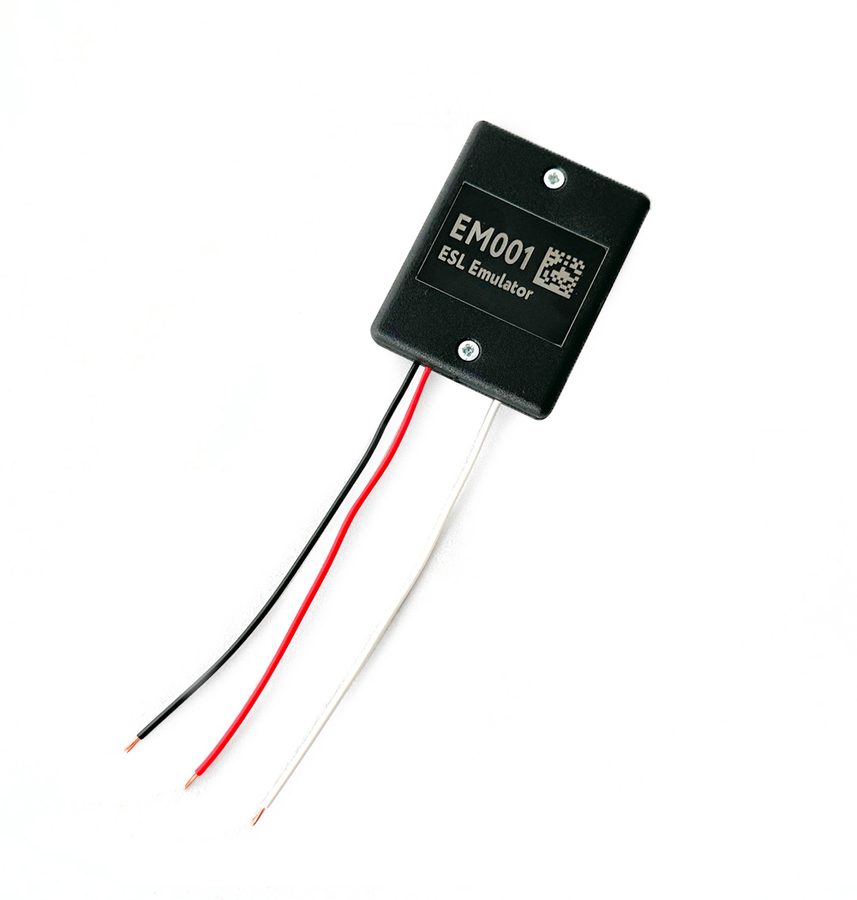


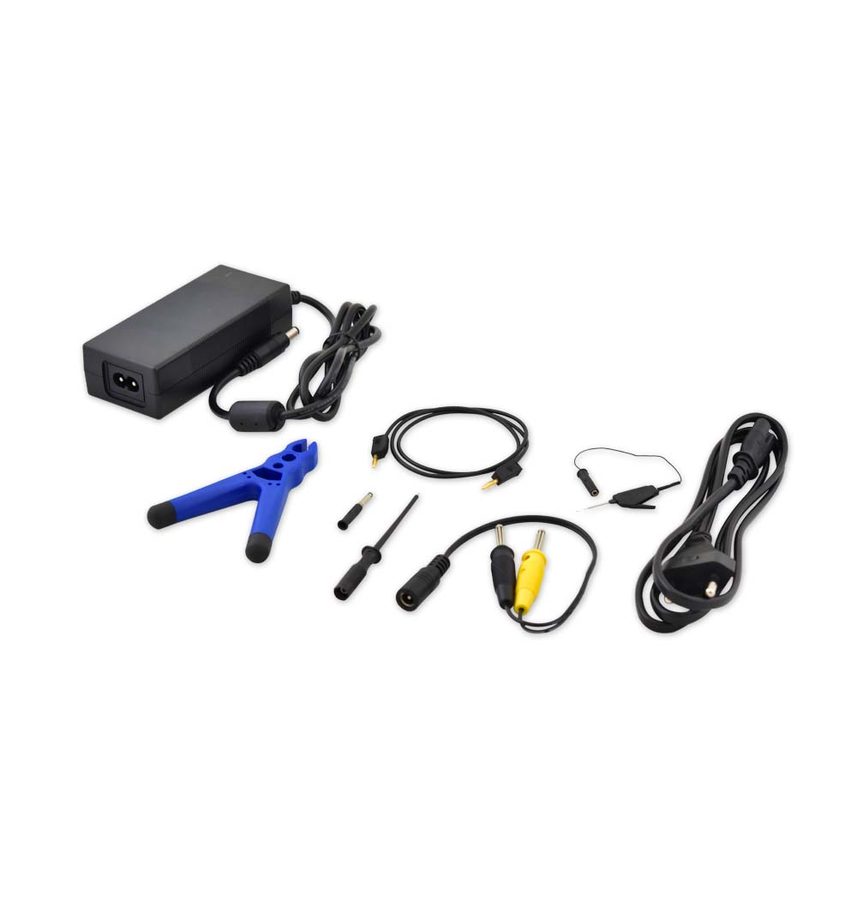
⚠ WarningAll dip switches must be in the ON position before starting the update; on the bench the DS-Box must be powered from the B+ and GND sockets at the same time, because the emulator runs on 12V.
Procedure
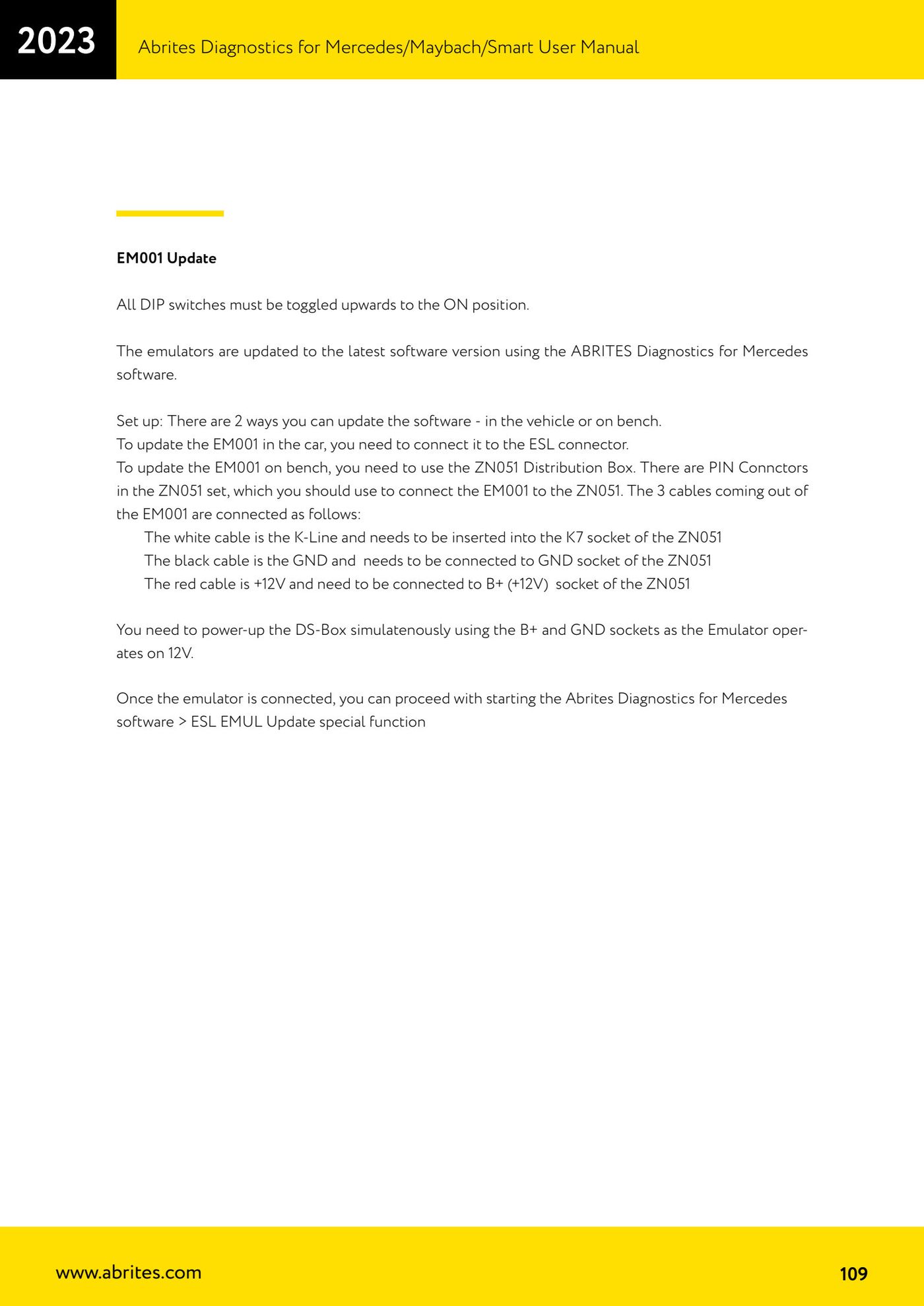
- Push all the emulator's DIP switches up, to the ON position.
- To update in the car, connect the EM001 to the ESL connector.
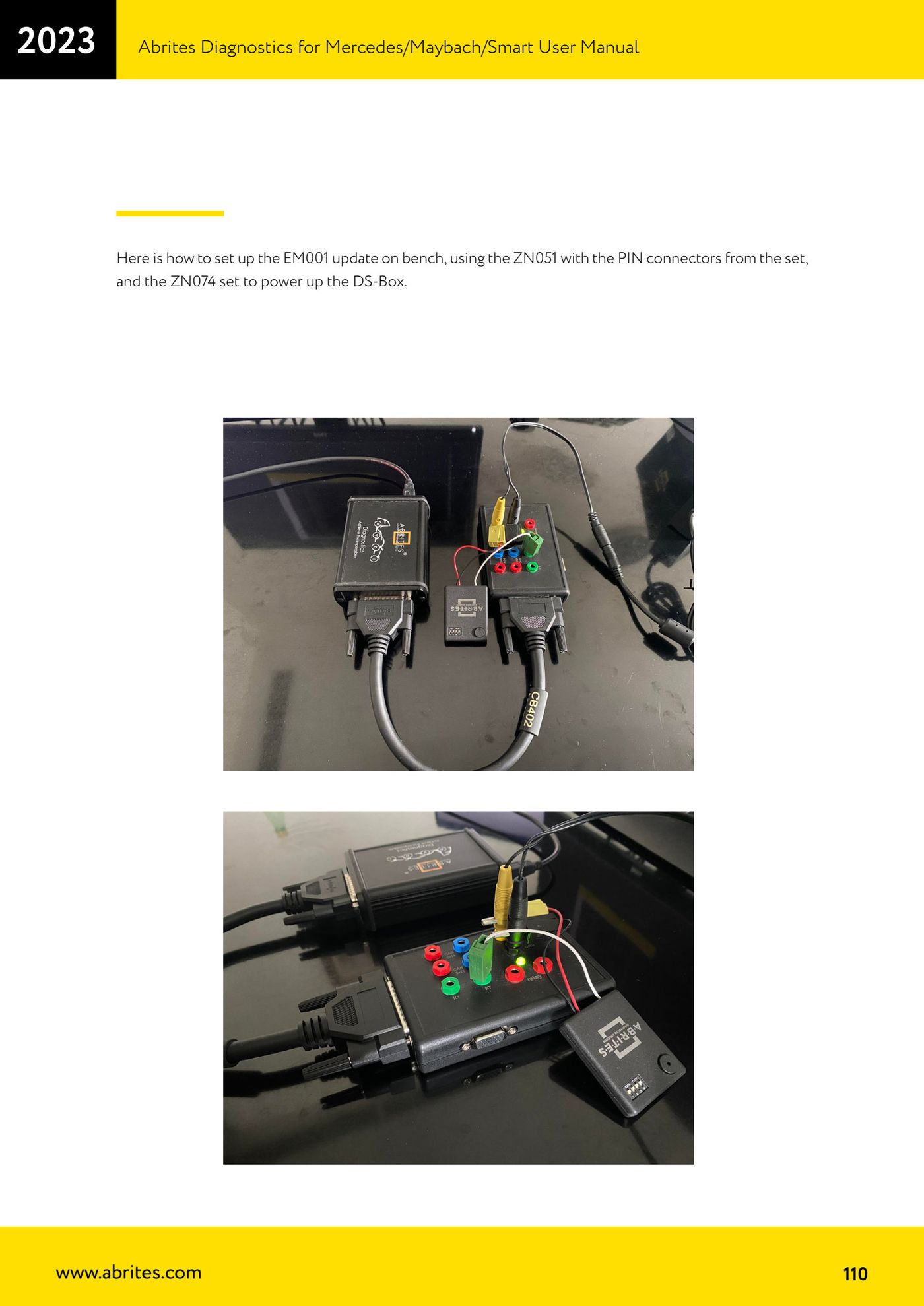
- To update on the bench, connect the EM001 to the ZN051 Distribution Box using the PIN Connectors from the set: white wire (K-Line) into the K7 socket, black wire (GND) into the GND socket, red wire (+12V) into the B+ (+12V) socket.
- On the bench, power the DS-Box from the B+ and GND sockets at the same time (the ZN074 set is used for the supply), because the emulator runs on 12V.
- When the emulator is connected and powered correctly it gives a beep: that is the confirmation it is ready.
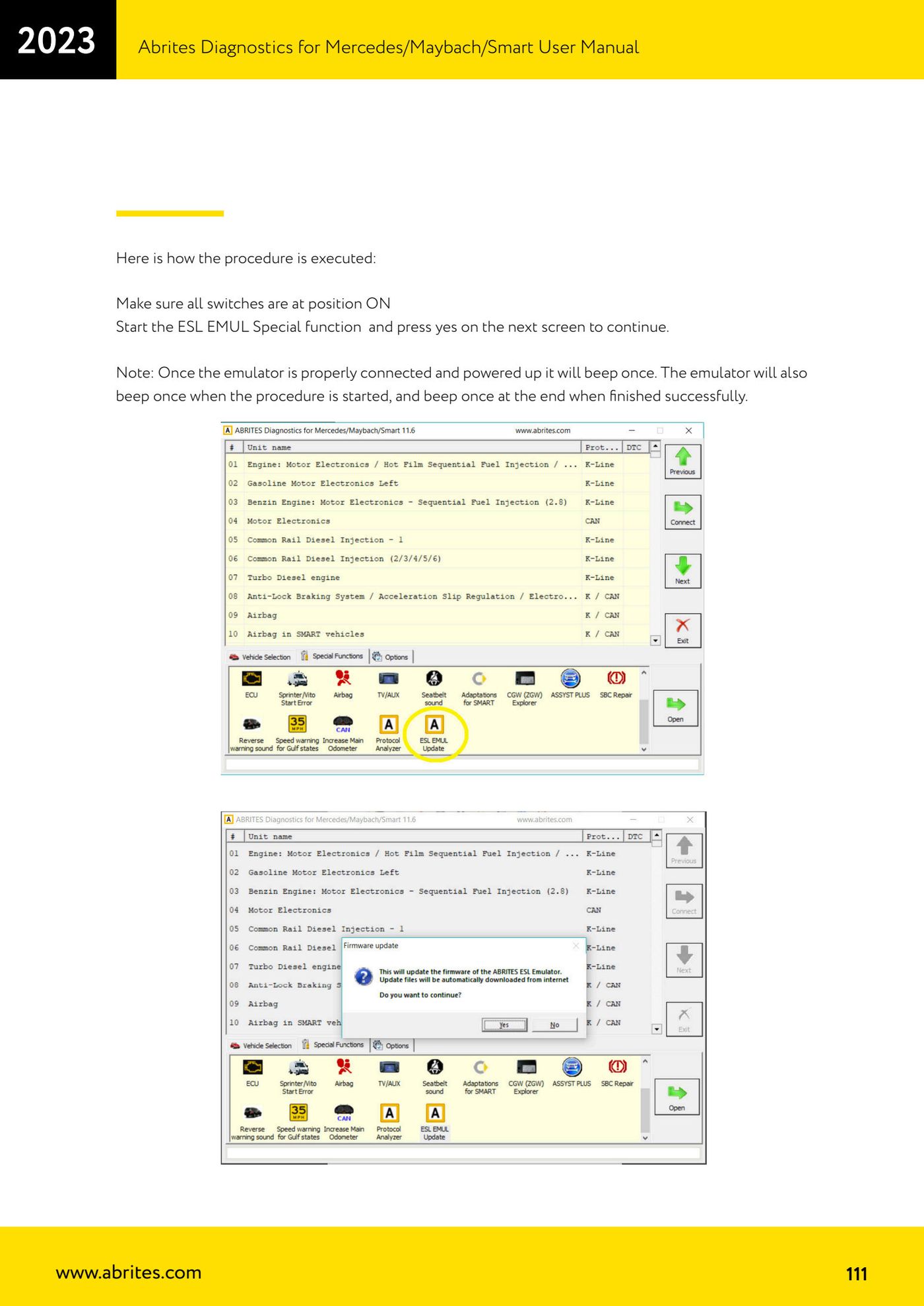
- Start Abrites Diagnostics for Mercedes and open the "ESL EMUL Update" special function.
- Confirm with "Yes" on the next screen to continue; as the procedure starts the emulator gives another beep.
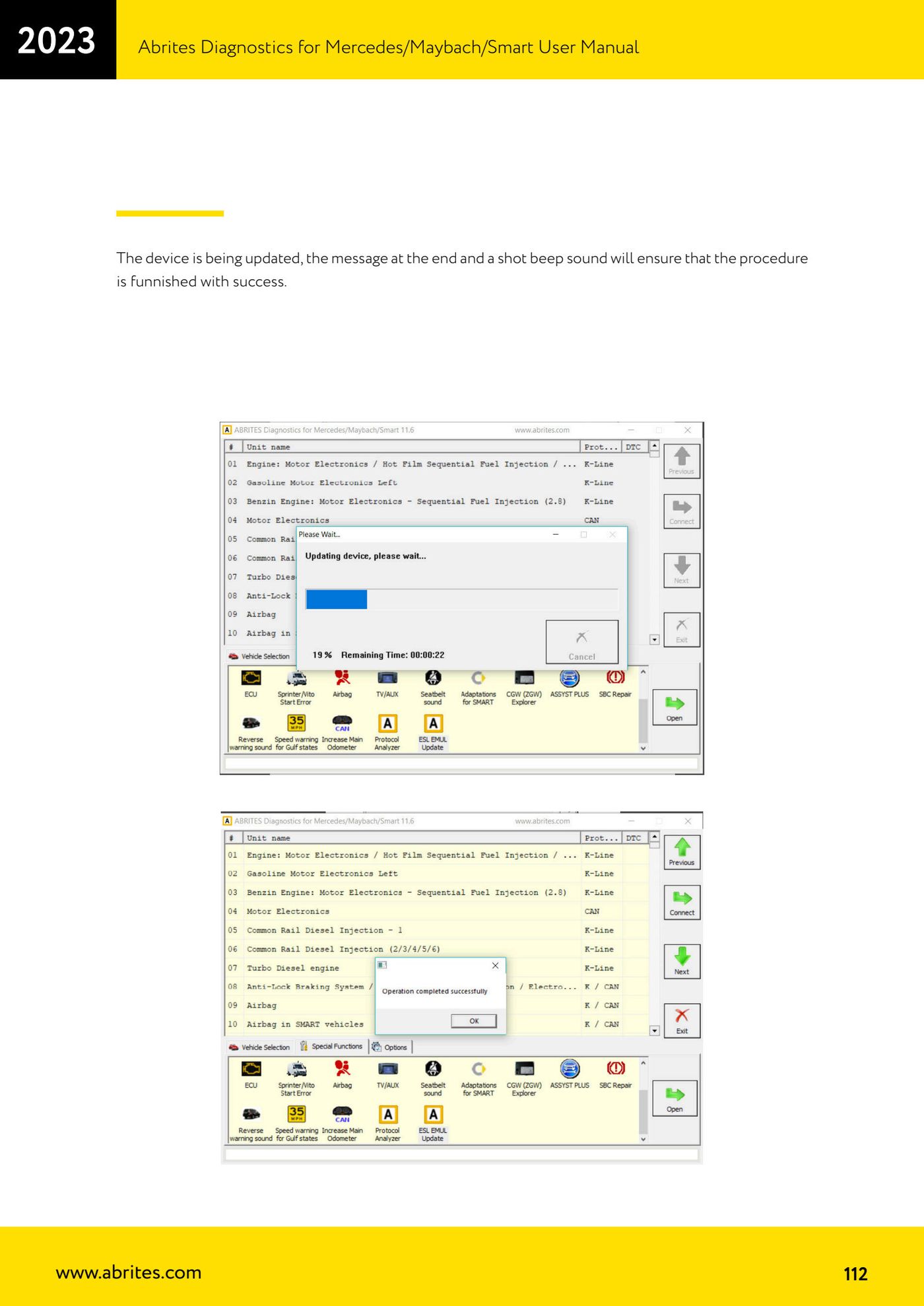
- Wait for it to finish: the final on-screen message and a short beep confirm the update went through.
Reference screenshots
Source: Manuale Mercedes (Offline), cap. 5.17.3 (p.109-112) · ⏱ estimated time 15-30 min
← All Abrites guides Hardware catalogue
More guides Mercedes
- Diagnostics and vehicle selection (VIN, chassis, over 1300 modules)
- Mercedes-Benz bus and truck diagnostics
- Mercedes Coding (VMAX, side sensors, parameters)
- Mercedes ECU Flashing (CFF files)
- Mercedes FBS4 Manager (722.9 and CRD3 renew, VIN change)
- Smart Functions (DPF mileage reset, DPF ash, VIM, seat belt alarm, sun roof, 360° cameras)
- FBS4 odometer correction with MN030 + emulators (EM008/EM014/EM018)
- Exhaust flaps — exhaust valve control
- CPC Torque limiter — torque limit
- VMax calibration — speed limiter
- Speed Limit Calibration — eVito 447 (electric)
- Mercedes AdBlue Reset: resetting the AdBlue system after component replacement or the remaining mileage warning