
Chip-Tools
Mileage calibration (Instrument cluster/odometer correction)
Mercedes
Interface Classic
Odometer
Advanced
⏱ 30-60 min
6 steps
A special function that changes the mileage stored in the instrument cluster. It works on clusters using K-Line as the data bus and on almost all clusters using CAN.
Required licences
- —
Hardware / cables
- —
⚠ WarningOn K-Line vehicles the mileage is stored only inside the instrument cluster, so changing it there is enough. On later vehicles this is NOT the case: the mileage may be stored in several places, for example the EZS and the engine control unit. Working on the cluster alone leaves the values out of sync.
Procedure
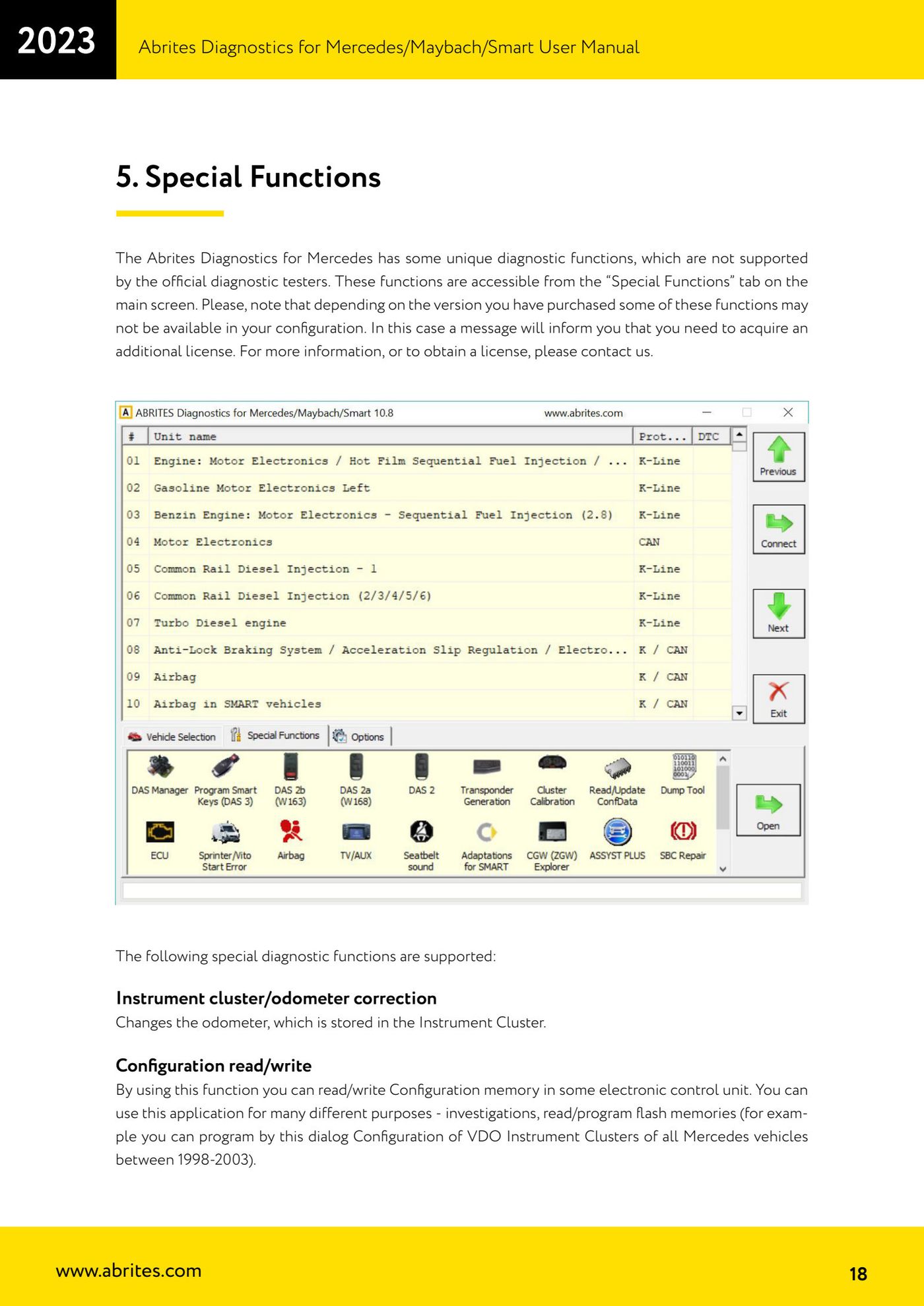
- Connect the interface and open the "Special Functions" tab on the main screen.
- Select the "Instrument cluster/odometer correction" function.
- Check which bus the cluster uses: on K-Line vehicles the mileage sits only in the instrument cluster, so changing that value is enough.
- On CAN vehicles identify every module that stores the mileage (for example the EZS and the engine control unit) and align each one of them.
- On CAN vehicles, when the value needs to be increased, the "Increment Odometer on CAN" special function is also available.
- Refer to the dedicated Abrites manual available for this subject for the full procedure on the specific model.
Reference screenshots
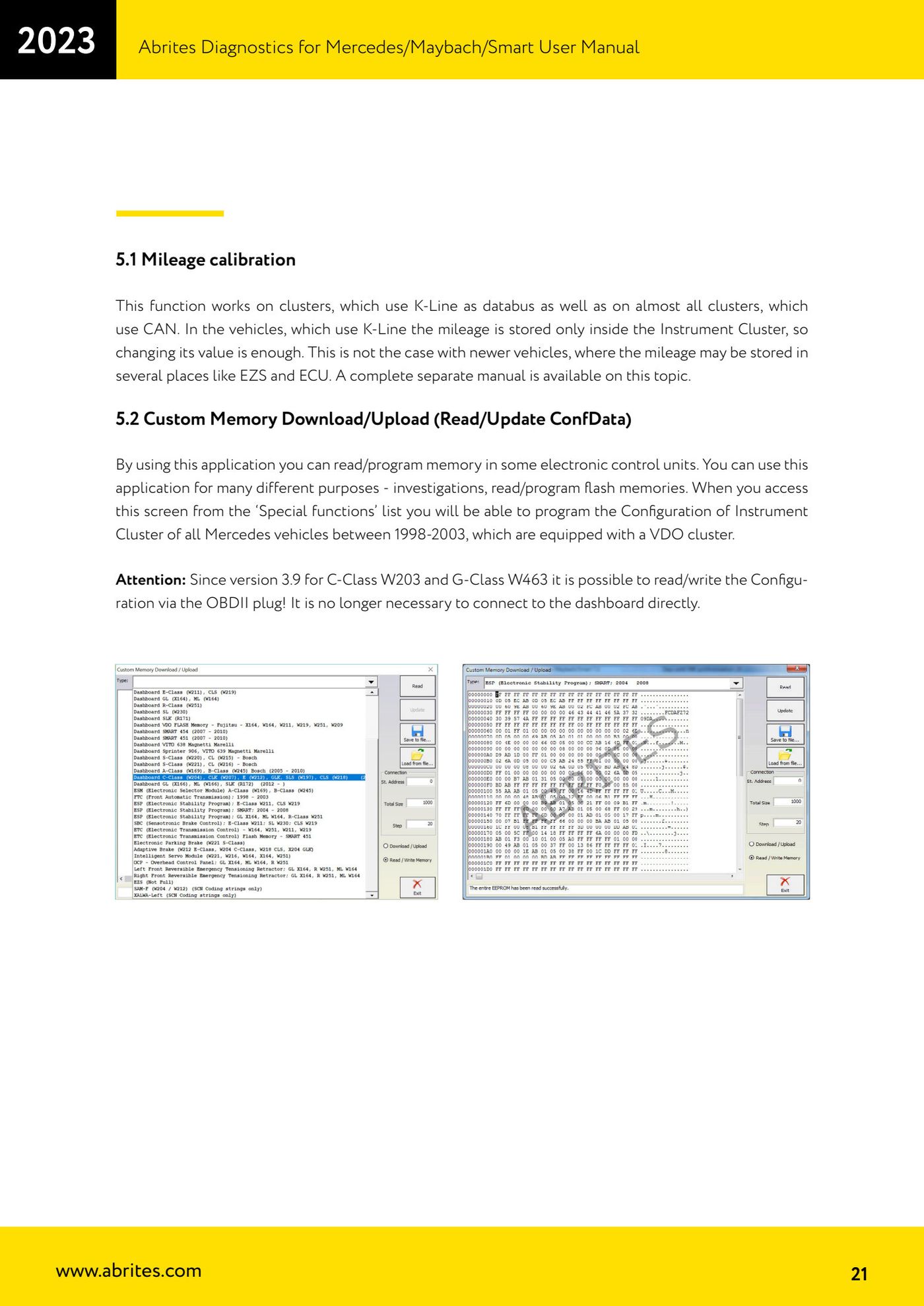
Source: Manuale Mercedes (Offline), cap. 5 e 5.1 Mileage calibration (p.18, p.21) · ⏱ estimated time 30-60 min
← All Abrites guides Hardware catalogue
More guides Mercedes
- Diagnostics and vehicle selection (VIN, chassis, over 1300 modules)
- Mercedes-Benz bus and truck diagnostics
- Mercedes Coding (VMAX, side sensors, parameters)
- Mercedes ECU Flashing (CFF files)
- Mercedes FBS4 Manager (722.9 and CRD3 renew, VIN change)
- Smart Functions (DPF mileage reset, DPF ash, VIM, seat belt alarm, sun roof, 360° cameras)
- FBS4 odometer correction with MN030 + emulators (EM008/EM014/EM018)
- Exhaust flaps — exhaust valve control
- CPC Torque limiter — torque limit
- VMax calibration — speed limiter
- Speed Limit Calibration — eVito 447 (electric)
- Mercedes AdBlue Reset: resetting the AdBlue system after component replacement or the remaining mileage warning