
Chip-Tools
Make Virgin: renewing 722.9 automatic transmission and Intelligent Servo Module units
Mercedes
Interface Classic
Coding / Adaptations
Medium
⏱ 10-20 min
4 steps
This is used to return to virgin state control units that have accidentally locked onto a vehicle: the "Make Virgin" function is only available for automatic transmission units (Electronic Transmission Control 722.9) and for Intelligent Servo Modules.
Required licences
- —
Hardware / cables
- —
⚠ WarningThe "Make Virgin" button is only available for Electronic Transmission Control (722.9) units and Intelligent Servo Modules: use it to renew these units when they have accidentally locked onto a vehicle, not on other modules.
Procedure
- Connect the interface to the car and open the unit concerned (722.9 or Intelligent Servo Module) in the diagnostic screen.
- Check that the "Make Virgin" button is available: if the unit is not one of the supported types the button does not appear.
- Press "Make Virgin" to return the unit to virgin state and release it from the vehicle it had been matched to.
- When finished, re-read the identification and fault codes to confirm the result.
Reference screenshots
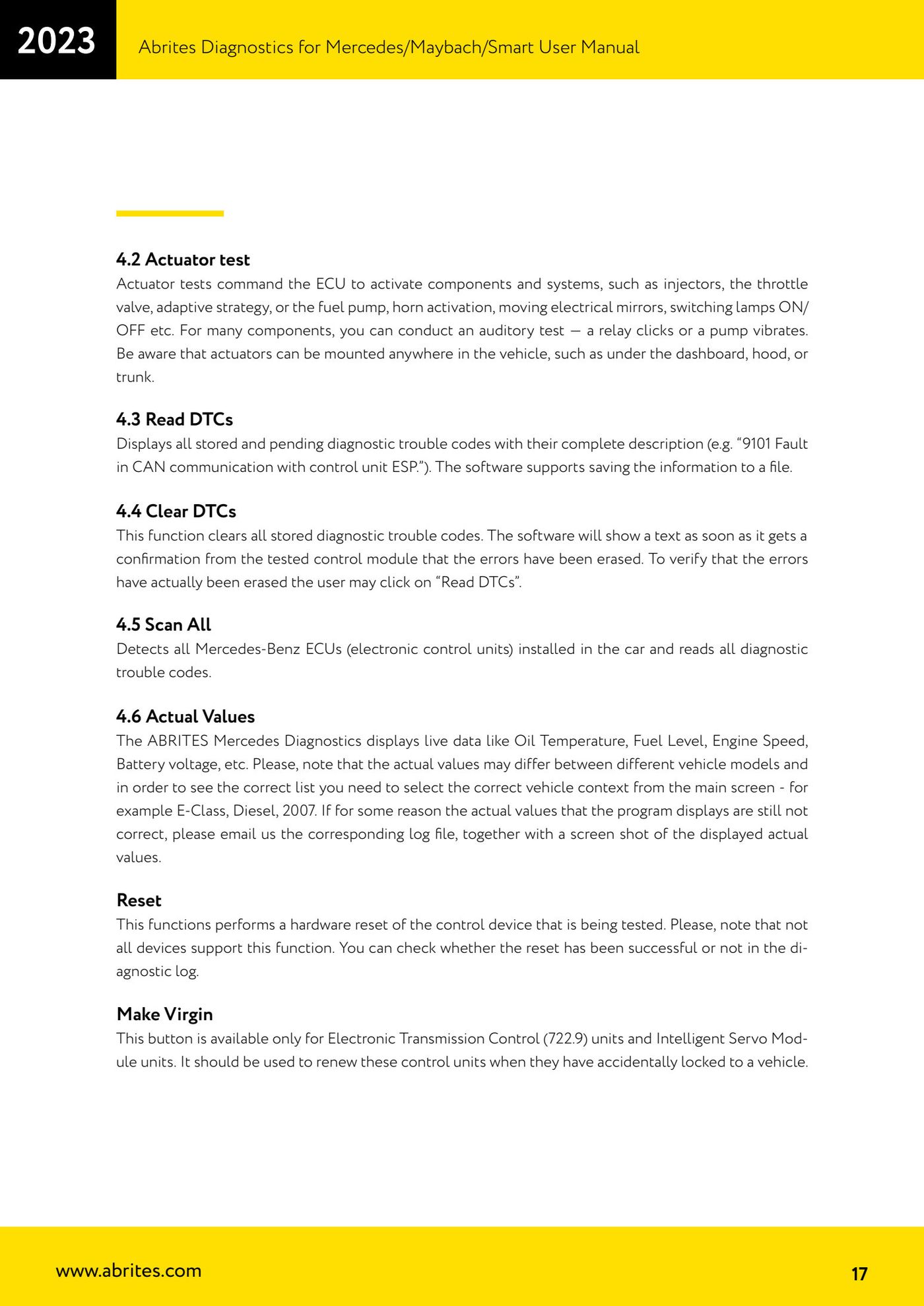
Source: Manuale Mercedes (Offline), cap. 4.6 (p.17) · ⏱ estimated time 10-20 min
← All Abrites guides Hardware catalogue
More guides Mercedes
- Diagnostics and vehicle selection (VIN, chassis, over 1300 modules)
- Mercedes-Benz bus and truck diagnostics
- Mercedes Coding (VMAX, side sensors, parameters)
- Mercedes ECU Flashing (CFF files)
- Mercedes FBS4 Manager (722.9 and CRD3 renew, VIN change)
- Smart Functions (DPF mileage reset, DPF ash, VIM, seat belt alarm, sun roof, 360° cameras)
- FBS4 odometer correction with MN030 + emulators (EM008/EM014/EM018)
- Exhaust flaps — exhaust valve control
- CPC Torque limiter — torque limit
- VMax calibration — speed limiter
- Speed Limit Calibration — eVito 447 (electric)
- Mercedes AdBlue Reset: resetting the AdBlue system after component replacement or the remaining mileage warning