
Chip-Tools
EZS password extraction with the IR adapter and the Abrites Fuse Relay (W204 example)
Mercedes
Interface Classic
Keys / Immo
Advanced
⏱ varies (up to 10 times faster)
6 steps
By selecting the method that uses the Abrites IR adapter together with the fuse relay in the "DAS Manager", the password is extracted with the relay hooked into the ignition fuse. This is the recommended route on all keys lost jobs because it saves a lot of time. The manual uses a Mercedes C-Class W204 as the example.
Required licences
- —
Hardware / cables
 AVDI
AVDI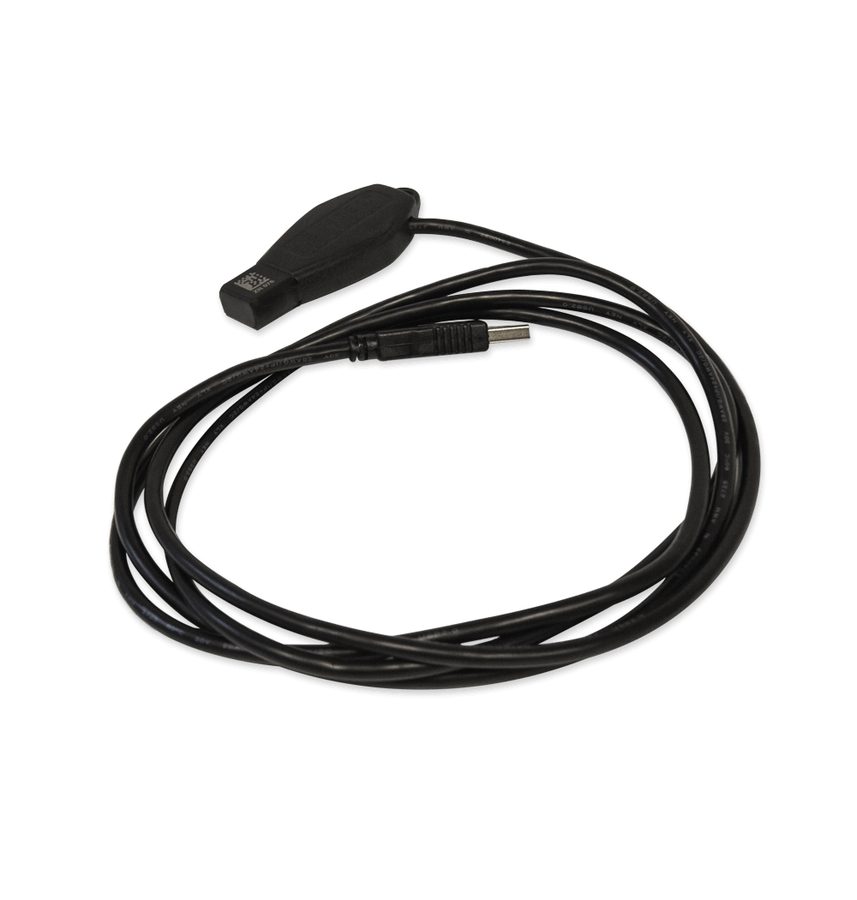 ZN076 IR Adapter
- ZN036 IR Adapter
- Abrites Fuse Relay
- Abrites fuse connector
⚠ WarningThe fuse relay must be connected to the ignition fuse.
Procedure
- Open the "DAS Manager" and start the password extraction, selecting the method that uses the Abrites IR adapter together with the fuse relay.
- Locate the vehicle's ignition fuse (in the manual's example: Mercedes C-Class W204).
- Fit the Abrites fuse connector into the fuse slot.
- Connect the Abrites fuse relay to the fuse connector you have just fitted.
- Start the procedure: with this method the password extraction runs up to 10 times faster than normal.
- Refer to the appendix of the manual for the list of Abrites cables available to support this procedure.
Reference screenshots
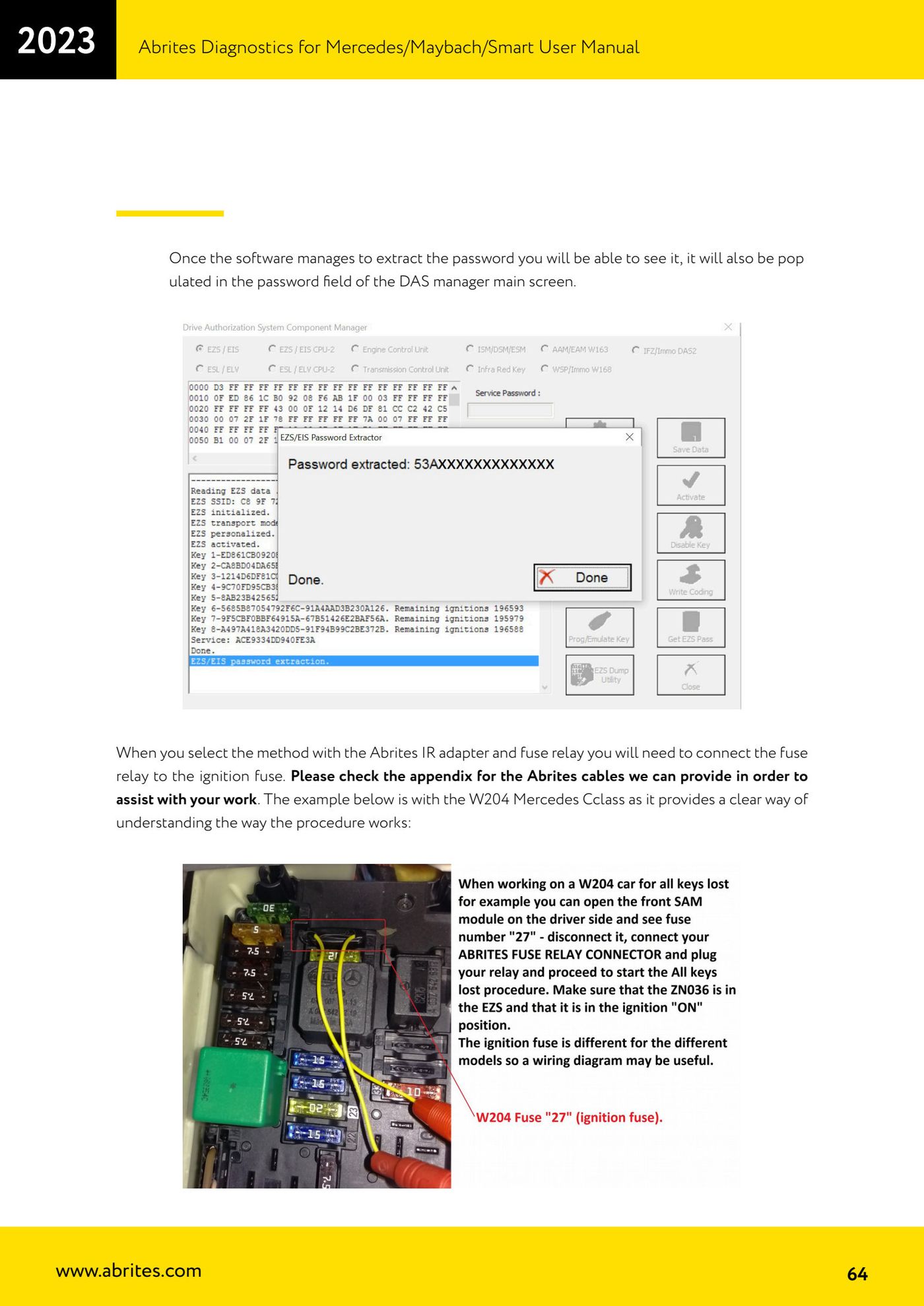
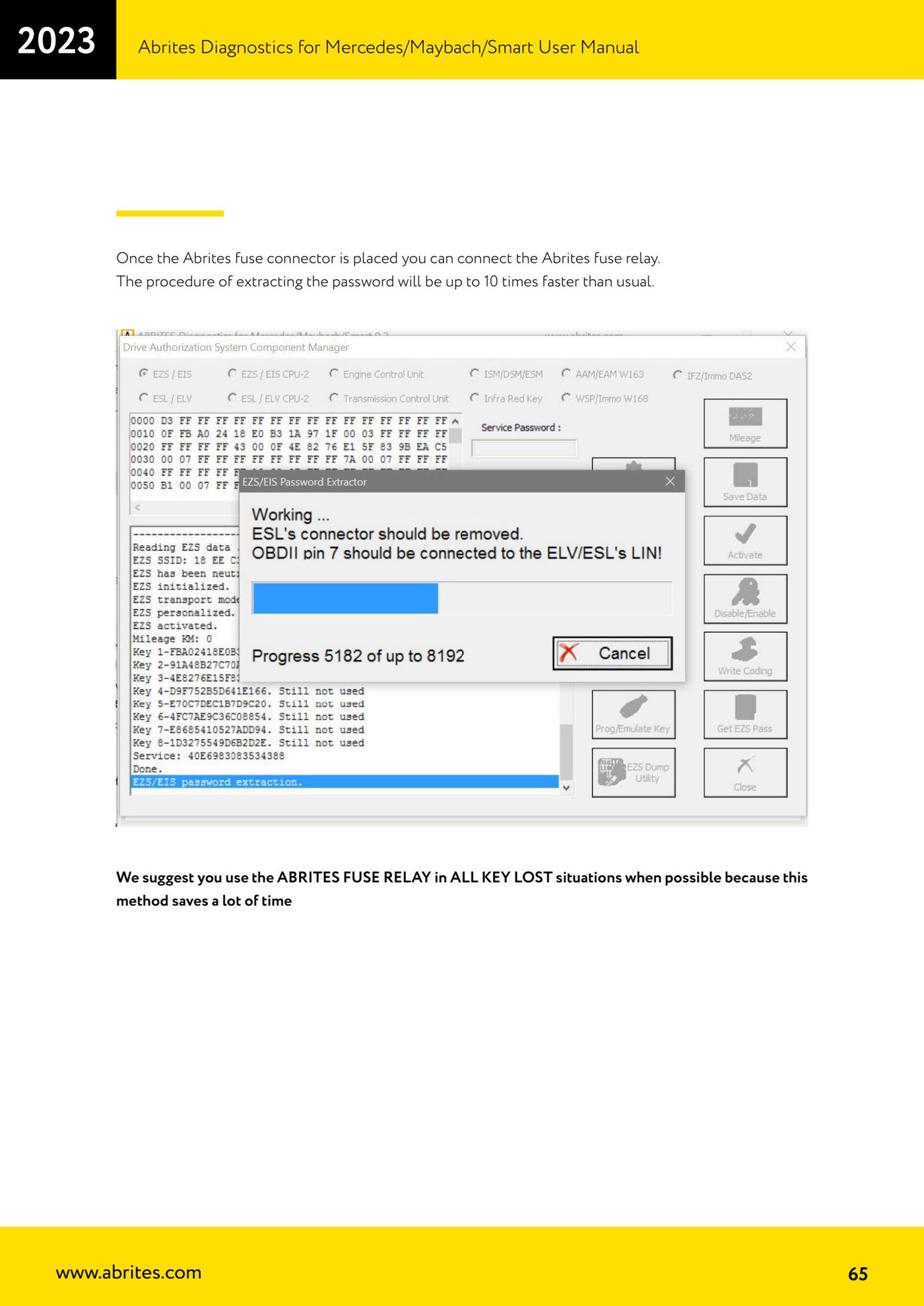
Source: Manuale Mercedes (Offline), cap. 5.17.1 (p.64-65) · ⏱ estimated time varies (up to 10 times faster)
← All Abrites guides Hardware catalogue
More guides Mercedes
- Diagnostics and vehicle selection (VIN, chassis, over 1300 modules)
- Mercedes-Benz bus and truck diagnostics
- Mercedes Coding (VMAX, side sensors, parameters)
- Mercedes ECU Flashing (CFF files)
- Mercedes FBS4 Manager (722.9 and CRD3 renew, VIN change)
- Smart Functions (DPF mileage reset, DPF ash, VIM, seat belt alarm, sun roof, 360° cameras)
- FBS4 odometer correction with MN030 + emulators (EM008/EM014/EM018)
- Exhaust flaps — exhaust valve control
- CPC Torque limiter — torque limit
- VMax calibration — speed limiter
- Speed Limit Calibration — eVito 447 (electric)
- Mercedes AdBlue Reset: resetting the AdBlue system after component replacement or the remaining mileage warning