
Chip-Tools
Dump Tool: mileage calculation/reset and control unit renewal from a dump file
Mercedes
Interface Classic
Special Functions
Advanced
⏱ 20-60 min
7 steps
The Dump Tool works on a Configuration dump file saved from the corresponding control unit. It is used to calculate odometer values, reset them, renew engine control units and perform other operations on the data read from the module.
Required licences
- —
Hardware / cables
- programmatore esterno per lettura/scrittura dump
⚠ WarningIf the data cannot be extracted or edited after loading the dump, try "Swap bytes": most programmers read in 16-bit words and some produce dumps starting from the least significant byte, others from the most significant one, so two programmers can give different dumps of the same control unit. If you read/write with a programmer you must make sure the byte order is correct.
Procedure
- Read the Configuration dump from the control unit: it can be read over OBDII or with a programmer (mandatory for units that cannot be read over OBDII) and save it as a file.
- Open the "Special Functions" tab and select "Dump Tool".
- Load the dump file with the "Load dump" button.
- If the data is not extracted or edited correctly, press "Swap bytes" to reverse the byte order in the dump and check the result again.
- Select the sub-function you want: the tool shows the data extracted from the file and/or applies the changes (for some sub-functions no change is made, the data is only displayed).
- If changes have been applied, save the modified dump with the "Save dump" button.
- Write the modified dump back to the control unit over OBDII or with the programmer, keeping the same byte order used for reading.
Reference screenshots
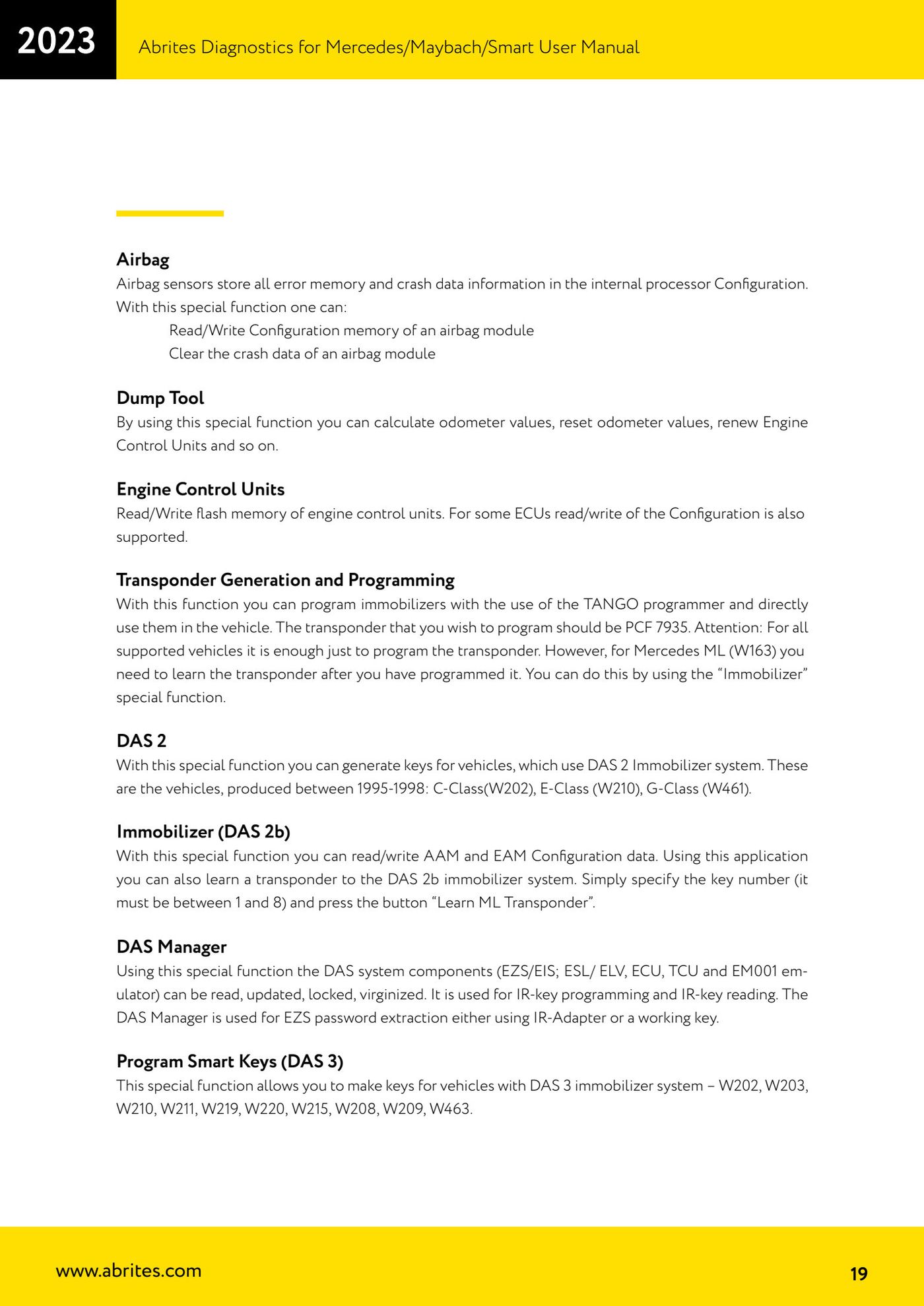
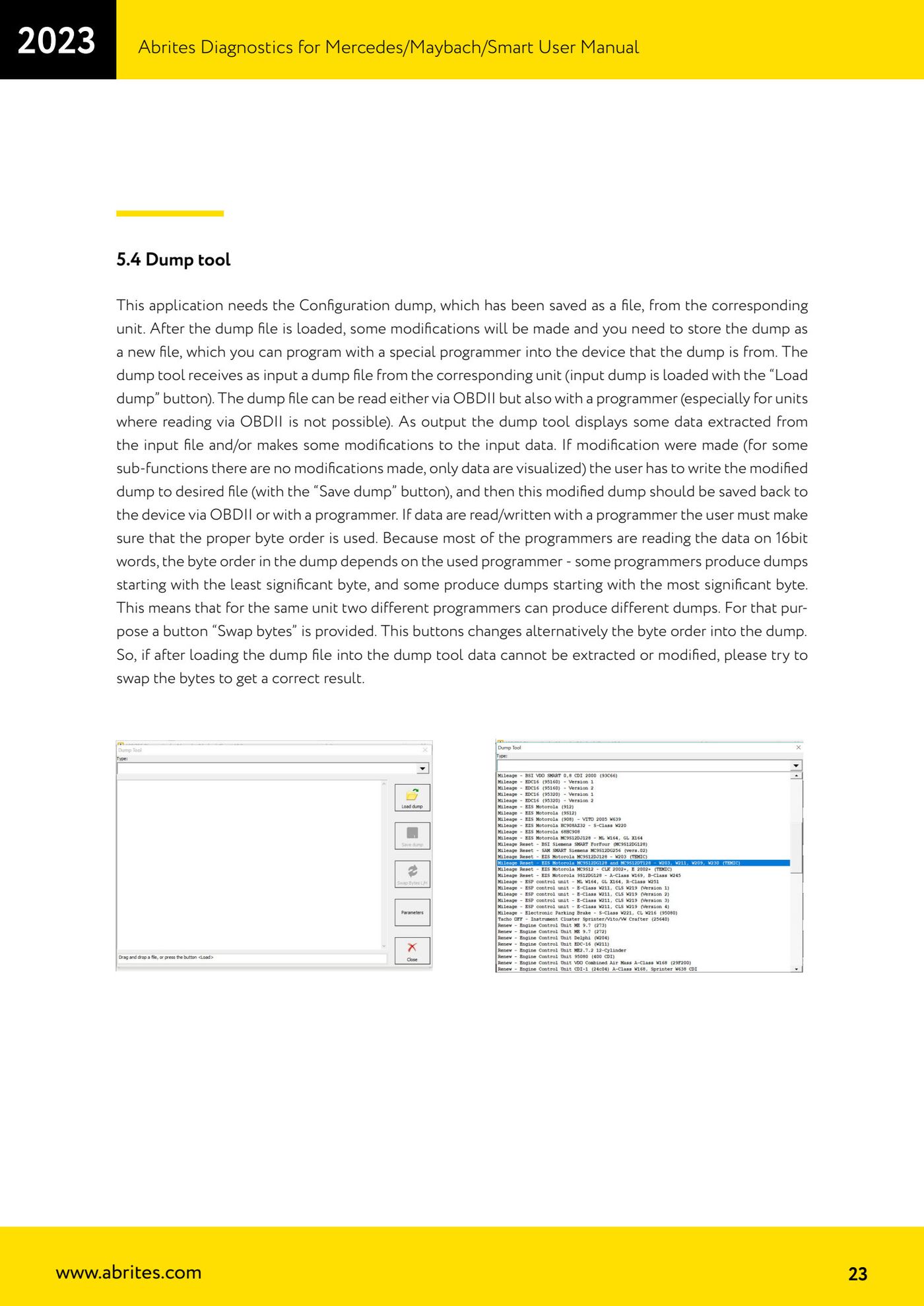
Source: Manuale Mercedes (Offline), cap. 5 e 5.4 Dump tool (p.19, p.23) · ⏱ estimated time 20-60 min
← All Abrites guides Hardware catalogue
More guides Mercedes
- Diagnostics and vehicle selection (VIN, chassis, over 1300 modules)
- Mercedes-Benz bus and truck diagnostics
- Mercedes Coding (VMAX, side sensors, parameters)
- Mercedes ECU Flashing (CFF files)
- Mercedes FBS4 Manager (722.9 and CRD3 renew, VIN change)
- Smart Functions (DPF mileage reset, DPF ash, VIM, seat belt alarm, sun roof, 360° cameras)
- FBS4 odometer correction with MN030 + emulators (EM008/EM014/EM018)
- Exhaust flaps — exhaust valve control
- CPC Torque limiter — torque limit
- VMax calibration — speed limiter
- Speed Limit Calibration — eVito 447 (electric)
- Mercedes AdBlue Reset: resetting the AdBlue system after component replacement or the remaining mileage warning