
Chip-Tools
Airbag: clearing crash data and Configuration read/write
Mercedes
Interface Classic
Airbag
Advanced
⏱ 20-45 min
7 steps
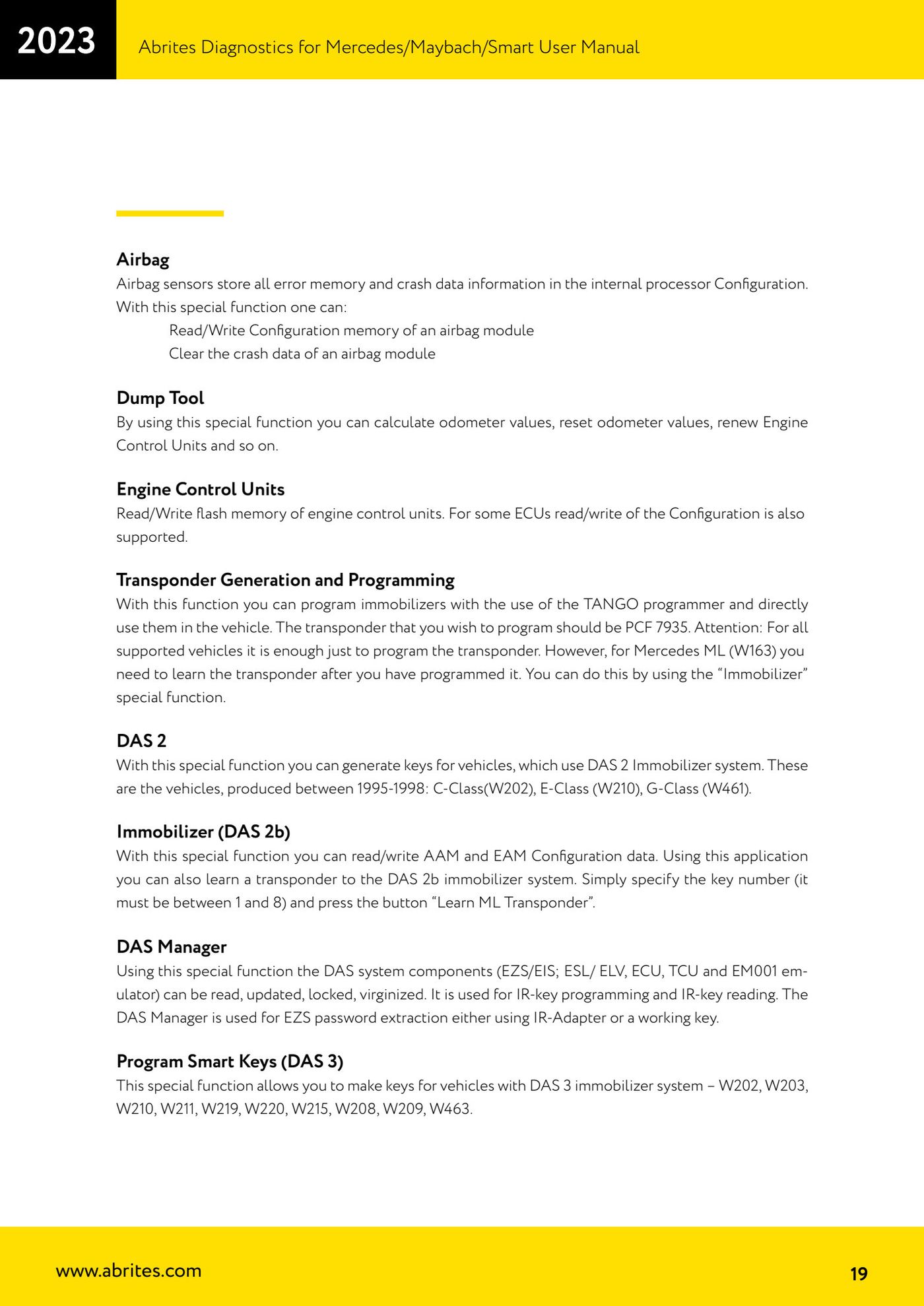
Airbag sensors store both the fault memory and the crash data in the internal processor's Configuration. This special function lets you read/write the airbag module Configuration and clear the crash data.
Required licences
- —
Hardware / cables
- —
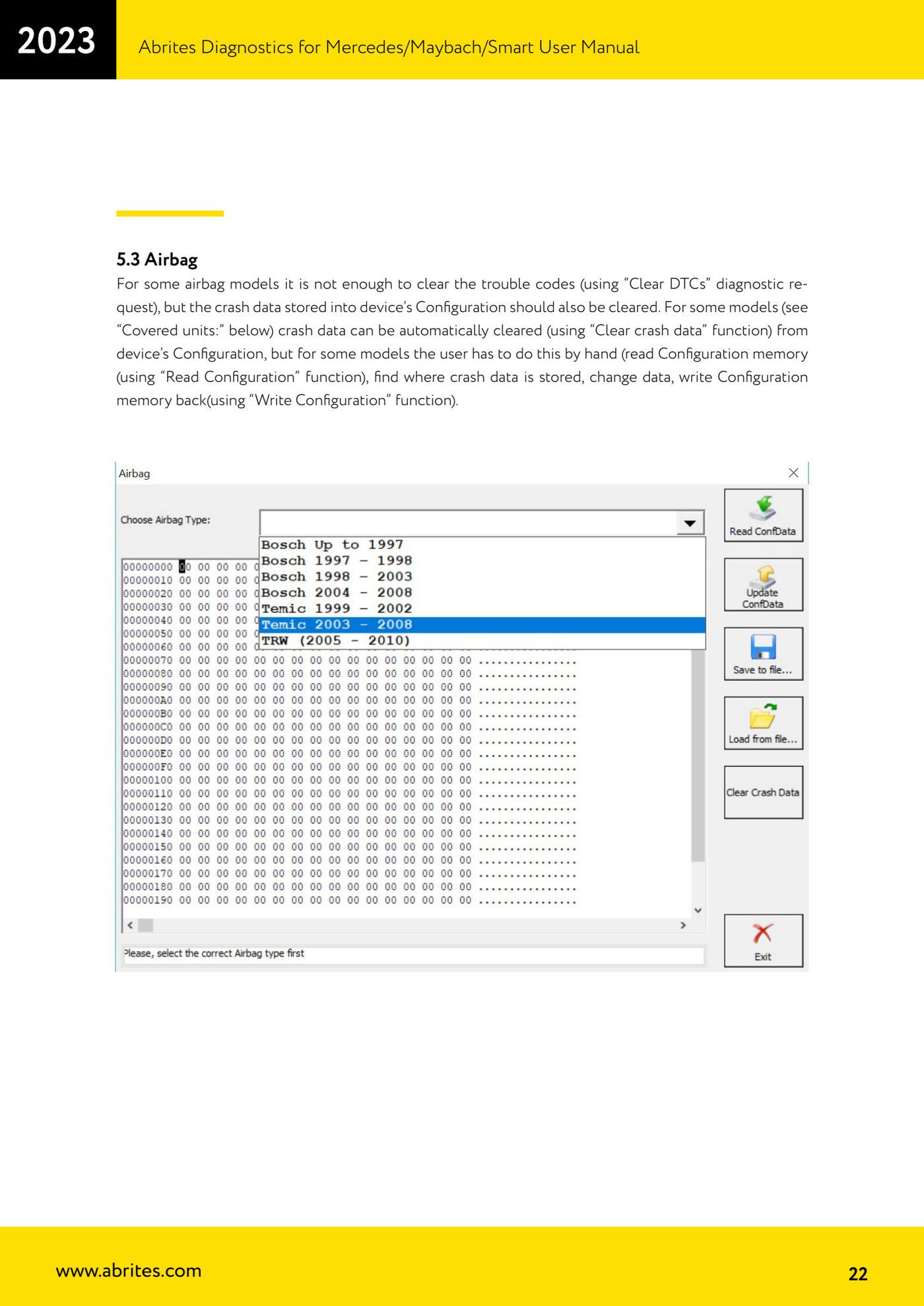
⚠ WarningOn some airbag models clearing the fault codes with "Clear DTCs" is not enough: the crash data stored in the device Configuration has to be cleared as well. On some models this is automatic with "Clear crash data", on others the user has to do it by hand - reading the Configuration, locating where the crash data is stored, editing the data and writing the Configuration back.
Procedure
- Connect the interface and open the "Special Functions" tab, then select "Airbag".
- Check the "Covered units" list to see whether the module in question supports automatic crash data clearing.
- If supported, use the "Clear crash data" function to clear the crash data from the device Configuration automatically.
- If the module is not supported automatically, read the Configuration with "Read Configuration" and save it as a backup.
- Locate the area of the Configuration where the crash data is stored and edit the data.
- Write the Configuration back to the module with "Write Configuration".
- Clear the fault codes with "Clear DTCs" and re-read them to confirm the airbag is no longer in fault.
Reference screenshots
Source: Manuale Mercedes (Offline), cap. 5 e 5.3 Airbag (p.19, p.22) · ⏱ estimated time 20-45 min
← All Abrites guides Hardware catalogue
More guides Mercedes
- Diagnostics and vehicle selection (VIN, chassis, over 1300 modules)
- Mercedes-Benz bus and truck diagnostics
- Mercedes Coding (VMAX, side sensors, parameters)
- Mercedes ECU Flashing (CFF files)
- Mercedes FBS4 Manager (722.9 and CRD3 renew, VIN change)
- Smart Functions (DPF mileage reset, DPF ash, VIM, seat belt alarm, sun roof, 360° cameras)
- FBS4 odometer correction with MN030 + emulators (EM008/EM014/EM018)
- Exhaust flaps — exhaust valve control
- CPC Torque limiter — torque limit
- VMax calibration — speed limiter
- Speed Limit Calibration — eVito 447 (electric)
- Mercedes AdBlue Reset: resetting the AdBlue system after component replacement or the remaining mileage warning