
Chip-Tools
McLaren: connecting the AVDI and starting Abrites Diagnostics for McLaren Online
McLaren
Interface Classic
Hardware / Connections
Basic
⏱ 5-10 min
8 steps
First job on any McLaren: connect the AVDI interface to the diagnostic socket and open the online Abrites Diagnostics for McLaren software, selecting make and model. It is the starting point for every other procedure (diagnostics, coding, special functions).
Required licences
- ML001
Hardware / cables

⚠ WarningThe McLaren software is "Online", meaning it is based on the Abrites servers: the PC must have an active internet connection for the whole session. Minimum system requirement stated in the manual: Windows 11. The AVDI software must already be installed (if not, refer to the "AVDI Common User's Manual").
Procedure
- Make the vehicle safe: chock all the wheels before any test, work in a ventilated area and do not smoke or create sparks near the battery and fuel system (Abrites manual safety instructions).
- Plug the AVDI interface into the vehicle's OBDII diagnostic socket and into the PC.
- Check that the PC is connected to the internet: the McLaren version is online and works through the Abrites servers, without a connection the functions will not start.
- Turn the ignition ON as required for communication with the ECUs.
- Start the "Abrites Quick Start" application on the PC.
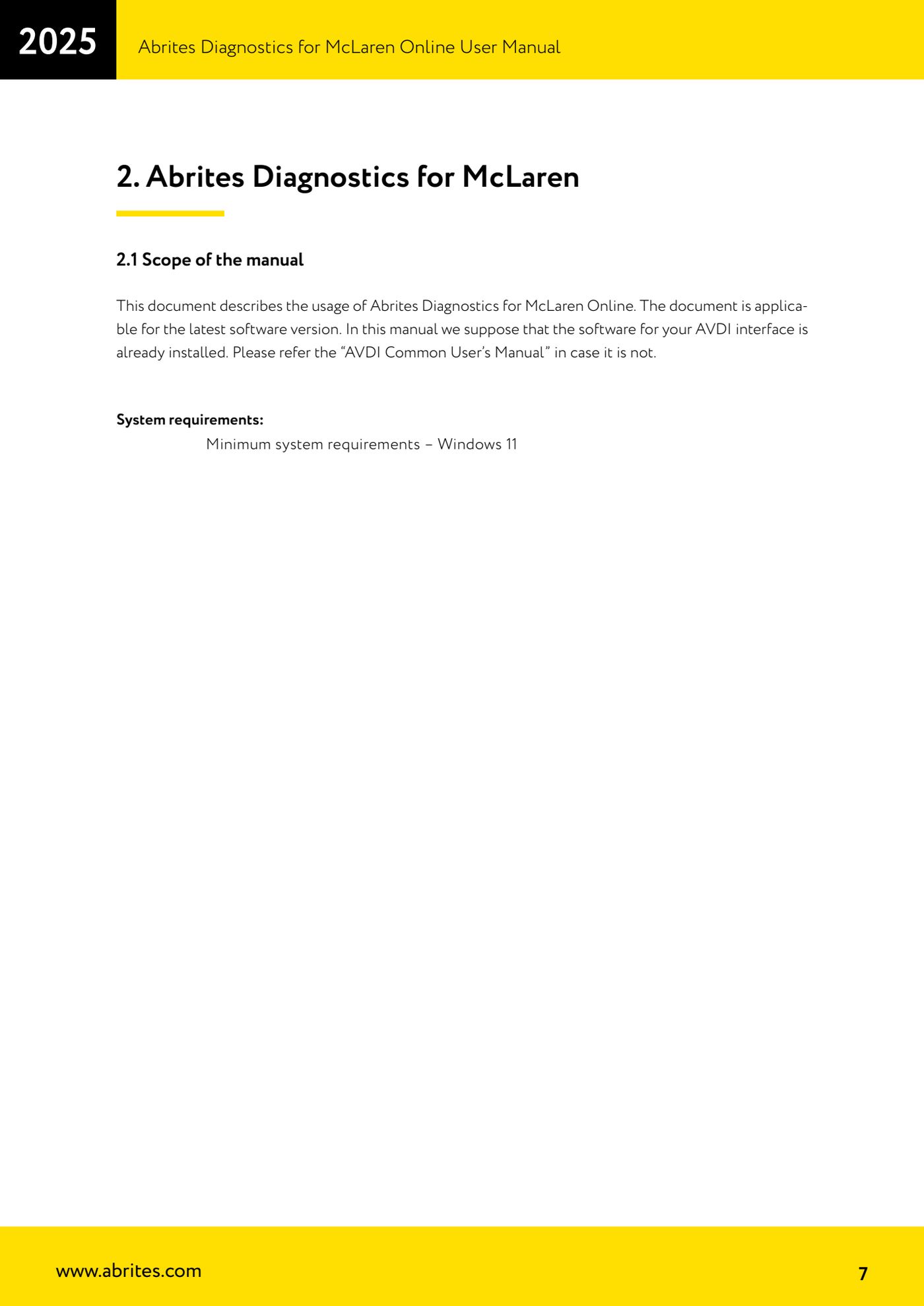
- Select the McLaren icon on the Quick Start screen: "Abrites Diagnostics for McLaren Online" opens.
- Having selected the make, select the McLaren model you are working on from the list: the software loads the correct profile for that vehicle.
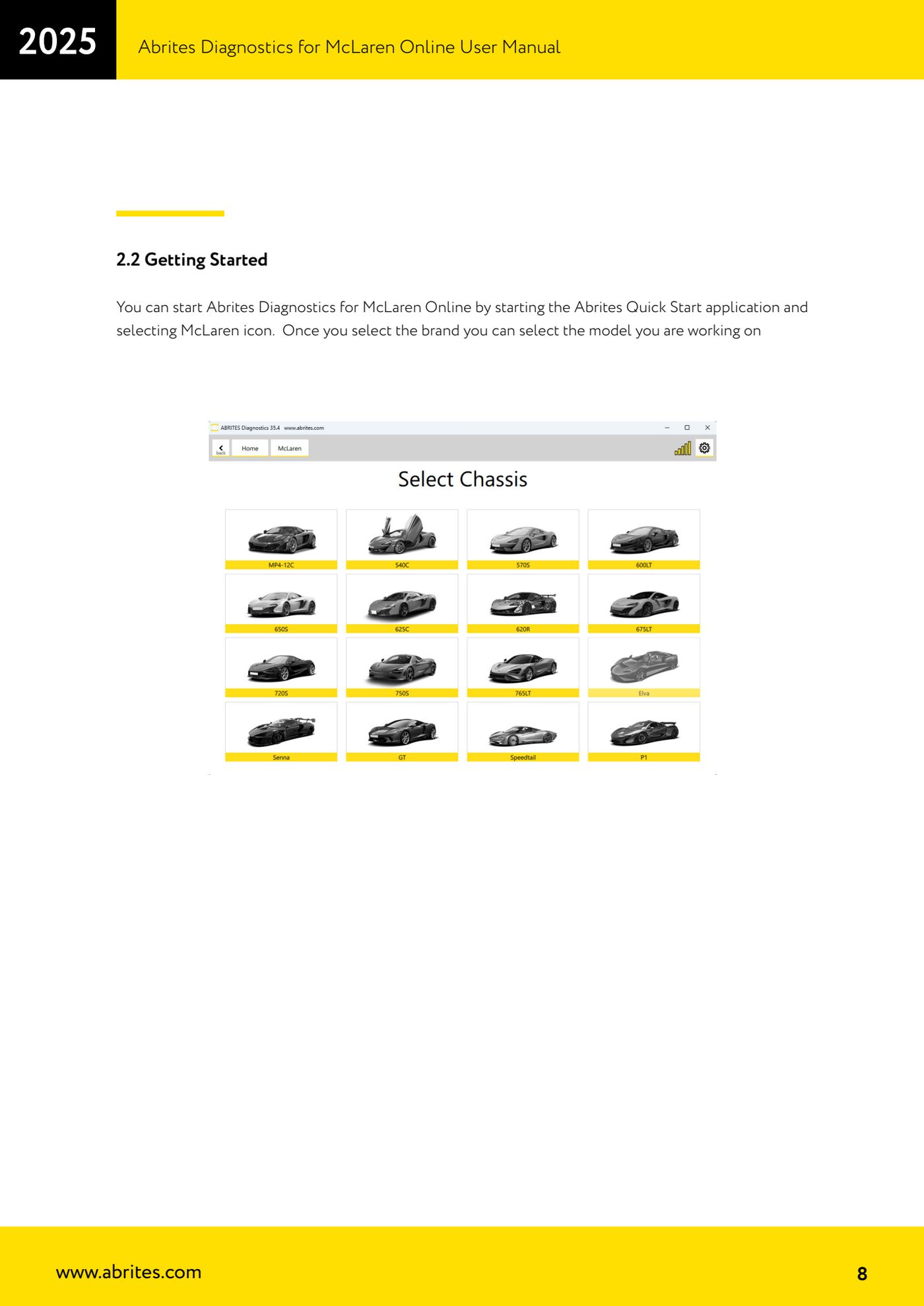
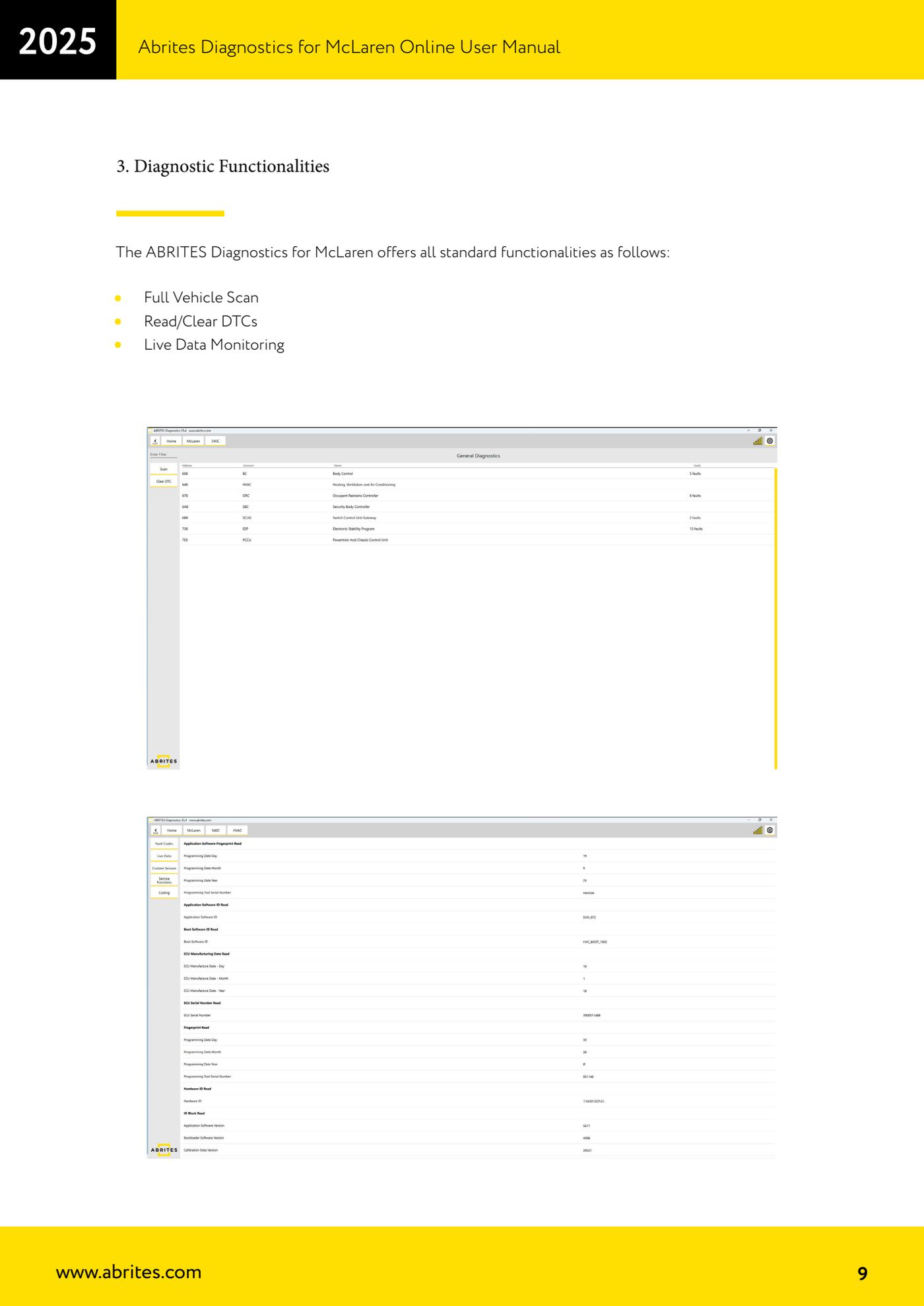
- From here you can reach the standard functions ("Full Vehicle Scan", "Read/Clear DTCs", "Live Data Monitoring") and, with the ML001 licence, the "Special Functions".
Reference screenshots
Source: Manuale McLaren, cap. 2.1-2.2 e cap. 3 (p.7-9) · ⏱ estimated time 5-10 min
← All Abrites guides Hardware catalogue
More guides McLaren
- McLaren: full vehicle scan, DTC reading/clearing and Live Data
- McLaren: Stored Data Write (coding) and vehicle/gateway configuration alignment
- McLaren: guided calibration functions (CCU, SAS, ESP, SCUG, seats, windows)
- McLaren: ADI, CCU, ECM and HVAC diagnostic tests (speakers, adaptive damping, throttle, climate sensors)
- McLaren: gearbox and clutch adaptation reset (PCCU/TCU), TPMS factory reset and ADI configuration restore
- McLaren: vehicle configurations - ADI radio, heated screen (BC) and dynamometer mode (ESP)