
Chip-Tools
McLaren: gearbox and clutch adaptation reset (PCCU/TCU), TPMS factory reset and ADI configuration restore
McLaren
Interface Classic
Special Functions
Medium
⏱ 20-40 min
9 steps
The ML001 licence reset functions that return the ECUs to factory or default condition: zeroing the gearbox and clutch adaptations, factory-resetting the TPMS system and restoring the ADI default configuration. Use them after mechanical work on the gearbox/clutch, after replacing TPMS sensors, or when the ADI has a wrong configuration.
Required licences
- ML001
Hardware / cables

⚠ WarningChock all the wheels before working on the vehicle. Resetting the gearbox and clutch adaptations wipes the values learned by the ECU: after the operation the transmission has to relearn them, so do not hand the car back without checking how the gearbox behaves.
Procedure
- Plug the AVDI into the OBDII socket, switch the ignition on and open "Abrites Diagnostics for McLaren Online", selecting the correct model.
- Run a "Full Vehicle Scan" and read the DTCs of the ECUs involved (PCCU/TCU, TPMS, ADI/IC) before the reset.
- Enter "Special Functions" and open the resets section ("Resets").
- For the transmission select "[PCCU/TCU] Gear and Clutch Adaptations Reset": it zeroes the gear and clutch adaptations, to be run after mechanical work or replacement of transmission components.
- For the tyre pressure monitoring system select "[TPMS] TPMS Factory Reset": it returns the TPMS ECU to factory condition, useful after replacing sensors or wheels.
- For the infotainment/cluster select "[ADI/IC] ADI Default Configuration Restore": it restores the ADI default configuration when the current one is wrong or incomplete.
- Confirm the operation and wait for it to complete without switching the ignition off, unplugging the AVDI or losing the internet connection.
- Cycle the ignition off and on, then clear the faults with "Read/Clear DTCs".
- Check the result on the vehicle: gearbox and clutch behaviour after the adaptation reset, TPMS sensor recognition, ADI functionality and configuration.
Reference screenshots
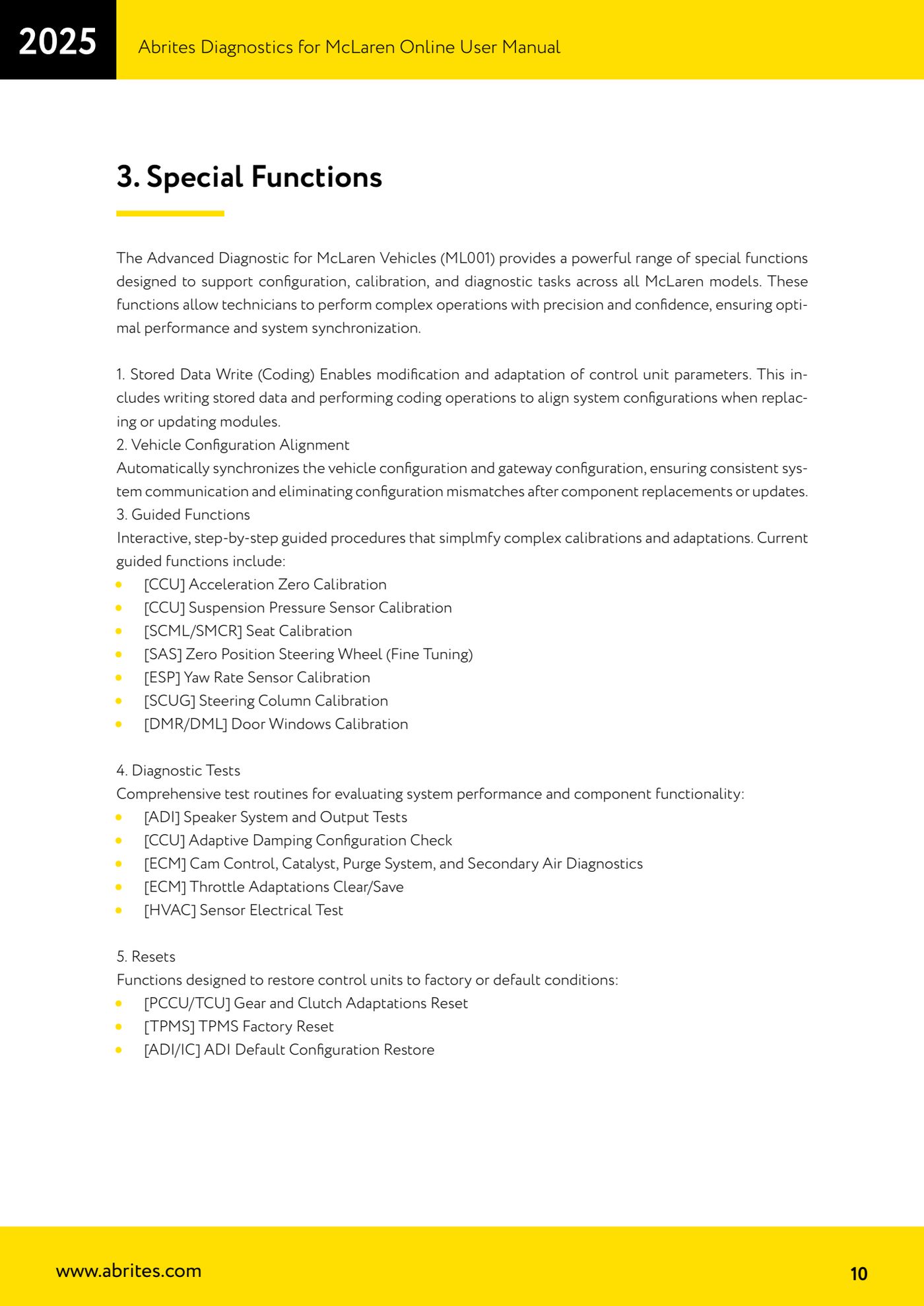
Source: Manuale McLaren, cap. 3 Special Functions, punto 5 Resets (p.10) · ⏱ estimated time 20-40 min
← All Abrites guides Hardware catalogue
More guides McLaren
- McLaren: connecting the AVDI and starting Abrites Diagnostics for McLaren Online
- McLaren: full vehicle scan, DTC reading/clearing and Live Data
- McLaren: Stored Data Write (coding) and vehicle/gateway configuration alignment
- McLaren: guided calibration functions (CCU, SAS, ESP, SCUG, seats, windows)
- McLaren: ADI, CCU, ECM and HVAC diagnostic tests (speakers, adaptive damping, throttle, climate sensors)
- McLaren: vehicle configurations - ADI radio, heated screen (BC) and dynamometer mode (ESP)