
Chip-Tools
McLaren: vehicle configurations - ADI radio, heated screen (BC) and dynamometer mode (ESP)
McLaren
Interface Classic
Configuration / MMI
Medium
⏱ 15-30 min
9 steps
ML001 licence options for enabling, disabling or changing vehicle functions: radio configuration in the ADI, configuration of the heated screen handled by the BC, and enabling dynamometer mode in the ESP for rolling road testing.
Required licences
- ML001
Hardware / cables

⚠ WarningThese are changes to the ECU configuration: keep a stable power supply and an active internet connection during the write. The ESP dynamometer mode disables the normal intervention of the stability control: it is only to be used on the rolling road and must be disabled before the car goes back on the road.
Procedure
- Plug the AVDI into the OBDII socket, switch the ignition on and open "Abrites Diagnostics for McLaren Online", selecting the correct model.
- Run a "Full Vehicle Scan" to confirm that the ADI, BC and ESP all respond correctly.
- Enter "Special Functions" and open the configurations section ("Configurations").
- For the audio system select "[ADI] Radio Configuration" and set the radio configuration you want (enabling, disabling or changing the function).
- For the heated screen select "[BC] Heated Screen Configuration" and enable or disable the function according to the vehicle's actual specification.
- For rolling road testing select "[ESP] Dynamometer Mode Enable" and enable dynamometer mode before putting the car on the rollers.
- Confirm the write and wait for it to complete without switching the ignition off and without unplugging the AVDI.
- Cycle the ignition off and on to make the new configuration take effect, then check the function on the vehicle.
- Once testing is over, disable the ESP dynamometer mode and repeat "Read/Clear DTCs" to clear any faults generated by the changes.
Reference screenshots
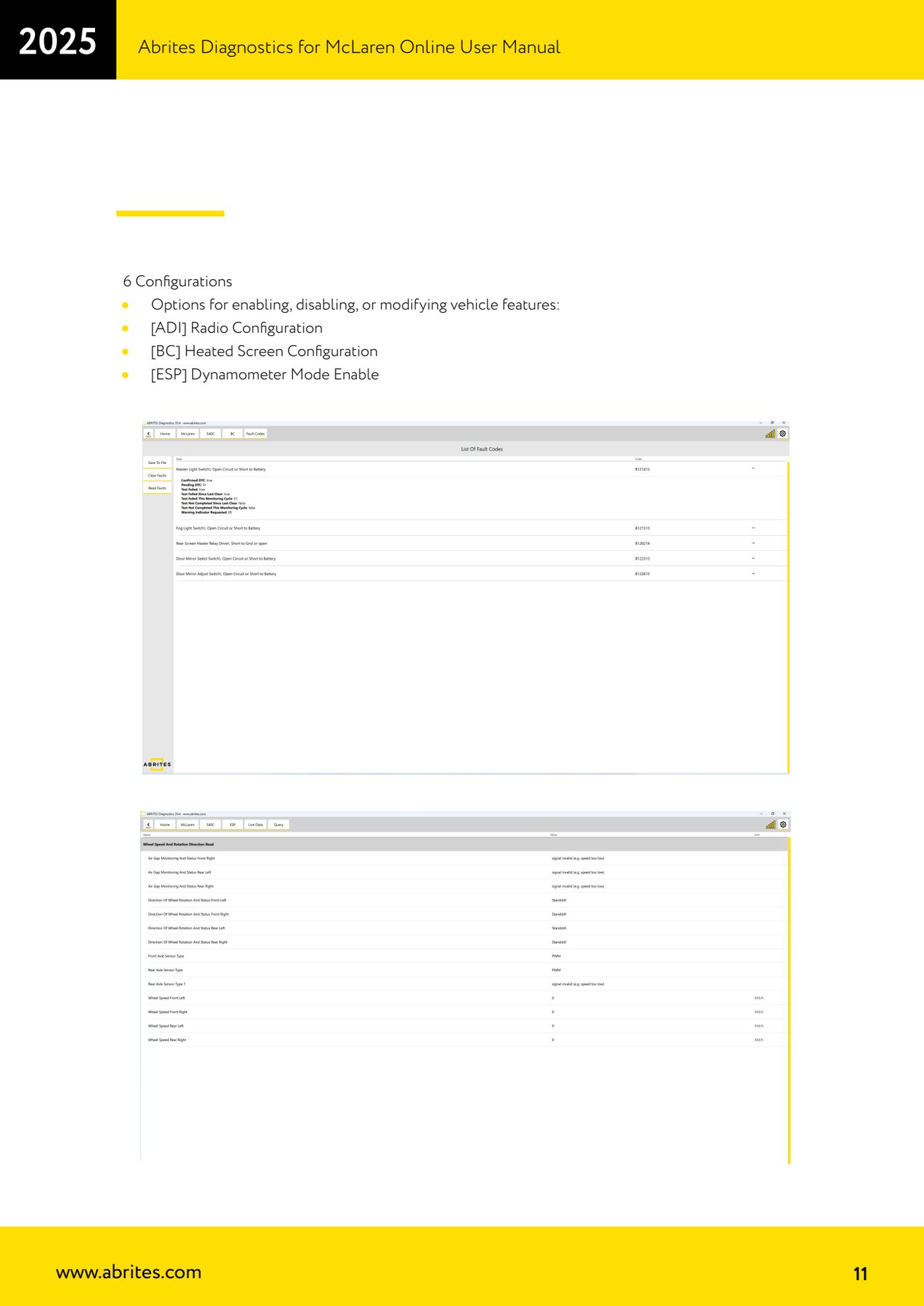
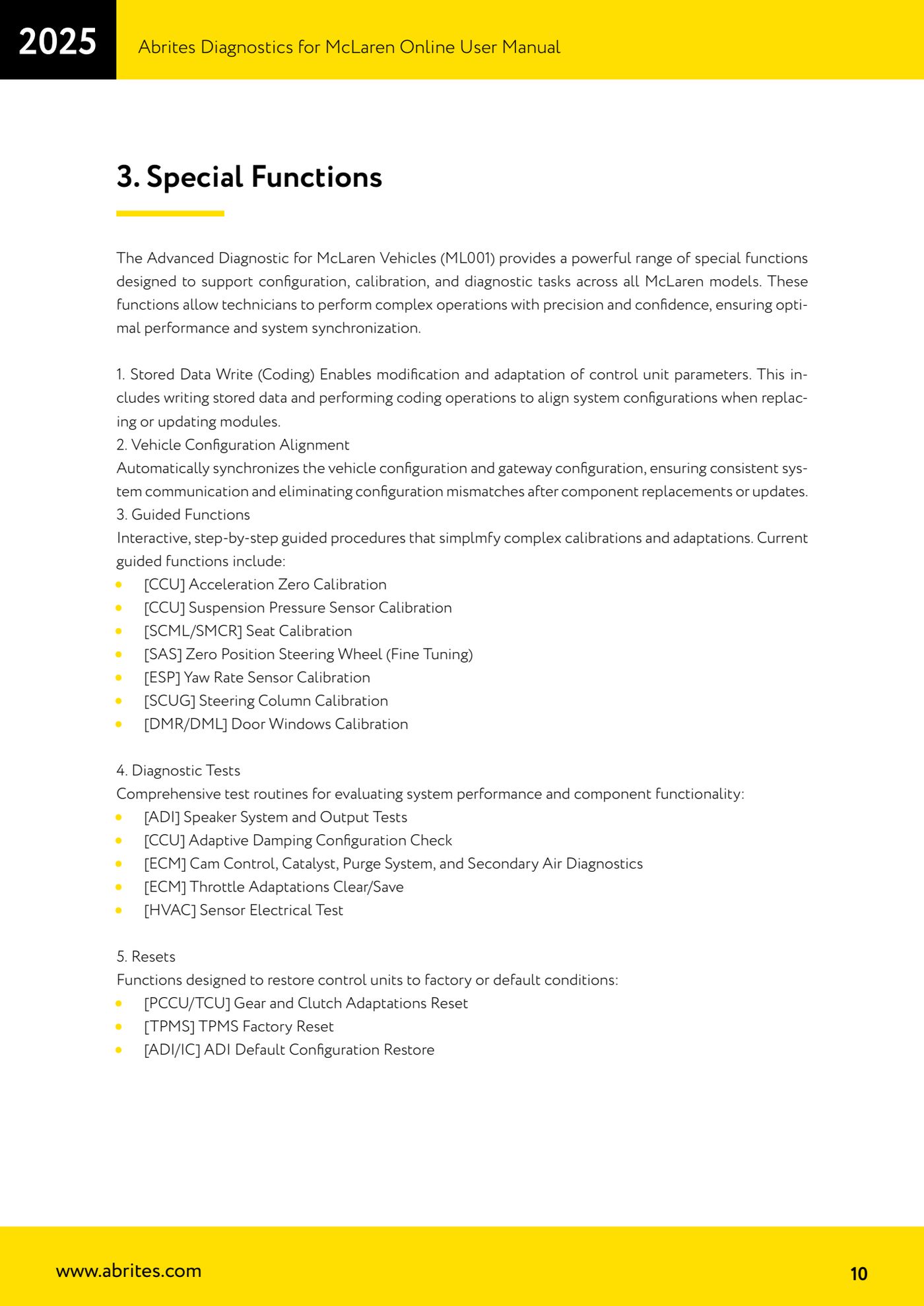
Source: Manuale McLaren, cap. 3 Special Functions, punto 6 Configurations (p.10-11) · ⏱ estimated time 15-30 min
← All Abrites guides Hardware catalogue
More guides McLaren
- McLaren: connecting the AVDI and starting Abrites Diagnostics for McLaren Online
- McLaren: full vehicle scan, DTC reading/clearing and Live Data
- McLaren: Stored Data Write (coding) and vehicle/gateway configuration alignment
- McLaren: guided calibration functions (CCU, SAS, ESP, SCUG, seats, windows)
- McLaren: ADI, CCU, ECM and HVAC diagnostic tests (speakers, adaptive damping, throttle, climate sensors)
- McLaren: gearbox and clutch adaptation reset (PCCU/TCU), TPMS factory reset and ADI configuration restore