
Chip-Tools
McLaren: full vehicle scan, DTC reading/clearing and Live Data
McLaren
Interface Classic
Diagnostics
Basic
⏱ 15-30 min
8 steps
The standard diagnostic functions of Abrites Diagnostics for McLaren: scanning all the vehicle's ECUs, reading and clearing fault codes and monitoring live parameters. It is the first step before any coding, calibration or reset work.
Required licences
- ML001
Hardware / cables

Procedure
- Plug the AVDI into the OBDII socket, switch the ignition on and start "Abrites Diagnostics for McLaren Online" from Quick Start, selecting the McLaren make and the correct model.
- Run "Full Vehicle Scan" for the complete scan: the software interrogates all the vehicle's supported ECUs and lists their status.
- Wait for the scan to finish without unplugging the interface and without switching the ignition off.
- Open the "Read/Clear DTCs" function to read the fault codes stored in the ECUs found by the scan.
- Note down or export the DTCs read before clearing them: once cleared the fault memory is gone and you can no longer reconstruct the history.
- Fix the cause of the fault, then use the same "Read/Clear DTCs" function to clear the stored faults.
- Use "Live Data Monitoring" to follow the parameters of the ECU concerned in real time and confirm the fault does not return.
- Repeat the "Full Vehicle Scan" at the end of the job to confirm no fault has stayed active.
Reference screenshots
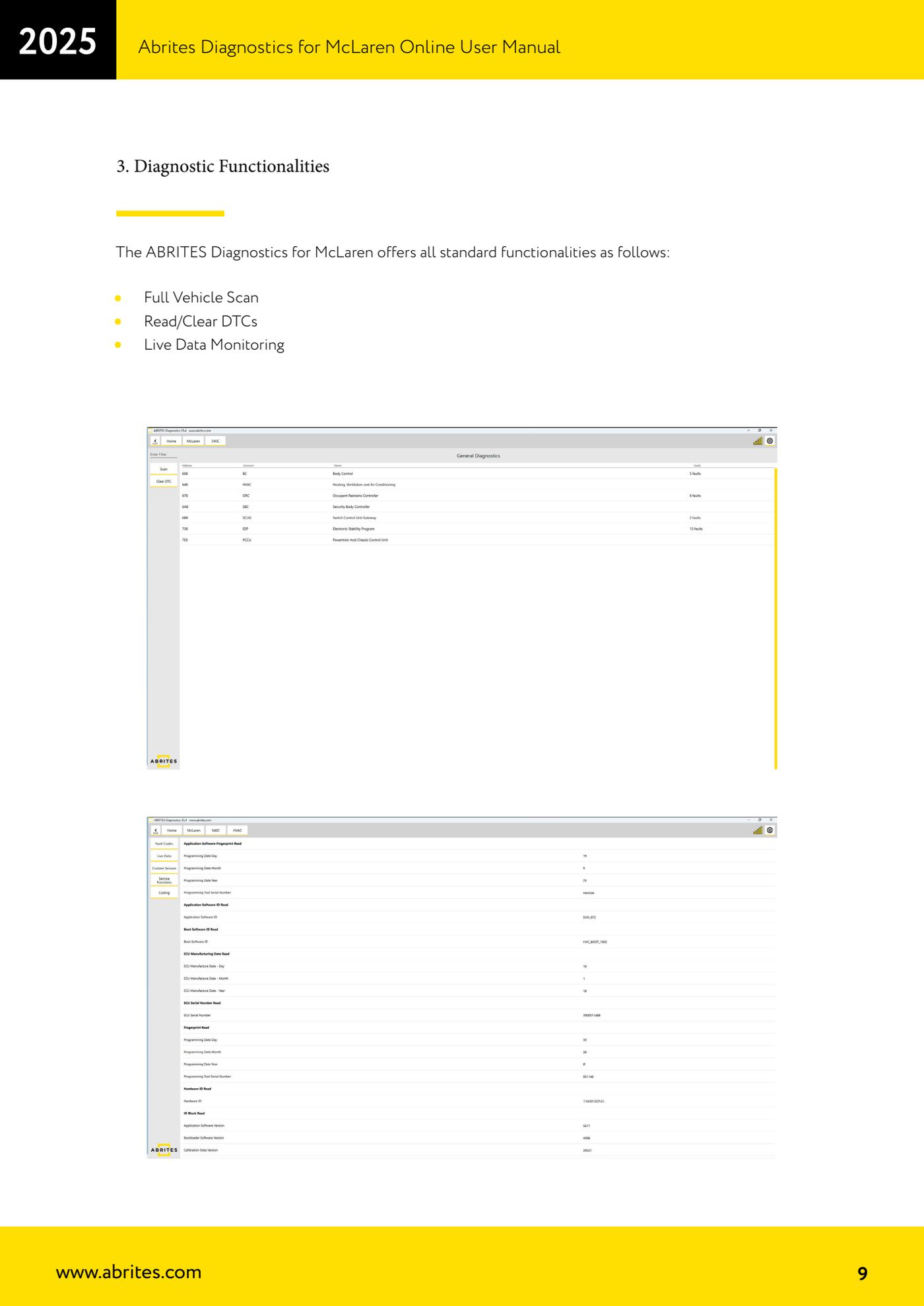
Source: Manuale McLaren, cap. 3 Diagnostic Functionalities (p.9) · ⏱ estimated time 15-30 min
← All Abrites guides Hardware catalogue
More guides McLaren
- McLaren: connecting the AVDI and starting Abrites Diagnostics for McLaren Online
- McLaren: Stored Data Write (coding) and vehicle/gateway configuration alignment
- McLaren: guided calibration functions (CCU, SAS, ESP, SCUG, seats, windows)
- McLaren: ADI, CCU, ECM and HVAC diagnostic tests (speakers, adaptive damping, throttle, climate sensors)
- McLaren: gearbox and clutch adaptation reset (PCCU/TCU), TPMS factory reset and ADI configuration restore
- McLaren: vehicle configurations - ADI radio, heated screen (BC) and dynamometer mode (ESP)