
Chip-Tools
Tesla Airbag Reset on Bosch modules: crash data clearing, VIN read/write and module replacement
Tesla
Interface Classic
Airbag
Advanced
⏱ 30-60 min
10 steps
The "Airbag Reset" special function gives access to the airbag module calibrations on all Teslas (Model S/X and Model 3) and covers both Bosch and Delphi modules. On Bosch modules, with the CB027 cable, you can do module replacement, reading and editing the EEPROM data, crash data clearing and VIN change.

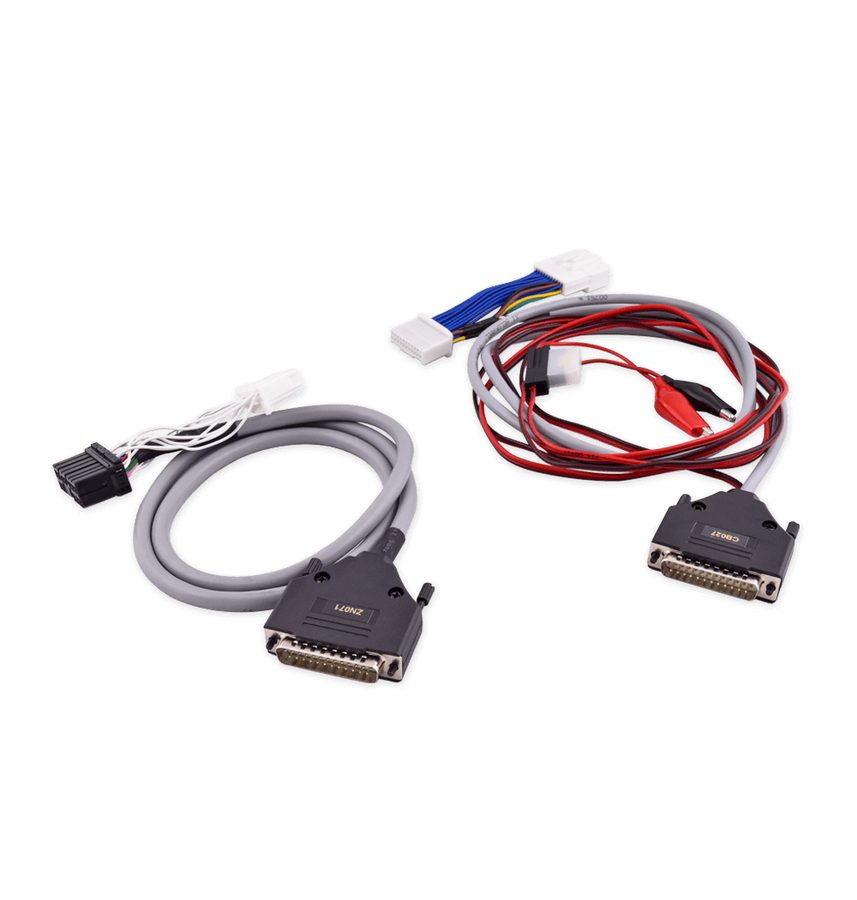
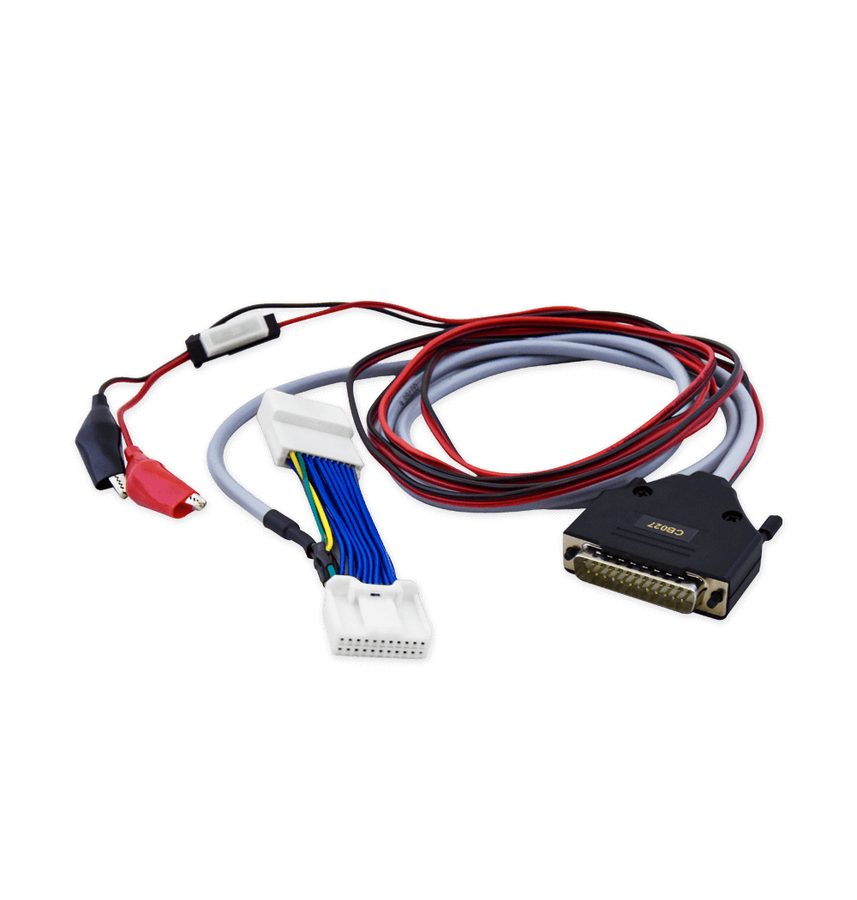
⚠ WarningThe functions on Bosch modules require the CB027 cable (part of the ZN087 set). Before connecting, carry out the whole safety procedure from chapter 3: on the Model 3 you do not touch the 12V until the climate control has been off for at least 30 seconds. You are working on a passive safety system: only work on it after the car has been made safe.
Procedure
- Make the vehicle safe and connect the AVDI with the CB027 cable, following the chapter 3 connection procedure in full (on the Model 3 the CB027 goes onto the BCM connector under the steering wheel).
- Start "Abrites Diagnostics for Tesla", select the model and open "Special Functions" > "Airbag Reset".
- Establish which airbag module you are dealing with: the functions available differ between Bosch and Delphi modules. With the CB027 on a Bosch module you have airbag exchange, data read/update (EEPROM editing), crash data clearing and VIN change.
- Before any write, read and save the module data (EEPROM) as a backup: you need it to go back if there is a problem.
- CRASH DATA CLEARING: select the clear crash data function and confirm; this is the procedure to run after an impact or a fault stored in the airbag system.
- MODULE REPLACEMENT: use the "Airbag exchange" function when fitting a module taken from another vehicle, so it is adapted to the car in the workshop.
- VIN CHANGE: use the VIN read/write function to match the VIN written in the airbag module to that of the vehicle.
- DATA EDITING: if you need to work on the data by hand, use the module data read/update function (EEPROM editing), writing only once you have the backup of the original dump saved.
- When finished, reconnect everything, put the vehicle back together and check in the "Alerts" menu that the airbag module parameters are at 0 and that the airbag light is out with the ignition on.
- Remember that the availability of individual functions can vary with the Tesla model and the software version: if in doubt check the documentation or contact Abrites support.
Reference screenshots
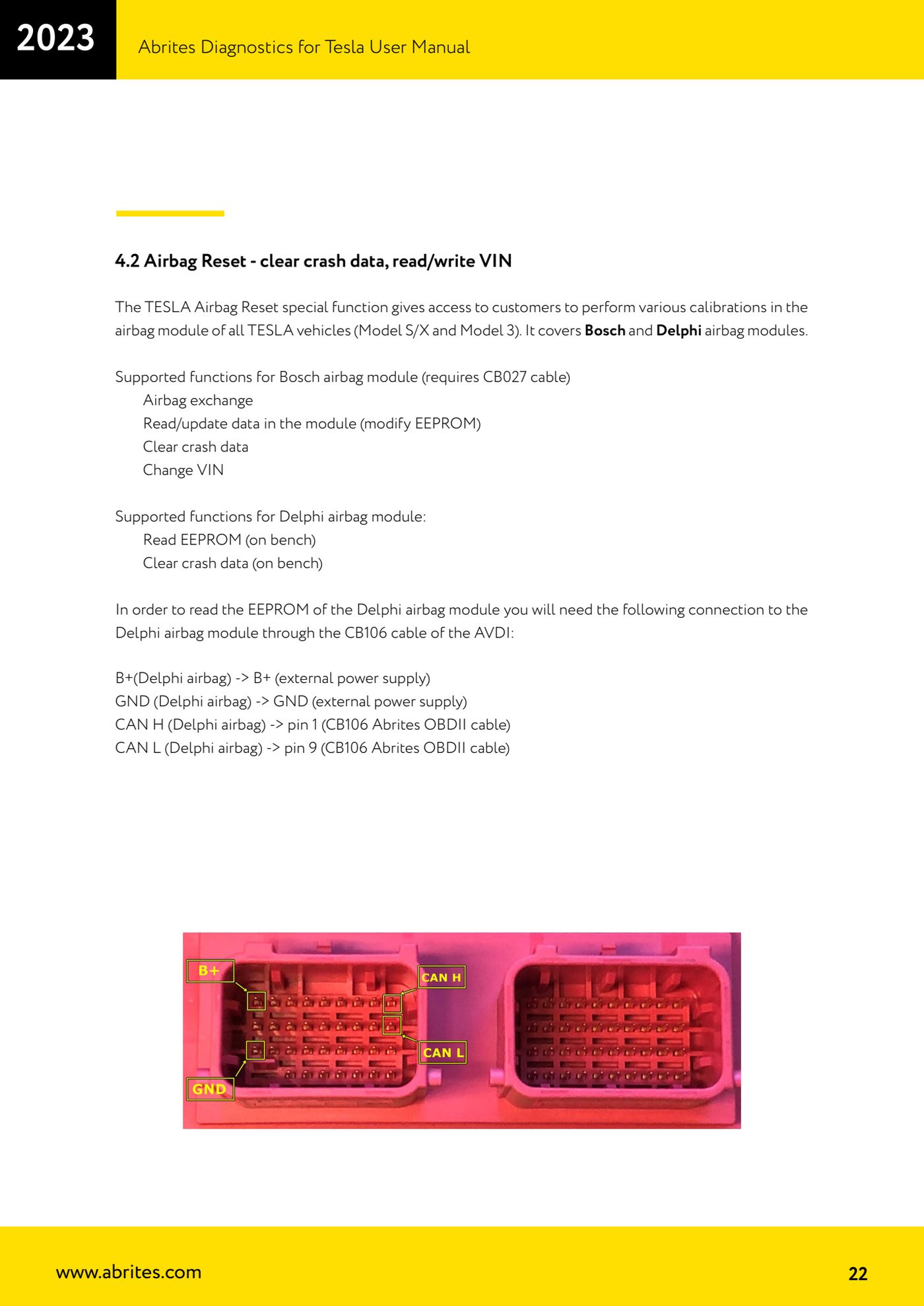
Source: Manuale Abrites Diagnostics for Tesla v1.3, cap. 4.2 (p.22) · ⏱ estimated time 30-60 min
← All Abrites guides Hardware catalogue
More guides Tesla
- Connecting the AVDI to a Tesla with the ZN087 cable set: CB027 on Model 3 (BCM) and ZN071 on Model S/X
- Tesla Model 3/S/X diagnostics: module scan, reading faults from the "Alerts" menu and "Live values"
- Tesla Service Functions: brake bleeding, parking brake service mode, 12V Reset and calibrations
- Programming a spare Tesla Model S key over OBD ("Key Learning")
- Tesla Delphi airbag module on the bench: EEPROM reading with CB106 and crash data clearing with a PCB jumper